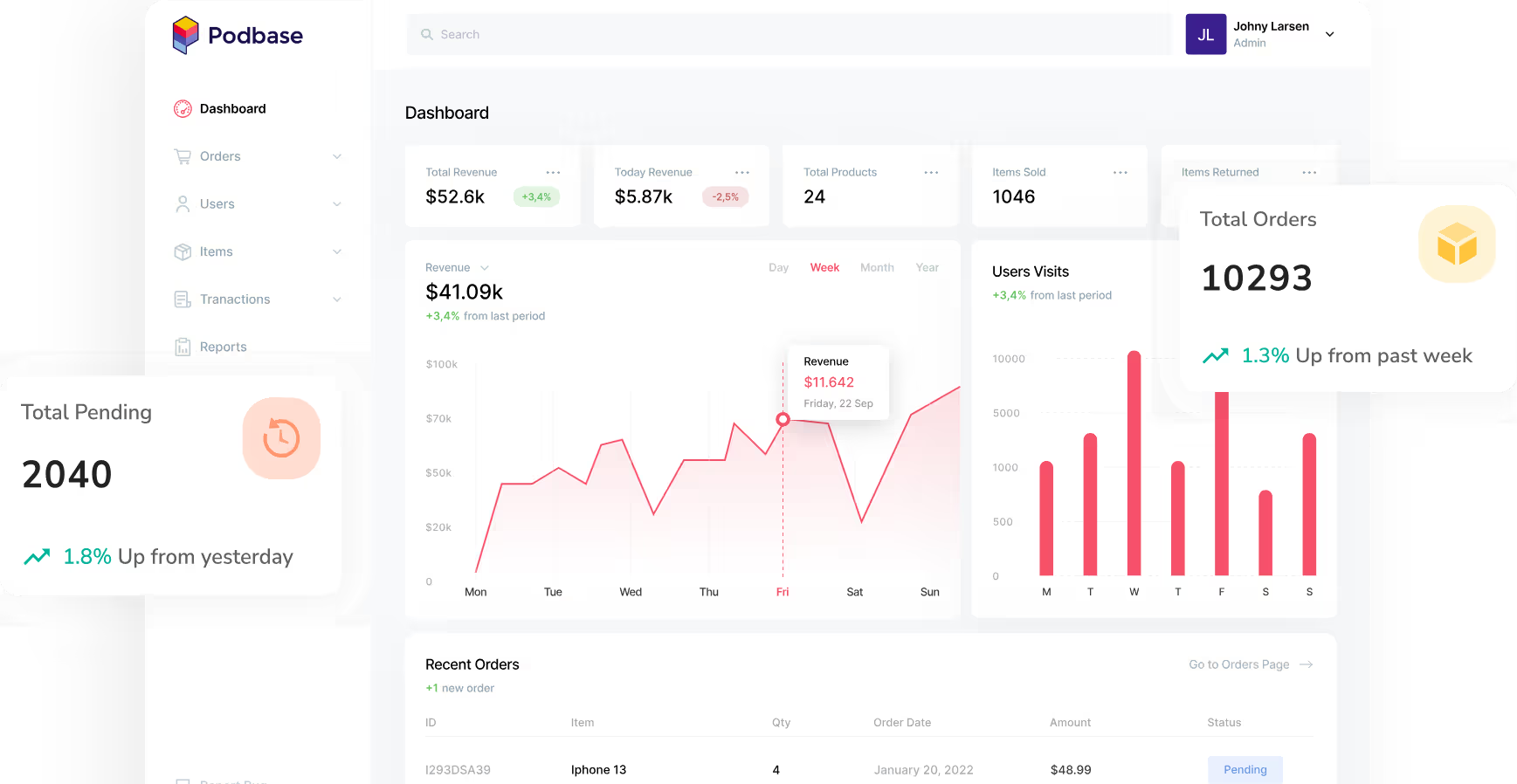
Podbase has exceeded our expectations in every possible way. Customer satisfaction with their high quality products and speedy order fulfillment is off the charts.
Justina Sakalauskienė
Commercial Manager


Say no to boring, manual product updates. Once a new phone model is launched, update your whole print on demand catalog in just a few clicks.
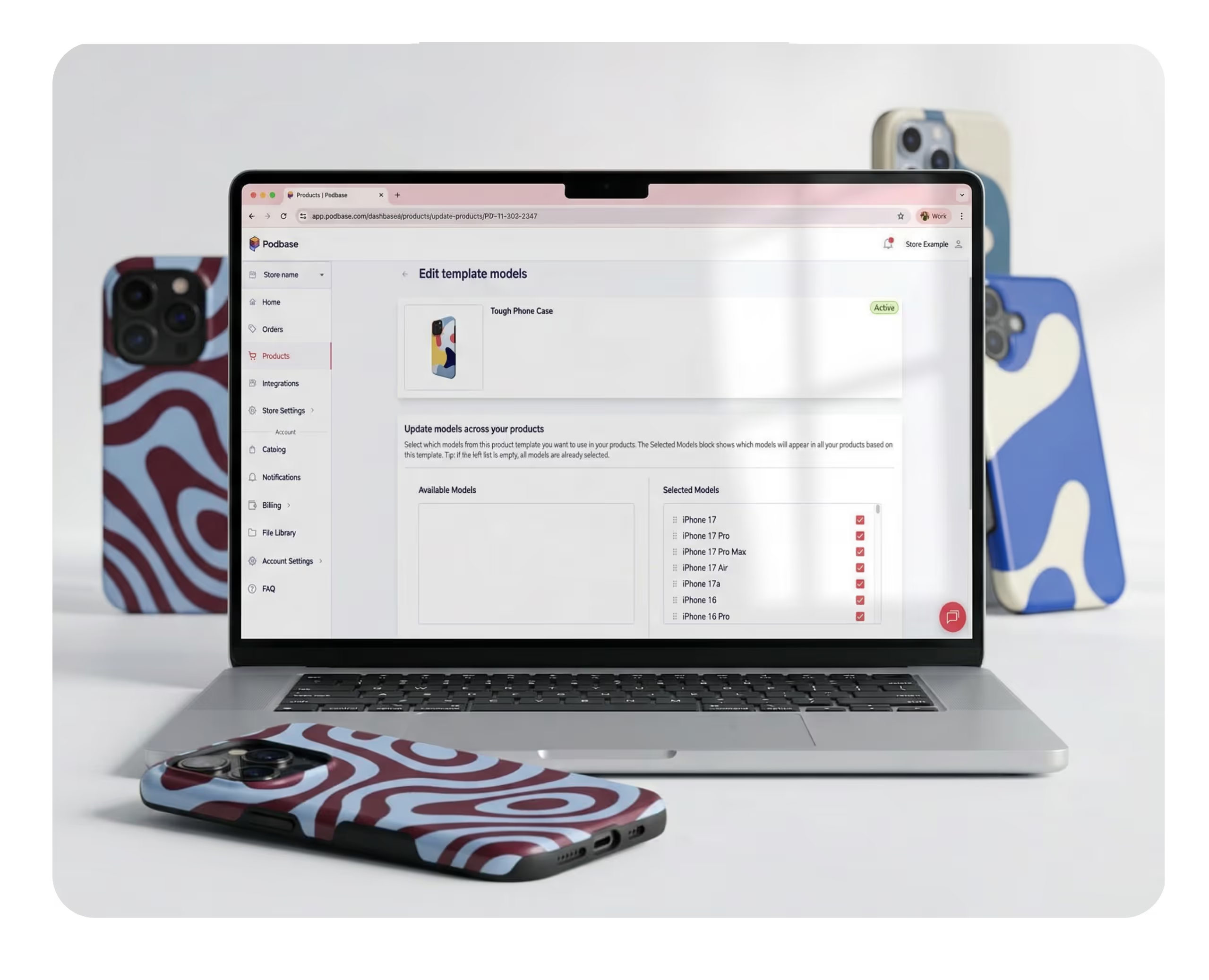




For stores with large collections, this quickly becomes unmanageable.
Try Bulk Edit now

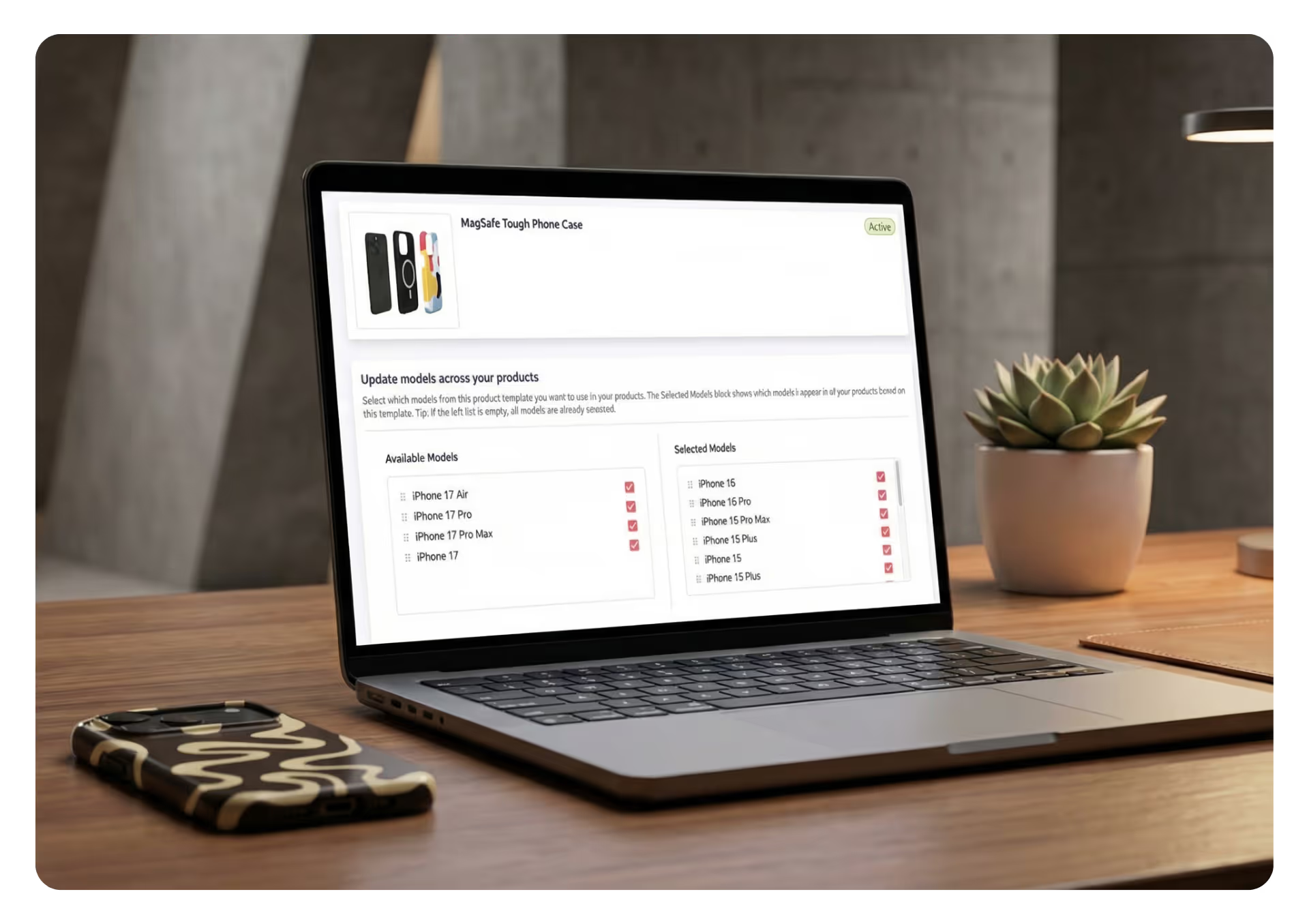
With Podbase’s Bulk Edit feature, you can launch new models almost instantly by following a few simple steps.

Choose the product template you want to update (e.g. Tough Phone Case).

Select the device models you want to include in your store.

All products within that category are instantly updated.
.avif)
Upgrade your store
Grow Faster With Podbase
Create your next bestseller
Backed by over a decade of manufacturing experience, Podbase brings only top-quality products and service to your WooCommerce store.




Let’s be real – who doesn’t want higher profits? Podbase is 40% cheaper than the competition, giving you on average $7 higher profit margins than industry standard.
With a 98.9% customer satisfaction rate, you can rely on Podbase to deliver best-in-class products your customers will love every time.

With a 98.9% customer satisfaction rate, you can rely on Podbase to deliver best-in-class products your customers will love every time.
Most of our orders are printed and shipped within 24 hours, helping you deliver faster and keep your clients coming back.
Podbase cares about your success. Our experienced support team is always there to assist in case of any issues or questions, so you’re never left alone.





GET STARTED FOR FREE
We get it - sometimes finding what you need can be tough. If you’re having trouble, don’t worry. Reach out to us, and we’ll get you sorted. Our support team is here to help.

Bulk Product Edit is a feature that lets you update all products within a selected category at once when new phone models are added to the Podbase catalog. Instead of editing each product individually, you can apply the update across all relevant products in just a few clicks.
Bulk Product Edit is useful when new phone models are added to the Podbase catalog and you want your existing products to support those models. With this feature, you can update all products in a category at once instead of editing them one by one.
All products within the selected category will be updated. For example, if you select TOUGH Phone Case, every Tough phone case product in your store will be adjusted to match the selected models.
No. Bulk Product Edit allows you to update all products in a category simultaneously, eliminating the need to manually edit each product.
Yes. When new phone models are available in the Podbase catalog, you can use Bulk Product Edit to add them to your products in just a few clicks.
Yes. When running a bulk update, you can select the phone models you want to include for the products in that category.
Yes. Bulk Product Edit is especially helpful for stores with large collections, as it allows you to update hundreds of products at once without manual work.
We get it - sometimes finding what you need can be tough. If you’re having trouble, don’t worry. Reach out to us, and we’ll get you sorted. Our support team is here to help you find exactly what you need.
With Podbase, you can achieve profit margins that are up to 100% higher compared to any other POD providers.
GET STARTED FOR FREE