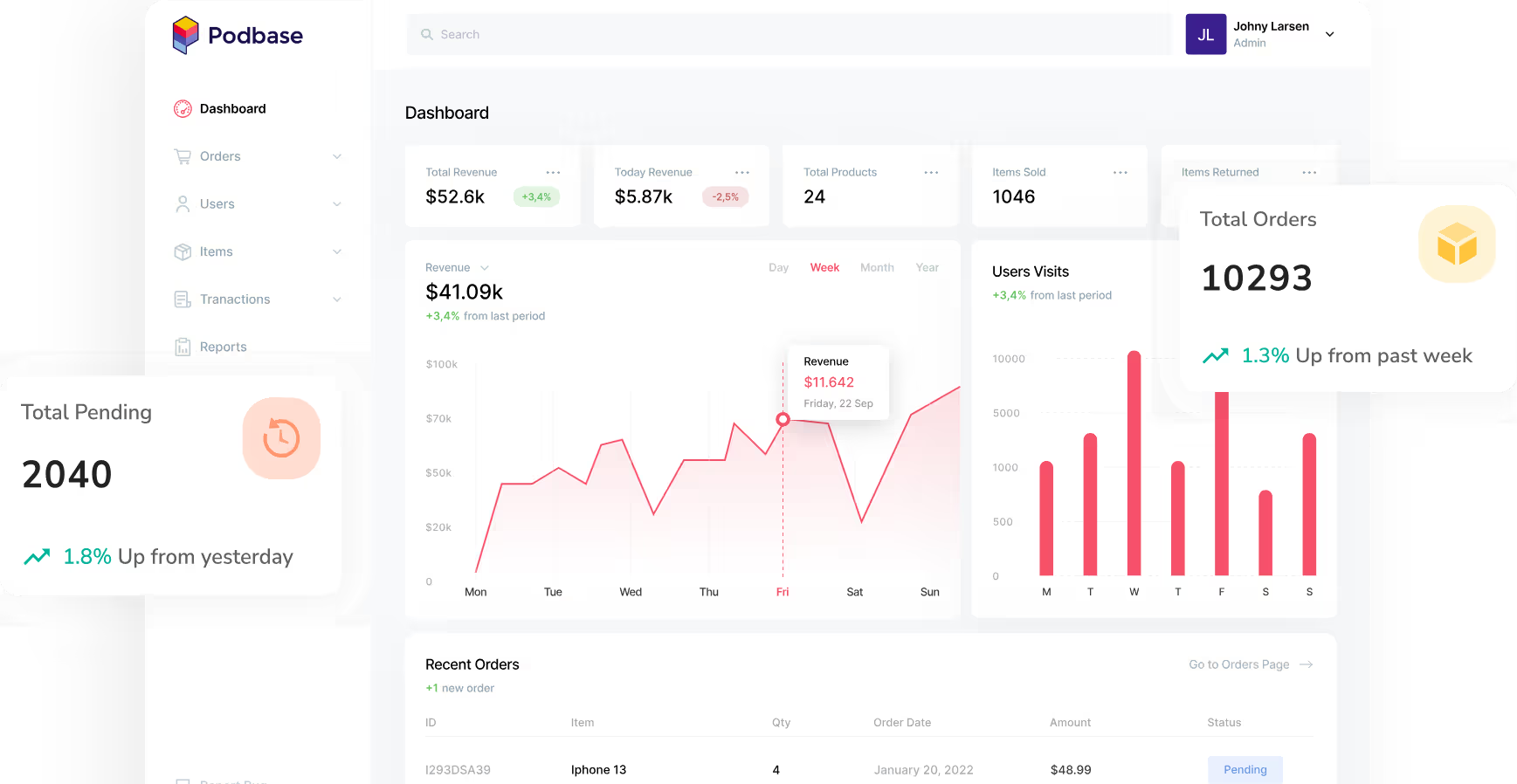
Podbase has exceeded our expectations in every possible way. Customer satisfaction with their high quality products and speedy order fulfillment is off the charts.
Justina Sakalauskienė
Commercial Manager


START EARNING NOW





See how much you can make with custom print on demand cover cases.





Design Your First Custom Tablet Case & Start Making Bank
CLAIM YOUR FREE ACCOUNT
See all integrations
Sell your products globally without limits. Podbase handles fulfillment anywhere your customers are, reliably and at scale.

Expert tips, insights, resources – our blog has everything you need to help you launch and scale your print on demand tablet cases business hassle-free.
See More Blog Posts
GET STARTED FOR FREE
We get it - sometimes finding what you need can be tough. If you’re having trouble, don’t worry. Reach out to us, and we’ll get you sorted. Our support team is here to help.

Watch our step-by-step demo video to see how simple it is to design custom tablet cases with Podbase. Learn the complete process and start creating protective cases that customers love.Retry
We currently offer high-quality protective cases for 10 different Apple iPad models. Each case is slim, durable, and designed for premium print results.
1. Log in or create your Podbase account.
2. Click on "+ Manual order” in the top right corner.
3. Choose “New product” or pick from your previous designs.
4. Select the type of product you want: mugs, phone cases, etc.
5. Pick your first product, including category, type, and model.
6. Click “Start designing".
7. "Upload your design" - just make sure it’s high quality (300 dpi is best).
8. Scroll down and hit “Create product”.
9. Choose your product variant (like iPhone 13 for phone cases).
10. Click "Continue to shipping" and enter your delivery address.
11. Click "Continue to checkout".
12. Pick a shipping method and confirm your order details. Just make sure your wallet is topped up with enough credit. Otherwise, your order won’t go through.
All tracking numbers can be found on your order status page, where you can also check the status of your order.
Unfortunately, no. We cannot sell products without a printed design due to the essential role the design plays in the product's identity.
No, you cannot change an order that has already been submitted. Once it is submitted, the order is passed on to production for manufacturing and fulfilment, unfortunately, we cannot stop at that process.
Absolutely! You can reuse your previous designs. All your past orders are saved in the “Products” tab. If you want to create a new order with the same design, just head to the “Orders” tab, click on “+ Manual order”, and select the product from “Choose from existing products”.
If you've registered a company and reached your local sales threshold, it's time to apply for a VAT tax number. Once you have this number, you'll need to charge VAT on all the goods you sell.
We get it - sometimes finding what you need can be tough. If you’re having trouble, don’t worry. Reach out to us, and we’ll get you sorted. Our support team is here to help you find exactly what you need.
With Podbase, you can achieve profit margins that are up to 100% higher compared to any other POD providers.
GET STARTED FOR FREE