Canva makes it easy for beginners and creators to earn online. With Canva, you can design templates, printables, social media graphics, planners, wall art, and even video content - and sell them on marketplaces like Etsy, Gumroad, or Creative Market, or turn them into physical products with print on demand. Start small with simple items such as planners, worksheets, or social templates, then scale into bundles and branded shops. Always customize your work to comply with Canva's license rules. To maximize profits, focus on niches, follow design trends, and explore multiple platforms. And one lesson from our own seller data: the same design earns more, for longer, on a physical product than as a downloadable file - so the smartest Canva sellers do both.
Canva is one of the most popular design tools today, with over 260 million monthly active users in 2026 and more than 31 million paying subscribers.
With this tool, you can create impressive graphics and videos for every need - social media posts, printable designs, customizable templates, and more.
You're probably pondering how to make money with Canva. Can you sell the designs you create? Are there any legal restrictions? We'll answer these questions and share 12 actionable strategies on how to use Canva to make money. Let's get started.
Why Canva Is a Great Tool to Start Earning
First, let's examine the benefits of using Canva to launch a successful side hustle.
Free and Easy-to-Use Design Interface
Canva is free and beginner-friendly: even people with no design experience can create impressive work with thousands of free images, templates, and styles, and a drag-and-drop editor.
One honest caveat before you start: that low barrier applies to everyone. With 260 million people using the same template library, understanding how to monetize Canva is less about access and more about differentiation - pick a niche, customize aggressively, and develop a recognizable style. The earnings follow the originality.
Commercial Licensing and Pro Features
One of Canva's biggest advantages is that free and Pro content can be used commercially. Canva's Content License Agreement (CLA) lets you incorporate assets into unique designs and sell them as digital or physical products.
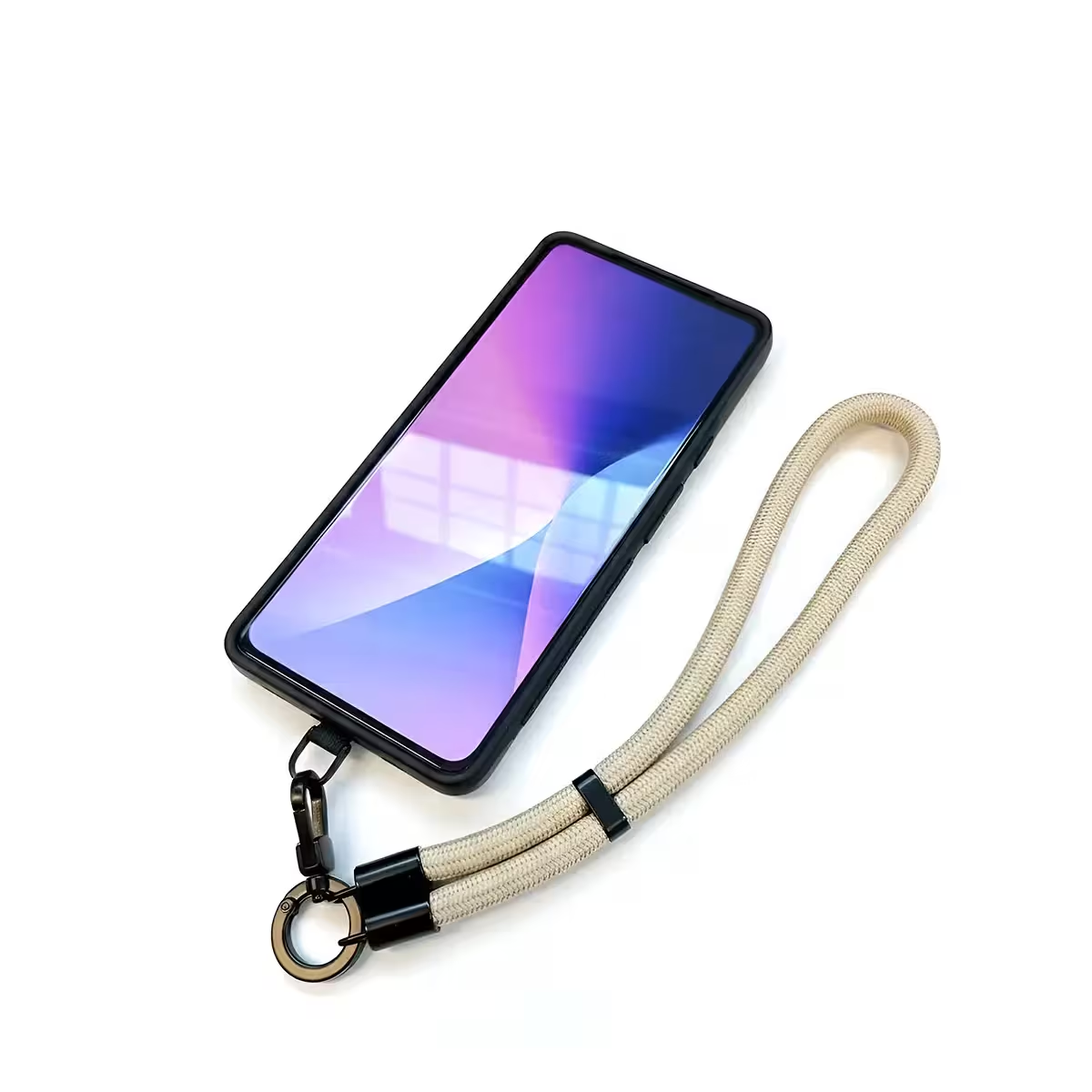
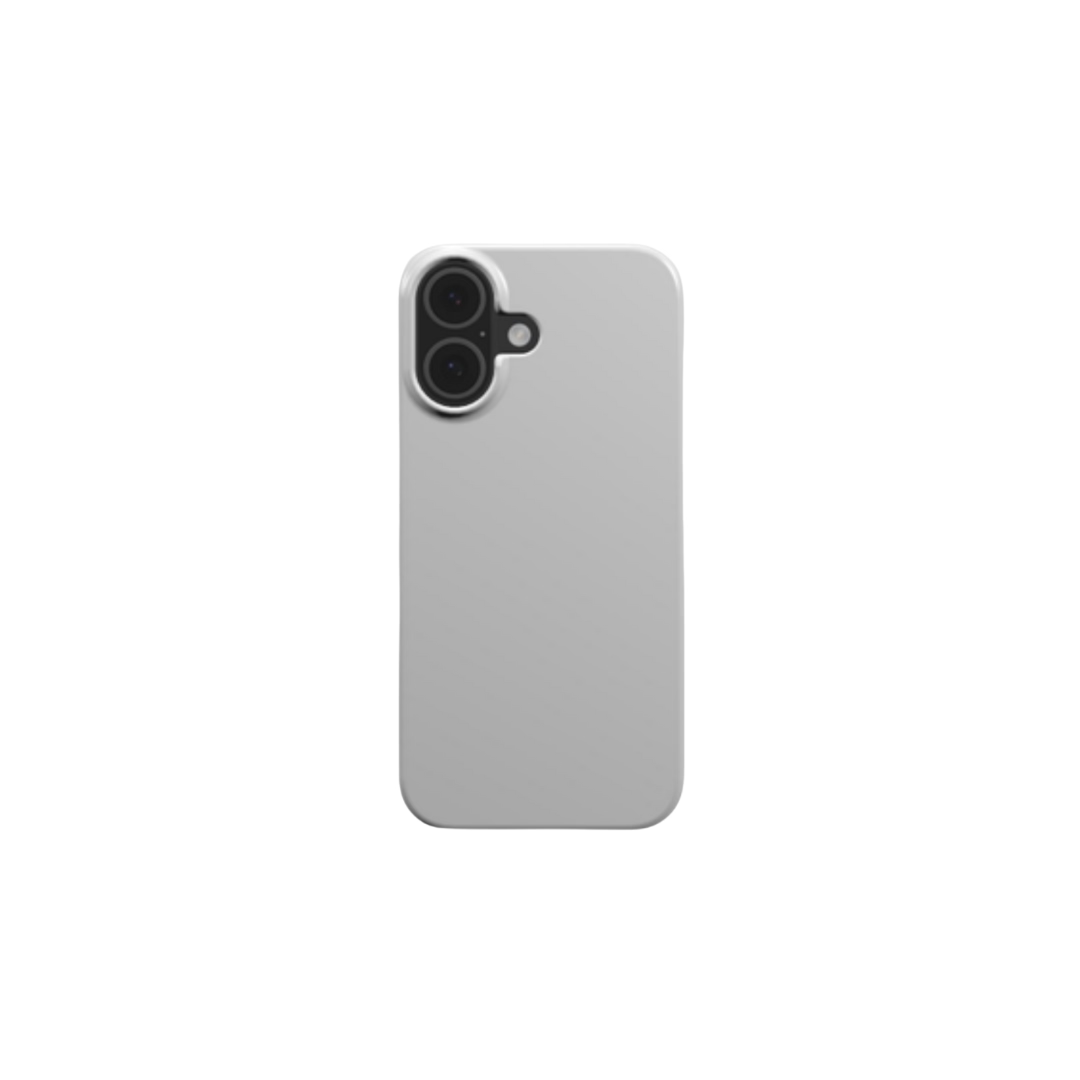
However, you can't sell stock images, templates, or AI-generated content as-is. You must incorporate them into your own design to create unique products like customized phone cases, planners, campaign banners, and more.
Works for Digital and Physical Products
Canva is feature-rich for both digital and physical products. Customize templates into unique designs for T-shirts, drinkware, wall art, niche gifts, and hundreds of other items - then start a print-on-demand business with minimal investment.
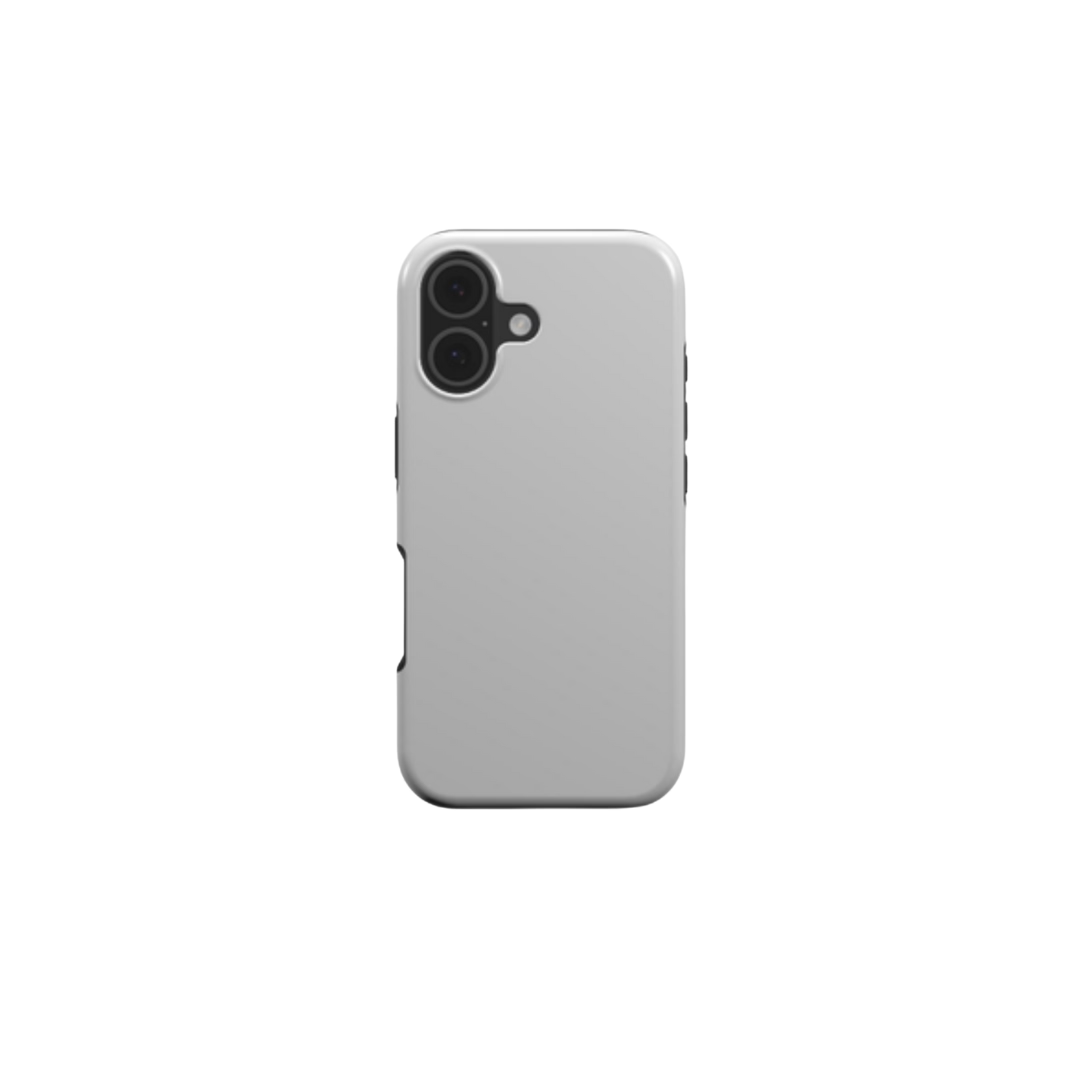
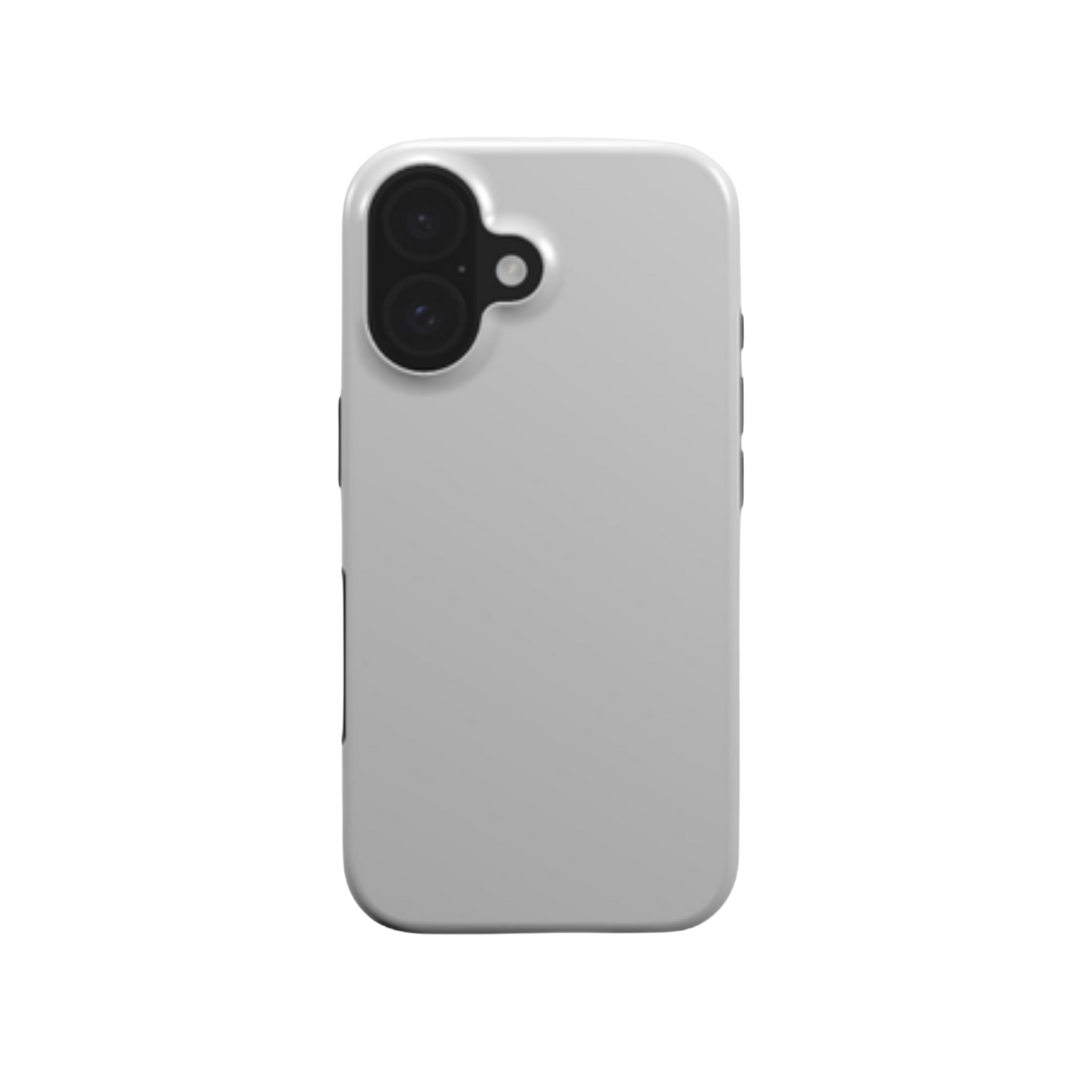
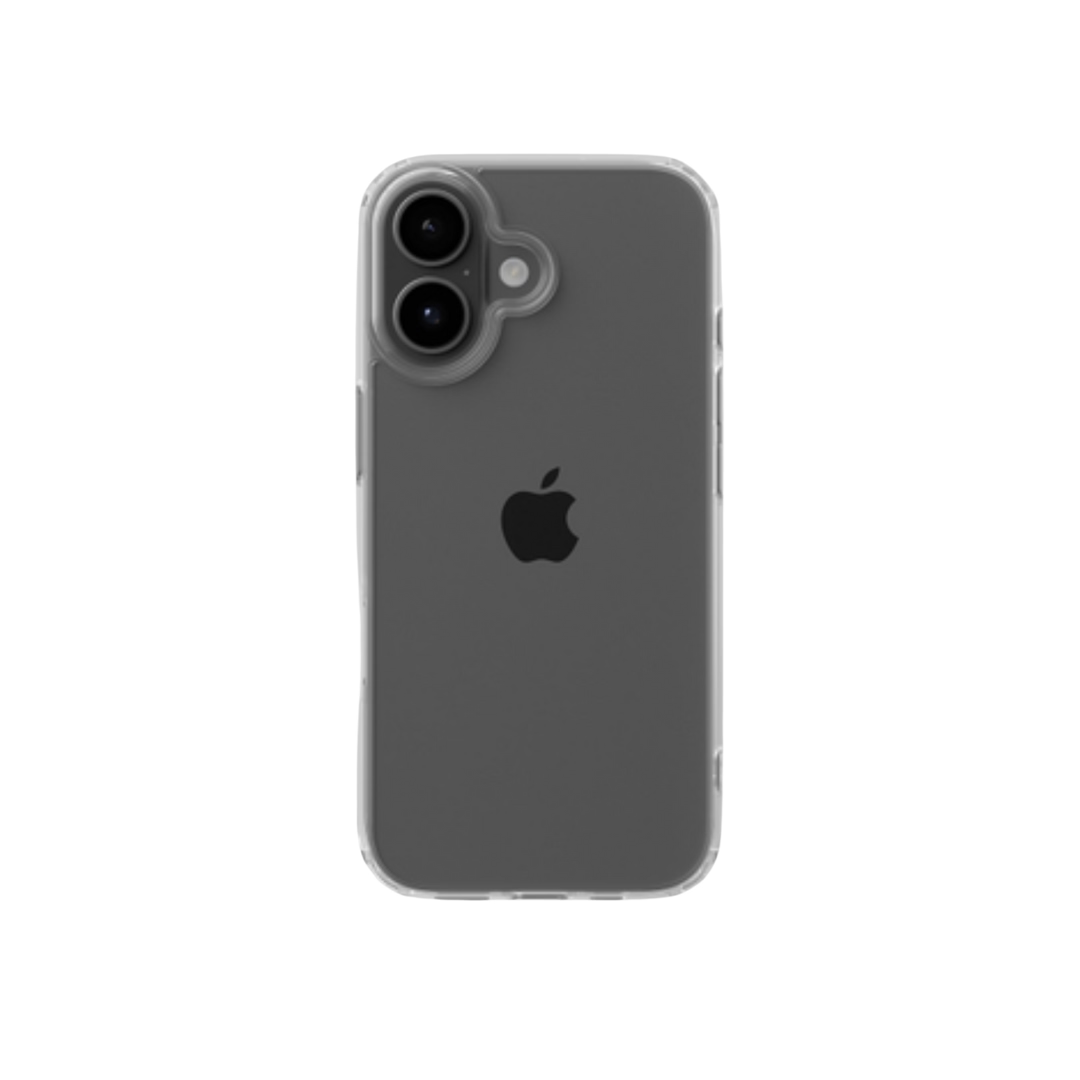
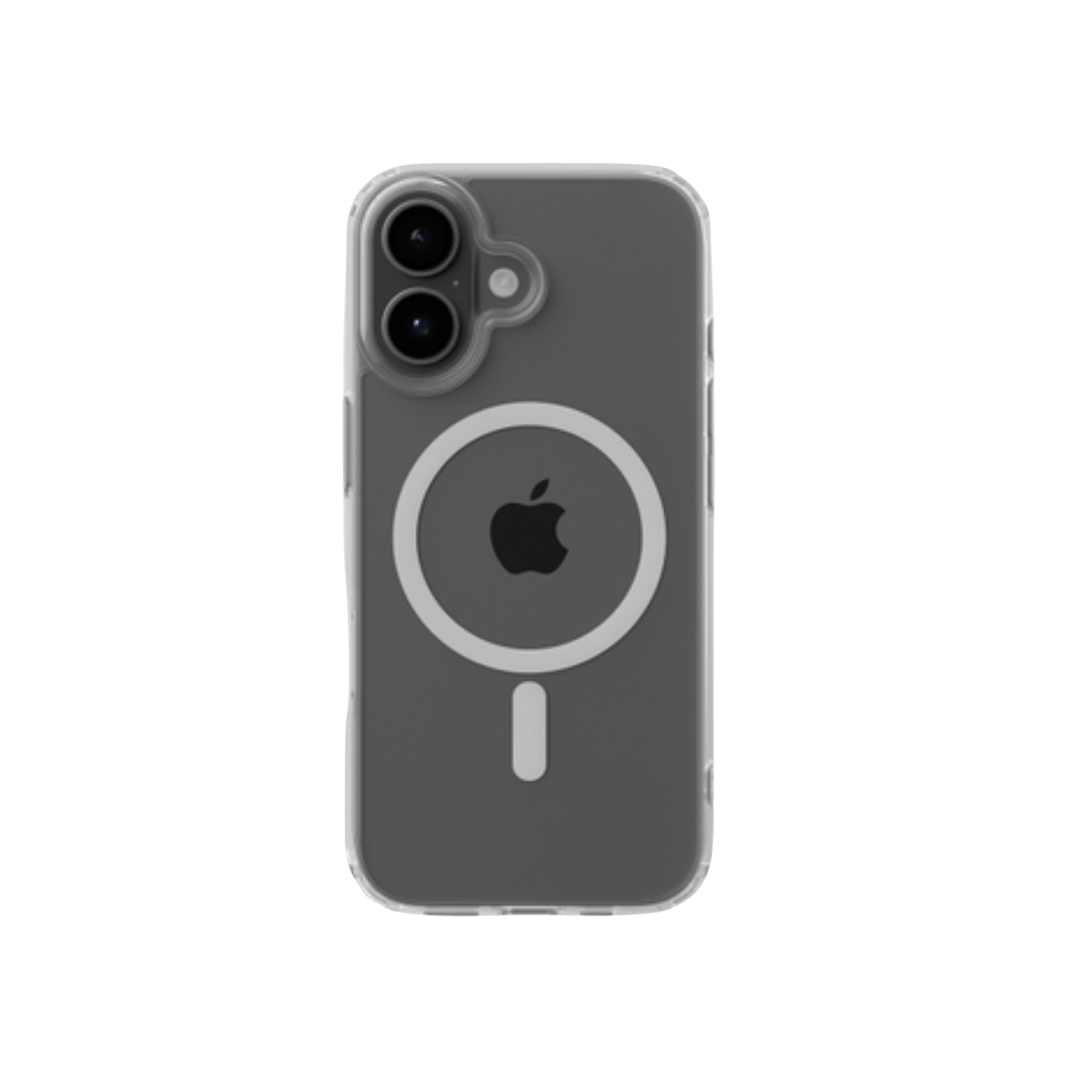
Here's the strategic difference our data highlights: digital products have zero marginal cost but also near-zero pricing power (everyone undercuts everyone). Physical products made from the same designs carry margin - and repeat demand. About 68% of smartphone owners use a case and ~40% of Americans replace phone accessories every six months, which turns one good Canva design into recurring revenue.
Also Read:
- Canva Stats 2026: Facts for Designers, Founders & POD Brands
- How to Make Money Using AI (13 Proven Methods)
12 Best Ways to Make Money with Canva
Now, let's explore 12 actionable strategies on how to make money on Canva in 2026.
1. Sell Canva Templates on Etsy or Gumroad
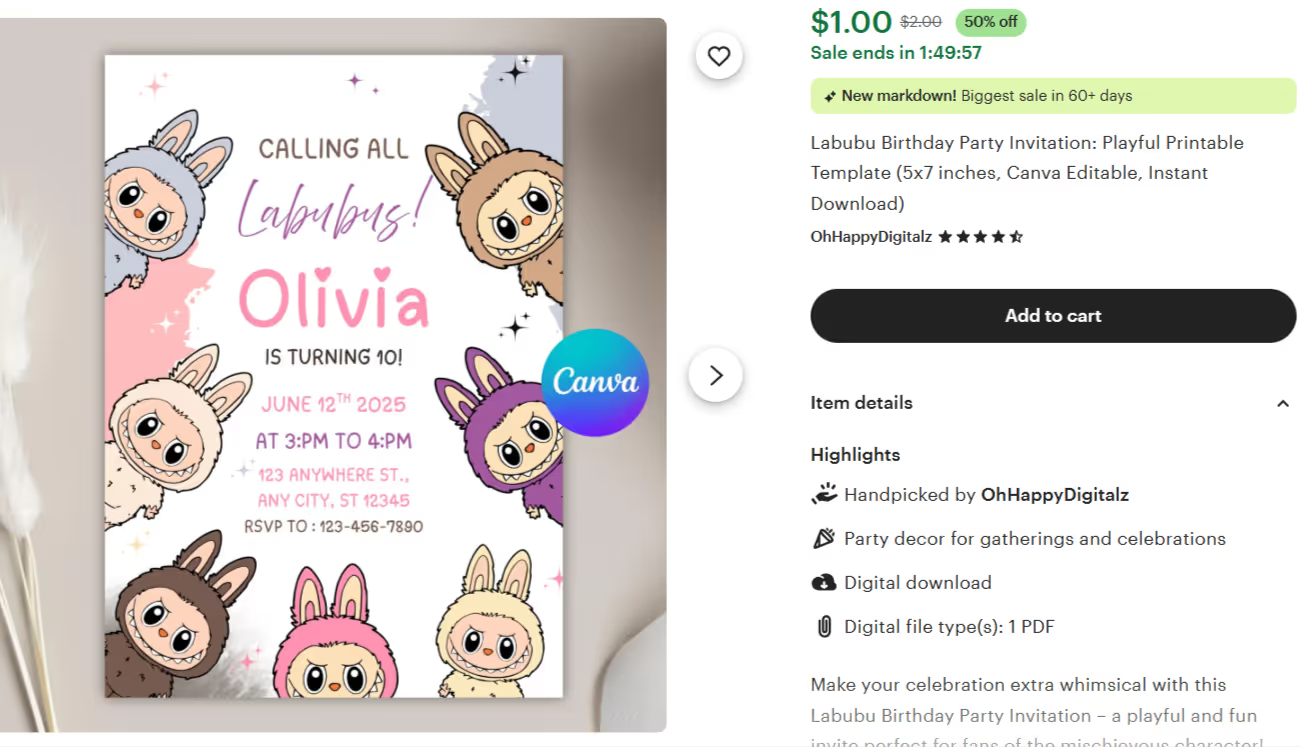
If you're wondering how to make money on Etsy with Canva, it's easier than you think. Use your creativity to design trendy templates and sell them on marketplaces like Etsy or Gumroad to make money.
Once you become a Canva Creator, design templates for social posts, ad banners, invites, business cards, planners, and more. To attract buyers:
- Prioritize clean design and easy customization
- Get creative with visuals and fonts
- Stay updated on industry trends
- Test and refine your products regularly
One discipline tip from our seller data: launch a focused set fast rather than perfecting a huge catalog - sellers who publish five products within 30 days are ahead of 80% of stores. Most people who quit do so in the first two weeks, before the market has even told them anything.
2. Create and Sell Wall Art and Posters
Canva offers millions of free and licensed assets for creating beautiful artwork. Wall art, posters, and mixed-media pieces are among the most popular products to make and sell online.
Beginners can sell work directly on Etsy as downloadable art. But consider the physical route seriously: posters have no sizing issues and fewer returns than apparel, and roughly 65% of wall art sales still happen offline - meaning the online lane is far from saturated. A POD partner like Podbase handles printing and fulfillment, so the same design earns at physical-product prices instead of digital-download prices.
3. Design Social Media Graphics for Clients
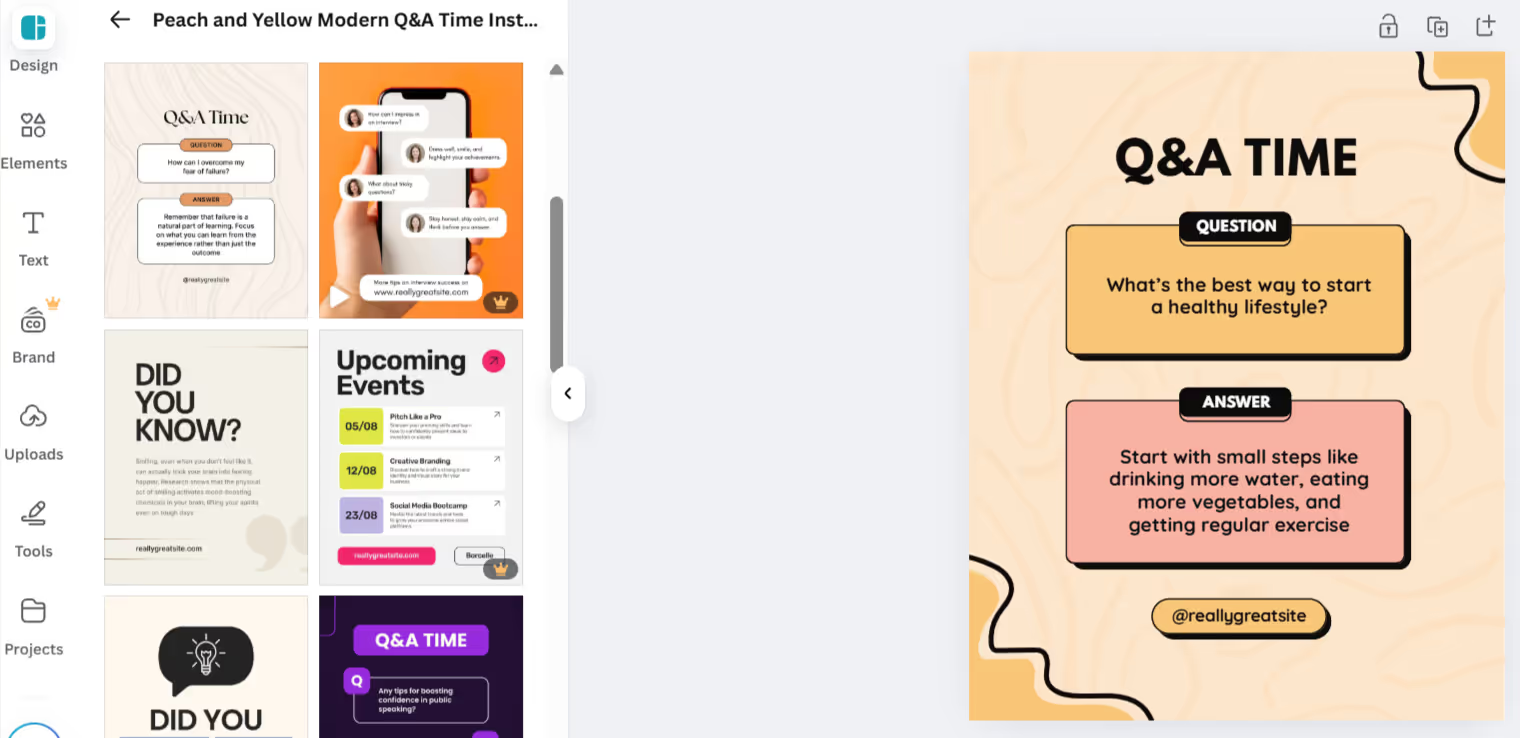
Don't forget social media. Use Canva's dedicated tools to design Stories, Reels, Instagram posts, TikTok videos, and campaign banners for clients, with templates pre-sized for each platform so you can produce quickly.
Demand here is durable for a simple reason we see across our own sellers: social is where ecommerce brands win attention, and they constantly need fresh creative. Strong client work can also become your portfolio for everything else on this list.
4. Sell Digital Planners and Journals
Digital products always come to mind when thinking about how to make money using Canva. Create digital planners - monthly, academic, diet, financial - and sell them at competitive prices.
Make bundles, not singles: a "planner system" at €15 outsells three separate planners at €5 in both revenue and perceived value.
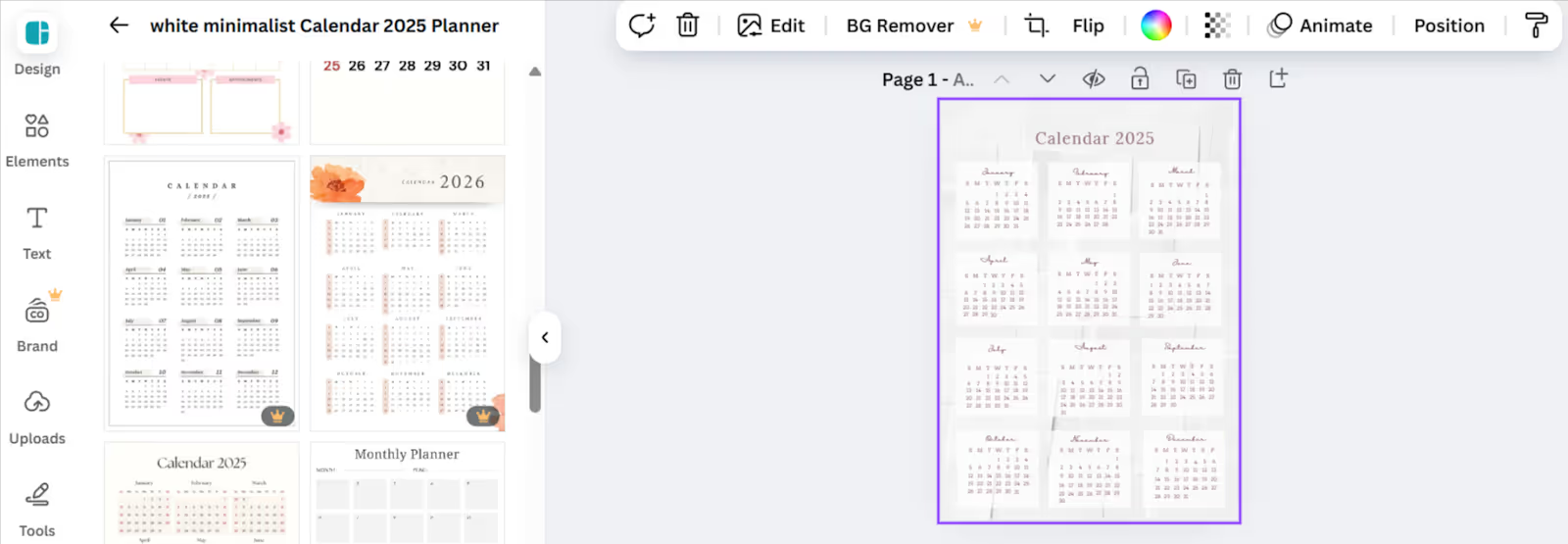
5. Make and Sell Printable Calendars
Another lucrative path is designing printable calendars. People love downloading beautiful, ready-to-use calendars in minutes.
Competition is tough, so creative niche designs win - a "plant parent care calendar" beats a generic one. Competitive pricing helps, but differentiation helps more.
6. Create and Market Ebooks
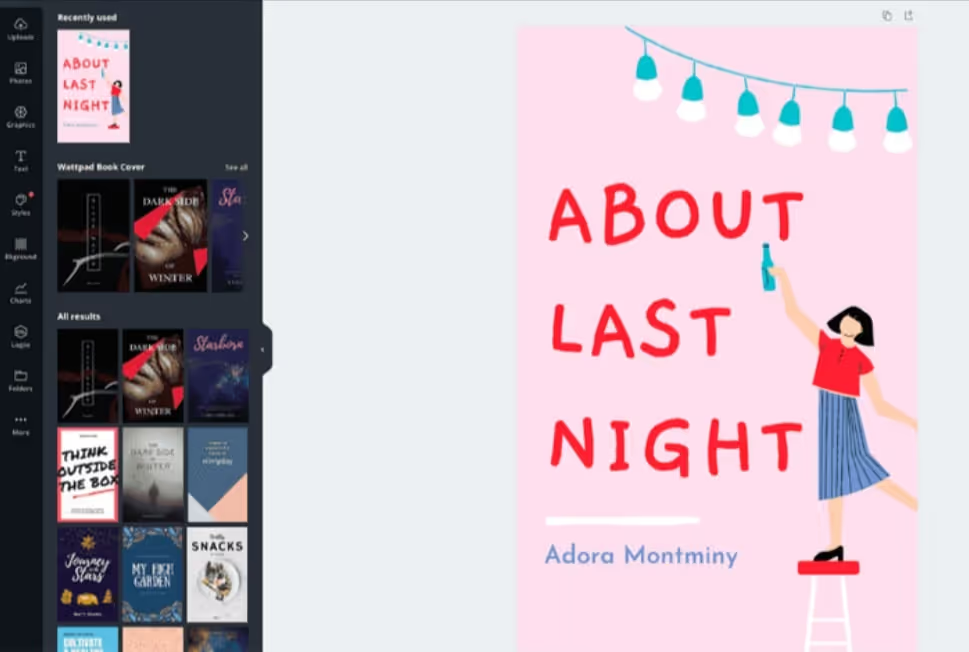
Canva isn't just for graphics. Use its layout tools to design ebooks and covers, customize templates with images and illustrations, and publish on Amazon Kindle, Apple Books, Google Play Books, Etsy, and Gumroad for passive income.
Also Read:
7. Offer Canva-Based Logo or Branding Services
Want to know how to use Canva to make money quickly? Offer logo design and branding services to startups and small businesses - letterheads, envelopes, flyers, notepads, folders, and more.
Sell directly on Creative Market or find clients on Fiverr, Upwork, or Freelancer. Service income is the fastest cash on this list; productized income (templates, POD) is the most scalable. The smart play is using the first to fund the second.
8. Launch a Canva Template Shop on Shopify
Start a Canva template shop on Shopify to reach a wider audience. First create dozens of templates across categories - social posts, email, invitations, certificates - then launch with Shopify's store builder and market across channels.
A store you own also future-proofs you: our CMO's consistent advice is that an owned store plus an email list are the strongest-ROI assets in ecommerce, because you're not renting your audience from a marketplace.
9. Sell Canva Worksheets and Educational Resources
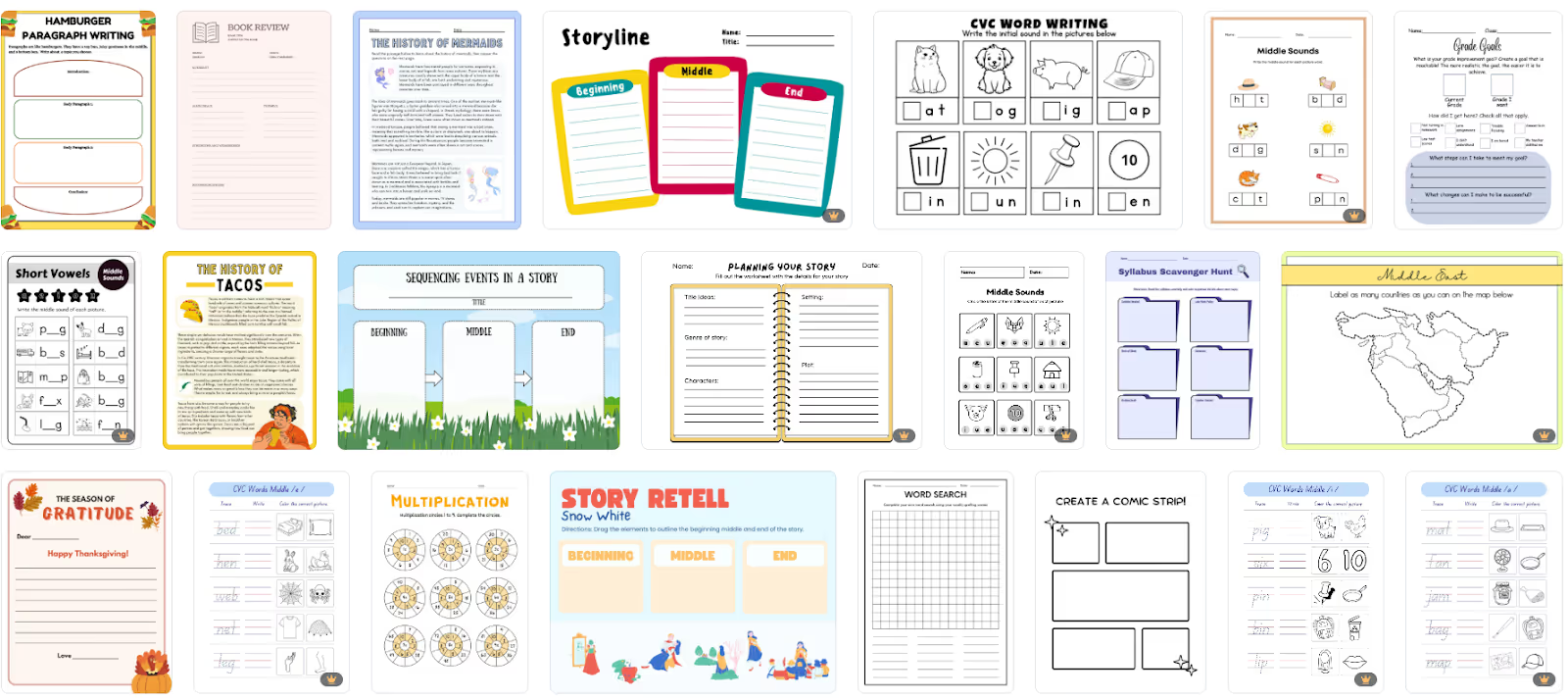
Canva works beautifully for education. Create worksheets, infographics, charts, and mind maps that teachers and parents use to make learning engaging - and bundle learning kits by topic or grade for better value (and margin).
10. Monetize Canva Tutorials on YouTube or TikTok
Once you're proficient, teach others. Canva tutorials on YouTube, Instagram, or TikTok can reach thousands - and eventually be monetized, though you'll need to meet platform thresholds (e.g., 1,000 YouTube subscribers) and stay consistent.
Don't stop at ad revenue, though: a tutorial audience is a warm market for your own templates and merch. As we tell creators constantly - platform payouts are income you rent; products are income you own. Tutorial creators are ideally placed to sell their own merch.
11. Design Business Cards and Event Stationery
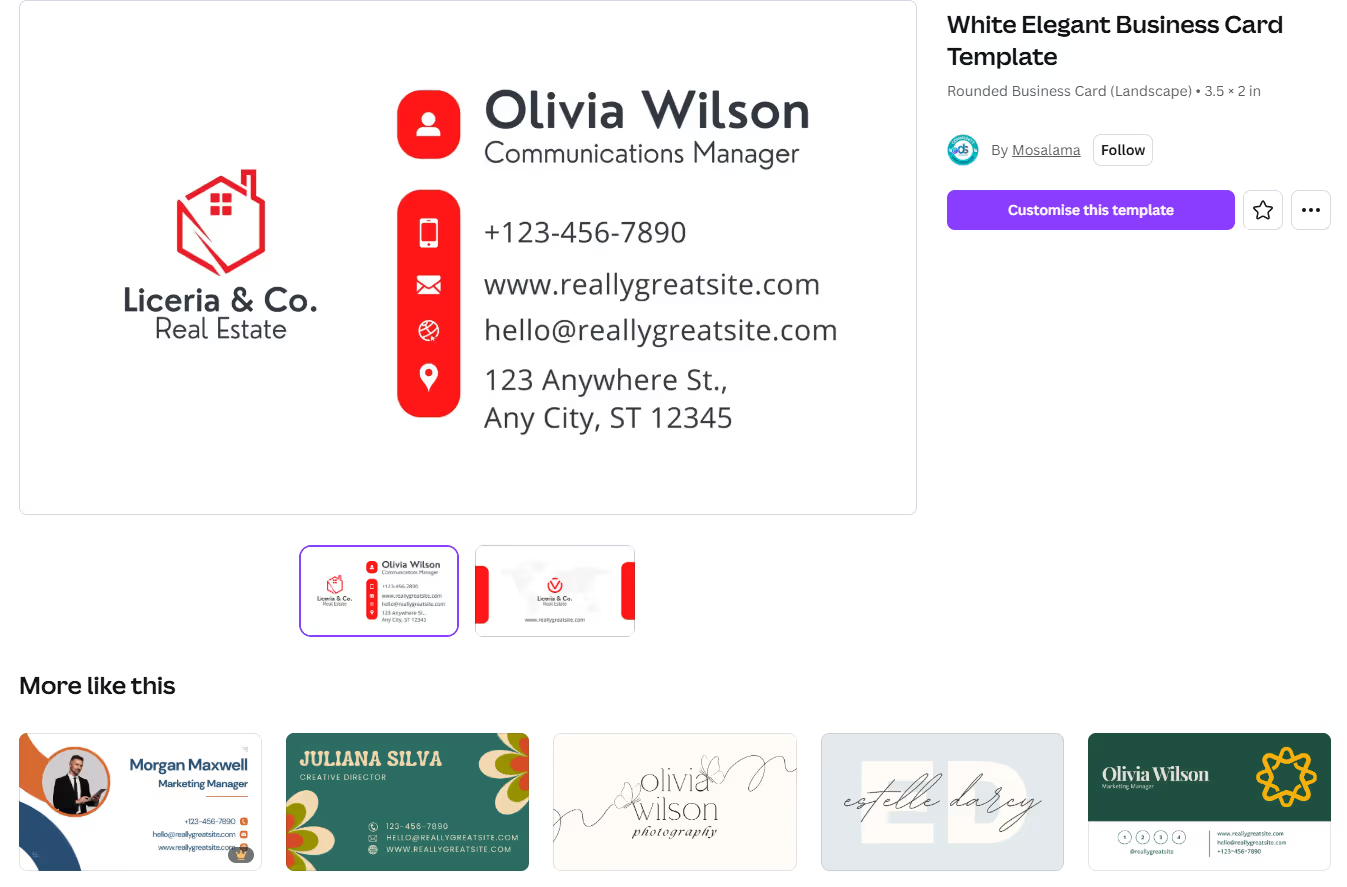
Wondering how to earn in Canva in a short time? Design business cards and stationery - quirky, minimalist, or professional - plus event kits for birthdays, weddings, product launches, and store openings: banners, invitations, thank-you cards. These low-cost, high-value bundles are in steady demand.
12. Use Canva Pro to Create Video Content for Brands
Go beyond graphics with Canva's video tools. Free users can make simple videos; Canva Pro unlocks the full AI-powered editing suite for professional-grade client work. Video skills compound with everything above - the same brand that buys your static posts will pay more for Reels.
Legal Tips - What You Can and Can't Sell with Canva
Here's what to know about Canva's licensing rules before selling.
Licensing Rules for Free vs. Pro Assets
Free account holders can access thousands of free templates - enough to experiment. Pro assets require a one-time purchase per use, or a Canva Pro subscription for unlimited access.
Guidelines for Selling Templates vs. Printed Designs
You can't resell Canva templates as-is. You must customize existing templates or build new designs from free and paid assets before selling - and the same rule applies to printables and POD product designs. (Practical benefit: the customization requirement pushes you toward the originality that actually sells.)
Real-World Examples from Canva Sellers
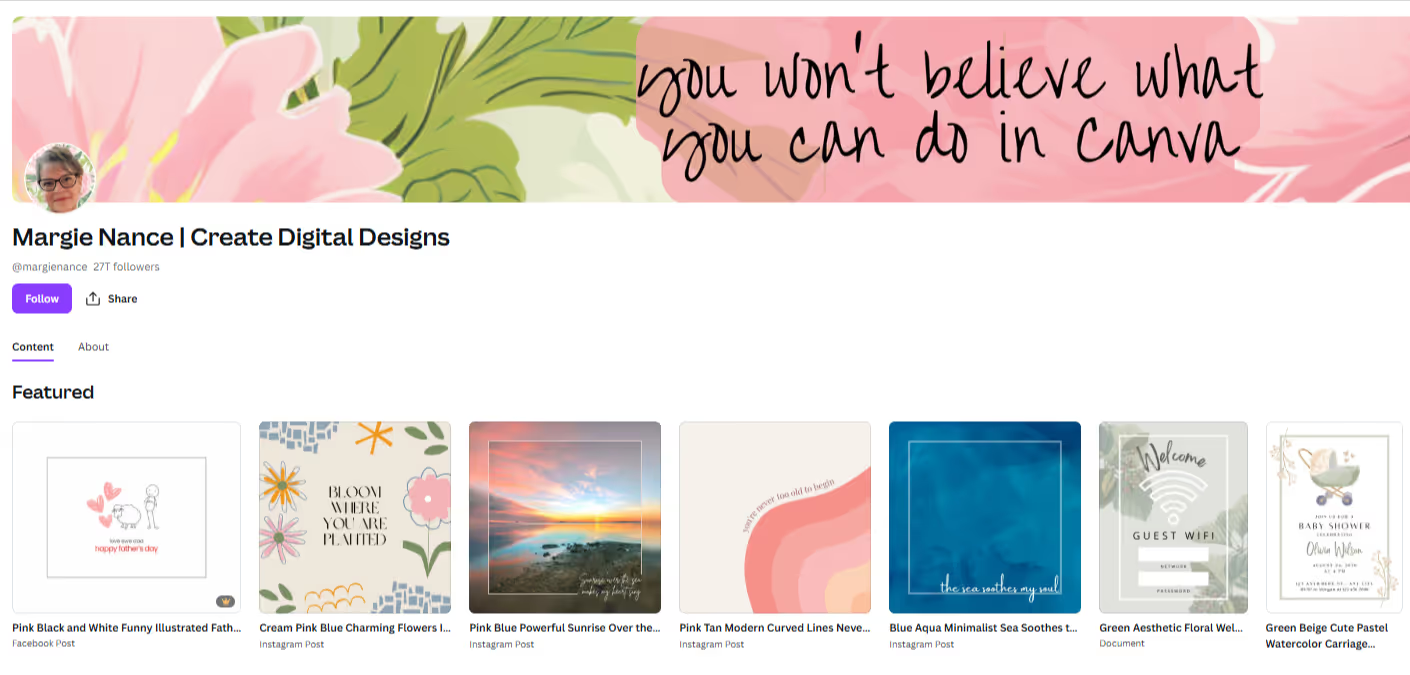
Canva hosts tens of thousands of Canva Creators who design free and paid templates and earn commission whenever someone uses their paid assets. Margie Nancy, Aplum Studio, and Sofi Moyano are a few popular examples. Contributors can also upload graphics, images, and videos to the marketplace and earn royalties.
For the physical-product path, the ceiling is higher than most people expect: one seller we work with started from zero with no ecommerce background, launched roughly ten designs on phone cases, and crossed seven-figure annual revenue within 13 months. The designs weren't elaborate - they were consistent, niche-focused, and launched fast.
Also Read:
- How to Make Money in One Hour: 15 Fast & Realistic Ideas To Try
- The Best Digital Product Ideas To Sell Online
Quick Tips to Maximize Profit
- Use Canva templates as a starting point - they're made by seasoned designers - but always customize toward your own style.
- Choose a niche instead of trying multiple categories. Educational printables, event stationery, and POD designs are great beginner niches; in our experience, narrow beats broad in both products and audiences.
- Research and test different marketplaces to understand demand and price competitively.
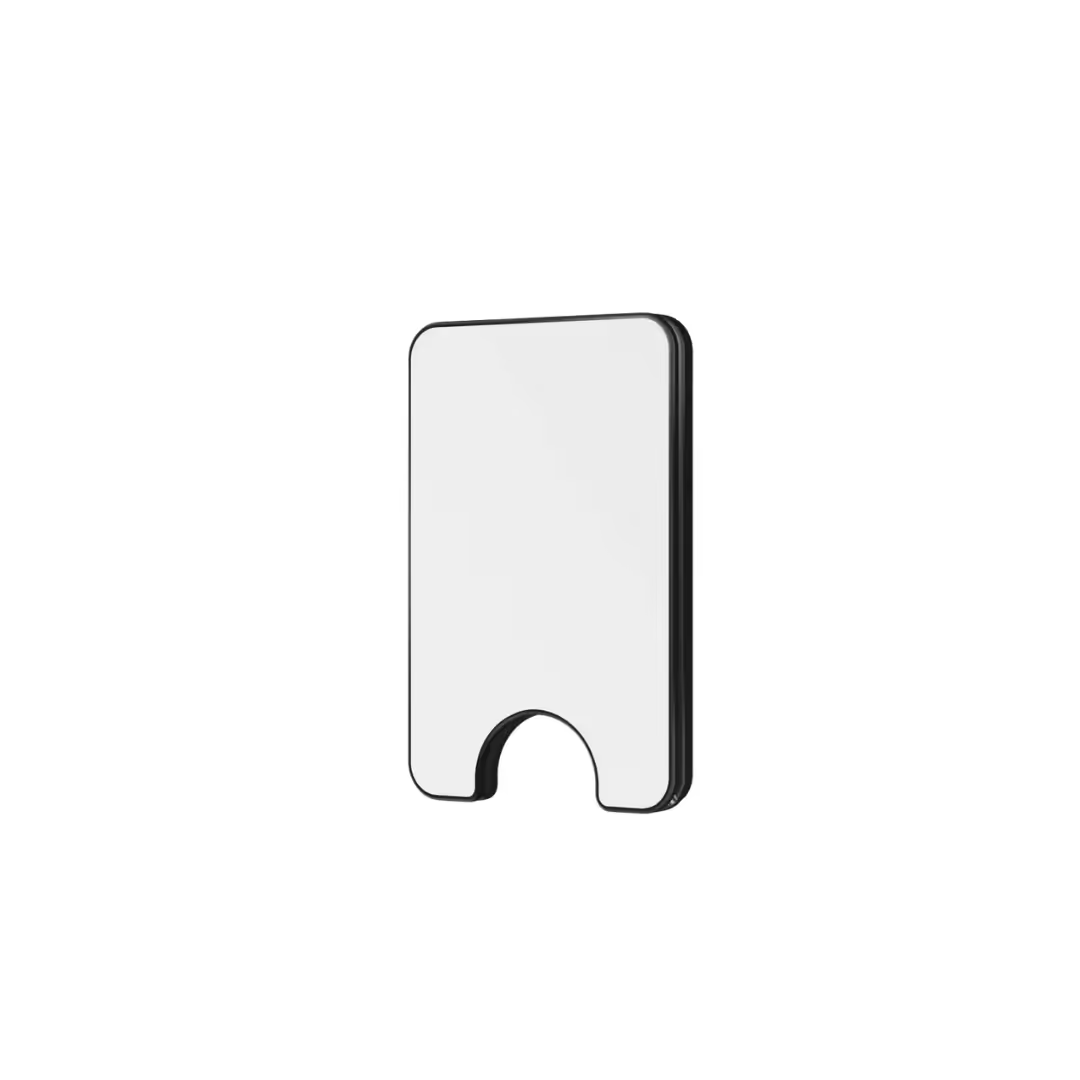
- Bundle rather than sell individual products - better value for customers, higher margin for you. (The physical version of this works too: in our data, a simple checkout add-on like a screen protector with a phone case converts at 3-10% and adds ~€10 profit per order.)
- Sell your best designs twice: once as a digital product, once on a physical product. Same Canva file, two income streams.
Final Thoughts: Is Canva Worth It for Making Money?
Simple tools and a user-friendly interface make Canva a great design platform for beginners - and with 260M+ users, it's only getting more capable. With creativity and consistency, you can make decent money using Canva.
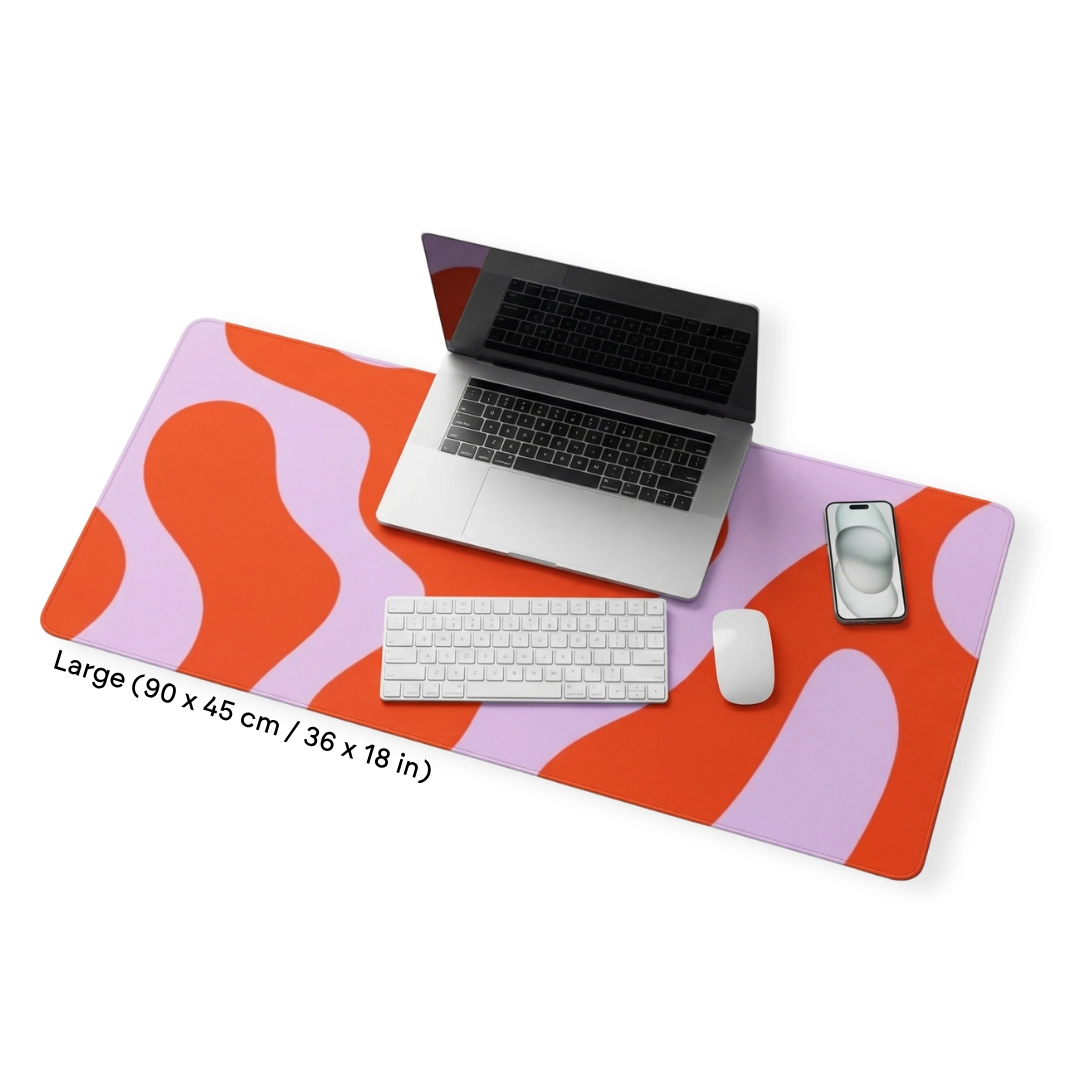
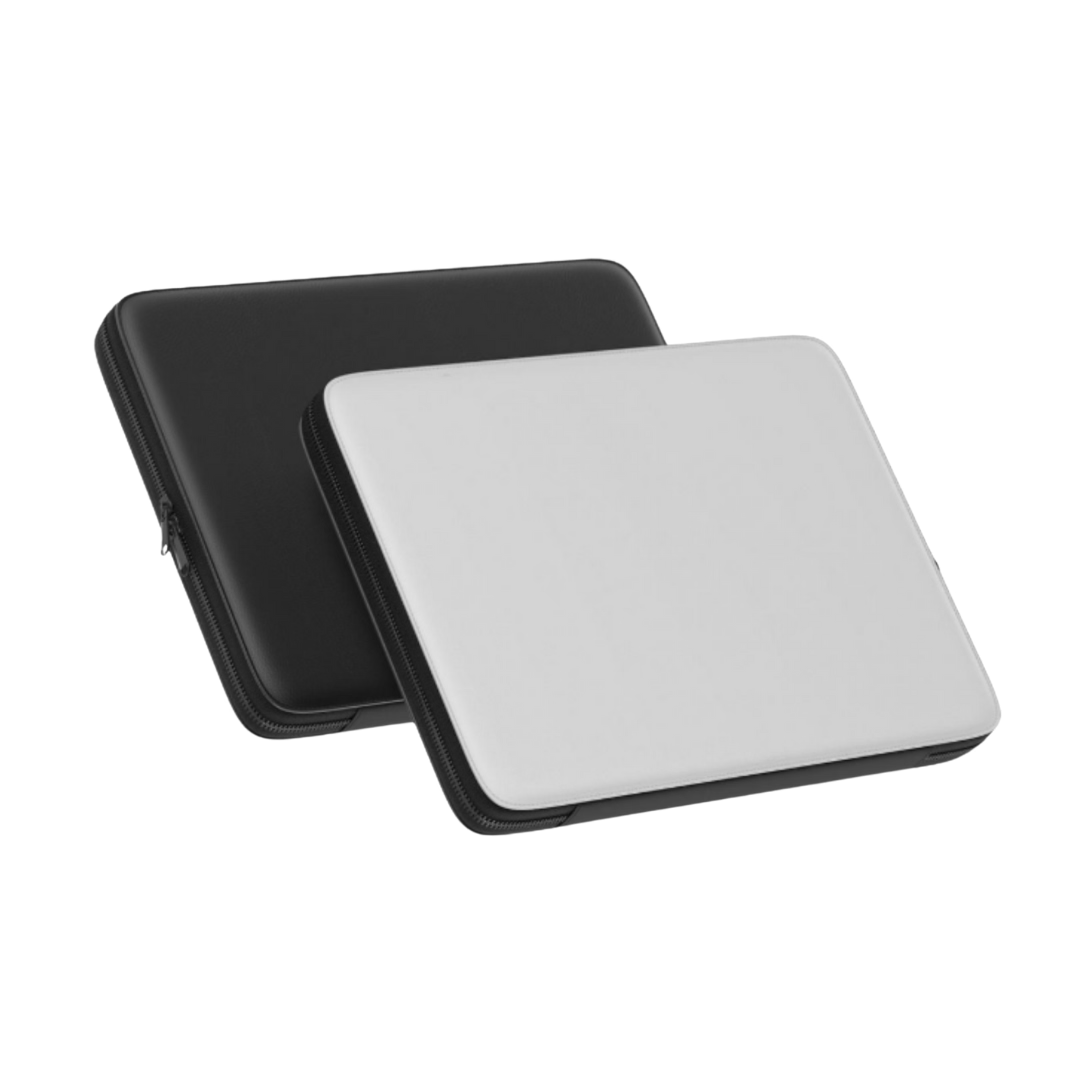
Start with free templates and simple products - planners, printables, educational resources, business cards, event stationery. Choose a niche, understand your audience, and offer real value. Then graduate your best designs to physical products: wall art, clothing, phone and laptop cases, drinkware. That's where the durable margins live, and where one good design keeps earning for years instead of weeks.
You can turn your Canva side hustle into a print-on-demand business with minimal investment - talk to the Podbase team or create a free account to get started.
FAQ
1. Can you really make money with Canva in 2026?
Yes. Canva's free, drag-and-drop editor lets beginners design templates, printables, planners, social graphics, wall art, and video, then sell them on Etsy, Gumroad, or Creative Market, or turn them into physical products with print on demand. With 260 million users on the same templates, the earnings come from niche focus and originality, not access.
2. What can you legally sell that you make in Canva?
Canva's Content License Agreement lets you use free and Pro assets commercially, but you cannot resell stock images, templates, or AI content as-is. You must incorporate them into your own customized design before selling it as a digital download or a physical product. That customization requirement also pushes you toward designs that actually sell.
3. What are the best ways to make money with Canva?
Popular routes include selling templates on Etsy or Gumroad, wall art and posters, client social-media graphics, digital planners and journals, printable calendars, ebooks, logo and branding services, a Shopify template shop, educational worksheets, Canva tutorials, stationery, and brand video. Service work pays fastest; products like templates and POD scale furthest.
4. Is it better to sell Canva designs as digital or physical products?
Do both. Digital products have near-zero cost but little pricing power because everyone undercuts. The same design on a physical product carries real margin and repeat demand: about 68% of smartphone owners use a case and 40% of Americans replace phone accessories every six months, turning one good Canva design into recurring revenue.
5. Do you need design experience to make money with Canva?
No. Canva is beginner-friendly, with thousands of free templates and a drag-and-drop editor that let people with no design background produce professional work. The low barrier applies to everyone, though, so success comes from picking a niche, customizing aggressively, and developing a recognizable style rather than from the tool alone.
6. How much can you earn selling Canva designs?
It ranges from modest template royalties to substantial product revenue. Canva Creators earn commissions when buyers use their paid assets, while the physical-product ceiling is higher: one seller launched about ten phone-case designs with no ecommerce background and crossed seven-figure annual revenue within 13 months by staying consistent and niche-focused.

Saulius Meilutis is the CEO of Podbase, helping creators and entrepreneurs monetize their ideas with print-on-demand. He shares insights on eCommerce, growth, and building lean online businesses.

.avif)




.avif)
.avif)
.avif)
.avif)
.avif)
.avif)

.avif)



.avif)

.avif)

.avif)

.avif)

.avif)