.avif)
Selling on TikTok Shop in 2026 means listing products buyers can tap and purchase without ever leaving the app - and the smartest way to start is without inventory, using print-on-demand so you only pay after a sale.
The opportunity is no longer a rumor. TikTok Shop US sales grew 68% to $15.1 billion in 2025, and global GMV hit $64.3 billion. That is real money moving through the app you already scroll daily. For the latest numbers, see our 2026 TikTok Shop statistics.
This guide breaks down how to sell on TikTok Shop even if you have never sold online before - from account setup to your first sale. Whether it is phone cases, custom merch, or digital products, you will also learn the one thing most guides skip: how to price for the platform's real costs and build a shop that survives past its first viral video.
What Is TikTok Shop and How Does It Work?
TikTok Shop lets you sell products directly inside TikTok and make money from your phone. There is no need to send people to another website. They watch your video, tap your product, and buy without leaving the app.
But TikTok Shop is more than a checkout tool. It is a complete selling ecosystem: you control pricing, inventory, and promotions, analytics show which videos drive sales, and everything runs through one dashboard.
Key features that make selling on TikTok easy include:
- In-app checkout: buyers stay on TikTok the entire time.
- Shoppable videos: tag products directly in your content.
- Shop tab: all your items displayed in one place.
- Live shopping: sell in real time during streams.
1. How Does TikTok Shop Work?
The process is straightforward:
- Upload products to Seller Center.
- Link them to your videos.
- Viewers click and buy instantly.
- TikTok handles payments.
- You (or your print-on-demand partner) ship orders.
- Money hits your account on TikTok's payout schedule.
2. The Growth You Cannot Ignore
TikTok Shop has moved from novelty to serious channel. US GMV grew 68% year over year to $15.1 billion in 2025, and Momentum Works counts roughly 803,500 US stores and 15.4 million creators on the platform - up sharply from the 398,000 stores reported a year earlier.

What makes TikTok Shop different is the algorithm. Your products can go viral overnight, and small brands compete with big names. One good video can change everything.
Here is the part most guides get wrong, though. Going viral is the easy half. At Podbase we watch what happens after the click, and the pattern is consistent: sellers who moved to our automated, quality-checked production saw a 15% increase in customer reviews and a 30% drop in order-issue support tickets. As Sidas, our Head of Sales, puts it:
“A high-quality product that holds up, looks good over time, and arrives quickly tells a completely different story - one that travels through word of mouth, builds brand trust, and sells without additional spend.”
Translation: the algorithm gets you the first sale; fulfillment gets you the next hundred. Build for both.
Also Read:
- Easy Things To Make and Sell From Home for Profit
- TikTok Shop Fees 2026: Commission, Refunds, and More
TikTok Shop Requirements for Sellers
Can anyone sell on TikTok Shop? Almost - but you need to meet a few rules first. Here are the essentials.
1. Age and Location Requirements
You must be at least 18 years old, and TikTok verifies your age at signup. Location matters too. TikTok Shop is available in markets including:
- United States
- United Kingdom
- Indonesia, Vietnam, Thailand, and other Southeast Asian markets
- Japan
- Spain, Ireland, and a growing list of European countries
New regions launch regularly, so confirm your country qualifies before starting.
2. Business Verification
TikTok wants sellers to be real and trustworthy. You will need:
- A business license or tax ID
- A valid government ID
- A bank account for payments
- A phone number
If you are a sole owner, you can use your SSN instead of business papers. Make sure your information is clear and matches across every document. Anyone learning how to sell things on TikTok Shop must have these in place.
3. Common Rejection Reasons
TikTok may say no for any of these:
- Missing documents
- Trying to sell banned products
- Past rule violations
- Blurry or unclear files
These steps protect both sellers and buyers. Once you pass, you are good to go.
How to Set Up a TikTok Shop Account
Want to start selling on TikTok Shop? Setup is easier than you think.
1. Open the Seller Center
Go to the TikTok Shop Seller Center online, pick your country, and click Enter. Log in with your TikTok account, then choose your seller type:
- Individual: if you are working solo.
- Business: if you have registered a company.
You can switch later if your setup changes.
2. Fill Out Your Application
Enter your business info, making sure your name, address, and tax details match your documents exactly - any mismatch can delay approval. Then upload your documents:
- A government ID
- A business license or tax info
- A bank statement

Use clear photos. Blurry images get rejected, and that means more waiting.
3. Finish Your Shop Setup
TikTok usually reviews applications in 24 to 48 hours - sometimes faster if you apply early in the week, while weekend applications often wait until Monday. Once approved, customize your shop:
- Add a clear logo and banner
- Write a short, friendly bio
- Set up your shipping and return policies
A clean, complete profile helps buyers feel confident - and confidence is what converts a casual viewer into a first-time customer.
How to Add Products to TikTok Shop
Adding products is one of the first big steps in mastering how to sell on TikTok Shop. You can upload by hand or connect your store.
1. Manual Upload
If you have only a few products, upload them manually. Log in to the Seller Center and click Add new product.
Your photo is the first thing buyers see, so use a clean background and show the product clearly, then add photos for size, angles, and packaging. Write a short description: open with what makes the product useful or fun, list key features next, and finish with simple specs like size and materials. Keep it skimmable - people scroll fast.
One Podbase shortcut here: you no longer need a photo shoot to launch. “Now you can take a static picture and generate high-quality multi-angle output of your products showcasing all the different unique selling points,” says Podbase CEO Saulius Meilutis - “you no longer have to order samples, organize photo shoots, and extend your product launch by weeks.” That speed is why our average new-project onboarding has dropped from three months to under one.
2. Store Integration
If you have more products, connect Shopify or WooCommerce. These platforms sync with TikTok Shop and keep your stock current so you do not sell what is out of stock. Podbase plugs into the same stack through our Shopify and WooCommerce integrations, so orders route straight to production without manual steps.
3. What Can You Sell on TikTok Shop?
Popular categories on TikTok Shop include:
- Beauty and personal care: still the single largest category by GMV in 2025.
- Fashion and custom designs: apparel and accessories that suit short video.
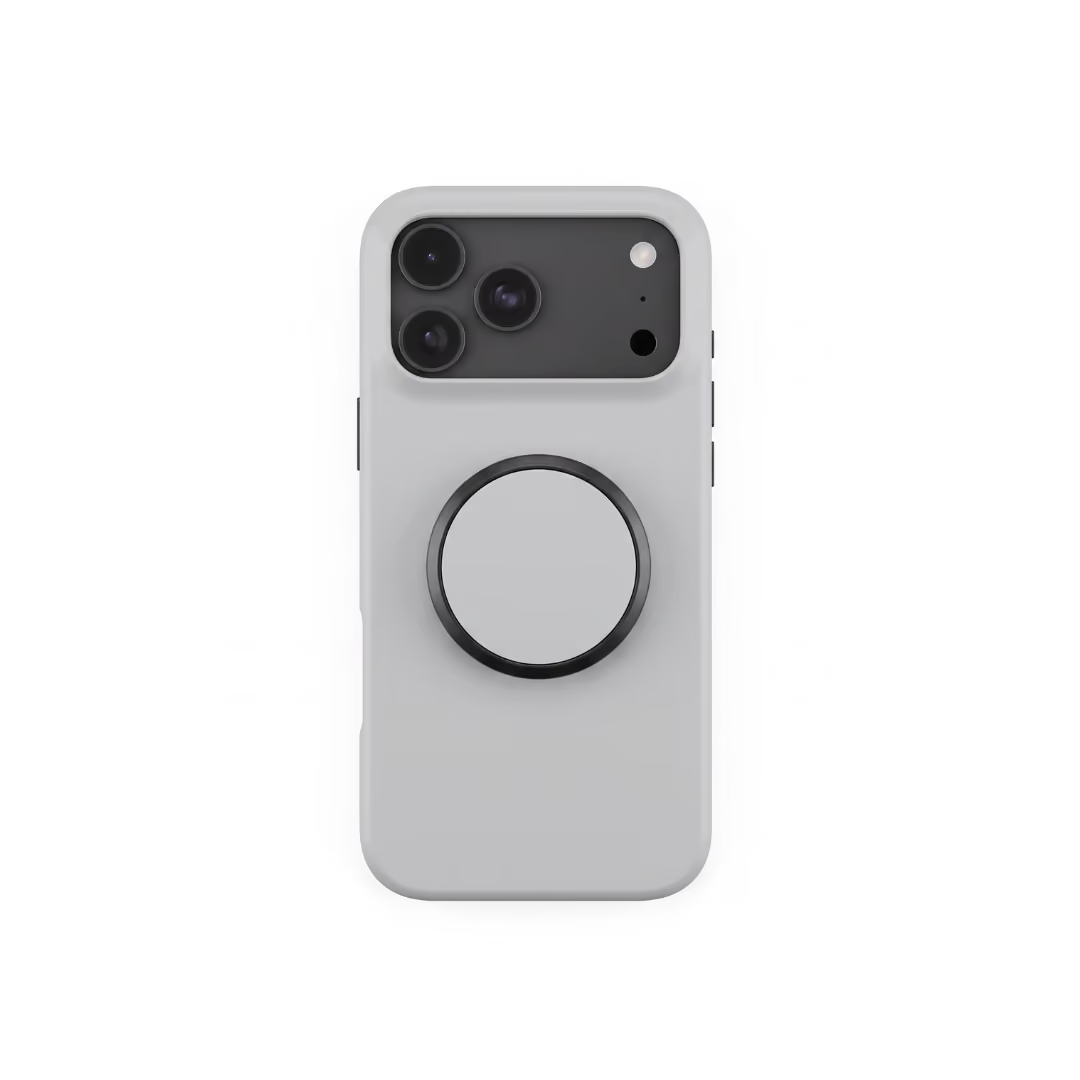
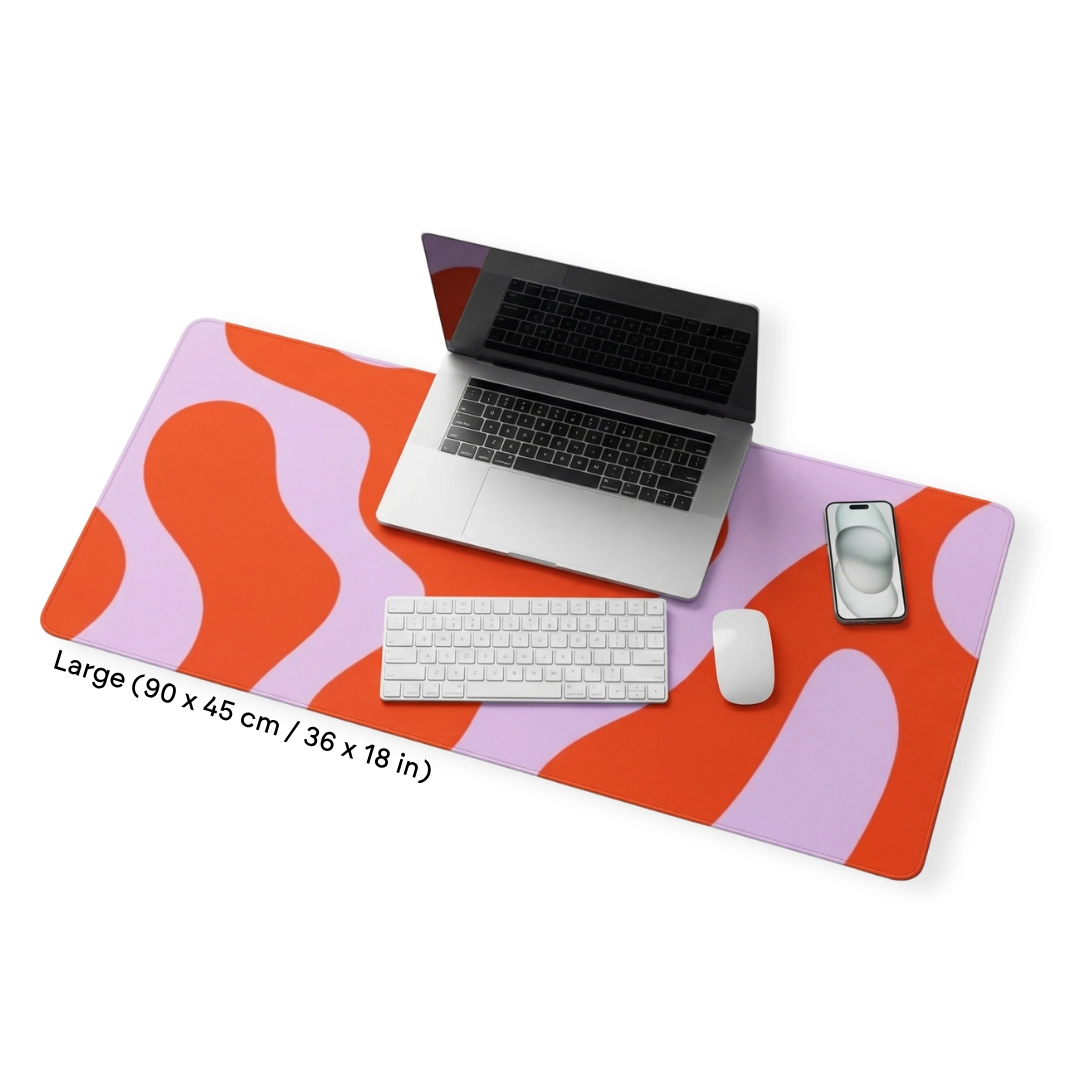
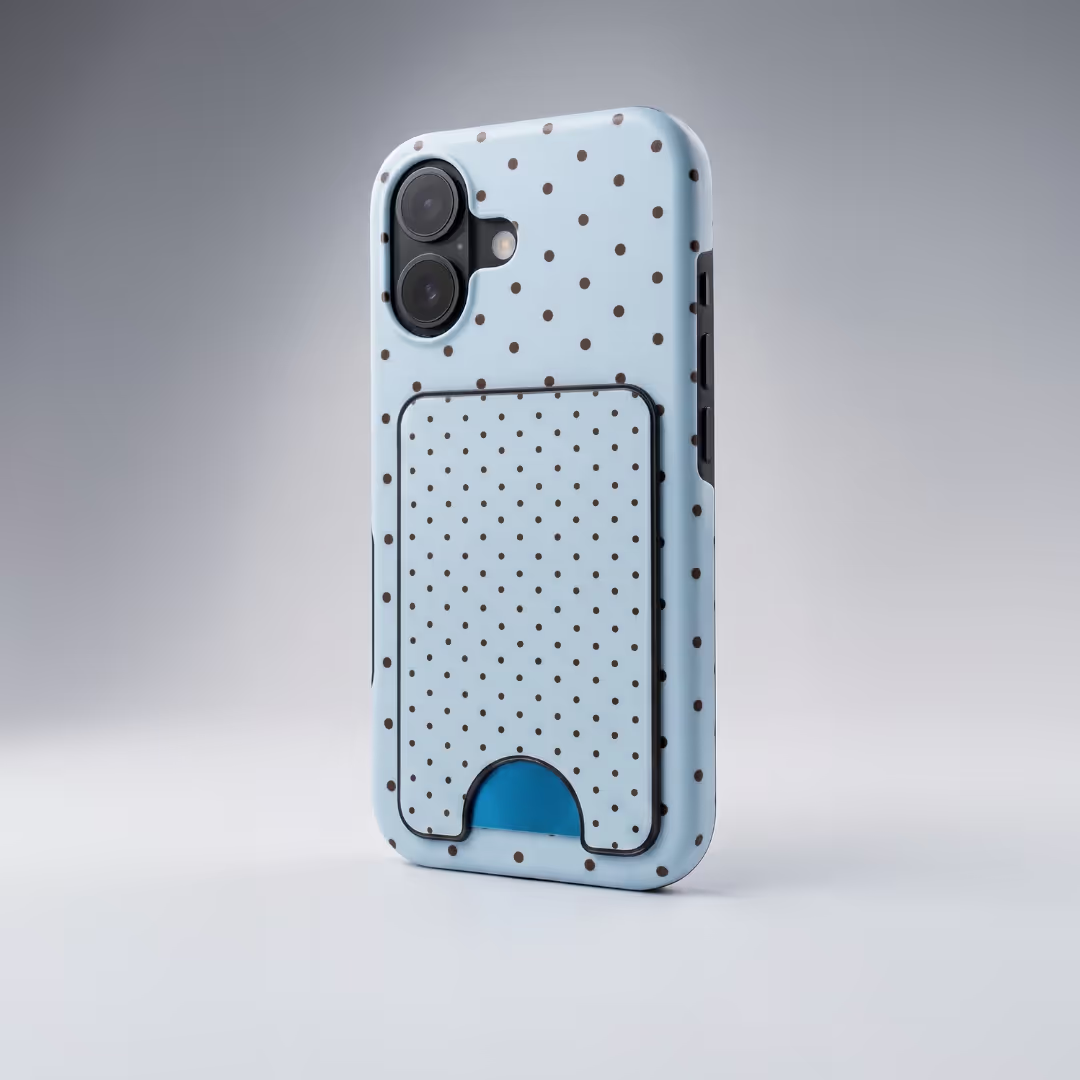
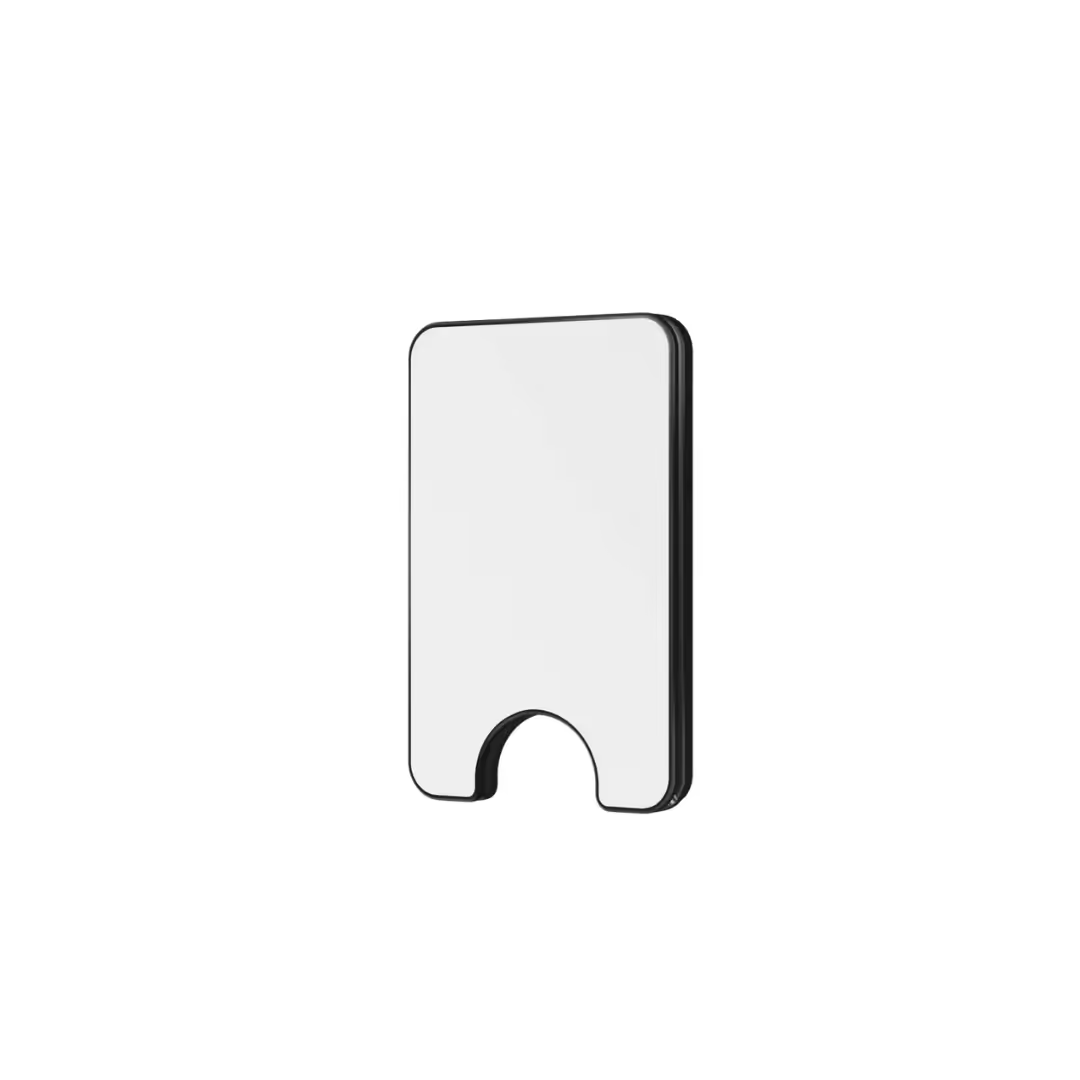
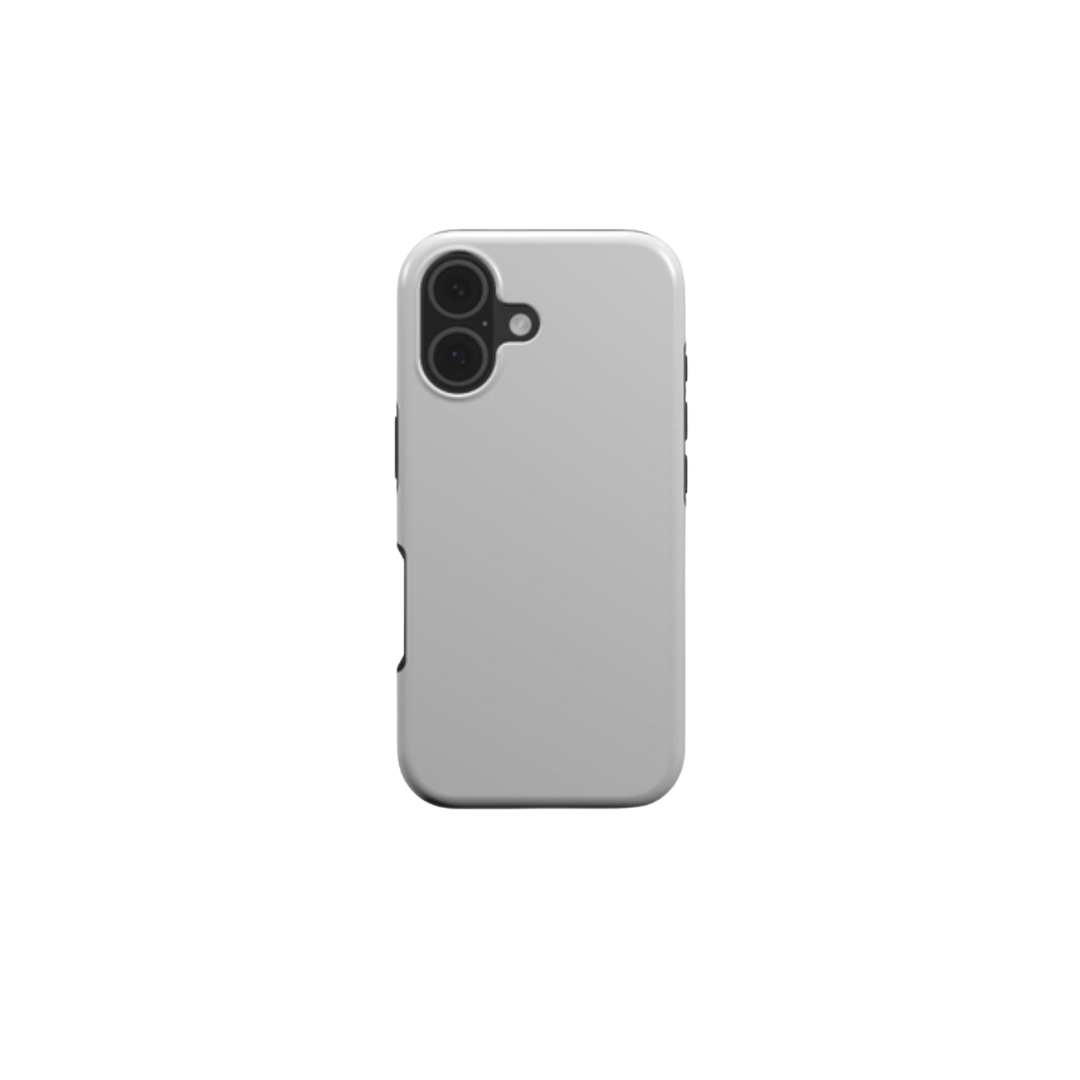
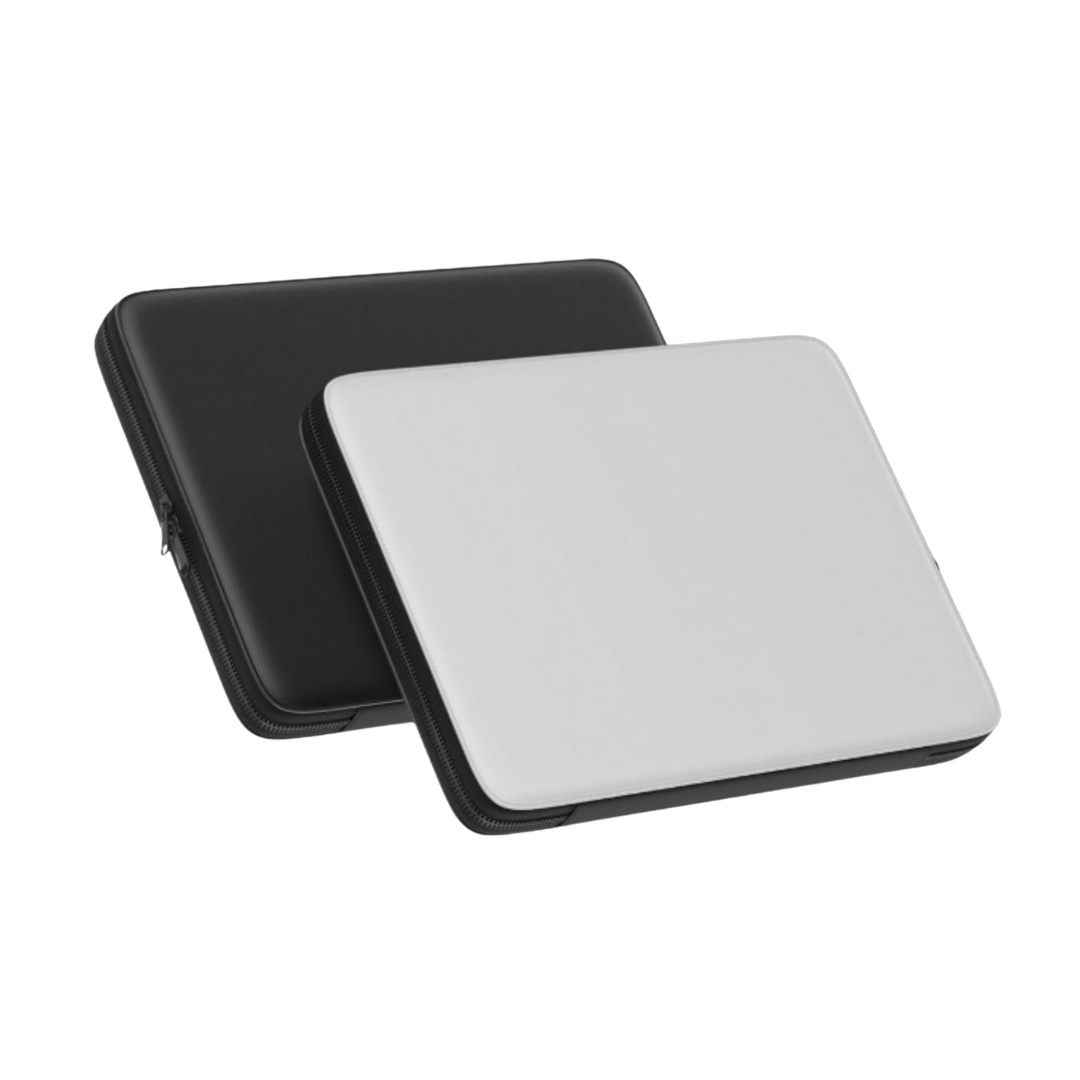
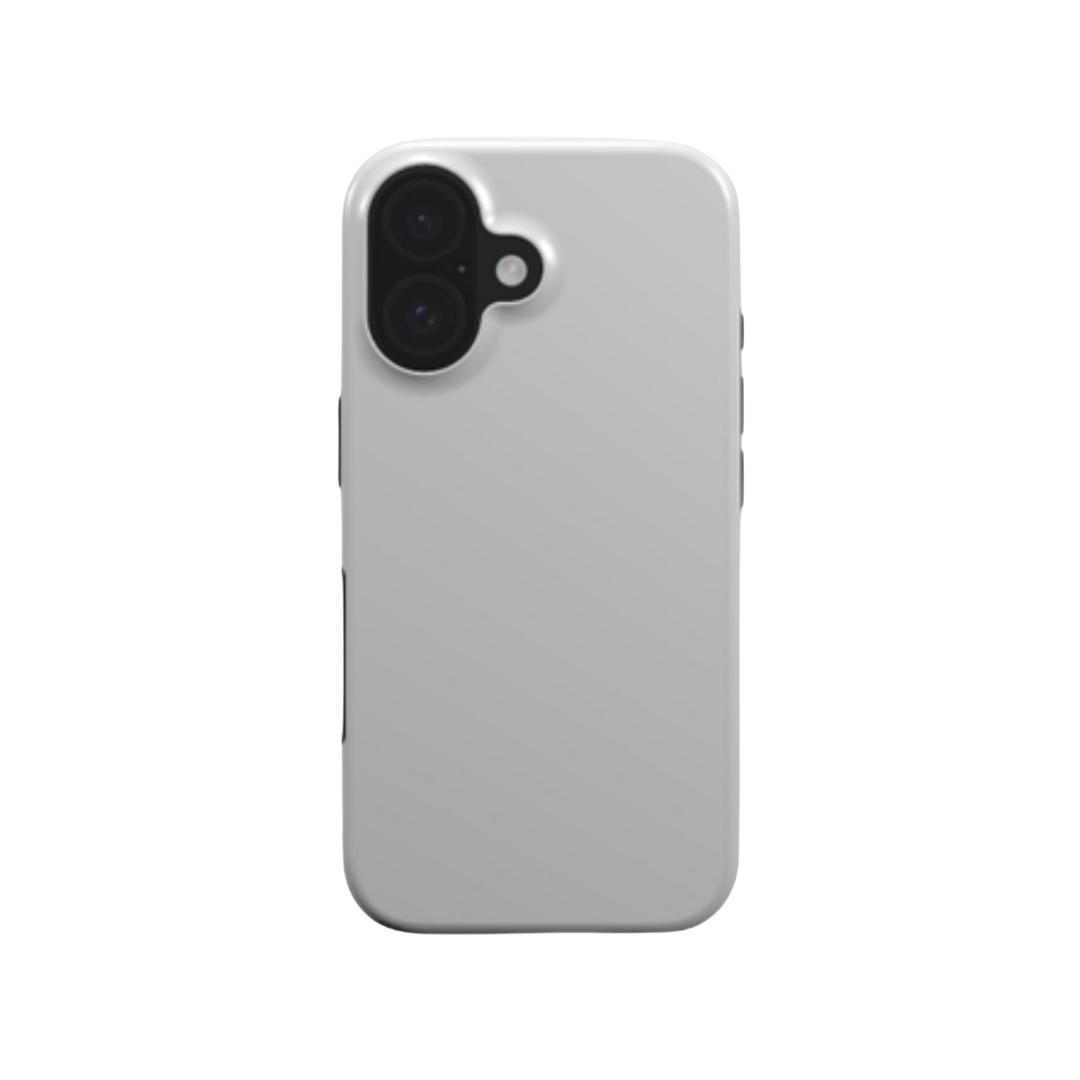
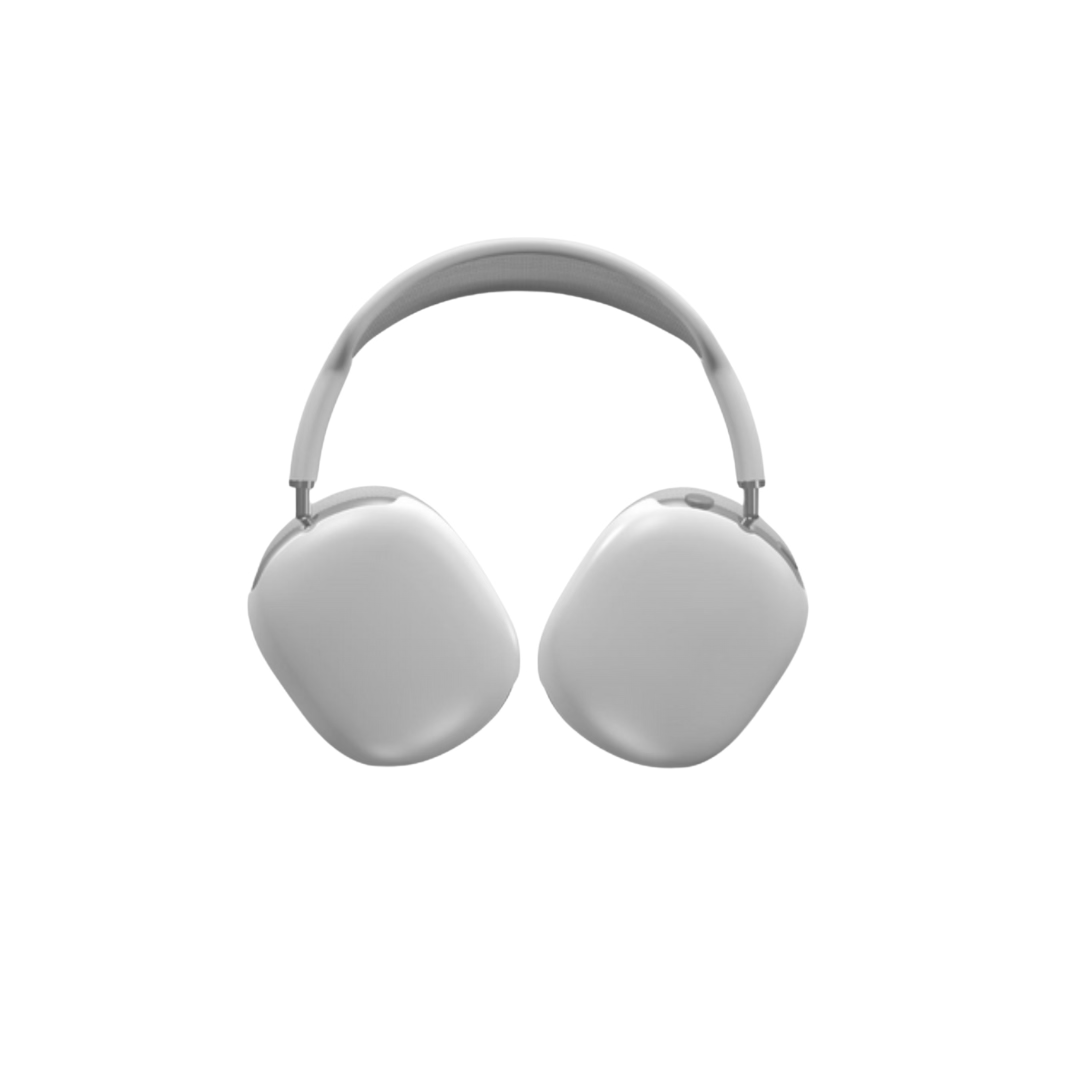
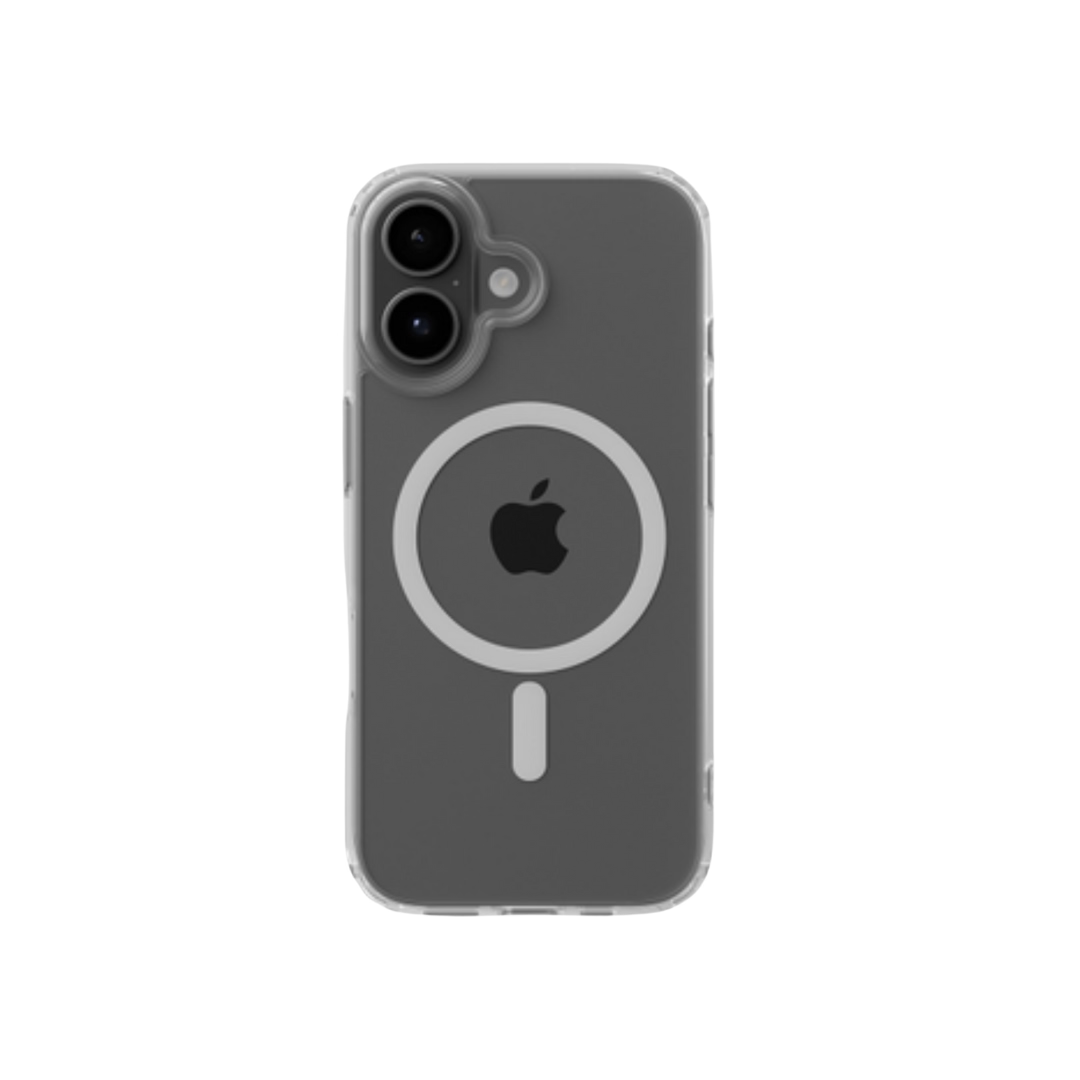
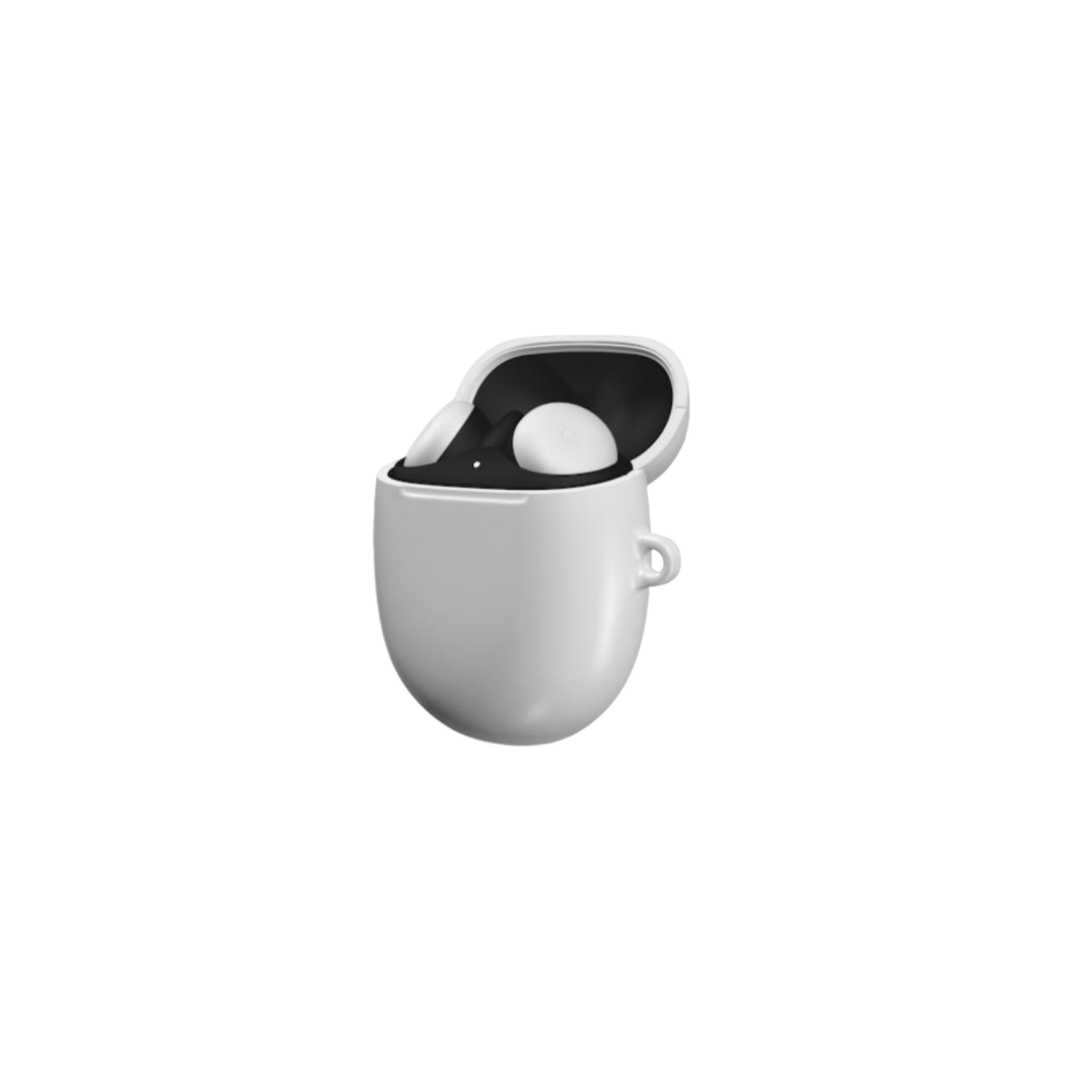
- Tech accessories: like custom phone cases, laptop sleeves, and AirPods cases.

Avoid banned items like weapons, adult products, or counterfeits - they can get you permanently banned. And do not overlook tech accessories as a category. The global phone case market alone is projected to reach $41.4 billion by 2030, around 80% of phone users keep a case on, and our Head of Product Development calls the laptop sleeve “the most underrated product” because it fits almost any device and gives you a large canvas for branding.
4. Help People Find Your Products
Use specific categories - “iPhone 15 Case” works better than “Accessories.” Add natural keywords to titles, like “Podbase Custom iPhone 15 Case - Shockproof Design.” And price wisely: stay competitive, but protect your margins (more on the real numbers below).
Also Read:
How to Sell on TikTok Shop Without Inventory
You do not need to keep stock to sell on TikTok Shop. With print-on-demand and digital products, you can sell without touching a single item. Here is how the main no-inventory methods compare:
1. Use Print-on-Demand with Podbase
Podbase makes it easy to sell tech accessories without inventory. Here is how it works:
- A customer places an order in your TikTok Shop.
- Podbase receives the order automatically.
- We print your design on the product, with quality checks between every stage.
- We ship it straight to the customer.

You pay nothing upfront and store nothing at home - just upload designs and start selling. This lets you test many ideas: keep the winners, drop the flops, lose no money on unsold stock. As our Head of Product Development notes, “POD significantly reduces the risk of overstocking,” which is exactly the risk that sinks most first-time sellers. It also tends to lift quality: Podbase pricing runs roughly 10-15% better margins than competitors across most categories, so you can absorb TikTok's fees and still profit.
2. Other Ways to Sell Without Stock
You can also sell digital items that deliver instantly, with no shipping:
- Design templates
- Guides
- Online courses
Another option is dropshipping, where your supplier ships for you. Just make sure they are reliable - late shipping hurts your reviews fast, and on TikTok reviews are the difference between a one-hit video and a repeat business.
3. Start Simple
Pick one item to begin. Phone cases are a great choice: everyone needs one, demand repeats, and they sell well on TikTok. You do not need much money either - you can make a design today, list it tonight, and get your first order tomorrow. Our sales data backs the start-small approach: if you publish at least five products within 30 days and place a sample order in your first two days, you are already ahead of 80% of POD stores; reach ten sales and you are in the top 10%.
How to Promote Your TikTok Shop Items
To sell on TikTok Shop, you have to promote your products the right way. Here is how to earn more views, clicks, and sales.
1. Make Content That Sells
Make short videos that grab attention and show your product in action. Do not just list features - tell a quick story. A phone case that survives a big drop shows real value far better than a spec sheet. Tag your products in the video so a yellow shopping bag appears and viewers can buy instantly.
Aim for roughly 3 to 7 videos a week, and make each one fun and helpful. One strong video beats five weak ones - which is also why AI-generated mockups matter: they let you spin up fresh, on-brand product visuals daily without reshooting.
2. Use Live Shopping
Go live to talk to people, answer questions, and demo your product in real time. Plan streams for when your followers are online (usually evenings) and run flash sales during the event to push quick buys.
3. Build Trust with Social Proof
Work with small influencers (10K-50K followers) - their fans often trust them more than big names. This is not just folklore: the seven-figure phone-case sellers we have watched scale on Podbase “launched with around ten designs, pushed hard into influencer marketing, and iterated quickly.” Ask happy customers for review and unboxing videos (UGC) and repost them with credit - they act as free ads and build trust fast.
4. Test and Repeat
Try different content types, see what works, and do more of it. As our CMO Vytautas Mikaila puts it, paid and organic content is “not only about traffic, it is also about control - you can test faster, adjust faster, and find what actually resonates faster.” The more you test, the faster you grow.
Also Read:
- How To Make Printables To Sell Online: And Make Money
- How To Start a Profitable Print-on-Demand Business
TikTok Shop Ads and Paid Promotion
Paid promotion accelerates growth when done well. Start small, test everything, and scale only winners. Here are the ad types and budgets to know.
1. Types of TikTok Shop Ads
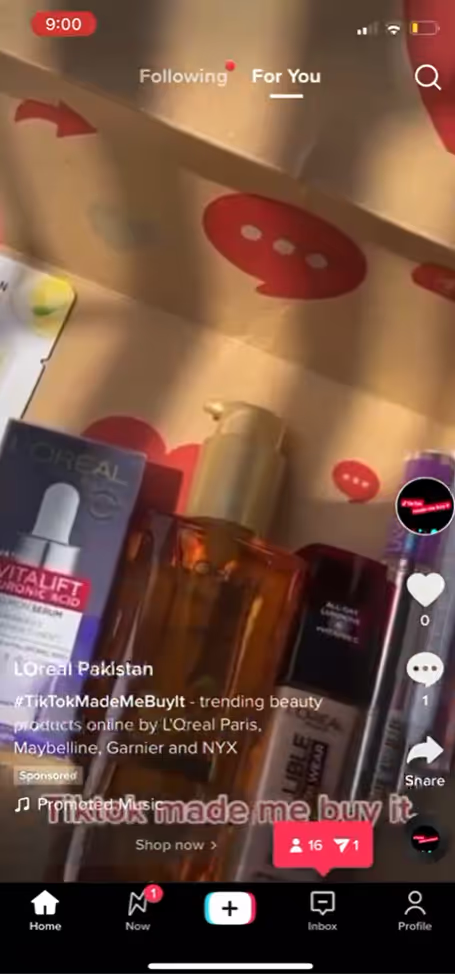
- In-feed ads: appear between videos as users scroll, like regular TikTok content.
- TopView ads: the first video users see when they open the app - great for visibility.
- Branded hashtag challenges: encourage users to join a trend using your hashtag.
- Spark ads: boost existing organic content, including posts from creators.
2. Budget and Targeting Strategy
Minimum daily spend starts at $50 at the campaign level and $20 per ad group. Test with $100 weekly budgets first before scaling - this minimizes risk while gathering data.
3. Measuring Success
Cost per purchase tells the real story, not impressions or clicks. As a rough rule, a cost per purchase under $20 usually leaves room for profit - but only if you have priced for TikTok's true fees, not the headline rate. Adjust targeting weekly based on performance, and start with organic content to learn your audience before layering paid on top.
How to Grow Followers and Build Trust
More followers is great, but trust is what drives sales. Here is how to grow your TikTok audience while you learn to sell.
1. Talk to Your Viewers
Reply to every comment - even a short “thanks” shows people you care. Ask questions in your videos to pull viewers into the conversation, which helps your video reach more people.
2. Build a Real Community
Do not just sell - show how your product solves real problems. Share customer stories and UGC, and post behind-the-scenes clips of how you design or pack orders. People love seeing the work behind a brand. There is hard upside here too: our sales data shows sellers with a community, mentor, or peer group scale about 32% faster than solo operators.
3. Use Reviews to Build Trust
Happy customers are your best ads. Ask them to post reviews or tag you, then share those clips with permission. Post consistently so followers know when to expect you - and protect the thing reviews depend on most: reliable fulfillment. Remember, Podbase sellers who fixed the supplier side saw 30% fewer order-issue tickets, which is 30% fewer reasons for a bad review.
How to Make Money on TikTok Shop Long-Term
Learning to sell on TikTok Shop and make money means thinking past quick wins. A strong shop takes planning, smart product choices, and consistency.
1. Pick the Right Products
Start with items that already sell. Phone cases are a top pick - everyone needs them and TikTok users love custom designs. Use Podbase to create unique products with no upfront spend. “You can buy from Podbase for 10 euro and sell them for 35-60 euro,” notes CEO Saulius Meilutis, and our data shows 1 in 5 buyers pays at least 20% more for a custom product. When setting prices, plan for:
- TikTok's 6% US referral fee (3% for qualifying new sellers)
- Creator commissions, if you use affiliates
- Shipping and production costs
- Returns and the occasional refund
Aim for a 40-50% margin so you can grow, handle returns, and run promotions later. A simple upsell helps here: adding a screen-protector checkbox at checkout converts 3-10% of phone-case buyers in our data - roughly 10 euro of extra profit for a customer you already paid to acquire.
2. The Real Cost of Selling on TikTok Shop
Here is the contrarian truth most beginner guides bury: the “5% fee” you have read about is outdated, and even the current 6% is only the start. Once you stack creator commissions (often 10-20%), fulfillment, ads, and returns, the all-in platform-plus-channel take on a typical US order lands near 30% of the selling price - about five times the headline rate. Sellers who price against 6% get squeezed; sellers who price against 30% stay profitable. We break the full math down in our TikTok Shop fees guide.
3. Run Your Shop Smoothly
Shipping speed matters - deliver on time or early so customers stay happy and leave good reviews. Behind the scenes, that reliability is manufactured: at Podbase a typical print takes 6 to 8 hours, assembly and packaging about 2 hours, with quality checks between every stage. Test new products before adding them to your full store, scale what works, and drop what does not.
4. A Quick Success Story
The clearest proof is in our own seller data. One business started from zero selling phone cases, launched with around ten designs, and leaned hard into influencer marketing. “Thirteen months later, that business crossed into seven-figure yearly revenue,” reports our Head of Sales. The habits behind it are repeatable: post consistently, reply to every comment, and make content from real customer questions. With the right habits - and fulfillment that does not let you down - you can build a lasting business too.
Also Read:
Common Mistakes and How to Avoid Them
Many new sellers stumble right after learning how to sell on TikTok Shop. Here is how to dodge the most common mistakes.
1. Stock and Shipping Problems
Running out of stock means canceled orders and unhappy customers. The fix is to use print-on-demand like Podbase, which handles printing and shipping so you never sell something you do not have.
2. Bad Product Videos
Plain photos set to music will not cut it. Make short, fun videos that show your product solving a real problem - do not just show a phone case, show it protecting a phone from a drop. If reshooting is the bottleneck, generate fresh mockups from a single product photo and keep posting.

3. Pricing Errors
Pricing too low backfires - it attracts clicks but signals low quality, and it leaves nothing for TikTok's real ~30% take. “A cheap product that fails after a few days carries a cost that never shows up in a margin calculation,” warns our Head of Sales: that customer tells their friends, and the return lands in your support queue. If your product is well made, value-price it and let quality do the selling.
4. Breaking the Rules
TikTok has strict selling rules, and breaking them can shut your shop for good. Read the rules before you list anything - it is far better to be safe than banned.

FAQ
1. How do you start selling on TikTok Shop as a beginner?
Open a TikTok Shop Seller Center account, verify your identity and business details, then list products manually or by syncing a store. Beginners can skip inventory entirely with print-on-demand: you upload designs, a partner like Podbase prints and ships each order, and you start with almost no upfront cost.
2. What are the requirements to sell on TikTok Shop?
You must be at least 18, located in a supported market such as the US or UK, and able to provide a government ID, a tax ID or SSN, a bank account, and a phone number. Sole proprietors can use an SSN instead of business papers. Clear, matching documents get applications approved fastest.
3. Can you sell on TikTok Shop without holding inventory?
Yes. Print-on-demand and digital products let you sell with no stock. A customer orders, your POD partner prints and ships the item, and nothing sits in your home. This lets you test many designs cheaply and keep only the winners, removing the biggest financial risk for new sellers.
4. How much does it cost to sell on TikTok Shop?
TikTok's US referral fee is 6% per sale (3% for qualifying new sellers) and includes payment processing. But the real all-in cost reaches roughly 30% once creator commissions, fulfillment, ads, and returns are added. Price your products to protect a 40-50% margin.
5. What products sell best on TikTok Shop?
Beauty, fashion, and tech accessories lead sales. Phone cases stand out for new sellers: about 80% of phone users keep one on, demand repeats, and custom designs suit TikTok's visual format. Podbase data shows 1 in 5 buyers pays at least 20% more for a personalized product.
6. How long does TikTok Shop approval take?
TikTok usually reviews applications within 24 to 48 hours, often faster early in the week. Weekend applications tend to wait until Monday. Blurry documents or mismatched details are the top causes of delay, so upload clear files with names and addresses that match exactly.
7. Is selling on TikTok Shop worth it in 2026?
Yes, for sellers who treat it as a real business. TikTok Shop US GMV grew 68% to $15.1 billion in 2025, so demand is large and rising. Winners pair consistent content with reliable fulfillment - Podbase sellers who fixed the supplier side saw 15% more reviews and 30% fewer order issues.
Conclusion
You now know how to sell on TikTok Shop in 2026: set up a verified shop, list products with or without inventory, promote with shoppable videos and live shopping, and - most importantly - price for the platform's real ~30% costs while keeping fulfillment tight. Low barriers mean you can start today; consistency and reliable delivery are what keep you here. Start with one print-on-demand product, validate it, and scale what sells. Create a Podbase account today to get started.

Saulius Meilutis is the CEO of Podbase, helping creators and entrepreneurs monetize their ideas with print-on-demand. He shares insights on eCommerce, growth, and building lean online businesses.

.avif)



.avif)
.avif)
.avif)
.avif)
.avif)
.avif)

.avif)


.avif)
.avif)

.avif)

.avif)

.avif)