.avif)
This guide breaks down the best AI tools for entrepreneurs in 2026 - from content creation to automation, analytics, and customer support. You'll find top-rated tools like ChatGPT, Jasper, Buffer, and Notion AI with pricing, features, and use cases - plus what we've actually measured AI doing inside Podbase's seller base, where launch times dropped 3× as AI workflows spread. Whether you're a solopreneur or scaling a POD business, here's how to save time, delete service invoices, and grow faster.
What if you could reclaim 12+ hours every week while growing your business faster than ever? The best AI tools for entrepreneurs in 2026 make this possible - your competitors are already using them to automate tasks, generate content, and analyze data. In 2024, 43% of entrepreneurs used AI in sales processes - nearly double the year before - and adoption has only accelerated since.
We can add a first-party number to the industry stats: at Podbase, the average onboarding time for a new print-on-demand project has dropped from about three months to under one month - a 3× improvement our CEO attributes largely to AI entering sellers' workflows. This guide covers the top AI tools for entrepreneurs and small businesses, and how to use them the way our fastest sellers do.
Why AI Tools for Entrepreneurs Are a Big Advantage in 2026
Today, running a business means competing with brands that have more money and manpower. AI levels the field - and our CEO Saulius Meilutis frames why better than any tool roundup: "When you're starting, you don't have enough resources to include different expertise people. Now you can have your own orchestra of AI tools synchronised to help you do everything way faster and cheaper."
Three real examples from inside our platform of what that orchestra replaces:
- A developer: sellers with custom stores used to hire programmers to connect our Open API. "Currently, store owners build their own scripts and integrations with AI without any coding experience - and their fulfillment flows work really, really great," says Saulius.
- A photographer: product photos once meant ordering samples and organizing shoots, delaying launches by weeks. Now a single static image becomes multi-angle, lifestyle-grade mockups - even video - "tailored to your ideal customer profile."
- A production designer: adapting thousands of design files to printer requirements used to mean Photoshop marathons. Now it's a prompt with the requirements attached.
That's the test to apply to every tool below: which outside service does it delete from your budget? For a lean business - especially print-on-demand, where protecting margin is the game - AI's value is keeping your COGS minimal by replacing services you'd otherwise pay for.
How Entrepreneurs Use AI to Automate Tasks
AI excels at the repetitive layer: emails, product descriptions, mockups, listings, post scheduling, basic replies. Focus automation on low-creativity tasks first - data entry, scheduling, support triage - and keep your own hours for design, strategy, and customers.
What to Look for in AI Tools for Entrepreneurs
The best AI tools for entrepreneurs and small businesses work with systems you already use - email, social media, your ecommerce platform. Most cost under $50/month, and several of the best AI tools are free to start.
Also Read:
Top 13 AI Tools for Entrepreneurs (Ranked by Use Case)
From content creation to customer support, these 13 tools cover the high-effort tasks. (Pricing current as of mid-2026 - check vendor pages for the latest.)
Content and Idea Generation
1. ChatGPT

ChatGPT helps entrepreneurs brainstorm ideas, write emails, and automate customer responses in seconds. You can also generate product descriptions, content calendars, or sales scripts from a prompt.
Pricing:
- Free
- Plus: $20/month
- Team: $30/user/month
- Pro: $200/month
Use cases: Product descriptions, blog outlines, emails, and research.
2. Jasper

Jasper generates branded marketing copy that fits your tone and audience. It integrates with marketing tools like HubSpot and Surfer SEO to streamline campaigns.
Pricing:
- Creator: $49/month
- Pro: $69/month
- Business: Custom pricing
Use cases: Sales copy, landing pages, emails
3. Copy.ai

Copy.ai streamlines content creation for social media, ads, blogs, emails, and more, boosting productivity. It’s a fast, flexible tool for content-heavy businesses.
Pricing:
- Free: For up to 2,000 words/month
- Starter: $49/month
- Advanced: $249/month
- Enterprise: Custom pricing
Use cases: Content drafts, marketing copy, and SEO-optimized blog posts.
Also Read:
Marketing and Scheduling
Use these tools to create and batch-schedule content, freeing up time for growth and outreach.
4. Buffer

Buffer combines smart post scheduling with AI-powered content suggestions. It analyzes audience behavior to recommend optimal posting times.
Pricing:
- Free: For up to three social accounts
- Essential: $6/month
- Team: $12/month
Use cases: Post scheduling, hashtag suggestions, and performance timing.
5. Predis.ai

Predis.ai builds complete social campaigns from a single prompt or description. It includes competitor analysis to help you stay ahead.
Pricing:
- Free: Forever free for up to 3 channels
- Plus: $39/month
- Edge: $79/month
- Enterprise: $249/month
Use cases: Carousel creation, short-form videos, captions, and hashtags.
6. Flick

Flick simplifies social media growth with smart scheduling, AI captions, hashtags, and performance analytics. It’s great for building your online presence and boosting reach and engagement.
Pricing:
- Solo: £14/month (~ $19/month)
- Pro: £30/month (~ $40/month)
- Agency: £68/month (~ $92/month)
Use cases: Instagram hashtags, post scheduling, and AI captions.
Analytics and Business Intelligence
These tools offer fast insights from complex data, saving you hours of manual review.
7. Pecan AI

Pecan gives you predictive insights to guide decisions on sales, churn, and inventory. It helps small businesses forecast demand and customer behavior automatically.
Pricing:
- Starter: $950/month
- Business: $1,750/month
- Enterprise: $2,500/month
Use cases: Churn predictions, upsell suggestions, sales forecasting
8. Tableau

Tableau transforms business data into interactive dashboards and graphs. You can easily track metrics, spot trends, and report performance visually.
Pricing (licensing fee, billed annually):
- Tableau Viewer: $15/month
- Tableau Explorer: $42/month
- Tableau Creator: $75/month
Use cases: Sales reporting, customer behavior tracking, and data-driven decision-making.
Customer Support and Chatbots
Businesses using chatbots reduce repetitive support work, allowing more time for complex or high-value requests.
9. Tidio
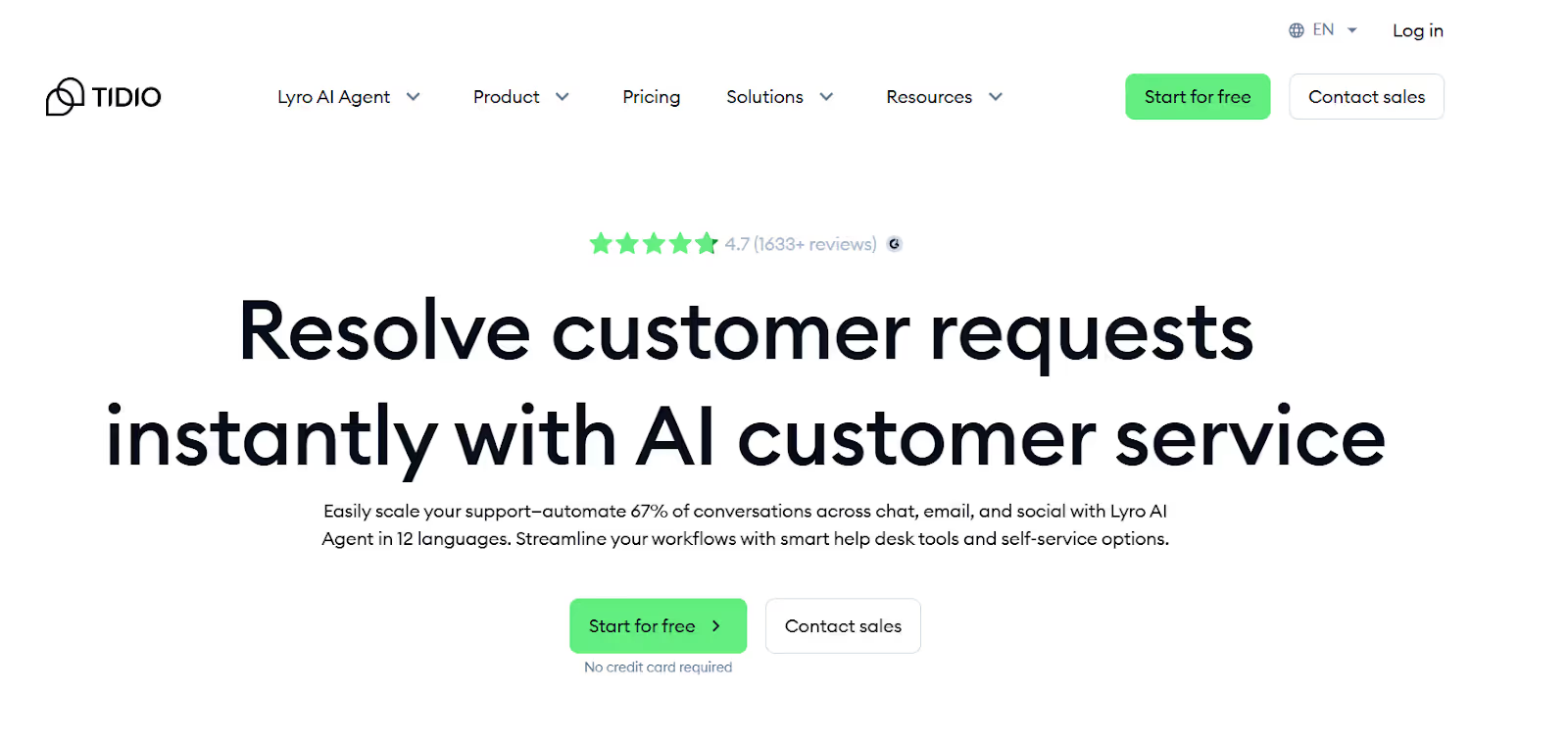
Tidio combines live chat with AI bots for 24/7 customer support. It handles common questions and escalates complex issues to humans.
Pricing:
- Starter: $29/month
- Growth: $59/month
- Plus: $749/month
- Premium: $2,999/month
Use cases: Answering FAQs, live chat, and escalating issues to humans.
10. ManyChat

ManyChat automates customer interactions on platforms like Facebook, Instagram, and WhatsApp. It captures leads and processes orders around the clock.
Pricing:
- Free: Up to 1,000 contacts
- Pro: Starts at $15/month
- Elite: Custom pricing
Use cases: Order tracking, lead capture, and auto-replies.
Productivity and Workflow Automation
These AI tools for entrepreneurs automate repetitive admin tasks like meeting notes, invoices, or CRM updates. No virtual assistant needed.
11. Notion AI

Notion AI organizes your ideas, notes, and to-dos while suggesting better workflows. It transforms project management with intelligent suggestions, providing a smart workspace.
Pricing:
- Free
- Plus: $12/month
- Business: $24/month
- Enterprise: Custom pricing
Use cases: Business planning, task tracking, and documentation.
12. Zapier

Zapier connects over 7,000 apps to automate repetitive tasks without coding. Its AI workflows help you reduce manual work and focus on strategy.
Pricing:
- Free: Up to 100 tasks/month
- Pro: Starts at $29.99/month
- Team: Starts at $103.50/month
- Enterprise: Custom pricing
Use cases: Lead generation automation, customer support bots, and remote onboarding workflows.
13. Otter.ai

Records and transcribes meetings with speaker ID, searchable notes, and summaries. Pricing: Free (300 min/mo); Pro $16.99/mo; Business $30/mo; Enterprise custom. Use cases: Meeting notes, speaker tracking, summaries.
Also Read:
How to Choose the Right AI Tools for Your Business
Start by Finding Your Bottlenecks
Track your time for a few days. Repetitive work - product descriptions, similar customer queries - adds up. Automate one or two bottlenecks first; overdoing it too soon backfires. Start small, then scale.
Apply the Deleted-Invoice Test
Before paying for any tool, name the outside service it replaces: a copywriter, a photographer, a developer, a VA. If the answer is "none - it's just neat," skip it. This is how lean POD sellers keep COGS minimal and margins protected - AI should save money you'd otherwise spend on services, not add a subscription line.
Check for Integrations and Long-Term Fit
The best tools connect to your online store, email list, and CRM directly. Start free where possible, and confirm upgrade paths exist for scale.
Free vs. Paid AI Tools: What's Worth It?
Free AI tools are great for testing workflows before committing - ChatGPT and Buffer offer real capability at no cost. Paid tiers buy speed, volume, and support. Upgrade when a tool's free tier is the bottleneck, not before.
AI Tools That Help You Launch a Print-On-Demand Store Faster
This is where the 3× onboarding stat comes from - sellers stacking AI tools across the launch workflow. The combinations that work:
- Canva Magic Write + Podbase: Magic Write drafts product descriptions; Podbase's AI mockup generator turns a static design into multi-angle, lifestyle-grade product imagery - no samples, no photo shoot. Hours of work becomes minutes, and an average user publishes a product in minutes.
- ChatGPT + Etsy Listings: Feed it your product info and target keywords; get titles, descriptions, and tags that make listings findable.
- Sell The Trend: AI product research - trending products, price comparison, niche selection. From ~$29/mo, and it pays for itself in avoided duds.
- Klaviyo AI: Automated welcome flows, cart reminders, and thank-yous that adapt to shopper behavior - feeding the email channel our CMO ranks as one of the strongest-ROI levers ("you're monetizing people that already know your brand").
- AI + Open API (advanced): if you run a custom store, AI can write the integration scripts - our sellers do this with zero coding background.
Stacked together, you can research products, create listings, generate mockups, and set up email automation in a day - and be testing with real customers inside week one. That speed matters more than polish: across our pipeline, sellers live within two weeks, with five products published in 30 days, outperform 80% of stores.
Also Read:
Common Mistakes Entrepreneurs Make With AI Tools
Publishing AI Content Without Editing
AI drafts; you finish. Unedited output sounds robotic and generic - and in a post-March-2026-update world, generic is precisely what loses. Add your voice, your data, your experience.
Choosing Tools That Are Too Complex
Enterprise tools carry high costs and steep learning curves (see Pecan's pricing). Start with simple tools that solve named problems; graduate when your data volume demands it.
Skipping Setup and Integrations
Tools go unused because of bad setup. Connect each tool properly to your workflow - poor integration creates work instead of removing it.
Expecting AI to Replace Judgment
The boundary our CEO draws after watching thousands of sellers adopt AI: "One thing left uncertain is creativity." AI compresses production - mockups, copy, scripts, integrations - but the decisions about *what* to make, *who* it's for, and *what the data is telling you* remain yours. The sellers who scale use AI to ship their taste faster, not to outsource it.
FAQ
1. What are the best AI tools for entrepreneurs in 2026?
By use case: ChatGPT, Jasper, and Copy.ai for content; Buffer, Predis.ai, and Flick for marketing and scheduling; Pecan AI and Tableau for analytics; Tidio and ManyChat for customer support; Notion AI, Zapier, and Otter.ai for productivity and workflow automation. The winning approach is a synchronized stack - an 'orchestra' of tools - rather than any single app.
2. How much do AI tools for small businesses cost?
Many of the best tools are free to start (ChatGPT, Buffer, Zapier, ManyChat, Notion AI) and most paid tiers cost under $50/month. Enterprise analytics like Pecan AI runs $950+/month and suits later-stage businesses. The practical test before paying: name the outside service the tool replaces - a copywriter, photographer, or developer.
3. What measurable impact does AI have on starting a business?
Podbase's internal data: average onboarding time for a new print-on-demand project fell from about three months to under one month - a 3× speedup attributed largely to AI workflows. AI mockups replaced sample orders and photo shoots (weeks to hours), sellers build no-code API integrations, and an average user publishes a product in minutes.
4. Which AI tools help launch a print-on-demand store?
Canva Magic Write plus Podbase's AI mockup generator for descriptions and product imagery, ChatGPT for Etsy/Amazon listing titles and tags, Sell The Trend for AI product research, and Klaviyo AI for automated email flows. Stacked together, you can research, list, mock up, and set up email automation in a single day.
5. What mistakes do entrepreneurs make with AI tools?
Publishing unedited AI content (generic output loses, especially after Google's March 2026 update), buying tools too complex for their stage, skipping setup and integrations so tools go unused, and expecting AI to replace judgment. AI compresses production; strategy, taste, and iteration remain human work.
6. Should I use free or paid AI tools?
Start free - ChatGPT, Buffer, and Zapier's free tiers offer real capability for testing workflows. Upgrade when the free tier becomes your bottleneck, not before. Paid tiers buy speed, volume, and support; the deleted-invoice test (which service does this replace?) tells you whether the upgrade pays for itself.

Saulius Meilutis is the CEO of Podbase, helping creators and entrepreneurs monetize their ideas with print-on-demand. He shares insights on eCommerce, growth, and building lean online businesses.

.avif)











.avif)
.avif)
.avif)

.avif)
.avif)
.avif)

.avif)







.avif)

.avif)


.avif)

.avif)


.avif)