Picture a Tuesday morning. Eleven orders are waiting — three from TikTok Shop, four from your Shopify store, two from Etsy, a couple from Amazon. Each one needs the right design, the right supplier, the right shipping method. And you're handling them by hand, tab by tab. Sound familiar?
That's the daily reality of print on demand order management the moment you sell on more than one channel. It holds up at five orders a day. At fifty, it cracks. Orders slip, SKUs get mismatched, and customers start asking where their package is.
This guide shows you how to automate the whole flow — routing, syncing, and tracking — across every storefront you run. We'll break down the order management layer that makes it work, walk through the Podbase × Order Desk integration step by step, and share what our own fulfillment data says about why speed wins. Let's get into it.
What Is POD Order Management?
Print on demand order management is the process of moving an order from your storefront to the right supplier, then feeding tracking back to your customer — without you touching it manually. In POD specifically, that means attaching print details to each item, routing it to the printer who makes it, and closing the loop when it ships.
Here's why it's trickier than normal ecommerce. A standard store ships from one warehouse. A POD store sends a design file plus a product code to a supplier, who prints and ships on demand. Multiply that across products, suppliers, and sales channels like Shopify, and the coordination stacks up fast.
It breaks at scale for one reason: every step that depends on a human copying data is a step that fails under volume. Miss a print_sku and the order errors out. Forget to update tracking and the "where's my order?" emails pile up. The fix isn't more discipline — it's a system that does the moving for you.
The Multi-Channel Problem
Most POD sellers don't sell from a single location. They run a TikTok Shop, an Amazon listing, a Squarespace site, and their own Shopify store — sometimes Etsy on top. Each channel is its own island of orders, formats, and notifications.
That fragmentation is the real tax. Our CMO put it plainly: roughly 99% of active Podbase sellers get the bulk of their traffic from social channels, and TikTok Shop alone can "unlock a completely new revenue stream." Great — but more channels means more dashboards to watch.
When order data sits in silos, three things go wrong. You miss orders because nobody checked the Etsy tab. You oversell because inventory isn't shared. And you burn hours every day on manual reconciliation that produces zero customer value.
Pro tip: Before adding a fifth channel, centralize the four you already have. A new TikTok Shop storefront only pays off if its orders flow into the same automated pipeline as the rest — otherwise you've just added another inbox.
Automating Fulfillment — How It Works
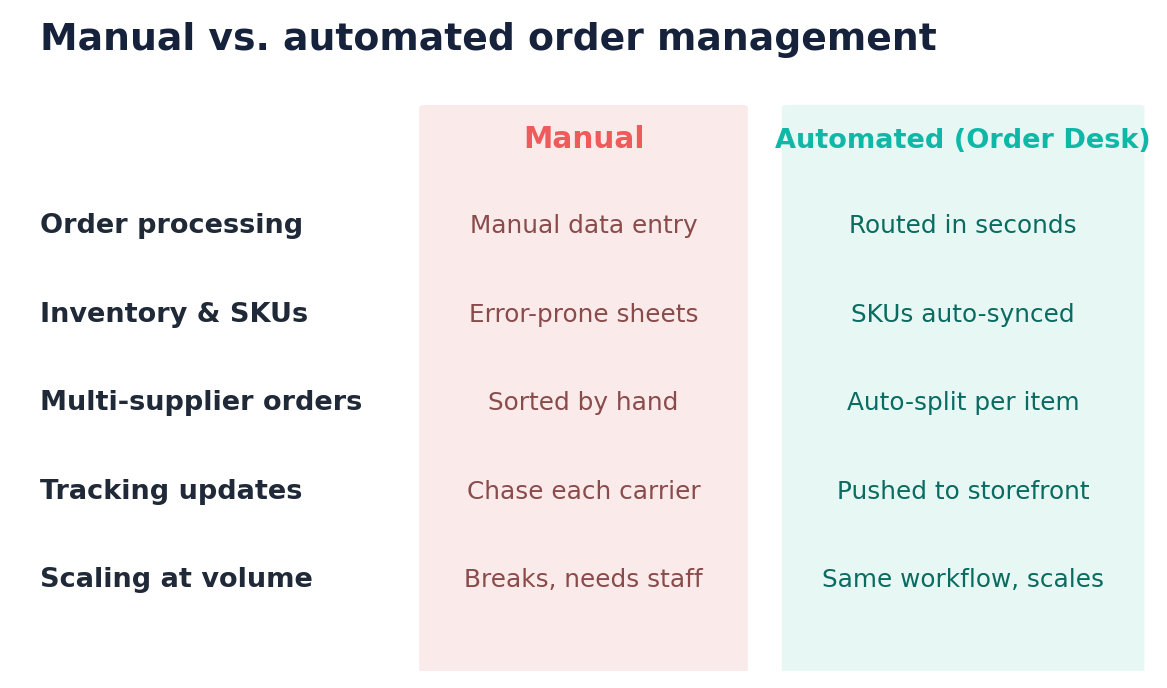
Underneath every automated POD operation sits one piece: an order management layer, sometimes called middleware. It's the connective tissue between where you sell and who fulfils. Strip away the jargon and it runs on a simple three-step model.
- Orders import centrally. Every sale from every connected channel lands in one place automatically, in a single format.
- Rules route to suppliers. Predefined rules read each order and send each item to the correct fulfilment partner — no manual sorting.
- Tracking feeds back. When the supplier ships, tracking is pushed back to the originating storefront and on to the customer.
That's it. Set it up once and the system runs while you sleep — which is exactly the point. Want proof it matters? Our customer support lead noted that when an issue gets resolved in half a day and fulfilment lands within 24 hours, a problem that used to drag on for two weeks now closes in five or six days.
What Is Order Desk?
Order Desk is the order management hub that does that routing for you. Think of it as the orchestration layer that sits between your storefronts and your suppliers, downloading orders, adding print details, splitting them, and submitting them to the right printer — automatically, seconds after the sale.
Who's it for? Any seller juggling multiple channels or suppliers who's outgrown manual order handling. Solo operators use it to reclaim hours; agencies use it to run many client stores from one account.
On pricing, Order Desk runs on affordable monthly tiers that scale with order volume rather than locking you into an enterprise contract, which keeps it realistic for small businesses and growing brands alike. The result is one dashboard standing in for the five you used to refresh.
Podbase × Order Desk
Connect Podbase to Order Desk and your storefronts, your order hub, and your POD supplier finally speak the same language.
Key Order Desk Features Relevant to POD
- 300+ integrations — connect Shopify, Amazon, WooCommerce, BigCommerce, TikTok Shop, Squarespace, and eBay alongside Podbase, carriers, and CRM tools.
- Rules-based automation — no-code rules that route, split, filter, and update orders by product type, region, or shipping method.
- Multi-supplier routing — mixed orders are split automatically, each item sent to the right fulfilment partner.
- Folder-based workflow — move orders through Pending → Sent → Shipped → Cancelled for full team visibility.
What You Can Do With Podbase x Order Desk
- Sell from every channel in one place. Connect TikTok Shop, Squarespace, Amazon, eBay, and your other storefronts to Podbase through Order Desk. Every sale, from every channel, triggers fulfilment automatically — no switching dashboards, no orders falling through.
- Sync your existing listings. If your products are already configured, Order Desk maps them straight to Podbase. You don't rebuild product data from scratch; orders flow from day one.
- Route multi-supplier orders. Selling Podbase tech accessories next to products from another supplier? Order Desk splits the order and sends each line item to the right partner on its own. No manual sorting, ever.
Setup steps (short guide)
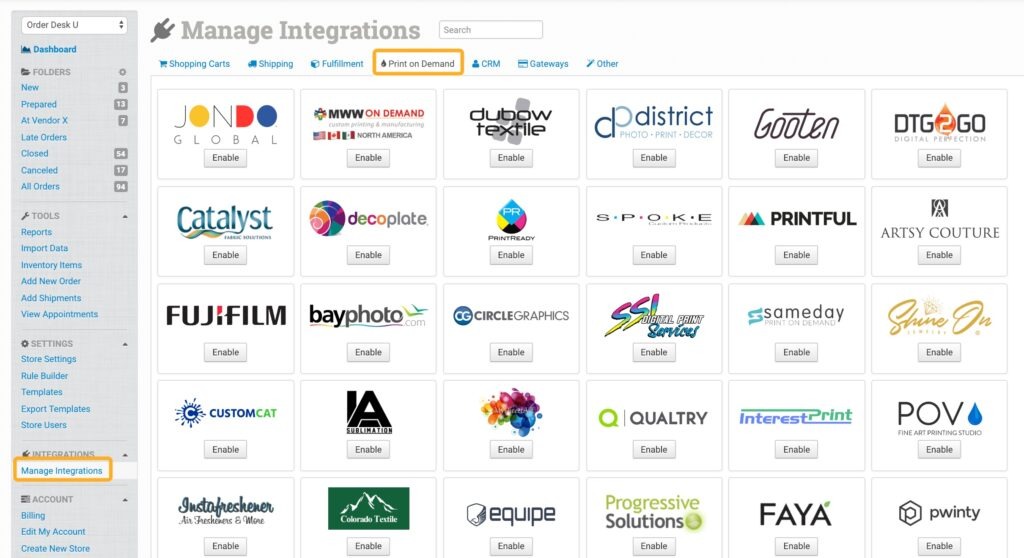
- Log in to Order Desk and click Manage Integrations in the left sidebar.
- Under the Print on Demand tab, find and enable the Podbase integration — or search "Podbase" in the integrations search.
- Enter your Podbase API Key and click Connect. (Grab the key from your Podbase dashboard — contact Podbase support if you need it.)
- Configure settings: set a default shipping class, and choose which Order Desk folders orders move into after import, after shipment, and if cancelled.
- Use View Products to browse the Podbase catalogue and note the print_sku and variant_sku for each item — both are required on every order sent to Podbase.
- Set up Shipping Class Match if your storefront's shipping names differ from Podbase's, so the right shipping applies automatically.
Find the full walkthrough in our help center: Podbase integration setup guide on Order Desk.
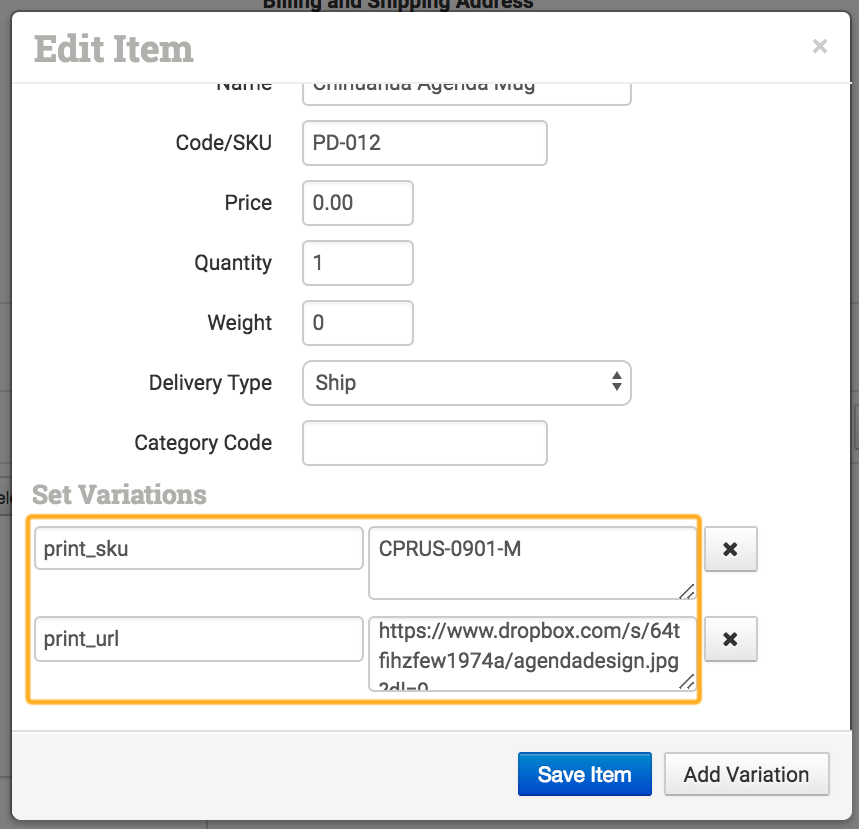
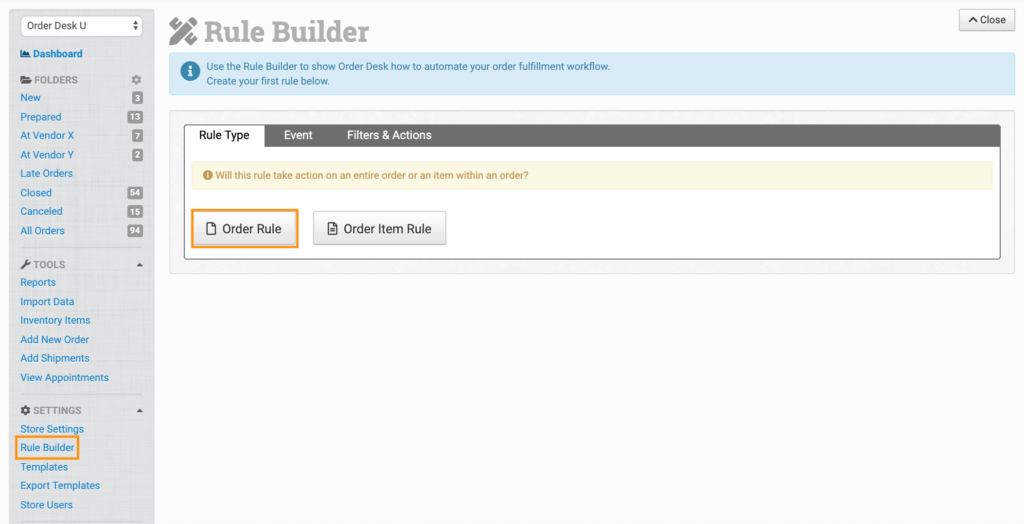
Pro tip: Place one live test order before you flip on full automation. Confirm the print_sku and variant_sku map correctly — a single mismatched SKU is the most common reason an order won't submit.
Tracking and automation after setup
Once Podbase fulfils an order, shipment details are pulled back into Order Desk and pushed to the originating storefront — no manual tracking updates. You can also wire up the rules engine for exceptions, with triggers like "After Order Submitted to Podbase" or "Order Not Submitted Because of Invalid SKU," so edge cases handle themselves instead of waiting for you to notice.
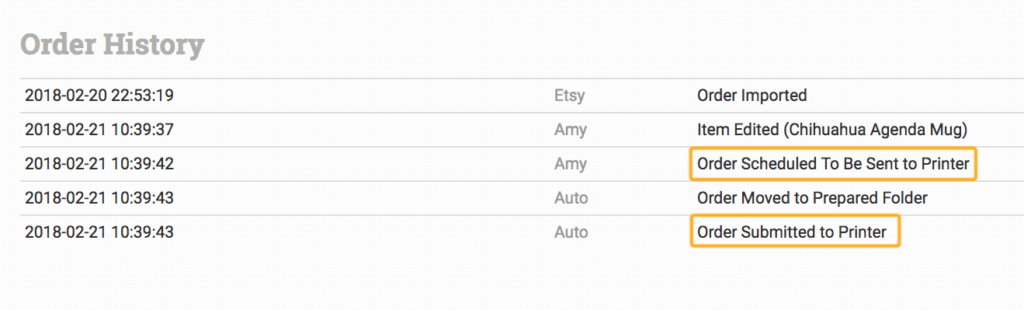
By the numbers: Speed is the payoff. Our operations team clocks the average Podbase production-to-ship time at 23 hours — a 31% improvement over the previous six months, held steady with standardized presets and automated routing (Podbase internal data, Q2 2026).
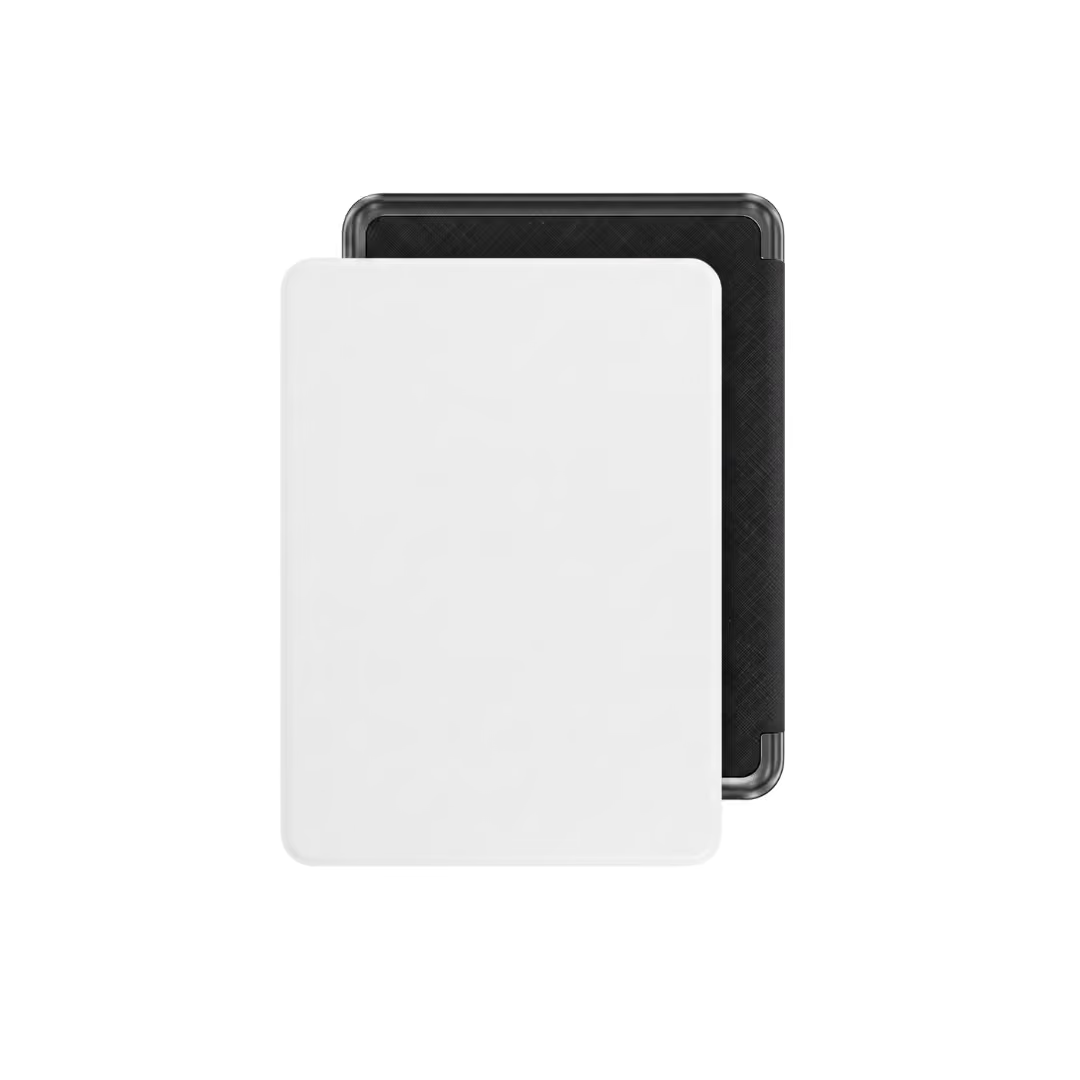
Fast routing only matters if the supplier on the other end is fast too. Podbase ships tech accessories in about 23 hours and migrates your catalogue for free.
Use Cases — Who Benefits Most?
Automation isn't one-size-fits-all. Here are three setups where a connected order stack earns its keep right away.
The multi-channel seller. You're live on TikTok Shop and Amazon, and orders arrive in bursts. Instead of bouncing between two dashboards, everything lands in Order Desk, routes to Podbase, and ships — while you focus on content and ads, where most POD traffic actually comes from.
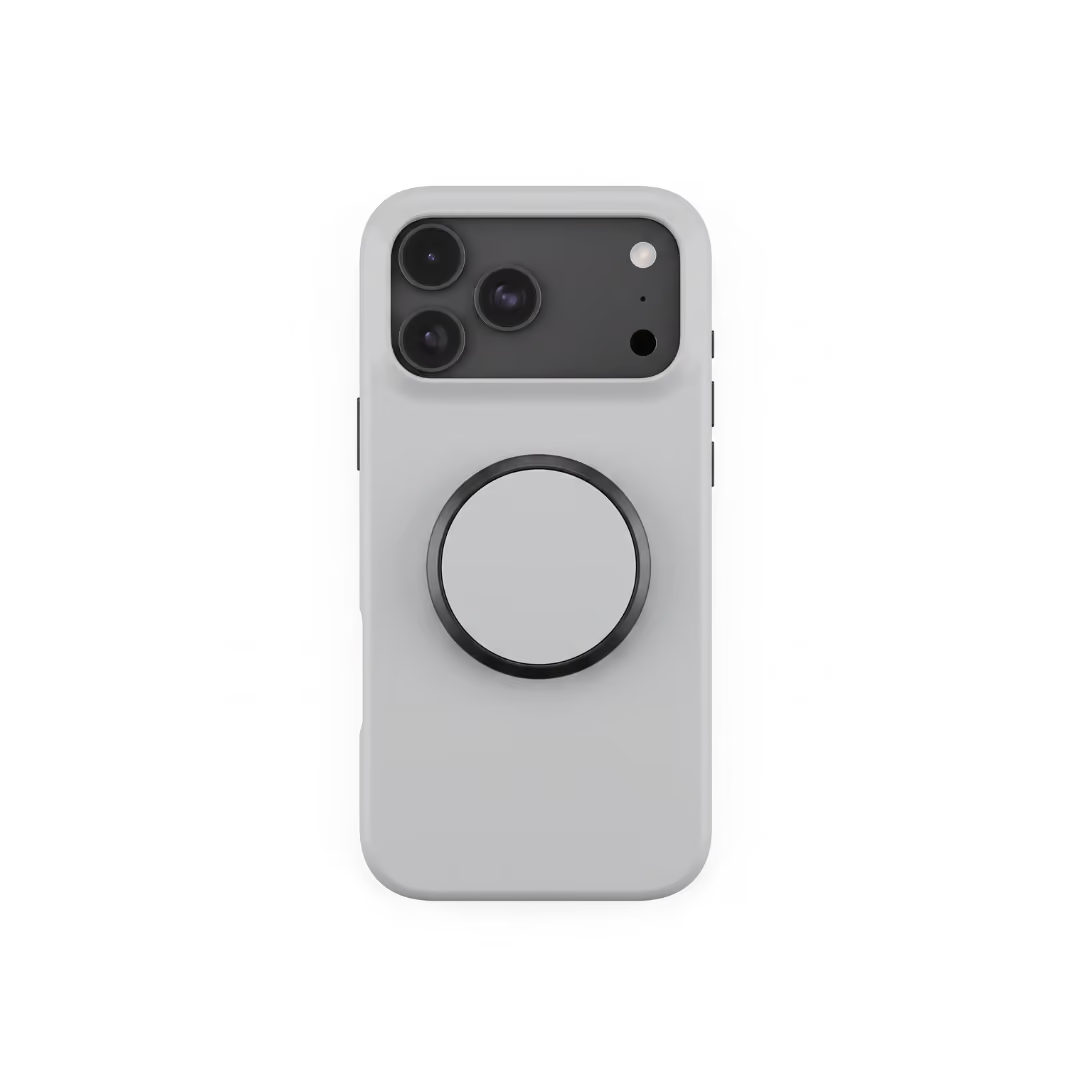
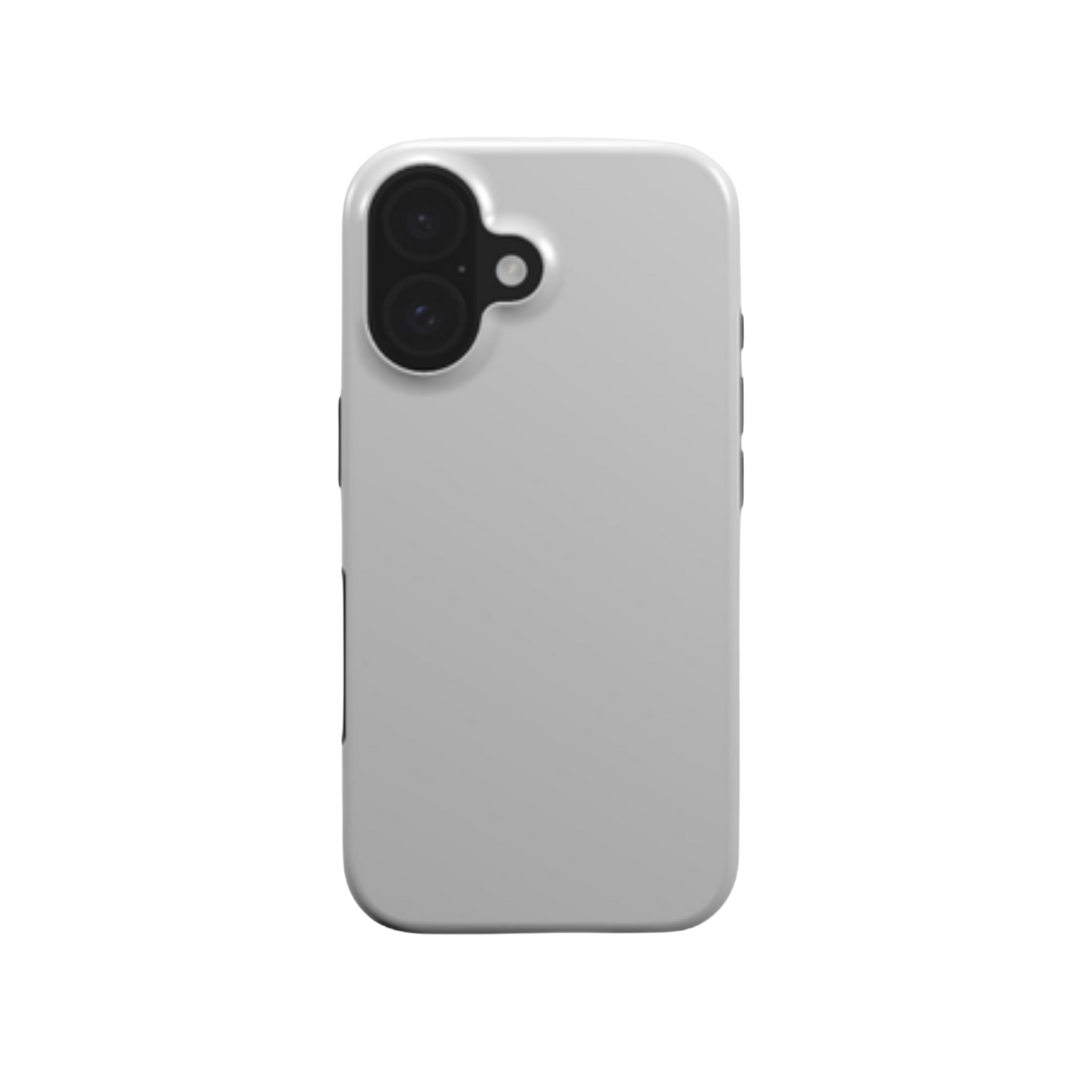
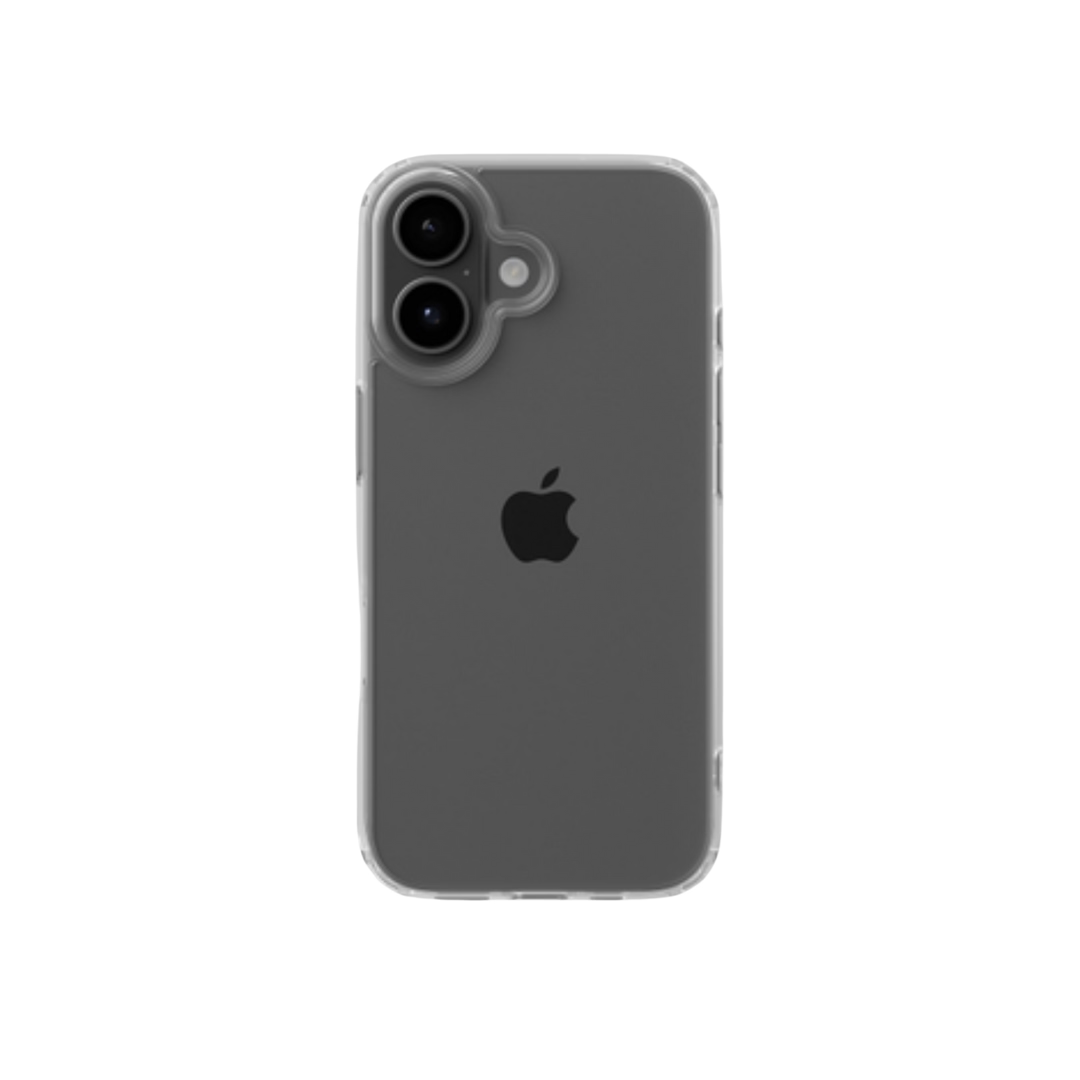
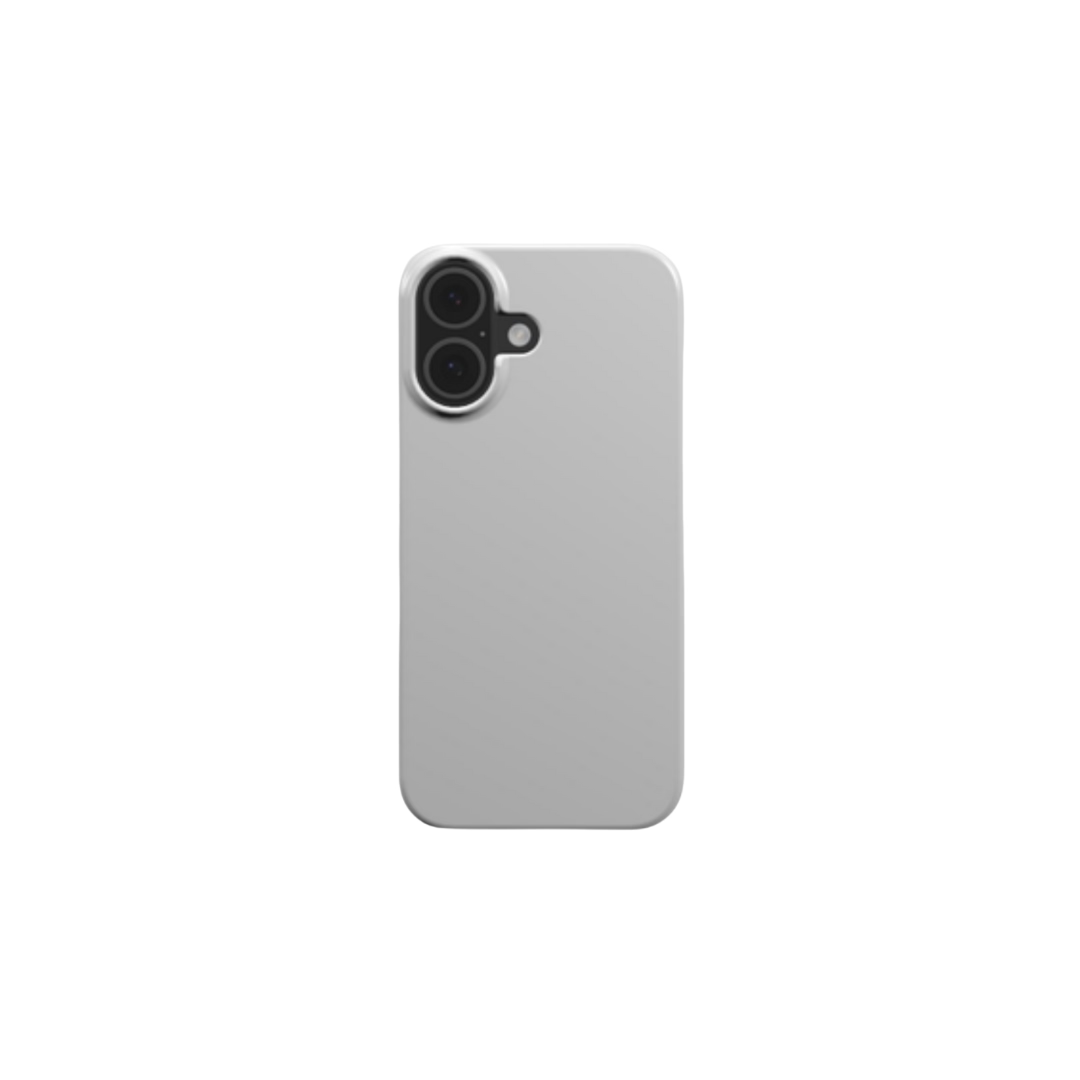
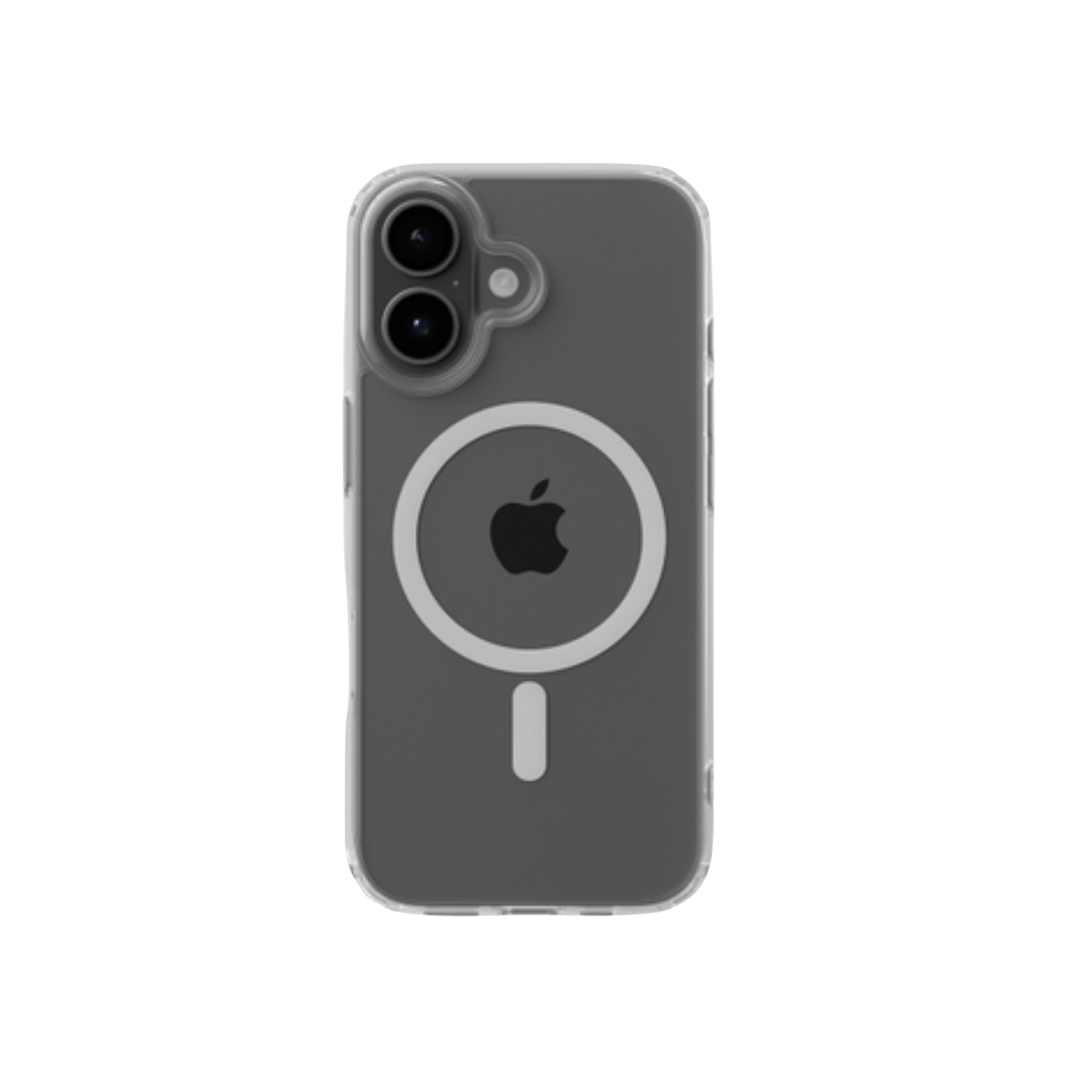
The mixed-supplier brand. You sell Podbase phone cases alongside apparel from another printer. Order Desk reads each order, splits it, and routes each item to its supplier. One customer, one checkout, two fulfilment partners — zero manual sorting.
The agency operator. You manage several client POD stores. Under one Order Desk account, each store gets its own rules and folders, so you scale clients without scaling headcount.
Setting Up Your POD Order Stack
Ready to build it? Here's the high-level checklist. Each step takes minutes, not days.
- Connect your storefronts — link every channel you sell on to Order Desk first.
- Choose your POD supplier(s) — enable Podbase (and any others) under the Print on Demand tab.
- Set up routing rules — tell Order Desk how to split and send orders by product or supplier.
- Test a live order — push one real order through end to end before going hands-off.
- Monitor and iterate — watch the first week, then tune your rules as volume grows.
The contrarian truth most guides miss: this isn't just for big sellers. The assumption is that middleware is overhead you earn the right to later. Our data says the opposite — sellers who automate early scale roughly 32% faster than those grinding it out manually, and you can start sending orders the same day while full automation finishes setting up within a week. Migration isn't the scary process people assume.
The Bottom Line
Print on demand order management stops being a chore the moment you stop doing it by hand. Centralize your channels, let Order Desk route and split, and let Podbase fulfil fast — and the operational drag that caps most stores quietly disappears. You get your hours back, your customers get accurate tracking, and your growth stops depending on how many tabs you can keep open.
Start small: connect one channel, run a test order, and watch it ship itself. Then scale.
Build your POD order stack on a supplier that keeps up. Connect Podbase through Order Desk and ship across every channel from one workflow.

Saulius Meilutis is the CEO of Podbase, helping creators and entrepreneurs monetize their ideas with print-on-demand. He shares insights on eCommerce, growth, and building lean online businesses.

.avif)






.avif)
.avif)
.avif)
.avif)
.avif)
.avif)

.avif)


.avif)
.avif)

.avif)

.avif)

.avif)