Not sure whether to choose DTF or sublimation printing for your products? This guide compares both methods side-by-side: how each works, what materials they suit, and how they differ in cost, quality, and speed - plus which is ideal for tech accessories like phone cases, laptop sleeves, and tablet covers. And the part most guides skip: why the method matters far less than the material if you sell through a print-on-demand provider.
You've picked your products and your design is ready. The only question left is: should you choose DTF or sublimation printing? Both methods create vibrant, long-lasting designs, but each performs best in specific situations - one embeds ink into the material, the other applies a film-like layer on top.
One honest reframe first, because it will save many readers a thousand dollars: if you sell through a print-on-demand partner, you are not choosing a machine - you are choosing a product and a material, and the right method is selected for you. Let's help you decide for your print-on-demand business.
What Is DTF Printing?
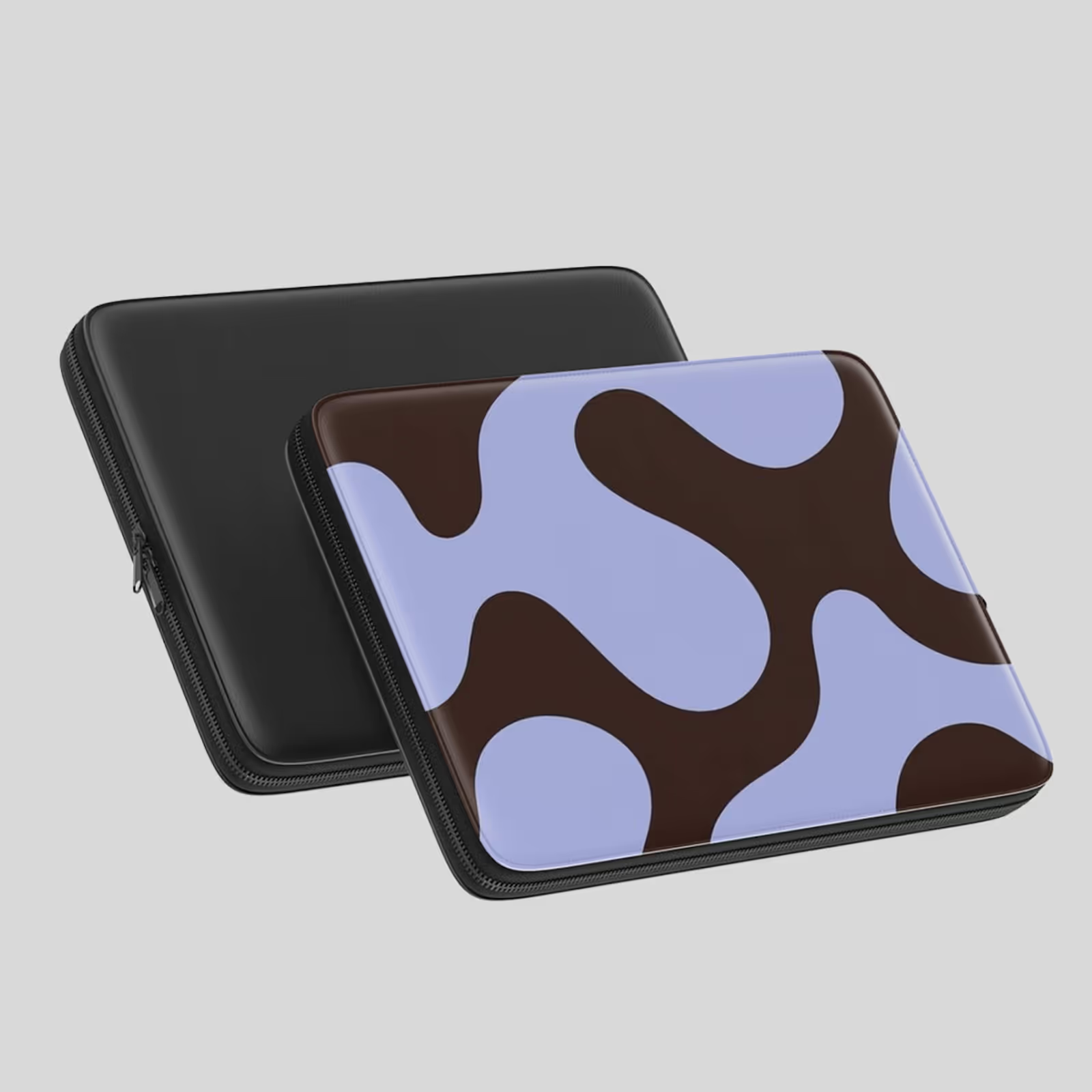
DTF stands for Direct-to-Film printing. It prints your design onto a special film first, then transfers it to your product using heat and pressure. Unlike other methods, DTF creates a thin layer on top of your material - like a high-quality sticker that bonds permanently to fabric or hard surfaces. You can print on cotton, polyester, nylon, and even leather, which makes it ideal for tech brands wanting custom sleeves, bags, or mixed-material cases.
How DTF Printing Works
- Print your design onto a clear PET transfer film using specialized ink
- Apply adhesive powder to the printed film while the ink is still wet
- Press the film onto the product using a heat press
- Once cooled, peel the film off to reveal the vibrant, durable print
That extra adhesive-powder step is why DTF takes longer per unit than sublimation - and why a misjudged cure temperature is the most common cause of cracking later. In a home setup that's a trial-and-error tax you pay yourself; in a managed facility it's a controlled, quality-checked stage.
Best Uses for DTF Printing
- Tech accessories with intricate, multi-color designs
- Products needing bright colors on dark surfaces
- Cotton or mixed-material cases and sleeves
- Small-batch custom orders for POD businesses
What Is Sublimation Printing?
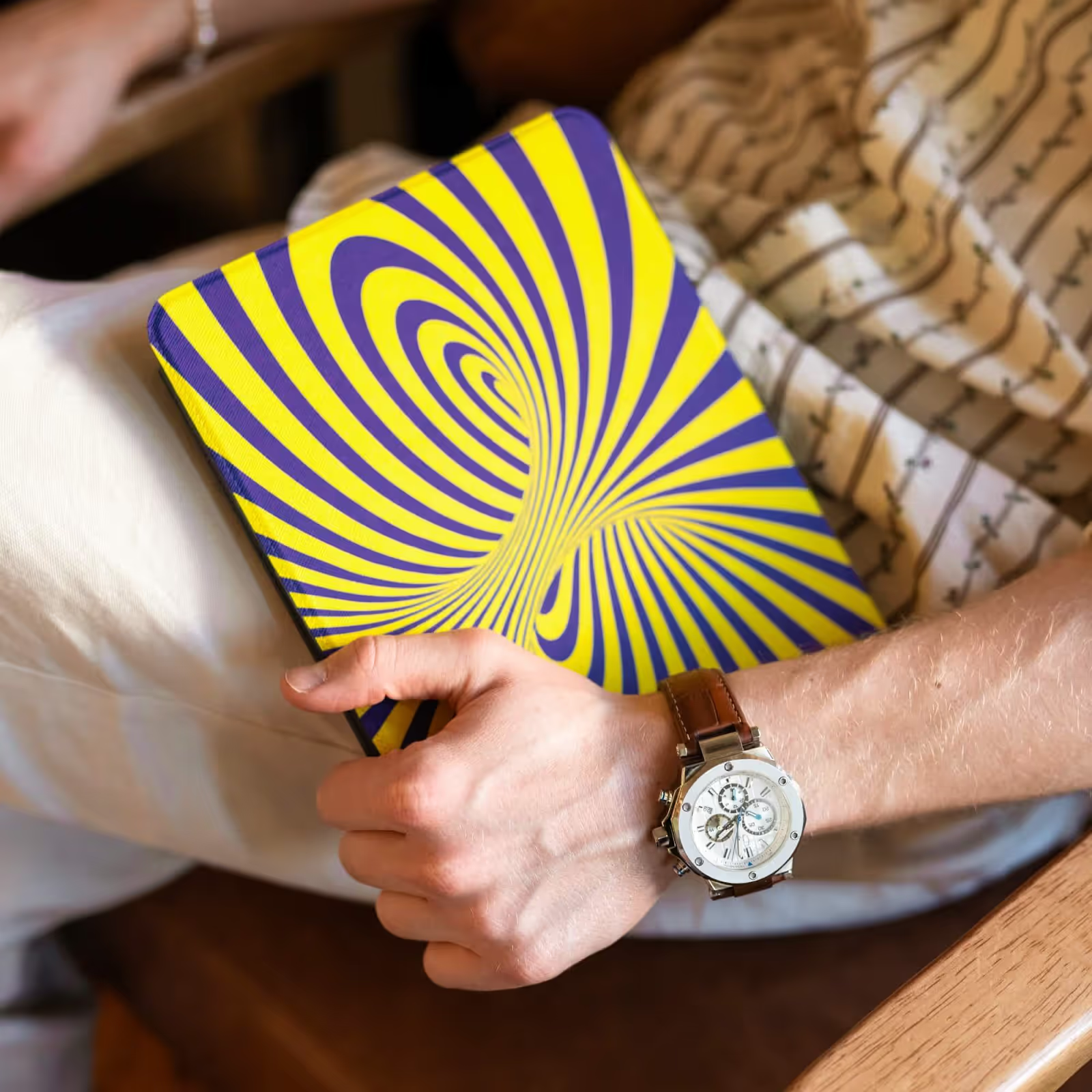
Sublimation printing uses heat to change ink into a gas that soaks deep into the material, so the color becomes part of the fabric, not just a layer on top. This makes the print smooth, long-lasting, and hard to fade. It only works on polyester fabric and polymer-coated hard surfaces. Sublimation is great for hard items like phone cases and tablet covers, and it's the workhorse method inside many POD facilities, Podbase included - once dialed in, it's fast, fade-proof, and consistent across thousands of units.
How Sublimation Printing Works
- Print your design on sublimation paper with sublimation ink
- Put the paper ink-side down on polyester or polymer-coated items
- Use a heat press to turn ink into gas
- The gas sinks into the item and becomes part of it
Best Uses for Sublimation Printing
- Hard tech items like glossy phone and tablet cases
- Prints that cover the whole surface
- Photo-quality pictures on light-colored products
- Polyester laptop sleeves and messenger bags
The Method Nobody Compares: UV Printing
Most "DTF vs sublimation" guides treat the two as the only options. They aren't. UV printing cures special ink instantly with ultraviolet light, bonding bright, durable color directly onto hard surfaces - including materials sublimation can't touch and where DTF's surface layer would feel bulky. Podbase runs sublimation, UV, and heat-press transfer side by side and routes each order to whichever method the product and material call for. (For a deeper look, see our full guide on what UV printing is.)
Also Read:
DTF vs Sublimation: Key Differences Explained
Material Compatibility
DTF works on almost any material - cotton, polyester, nylon, leather, and hard surfaces - so you can offer mixed-material tech cases and sleeves without changing equipment. Sublimation works only on polyester or polymer-coated items; for the best fabric prints you need at least 65% polyester. This single factor - material - decides the method nine times out of ten. You don't pick the method and then find a product; you pick the product, and the material dictates the method.
Print Quality and Durability
DTF printing adds a thin, raised layer. It feels textured and rich, but can crack with heavy use.
Sublimation printing sinks ink into the material, making smooth, long-lasting, fade-proof prints.
Here's the part the spec sheets miss: the difference between a vivid print and a dull one usually isn't the method - it's color management. In Podbase production, color accuracy on every job is checked with a spectrophotometer rather than eyeballed, and the most accurate results come from designs submitted in high resolution and CMYK. Most "the print looks off" complaints trace back to the file, not the press.
Design Flexibility
DTF handles light and dark colors well, and its white ink makes designs stand out on dark surfaces like black phone cases and navy sleeves. Sublimation works only on light-colored items and can't print white, so dark products limit your choices - but it's excellent for photo-quality, full-coverage prints.
Cost Comparison
- DTF setup costs: $1,500 to $3,000 for beginner gear
- Sublimation setup costs: $500 to $600 for a basic printer
- Per-unit cost: sublimation is cheaper for big orders; DTF is better for small, custom runs
- Maintenance: DTF printers need adhesive powder and more cleaning
Read those numbers again: for a print-on-demand seller this whole cost comparison is hypothetical - you never buy either machine. You pay a per-unit price to a provider who already absorbed the equipment, maintenance, powder, and calibration costs across thousands of orders, and you get spectrophotometer-grade consistency on day one. As Podbase's CEO frames it: you can buy a phone case from Podbase for around EUR10 and sell it for EUR35-60. Equipment cost: zero.
Production Speed
DTF takes more time because it adds the adhesive-powder step; sublimation prints and transfers quickly with a heat press. Both are fast enough for on-demand printing. For context at scale: in Podbase facilities the print stage runs roughly 6-8 hours depending on the job, with assembly and packaging adding about 2 hours, and quality checks built in between every stage.
Order Volume Considerations
Sublimation is more cost-effective and faster for large batches on polyester products; DTF shines for small, mixed-material orders and custom designs. So is DTF or sublimation better? It depends on how many products you print at once - and, again, on the material more than your preference.
Also Read:
- Shopify Print-on-Demand Guide
- Print-on-Demand vs DIY: Which Is Best?
- What Is UV Printing? The Complete Guide
DTF vs Sublimation for Tech Accessories: Which Should You Choose?
Best for Phone Cases
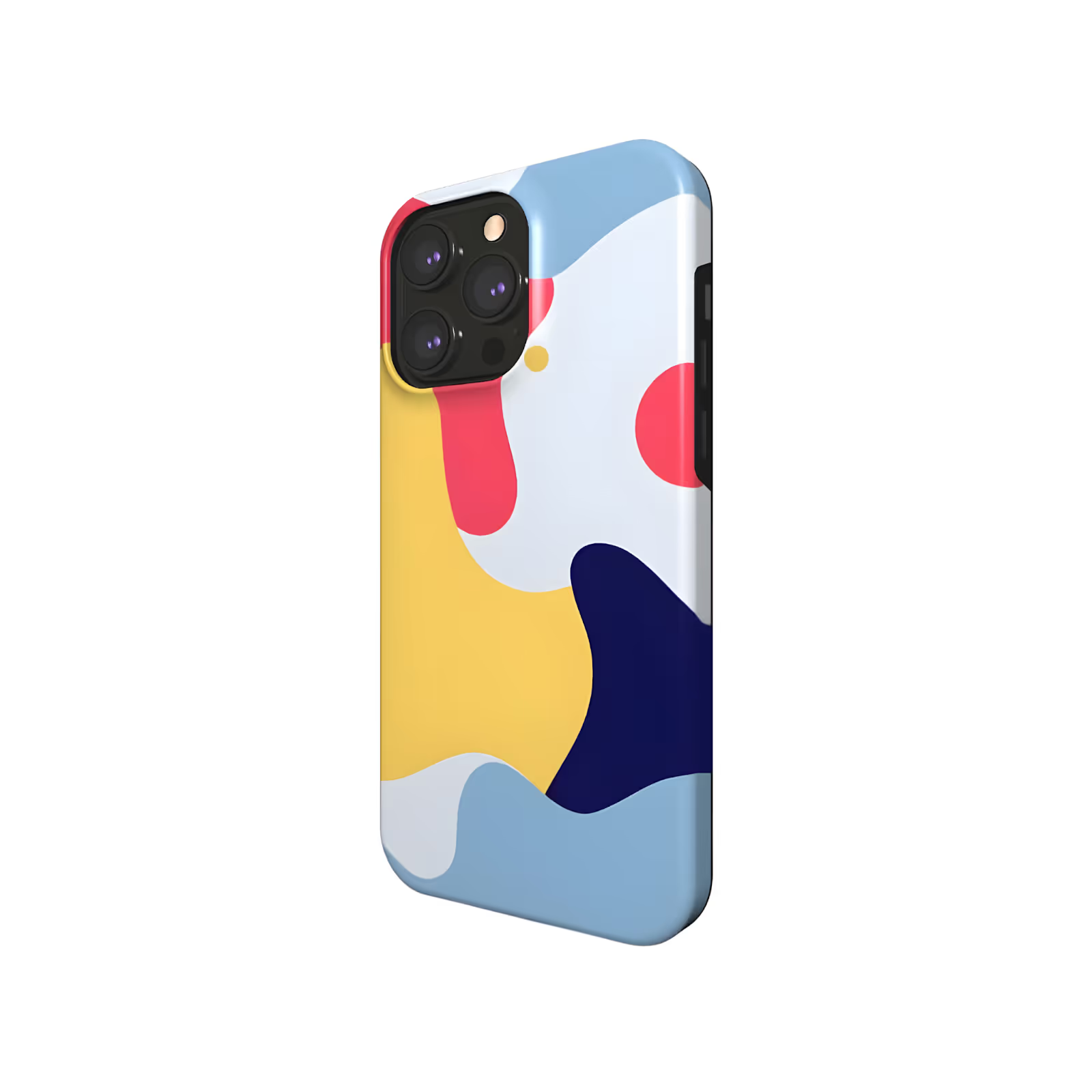
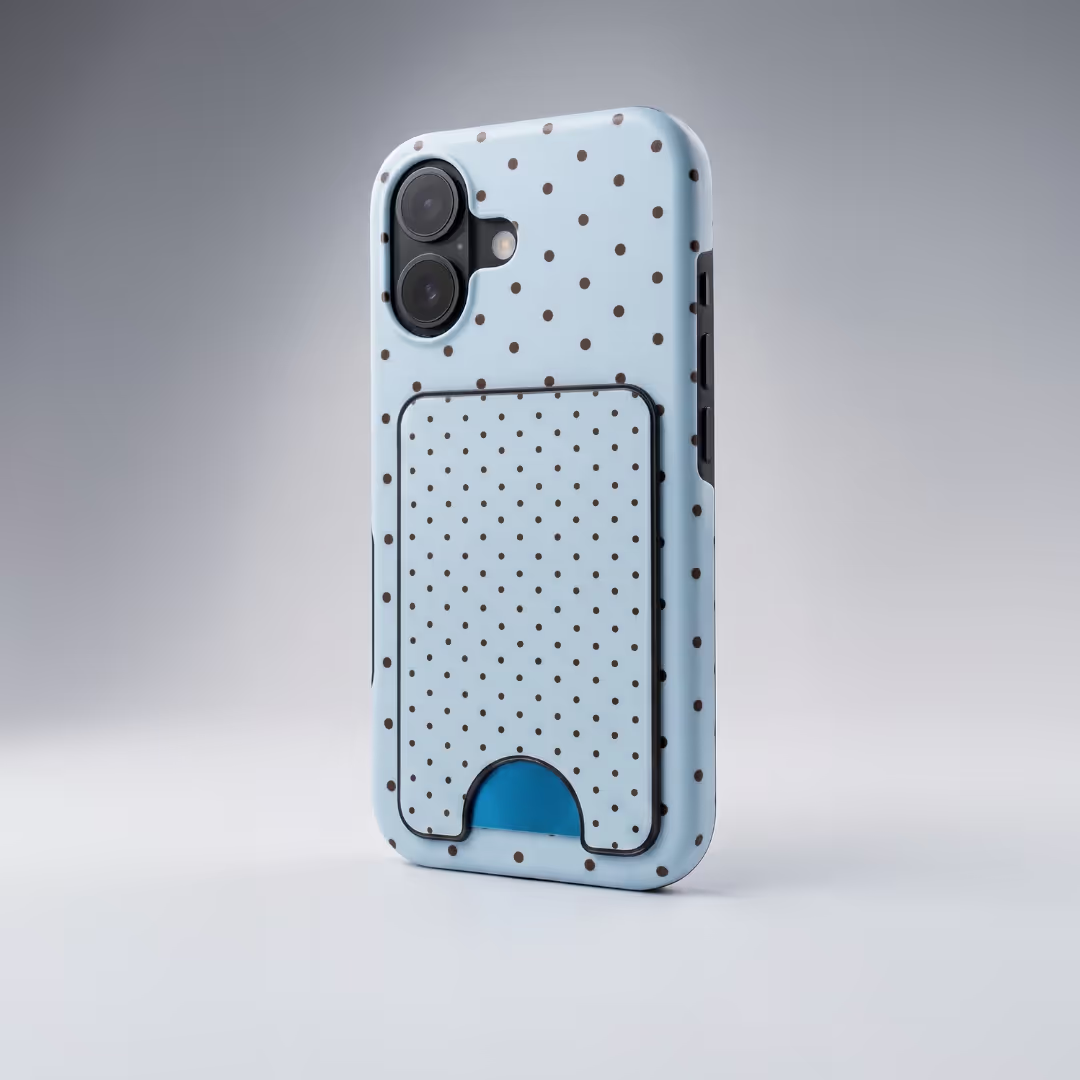
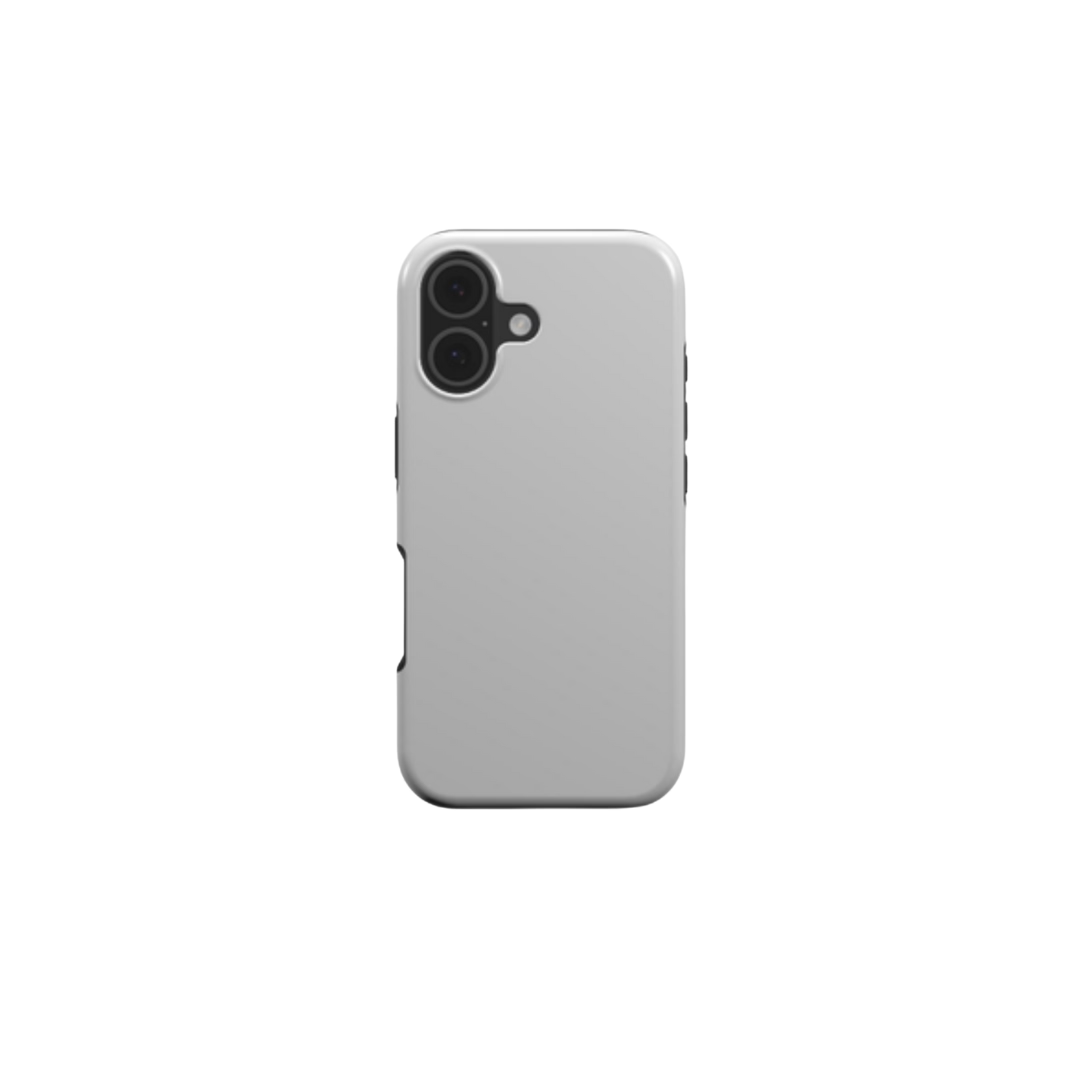
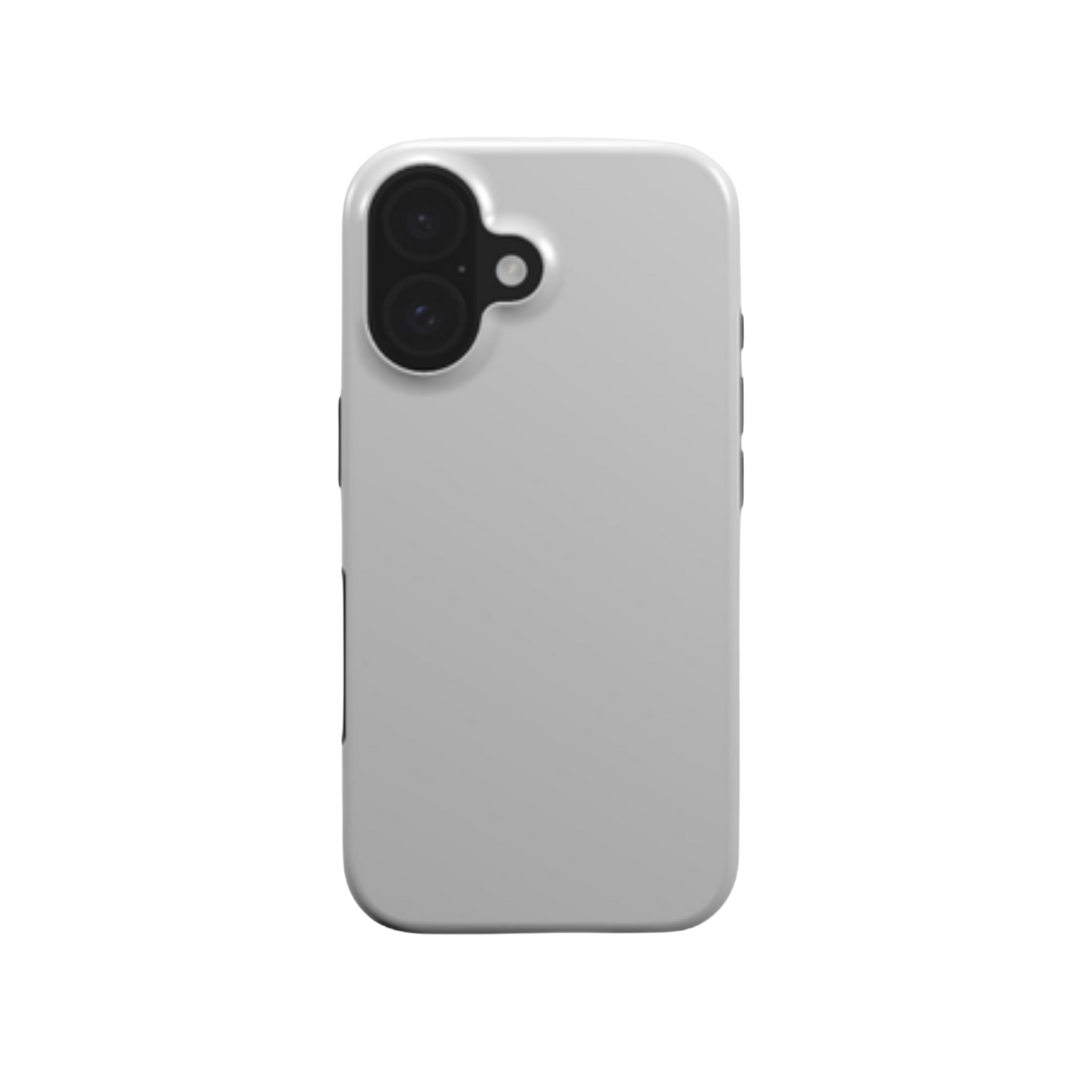
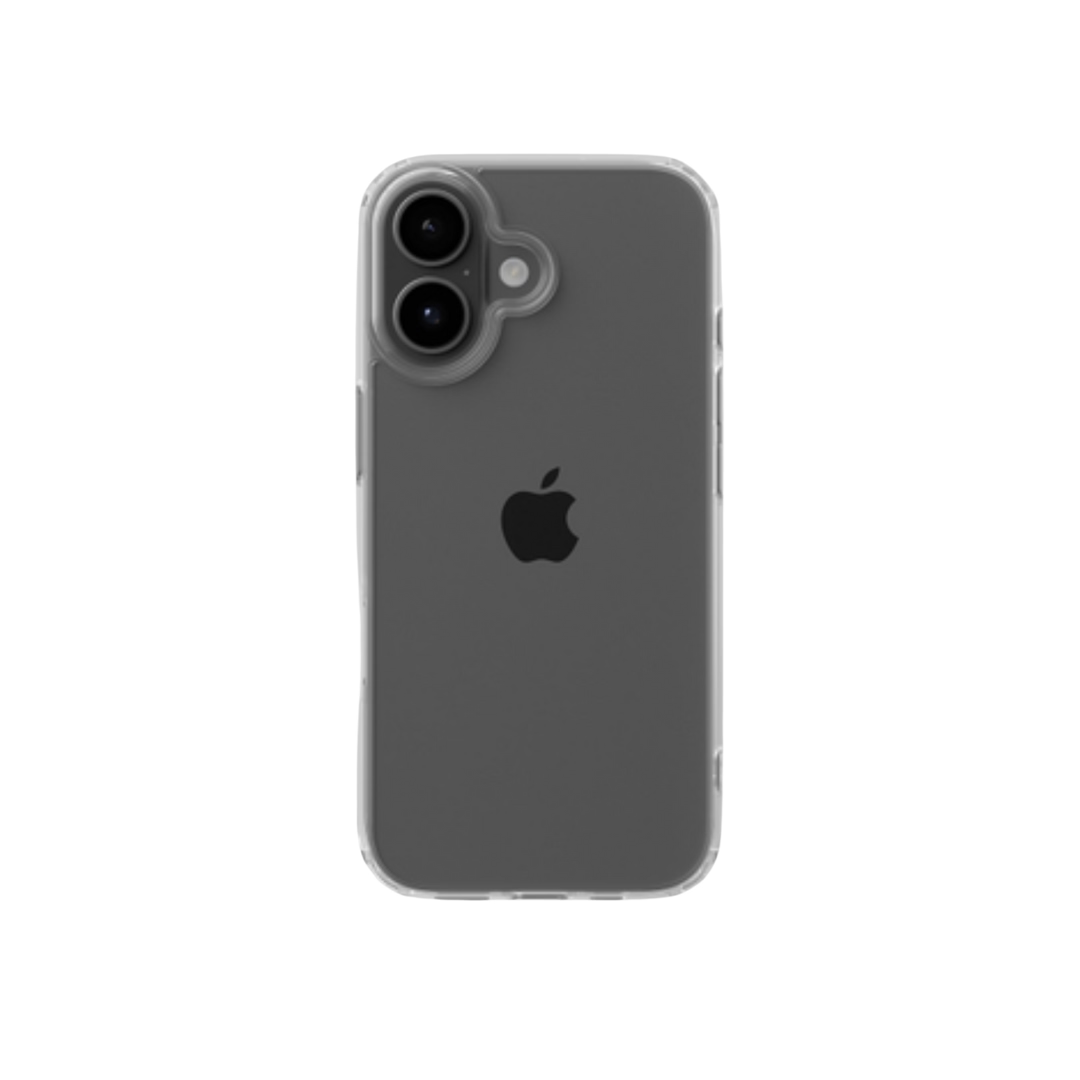
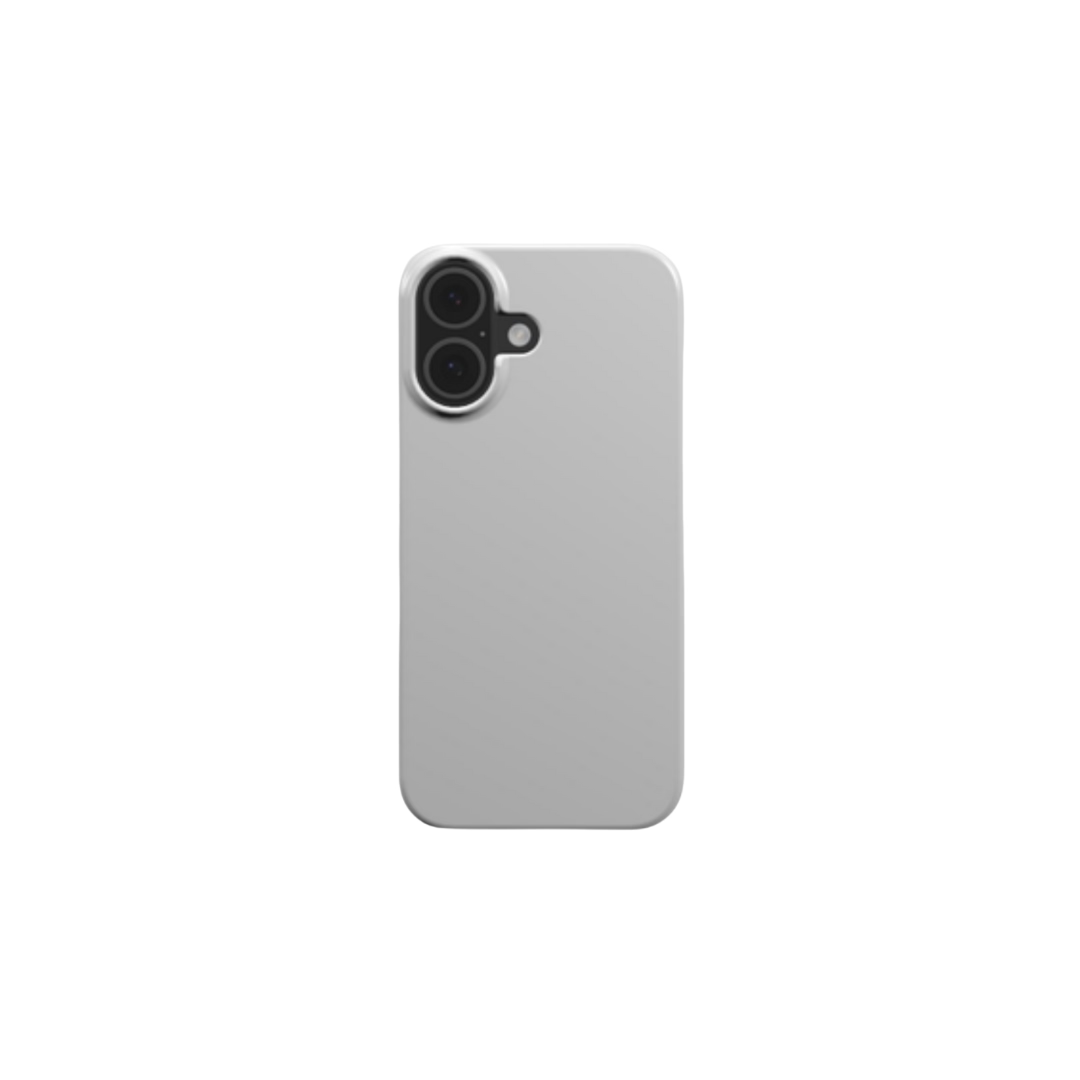
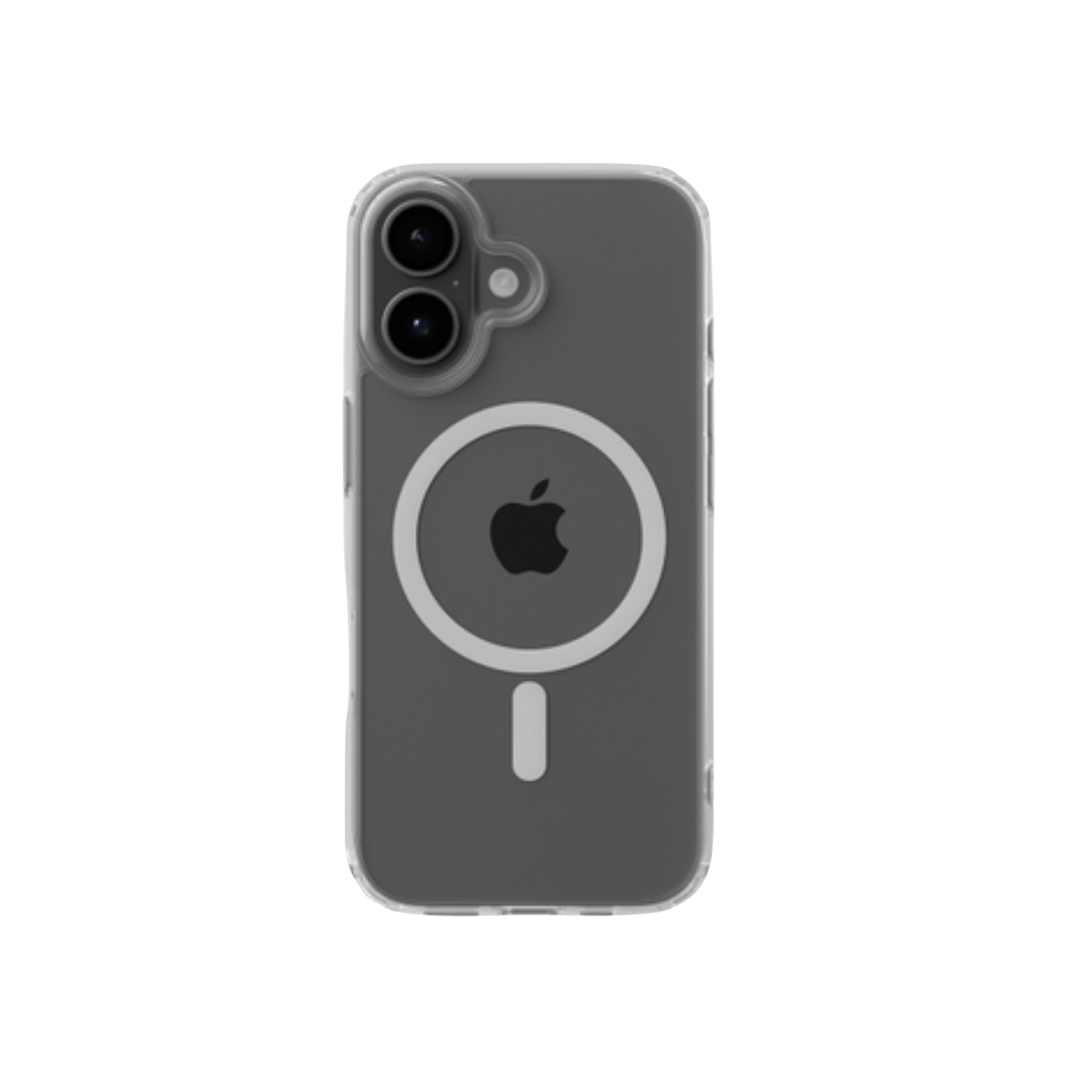
For hard plastic or polymer-coated phone cases, sublimation is the best choice - the ink soaks into the surface for smooth prints that won't peel or scratch. DTF is better for fabric, leather, or hybrid wallet-style cases, and its white ink makes colors pop on dark cases. Dark cases need DTF; light-colored hard cases shine with sublimation. It's worth getting right: around 80% of phone users worldwide use a case, roughly 40% of Americans replace phone accessories about every six months, and a custom phone case business carries some of the healthiest margins in POD.
Best for Laptop and Tablet Cases

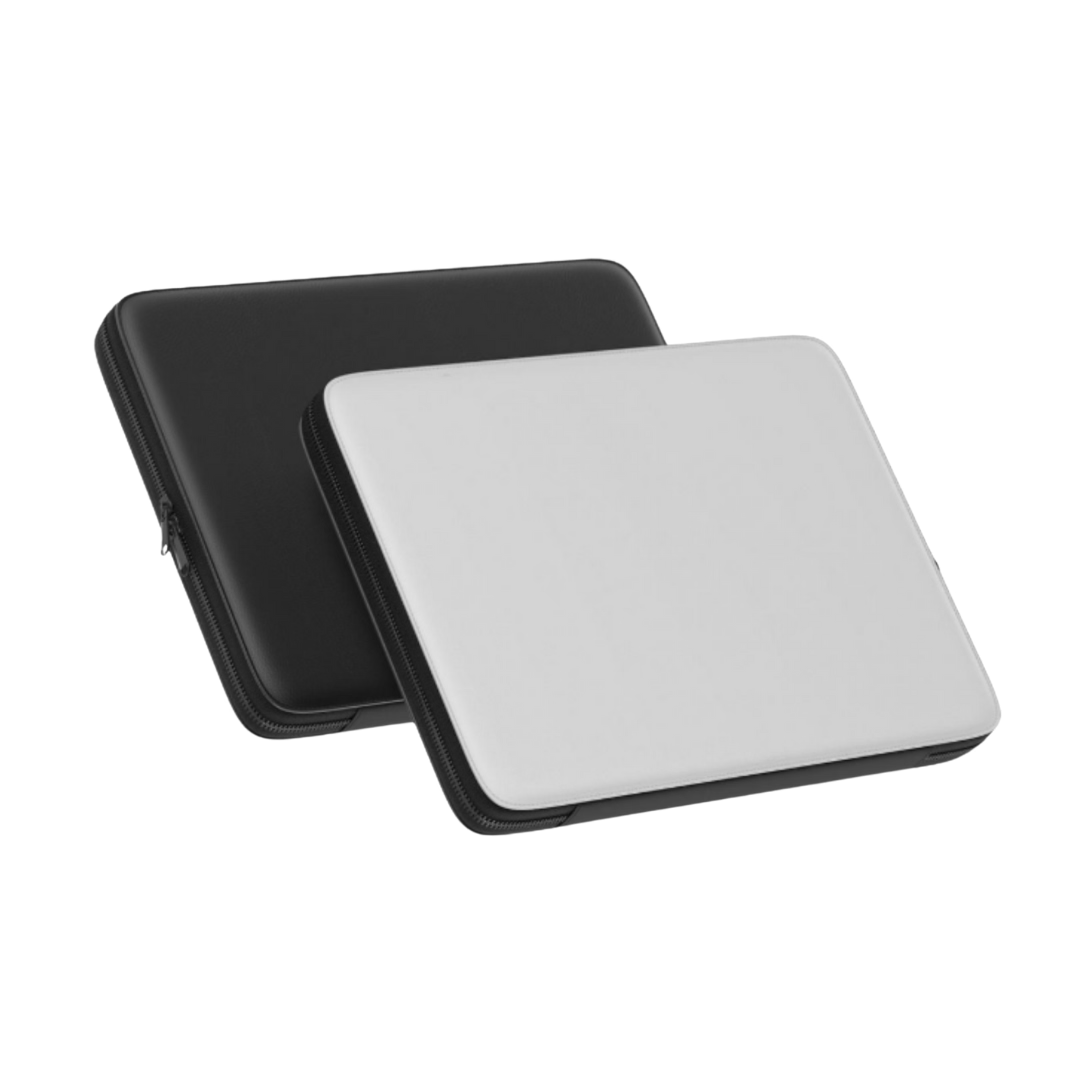
Laptop and tablet cases can be soft sleeves or hard shells. DTF works well for cotton or mixed-fabric sleeves; for neoprene, high-polyester sublimates well while low-polyester is better on DTF. Hard laptop cases follow the same rule as phone cases: polymer-coated surfaces are best with sublimation. Laptop sleeves are quietly one of the smartest products to print - not tied to one device model, a bigger surface for the design, and a fashion statement, which means fewer SKUs and a longer shelf life per design.
Best for Tech Accessories
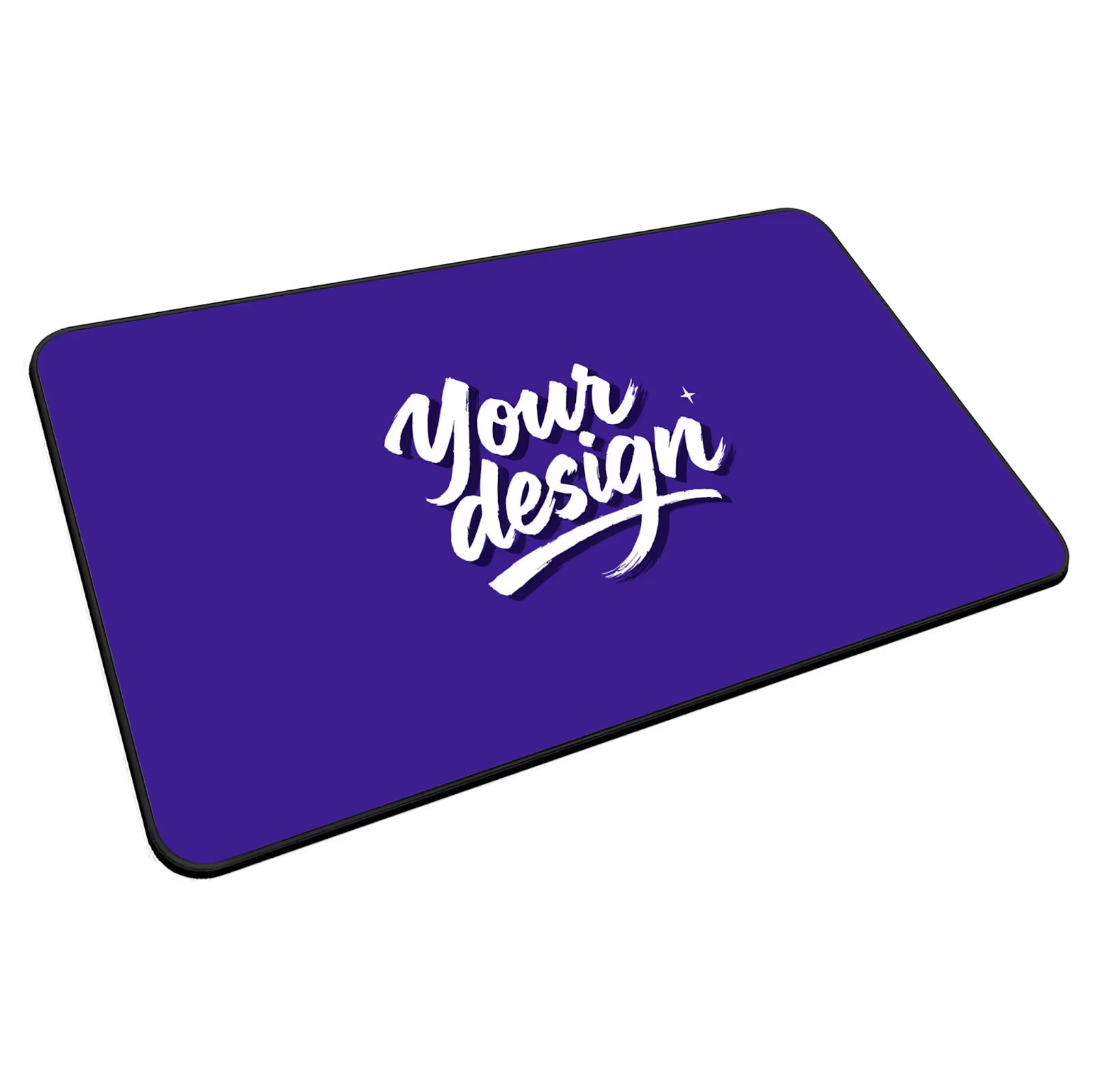
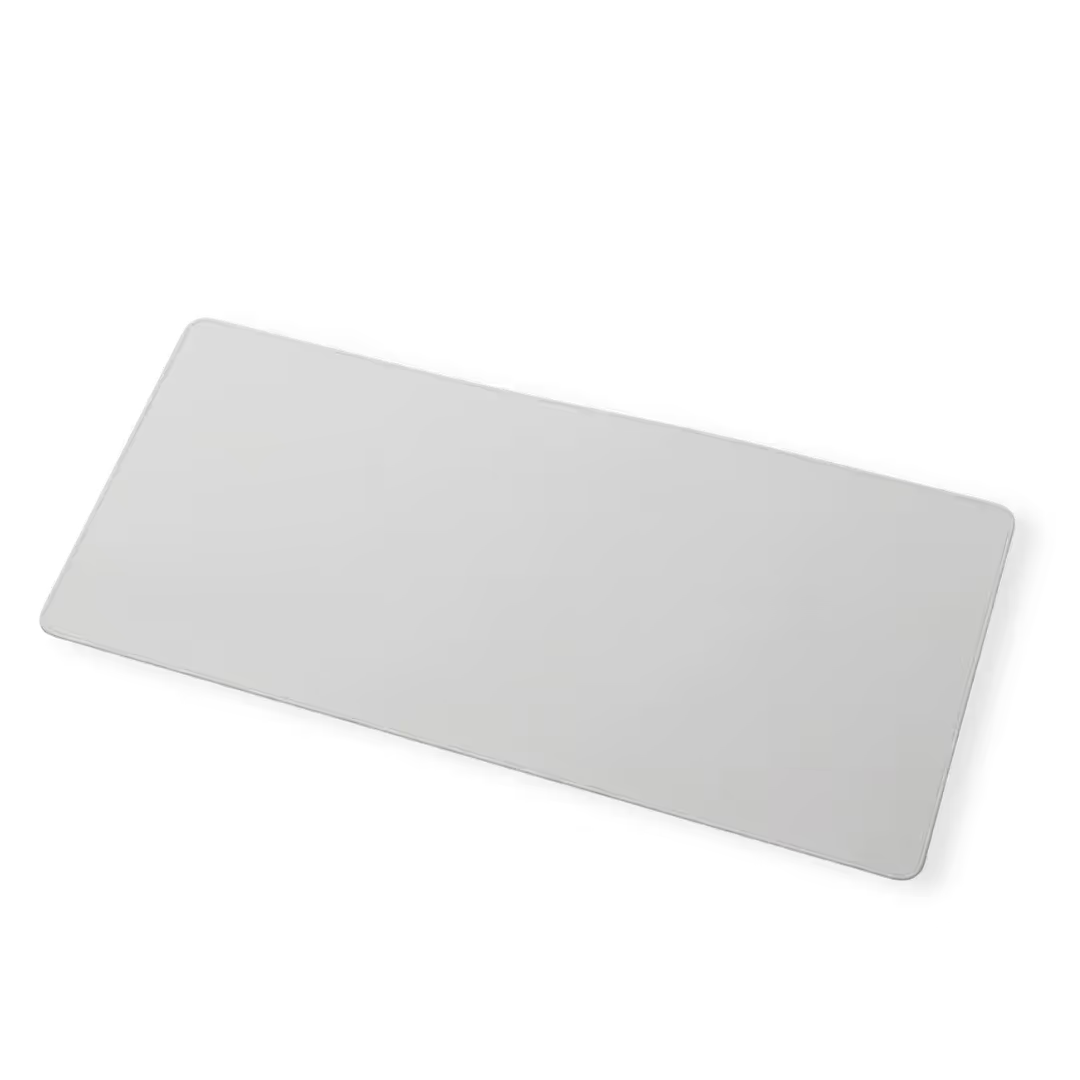
- Mouse pads with polyester surfaces work best with sublimation
- Tech bags made of cotton or canvas require DTF to hold ink well
- Polyester messenger bags and backpacks print best with sublimation
- Cable organizers depend entirely on their base materials
- Keyboard covers and screen cloths usually use sublimation on polyester
Polyester and polymer surfaces undergo sublimation; everything else gets DTF - or, for certain hard surfaces, UV. Across every product above, the deciding factor was never personal preference. It was the material.
Also Read:
Making Your Decision: DTF or Sublimation?
Choose DTF if you want to: print on cotton or mixed-fabric accessories, offer designs on dark products, handle small or custom orders with varied materials, and print on both fabric and hard surfaces.
Choose sublimation if you want to: focus on hard tech accessories, create photo-realistic all-over prints, keep startup costs low, produce light-colored polyester products, and achieve ultra-smooth embedded prints that never peel.
The Honest Answer Most Guides Won’t Give You
The contrarian truth: for the overwhelming majority of sellers, "DTF or sublimation?" is the wrong question to lose sleep over. It's the question to ask if you're buying a $3,000 machine and running it yourself. If you sell through a print-on-demand provider, the method is an implementation detail your provider solves per order. Our Head of Sales puts numbers on the trap: sellers who place a sample order in their first two days and publish at least five products within 30 days are already ahead of 80% of POD stores, while most sellers who quit do so inside the first two weeks. Pick the product, order a sample, and iterate.
Get Started with Podbase
You don't need costly printers to test DTF vs sublimation. Podbase lets you create and sell tech accessories using sublimation, UV, and DTF/heat-press transfer - without handling production yourself, and with color verified by spectrophotometer on every order. Explore our product catalog, then check our getting started guide. For the best print, submit artwork in high resolution and CMYK - our design guide walks through how.
Also Read:
Frequently Asked Questions
Is DTF or sublimation better?
Neither is universally better - the right method is decided by your product's material, not your preference. Sublimation wins on polyester and polymer-coated hard surfaces; DTF wins on cotton, leather, nylon, and dark products. If you sell through a print-on-demand provider, the provider matches the method to each product.
What is the main difference between DTF and sublimation printing?
Sublimation turns ink into a gas that embeds permanently into the material, so the color becomes part of the item. DTF prints onto a film that is heat-pressed onto the product, leaving a thin, durable layer on top. Sublimation only works on polyester and polymer-coated surfaces; DTF works on almost any material.
Can you use sublimation on cotton?
No. Sublimation requires polyester or a polymer coating to bond - the ink gas has nothing to grip on natural cotton, so prints fade or wash out. For cotton and cotton blends under about 65% polyester, DTF is the correct method.
Why does my print look dull or off-color even with the right method?
The most common cause isn't the printing method - it's the design file. Prints are most accurate when artwork is submitted in high resolution and in CMYK rather than RGB. Podbase verifies color on every order with a spectrophotometer, but no press can fully rescue a low-resolution or wrong-color-space file.
Do I need to buy a DTF or sublimation printer to start a print-on-demand business?
No. A DTF setup runs roughly $1,500 to $3,000 and a sublimation setup $500 to $600, plus maintenance - but with a provider like Podbase you pay only a per-unit price and never buy equipment. The provider already runs sublimation, UV, and DTF/heat-press production with professional color management.
What about UV printing - how does it compare?
UV printing cures ink instantly with ultraviolet light and bonds bright, durable color onto hard surfaces, including some sublimation can't coat. Most guides ignore it, but full-service providers use UV alongside sublimation and DTF to pick the best result for each product and material.

Saulius Meilutis is the CEO of Podbase, helping creators and entrepreneurs monetize their ideas with print-on-demand. He shares insights on eCommerce, growth, and building lean online businesses.

.avif)



.avif)
.avif)
.avif)
.avif)
.avif)
.avif)

.avif)


.avif)
.avif)

.avif)

.avif)
.avif)