To make a website to sell stuff without inventory, you choose a no-code builder, connect an inventory-free model like print-on-demand or digital products, add a custom domain, and publish clear product pages - then drive traffic to your first sale. The whole thing can be live in under two weeks.
Thanks to models like print-on-demand (POD), dropshipping, and digital products, it is easier than ever to start selling online without holding stock. The global ecommerce market reached $5.7 trillion in 2024, and US ecommerce is projected to hit $1.17 trillion in 2025 - and a growing share of those stores carry no inventory at all.
This guide shows you how to make a website to sell stuff even if you have no inventory and no technical experience - with the exact tools, products, and proprietary benchmarks we see across Podbase sellers.
Step-by-Step: Build a Website That Actually Sells
If you are wondering how to make a website to sell stuff, here is the step-by-step process.
Choose What You Want to Sell
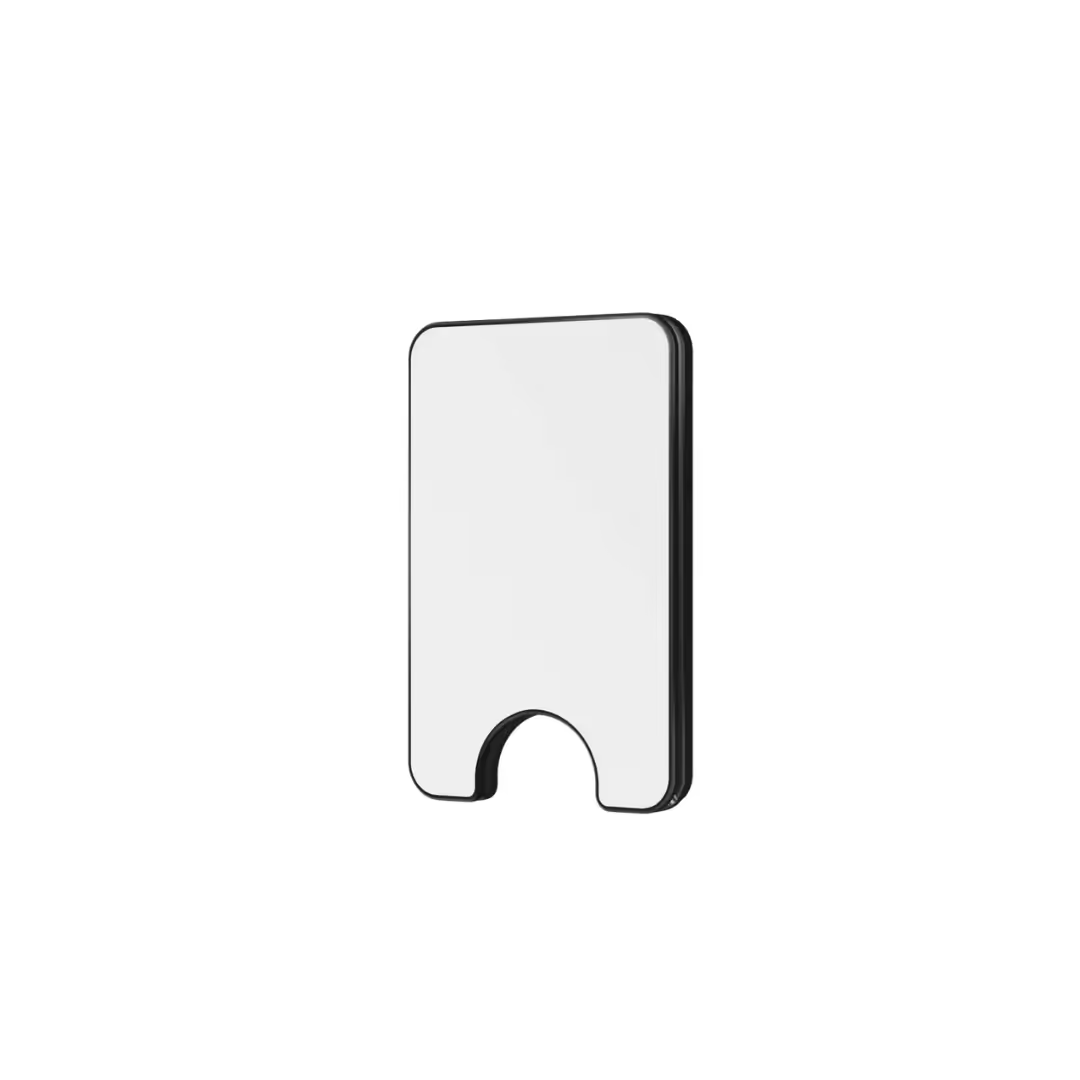
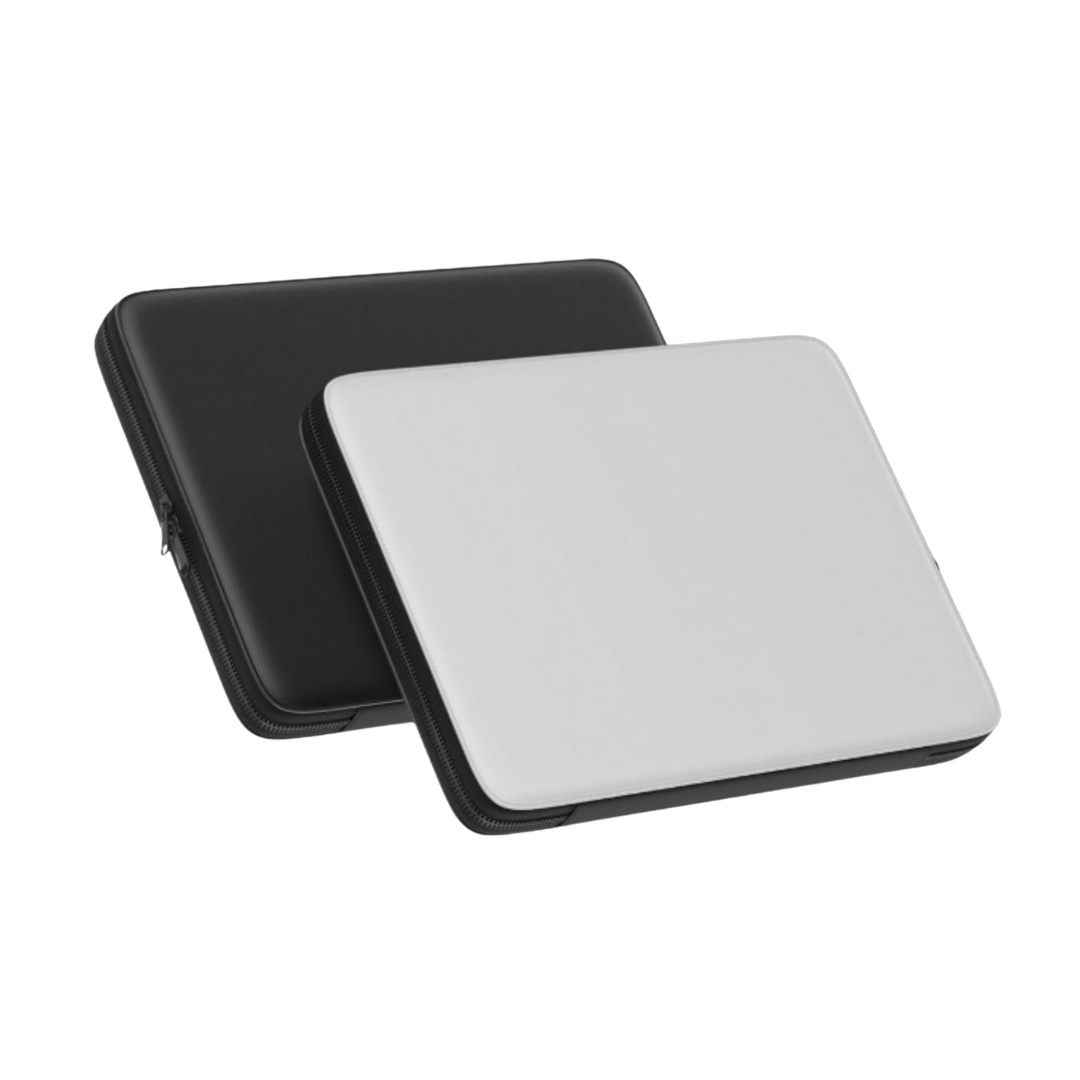
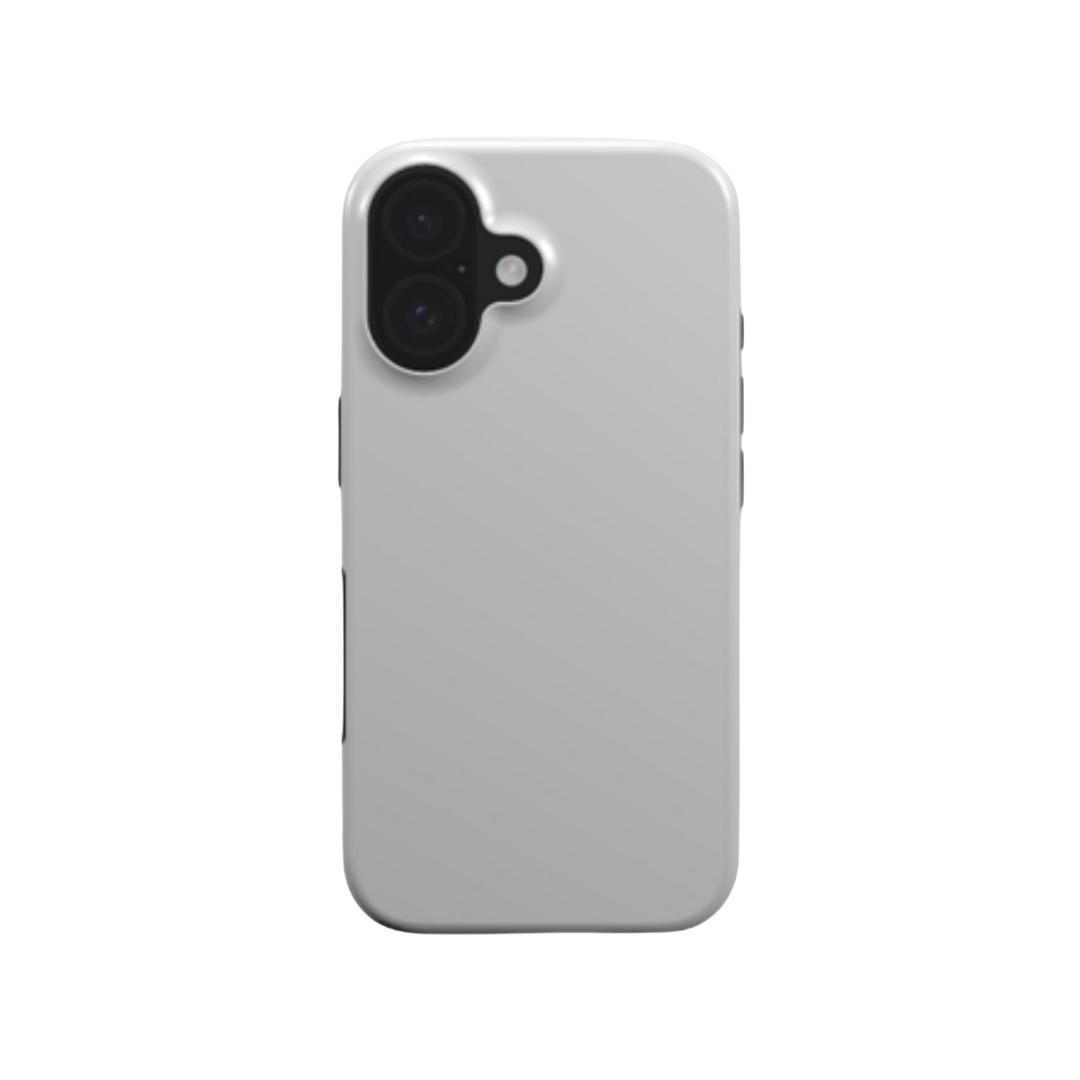
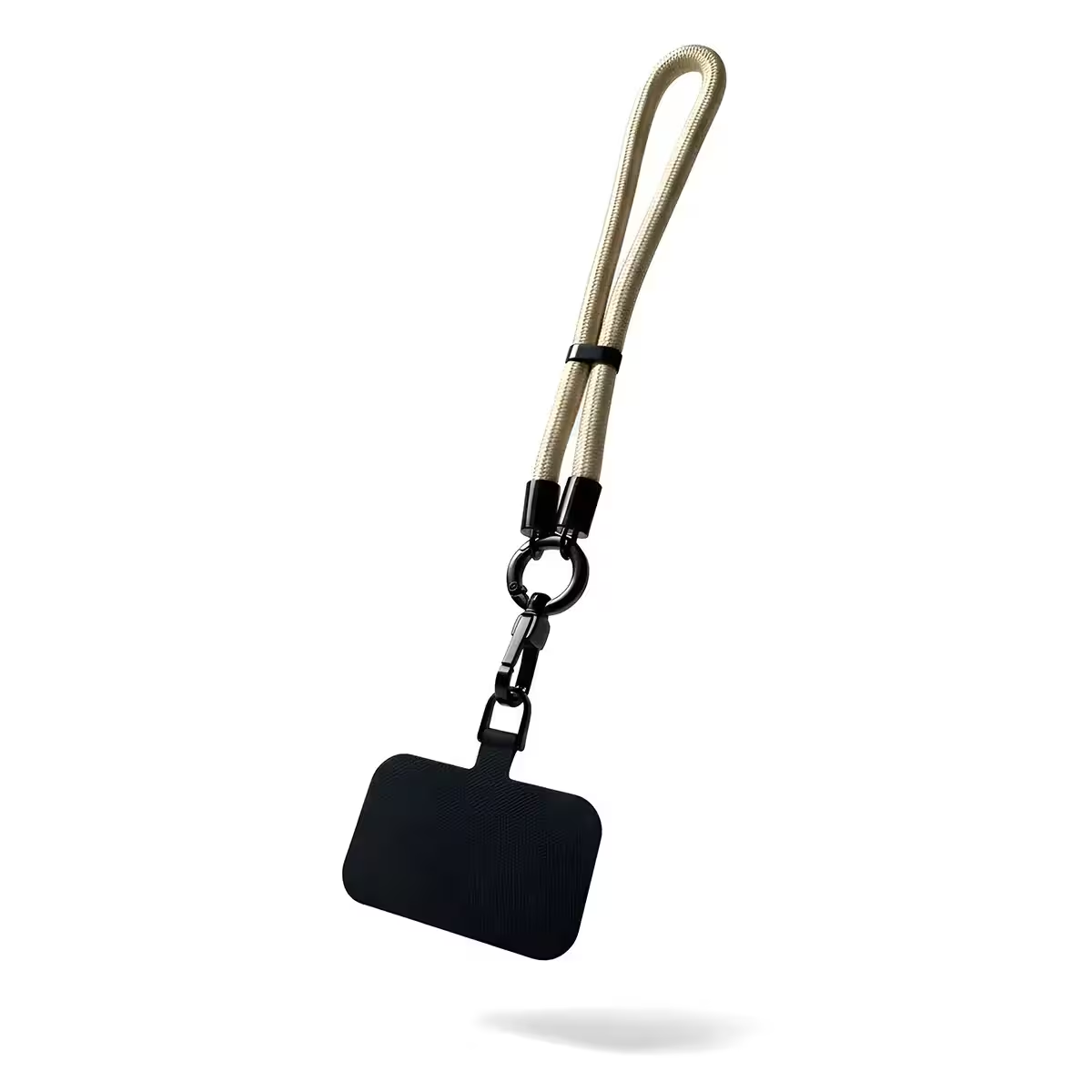
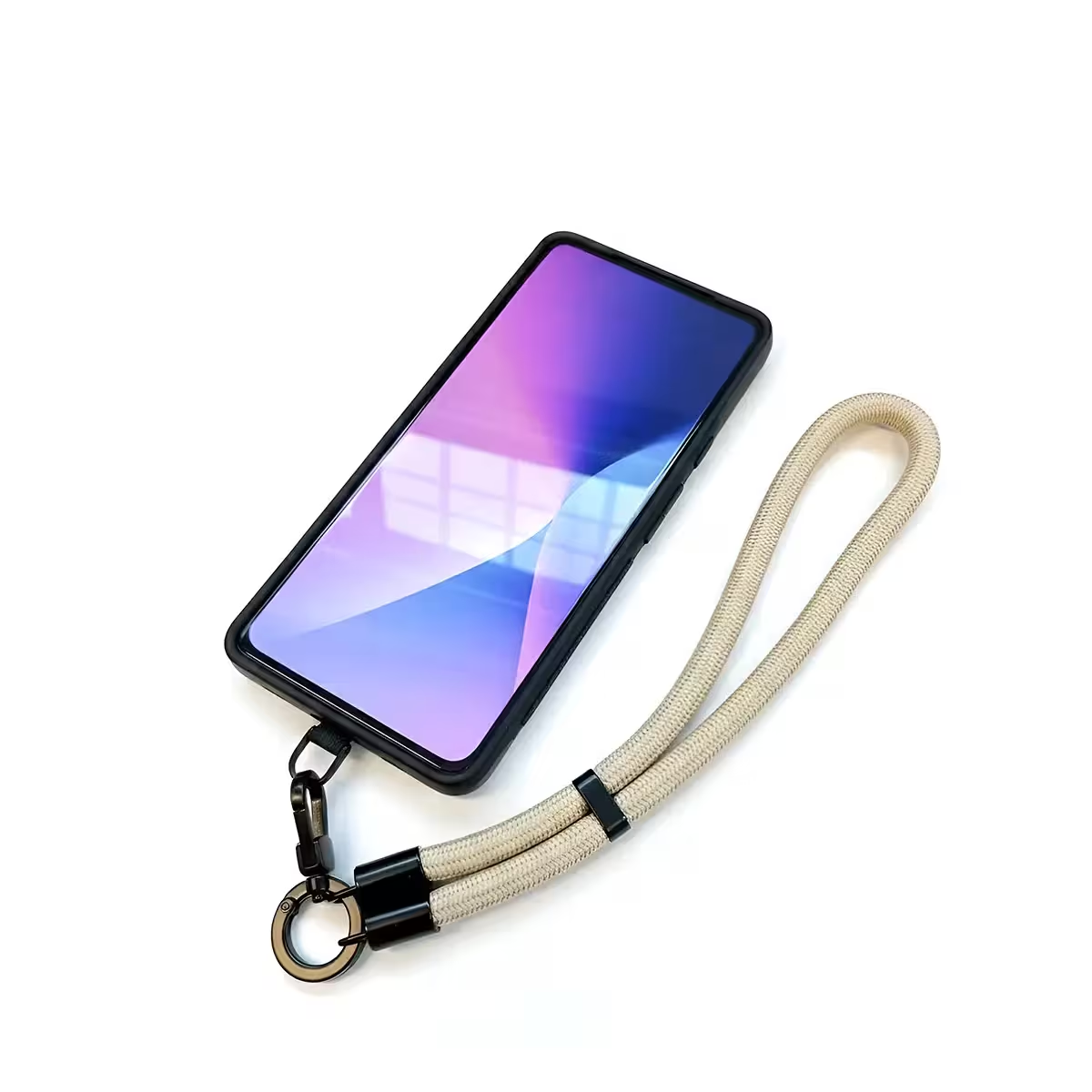
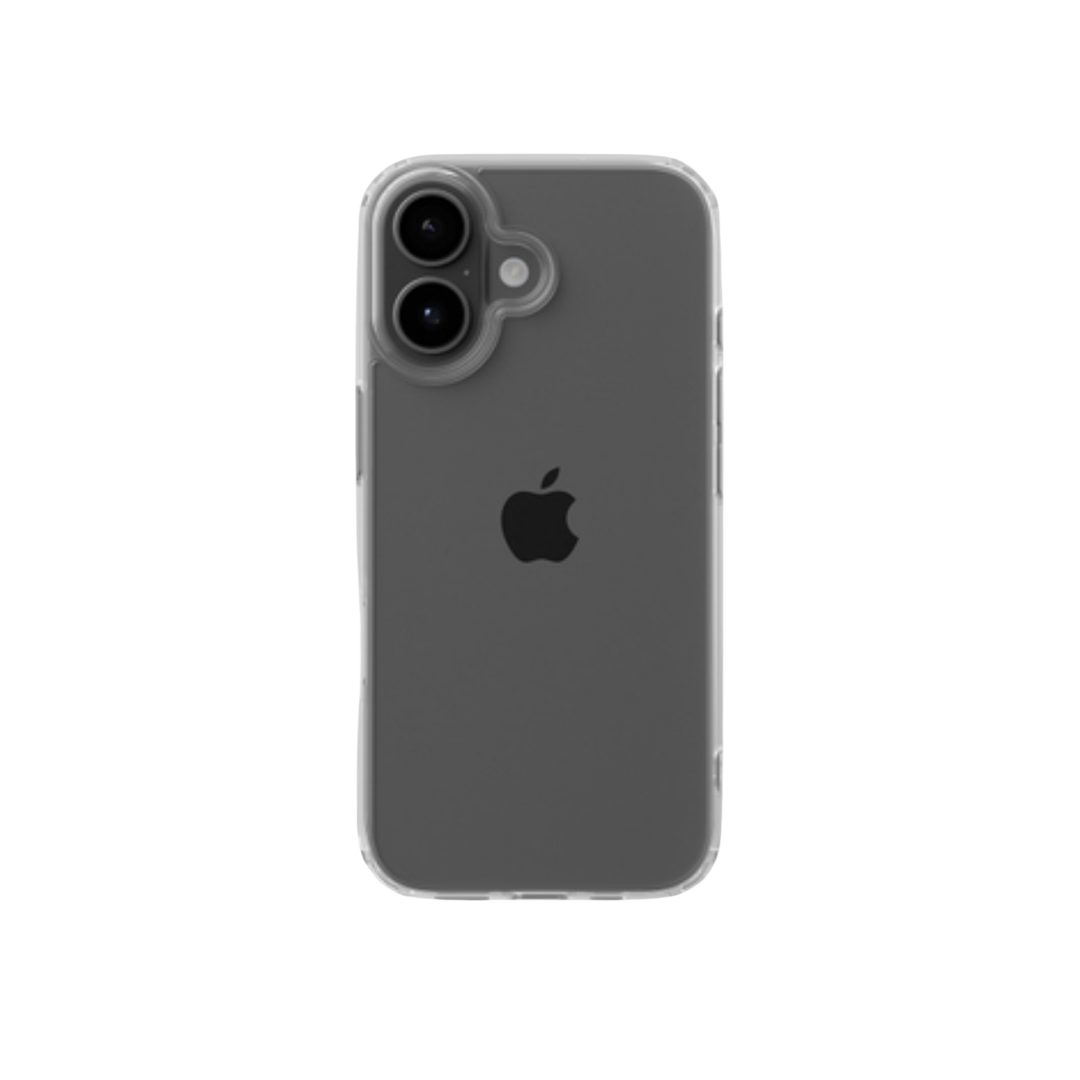
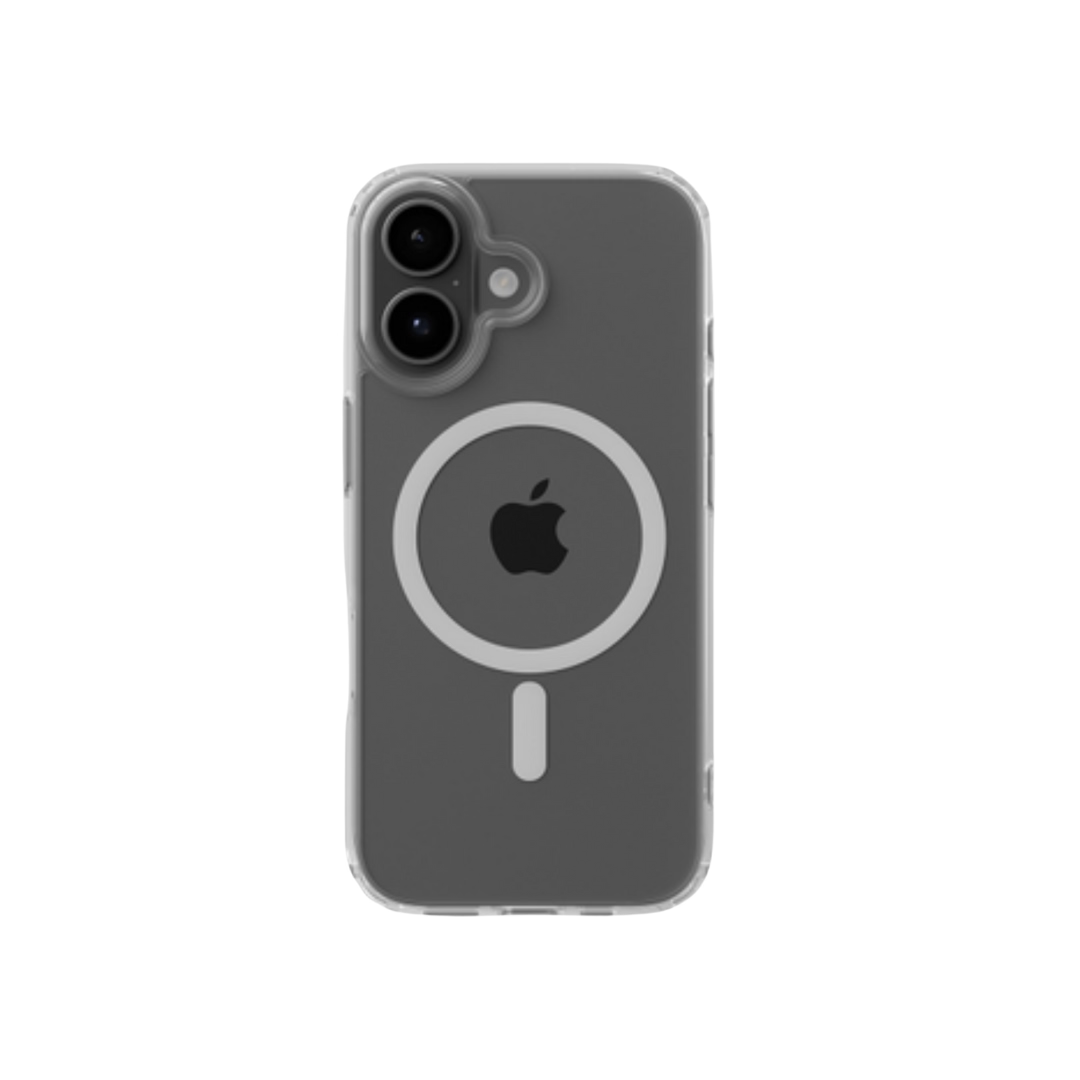
First, when starting a business, decide what you will sell - it shapes everything from branding to fulfillment. Some of the best low-cost business ideas are custom-designed items like phone cases, tote bags, and drinkware. Pick something with a clear niche - it is the single biggest predictor of whether a store connects with real buyers.
There is real money in getting this right. The global print-on-demand market was worth about $12.96B in 2025 and is growing roughly 25% a year, and a custom phone case business alone can run on margins where you buy at around €10 and sell at €35-60.
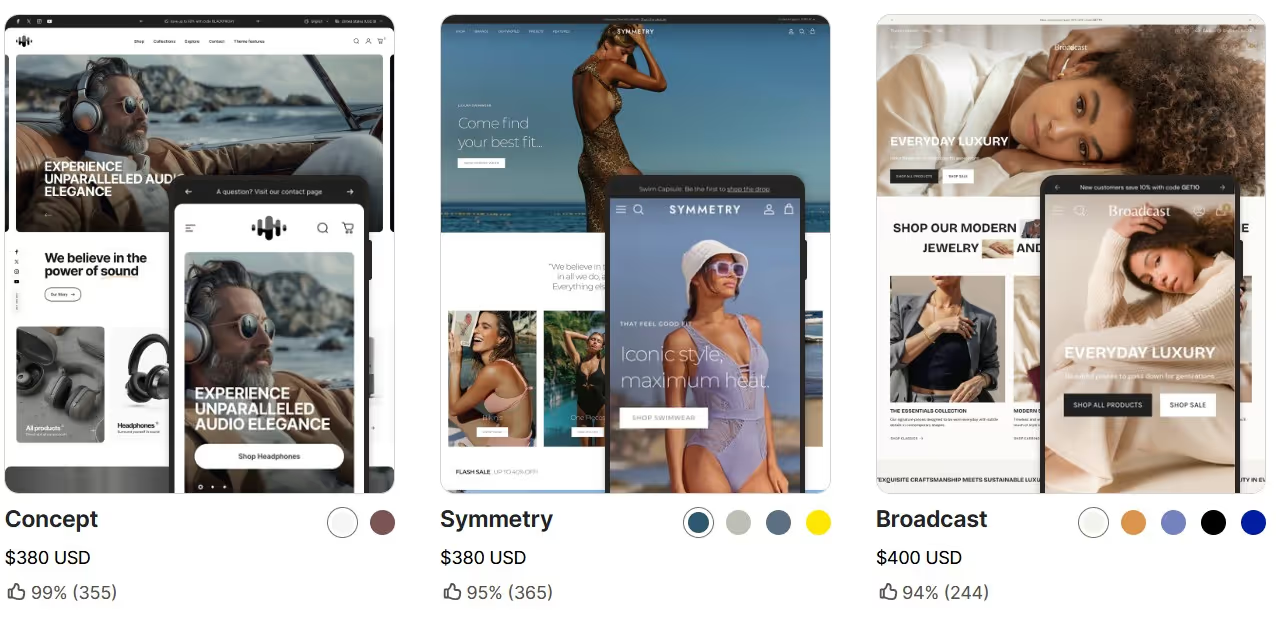
Pick the Right Ecommerce Website Builder
A good no-code builder means you avoid wrestling with hosting or code. The top drag-and-drop options with built-in store features are Shopify, Wix, and Squarespace - Shopify alone offers 100+ professionally designed templates. And you no longer need a developer to make them powerful: “We have internal use cases where store owners build their own scripts and integrations with AI without any coding experience, and their fulfillment flows work really great and fluent,” says Podbase CEO Saulius Meilutis.
Before choosing a platform, weigh these factors:
- POD and dropshipping integration: how cleanly it connects to your fulfillment service.
- Mobile-responsive themes: most of your traffic will be on a phone.
- Built-in payments and cart: secure checkout out of the box.
- Support and app ecosystem: room to add features as you grow.
Get a Custom Domain Name
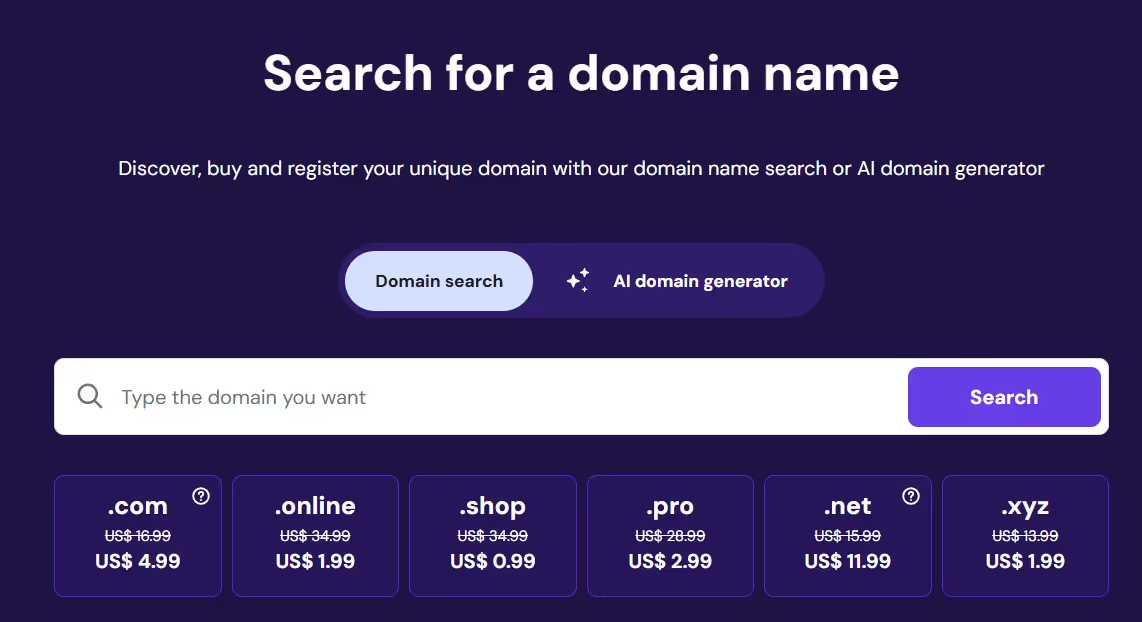
A custom domain helps you stand out and signals a serious business. You can buy one directly through Shopify, Wix, or Squarespace, or via registrars like Hostinger, Namecheap, or Google Domains. Use a domain search tool to check availability, and pick a name that is easy to spell and clearly tied to what you sell.
Choose a Print-on-Demand or Inventory-Free Model
One of the most cost-effective ways to start an online store is to go inventory-free, which means far lower startup costs and zero overstock risk. With a print-on-demand model, the product is made and shipped to the customer only after they order. Other inventory-free options include selling digital products or dropshipping via platforms like Spocket or Zendrop. The risk reduction is the whole point - you never buy stock hoping it sells.
Set Up Product Pages and Collections
Once you have your products and domain, build product pages that convert. Each page should include:
- High-quality images or mockups: the first thing a buyer judges.
- Clear titles and descriptions: features, benefits, and use cases.
- Material and size details: plus available variants like color.
- Pricing and delivery times: set expectations up front.
Mockups used to mean photoshoots. Not anymore: “Now you can take a static picture and generate high-quality multi-angle output of your products showcasing all the different unique selling points, tailored to your ideal customer profile - you no longer have to order samples, organize photo shoots, and extend your product launch by weeks,” says Meilutis. Group products into collections to make browsing easy.
Also Read:
- Passive Income for Artists: Easy Ways to Make Money
- 10 Best Blogging Platforms to Make Money in 2026
- Best Etsy Alternatives for Sellers
How Can I Sell Stuff Online Without Inventory?
Two models let you sell without holding any stock: print-on-demand (POD) and digital products.
Using Print-on-Demand with Podbase
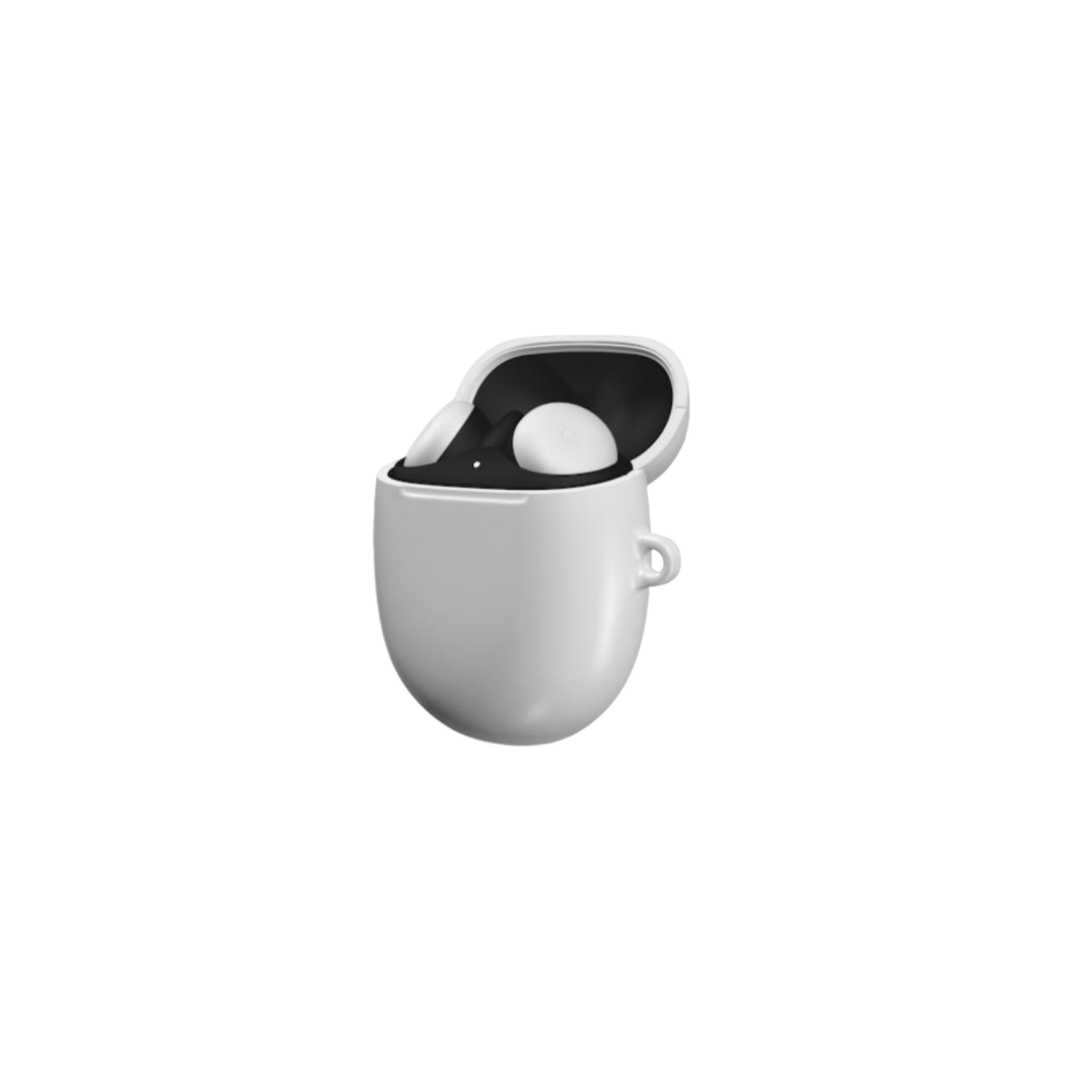
With print-on-demand, you sell custom-designed products only when a customer orders. For creators in the tech accessories, wall art, and drinkware niche, you can start a Shopify store with Podbase: upload your artwork, choose products, and sync with your store. When a customer buys, Podbase prints and ships the order directly under your brand.
This is not just convenient - it is more profitable. “Podbase pricing sits at around 10 to 15% better margins than our competitors across most product categories, with certain products reaching up to 20% better margins,” says Sidas, Podbase's Head of Sales - and the model can scale fast: one seller crossed seven-figure yearly revenue thirteen months after starting from zero, selling phone cases.
Digital Products and Passive Income Models
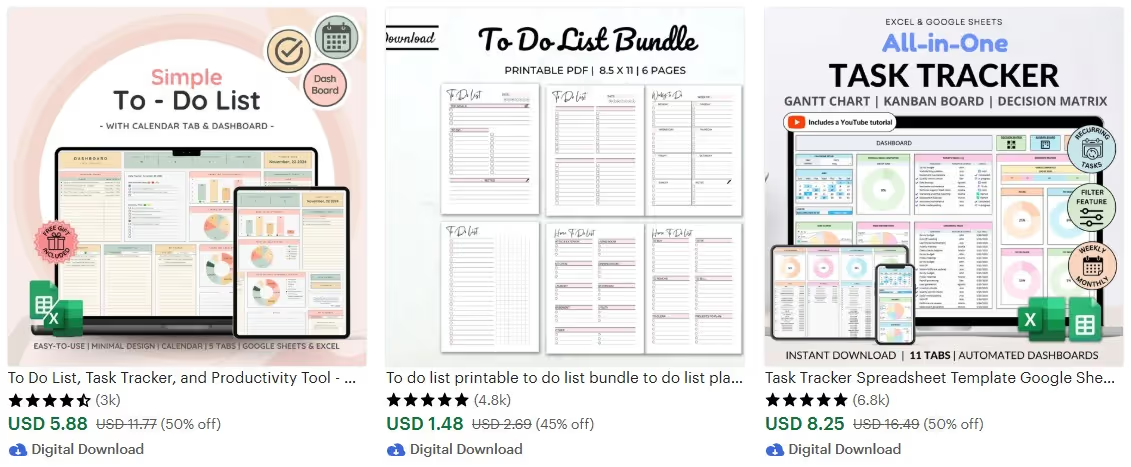
Want to sell with zero shipping? Digital products are the answer. They require no manufacturing or inventory tracking, and once created they can be sold repeatedly to make money at no additional cost. Popular options include phone wallpapers, ebooks, planners, social media templates, and productivity tools.
To get started, create a downloadable file (PDF, PNG, or ZIP), list it on your site, and automate delivery after purchase.
Also Read:
- How to Sell on Pinterest: Step-by-Step Guide
- What Is Automated Dropshipping? How to Streamline Your Ecommerce
How to Drive Traffic and Make Your First Sale
After starting a POD business, the next stage is driving the right traffic. Here is what works.
Connect Social Channels like Pinterest & Instagram
Instagram and Pinterest are built around visual discovery, which makes them ideal for product sellers. Set up a business profile, post high-quality lifestyle shots and mockups, and use relevant keywords and hashtags. On Pinterest, create product pins with strong titles and direct links to your product pages. Treat each post as a test: “You can test faster, you can adjust faster, and you can find what actually resonates faster,” says Podbase CMO Vytautas Mikaila.
Use SEO and Keywords for Product Pages
To get found on Google, write unique, well-structured content for every product, with clear features, use cases, and benefits, plus keywords in titles, meta descriptions, and image alt text.
But here is the part that changed in 2026: do not assume pages will simply “rank on their own over time.” After Google's March 2026 core update, that is no longer true. “The old way of doing organic - publish a lot, go broad, expect traffic - is clearly not enough anymore. The game is now about relevance, usefulness, specificity, freshness, and whether your content actually brings something real to the user,” says Mikaila. Write fewer, more specific pages tied to real buying intent, and keep them updated.
Run Simple Ads (or Use Free Promotion Tactics)
Paid social ads let you target specific interests - promote your best-selling or most visually striking product. Not ready to spend? Post in niche forums, subreddits, and Facebook groups (for example, r/ArtStore, where artists share and promote their stores), or offer samples to bloggers and creators for reviews.

Also Read:
Top Tools to Launch a Website Without Tech Skills
A no-code website builder removes the technical barrier to selling online. Here is how the leading platforms compare.
Shopify, Wix, WooCommerce
Shopify offers a user-friendly, drag-and-drop interface that integrates smoothly with print-on-demand and a huge app marketplace, though deep customization can be limited. Wix has intuitive design tools and a free plan (with Wix branding) plus easy SEO tools, but fewer third-party integrations. WooCommerce, which runs on WordPress, is free and fully controllable as open source, but it expects more technical setup.
Best Free and Paid Website Builders
Free plans to start with include Wix, Square Online, Big Cartel, and the WooCommerce plugin. Current paid pricing (2026) looks like this:
Whichever you choose, the deciding factor is how cleanly it connects to your fulfillment partner - Podbase integrates with Shopify, Wix, and WooCommerce, and offers an Open API for custom builds like Webflow.
Also Read:
Common Mistakes When Selling Online (and How to Avoid Them)
Not Choosing a Niche
Trying to appeal to everyone is the most common mistake. A generic store with a bit of everything rarely connects with real buyers - and it shows up in the numbers: only about 24% of POD shops are still operating three years after launch. A clear niche is what separates the survivors.
Ignoring Mobile Responsiveness
Over 60% of ecommerce sales happen on mobile devices. If your store is not optimized for mobile, you are losing more than half your potential customers - so test every page on a phone before launch.
Failing to Test Pricing and CTAs
Many sellers set a price and CTA once and never revisit them. Small tweaks can lift conversion meaningfully. If you get traffic but few sales, pricing or CTAs are the usual culprits - and one of the cheapest wins is a checkout upsell. Adding a screen protector to a phone-case order converts 3-10% of buyers for roughly €10 of extra profit, at no additional ad cost.
Launch Your Online Store with Podbase
Ready to start without worrying about inventory, shipping, or production? Podbase makes it easy to launch with minimal upfront cost.
Why Print-on-Demand Works for Beginners
For anyone learning how to make a website to sell stuff, POD is ideal because:
- Little to no upfront investment: you pay per item only after a sale.
- Zero-risk testing: try new designs without buying stock.
- Easy scaling: the model grows as your audience does.
- No fulfillment logistics: you never touch a product.
And momentum compounds early: “Sellers who have a community, a mentor, or a peer group working in the same space scaled approximately 32% faster than solo operators,” notes Sidas.
How Podbase Helps You Sell Without Inventory
With Podbase you do not manage inventory or negotiate with suppliers. You get automated order fulfillment and delivery, all under your brand, plus:
- Seamless integrations: Shopify, Wix, and WooCommerce.
- High-quality mockups: to showcase your designs.
- Fast, global shipping: with white-label fulfillment.
- Real-time tracking: order and production updates.
If you are serious about launching, you can book a free strategy call for personalized advice on your store.
FAQ
1. How do I make a website to sell stuff without inventory?
Choose a no-code builder like Shopify, Wix, or Squarespace, connect an inventory-free model such as print-on-demand or digital products, add a custom domain, and build clear product pages. With print-on-demand, products are made and shipped only after a customer orders, so you never hold stock or handle fulfillment yourself.
2. How much does it cost to start a website to sell stuff?
Most ecommerce builders start around $16-39 per month: Squarespace from $16, Wix from $17, Shopify from $29 billed annually, and BigCommerce from $39. With print-on-demand you pay nothing upfront for stock; you only pay Podbase per item after a customer buys, which keeps startup costs low.
3. What is the best platform to build a website to sell stuff?
Shopify is the most popular all-in-one choice because it is beginner-friendly and integrates natively with print-on-demand. Wix and Squarespace suit design-led brands, while WooCommerce and Webflow offer more control for those comfortable with setup. The best platform is the one that connects cleanly to your fulfillment service, like Podbase.
4. Can I sell online without holding any inventory?
Yes. Print-on-demand and digital products both let you sell with zero inventory. With print-on-demand, Podbase prints and ships each item under your brand only after a sale. Digital products like planners or wallpapers are created once and sold repeatedly with no manufacturing, stock, or shipping involved at all.
5. How long does it take to launch an online store?
Most successful stores are live within two weeks using simple tools and basic themes, according to Podbase's Head of Sales. The goal is to learn quickly, not launch perfectly. With print-on-demand, AI-assisted onboarding has cut average new-store setup from three months to under one, so you can start testing designs almost immediately.
6. How do I get my first sale after building my store?
Drive targeted traffic before expecting sales. Use visual platforms like Pinterest and Instagram, optimize product pages for search with specific, useful content, and run small ads or post in niche communities. Focusing on one clear niche, rather than selling a bit of everything, makes your store far easier to market.
Conclusion
Making a website to sell stuff has never been more accessible: pick a no-code builder, go inventory-free with print-on-demand or digital products, build clear product pages, and drive focused traffic to your first sale. The platform is the easy part - a clear niche and fast execution are what actually move the needle, and most successful stores get there in about two weeks. Create a Podbase account today to launch your store with zero inventory and start selling.

Saulius Meilutis is the CEO of Podbase, helping creators and entrepreneurs monetize their ideas with print-on-demand. He shares insights on eCommerce, growth, and building lean online businesses.

.avif)







.avif)
.avif)
.avif)
.avif)
.avif)
.avif)

.avif)



.avif)

.avif)

.avif)

.avif)

.avif)