How to Sell on Pinterest in 2026: Quick Start
- Create a Business account: unlock analytics, ads, and the Shop tab
- Optimize your profile: brand logo, keyworded bio, clear username for discovery
- Connect your store: claim your website, add the Pinterest Tag, sync your Shopify or WooCommerce catalog
- Build high-intent Pins: 300 DPI visuals, keyword titles, Rich Pins, a clear CTA like “Shop now”
- Turn on shopping: Shop tab, Product Tags, Buyable Pins, Shopping Ads, and Pinterest Trends
- Pin with intent, not volume: publish relevant, fresh Pins consistently — mix lifestyle, product, and video
- Run targeted ads: choose a goal, target interests/keywords, boost your best organic Pins, iterate weekly
- Budget: free to start; typical CPC ~$0.00–$0.20, begin with $10–$20 per day and scale winners
- Track KPIs: impressions, saves, CTR, clicks, and conversions to guide creative and targeting
- Avoid pitfalls: low-quality images, text-heavy Pins, and ignoring analytics all suppress reach and sales
Pinterest drives intent and long-tail traffic. Sync your catalog, ship on demand, and grow with repeatable launches. Build your POD brand with Podbase →
Pinterest has always been a top destination for inspiration — home decor, fashion, fitness, and big-ticket purchases. As of Q1 2026 it reached an all-time high of 631 million monthly active users (its tenth consecutive quarter of double-digit growth), and roughly 275 million of them come back every week. If you want the full breakdown, we keep a running set of Pinterest statistics for 2026.
But raw audience size is not why Pinterest sells. It is the intent. Around 75% of Pinners are in active purchase mode — versus roughly 28% on Facebook and 41% on Instagram — and about 80% of weekly Pinners have bought something they discovered on the platform. Pinterest shoppers also spend close to 30% more per transaction than shoppers arriving from other social feeds. People do not scroll Pinterest to kill time; they scroll it to plan purchases.
Here is where most “how to sell on Pinterest” guides go wrong: they treat Pinterest like a billboard. It is a visual search engine, and in 2026 that distinction decides who makes money. As our own CMO, Vytautas Mikaila, puts it: “Organic content for organic traffic is already more of an advanced-player and advanced-seller tactic. It is not really a beginner game anymore.” At Podbase, 99% of our sellers currently get the majority of their traffic from paid social — so think of Pinterest organic discovery as the compounding lever that separates advanced sellers from beginners, not a free-traffic shortcut.
In this guide we answer “how do you sell on Pinterest?” step by step — grounded in what actually moves product, including data from inside our own fulfillment and seller base. We will also cover the common mistakes to avoid. Let’s get started.
Steps to Start Selling on Pinterest
Selling on Pinterest is straightforward whether you are a small business owner or an established brand. The platform gives you robust, free tools to show and sell your products. The setup, though, is the easy part. What determines whether you earn anything is what you do after the account is live — and the data later in this guide shows exactly where sellers win or stall. So let’s walk through everything you need to start selling on Pinterest.
Step 1: Set Up a Pinterest Business Account
The first step to learning how to sell on Pinterest is creating a Pinterest Business account. It is free, and it unlocks tools like analytics, ad campaigns, and the Shop tab.
- Go to Pinterest for Business.
- Sign up or convert: If you already have a personal account, convert it — click “Settings,” then “Account Management,” and select “Convert to Business.” As a new user, click “Join as a Business” and follow the prompts. Then add your business name, logo, and a compelling bio.

Step 2: Optimize Your Pinterest Profile
Your Pinterest profile is your storefront — the first impression a potential customer has of your brand. Make it clear, professional, and engaging to turn casual visitors into buyers.
- Personalize your profile: Upload a customized profile picture — your logo, or a professional headshot if you are a solopreneur — and create a clear, memorable username that reflects your brand or niche.
- Write an exciting bio: Explain what your business offers in concrete terms. Instead of “We sell home décor,” try “Modern, handcrafted home décor to elevate your space — shop our unique collections!”
- Add keywords: Include relevant keywords in your bio and profile name. If you sell fitness gear, use phrases like “Affordable Fitness Gear | Workout Essentials.” Because Pinterest is a search engine, this is what helps your profile surface in search.

Also Read:
Step 3: Link to Your Ecommerce Store
The third step in mastering how to sell on Pinterest is connecting your ecommerce store. This lets customers browse and buy directly, and a seamless shopping path increases repeat visits and loyalty.
- Claim your business website: Claiming boosts credibility and unlocks analytics and Rich Pins, which auto-sync details like price and availability. Go to account settings, claim your website, and paste the provided HTML tag into your site’s code.
- Enable the Pinterest Tag: The Pinterest Tag tracks conversions so you can optimize campaigns. Copy the tag from account settings and add it to your site’s backend.
Pro tip: integrating platforms like WooCommerce and Shopify lets you sync your product catalog automatically — and it matters that Shopify hosts 62.8% of all print-on-demand stores, so the integrations are mature and well-documented.
Step 4: Create Engaging Product Pins
Your Product Pins are mini billboards — eye-catching and informative enough to drive clicks and sales.
- Use high-quality images: Pinterest is visual, so show your product clearly, ideally in use. Selling coffee mugs? Style them on a cozy breakfast table.
- Add compelling descriptions: Tell a story. Instead of “Red ceramic mug, 12 oz,” write “Sip your morning coffee in style with this handcrafted red ceramic mug — perfect for cozy mornings!”
- Include keywords: Add relevant terms to titles and descriptions, like “lightweight yoga mat” or “home workout essentials.”
- Enable Rich Pins: They auto-sync price, availability, and a direct link to your store.
- Use CTAs: Add “Shop now” or “Click to explore more styles!” to nudge the next step.
If you sell print-on-demand products, remember that the Pin only converts if the delivered product matches the photo. That sounds obvious, but it is where a lot of POD stores quietly lose trust. On our own production line we verify color accuracy with a spectrophotometer and ask sellers to submit designs in high-resolution CMYK — because, as our operations lead Ieva notes, “the most accurate results are achieved when designs are submitted in high resolution and in the CMYK color space.” A Pin that promises a vivid design and ships a dull one generates exactly the returns and complaints you are trying to avoid.
There is also a deeper reason Product Pins work for custom goods. As our CEO Saulius Meilutis puts it, a case or accessory “became like your personal billboard on your gadget” — people now buy products that signal their personality and interests, not just utility. Pins that show the product as an extension of a lifestyle outperform flat catalog shots for exactly that reason.

Also Read:
- Print-on-Demand vs Dropshipping: The Essentials Explained
- What is WooCommerce? A Guide to eCommerce on WordPress
Step 5: Use Pinterest’s Shopping Features
Pinterest’s shopping features let users discover, browse, and buy without leaving the platform.
- Shop tab: Once your catalog is uploaded, your profile gets a Shop tab — a virtual storefront showing all your products in one place.
- Product Tags: Tag products in lifestyle Pins to make them shoppable. Post a living-room setup and tag the couch, coffee table, and rug so users can buy instantly.
- Buyable Pins: Let users buy directly from Pinterest — keep your catalog updated so prices and availability stay correct.
- Shopping Ads: Promote products to a broader audience; these ads blend into feeds and link to your store.
- Pinterest Trends: See what users are searching for in your niche and align your offerings with current demand.
Step 6: Develop a Consistent Pinning Strategy
Regular pinning keeps your brand visible and builds trust. But here is where conventional advice has dated badly, and it is worth being direct about it.
The standard recommendation is to pin 5 to 10 times a day. Our read on 2026 is blunter. “The old way of doing organic, where you just publish a lot, go broad, and expect traffic to keep coming the same way, is clearly not enough anymore,” says Vytautas Mikaila, our CMO. “Right now the game is much more about relevance, usefulness, specificity, freshness.” So treat 5–10 as a ceiling for relevant Pins, not a quota you hit with filler. Ten sharp, on-trend Pins beat thirty generic ones — and after Google’s and the social platforms’ 2026 algorithm shifts, the filler does not just fail to help, it actively dilutes your account.
- Mix your content: Combine lifestyle images, tutorials, and user-generated content. Selling skincare? Pin a nighttime-routine guide alongside product Pins.
- Plan around seasons: Align your schedule with demand. Selling holiday decorations? Start pinning collections in early October when users begin planning.
- Mind your timing: Post when your audience is active — Pinterest users tend to engage on weekend evenings and late at night.
- Use your analytics: Find your best-performing Pins and double down on those styles, formats, and keywords.
Step 7: Leverage Pinterest Ads for Greater Reach
Pinterest Ads put your products in front of the right people at the right time. Given that the overwhelming majority of POD sellers we work with get most of their early traffic from paid social, ads are not a luxury at launch — they are how you generate the data and sales that let organic compound later.
- Choose your campaign goal: Drive traffic, build awareness, or increase conversions. Launching a new product? Run a traffic campaign to bring users to your store.
- Target the right audience: Narrow by age, location, interests, and keywords. Selling fitness apparel? Target “yoga outfits” or “gym gear.”
- Promote your best Pins: Choose Pins with high engagement and clear CTAs — a strong organic Pin often outperforms a generic promoted one.
- Monitor and adjust: Track performance weekly. If a campaign underdelivers, revise targeting, budget, or creative.
Also Read:
- Sell on Etsy in 7 Easy Steps: A Seller's Guide
- What Is Print-On-Demand: Everything You Need To Know About It
How Much Does It Cost to Sell on Pinterest?
Good news: selling on Pinterest can be free. There is no charge to set up a Business account, upload a catalog, claim your website, or create Pins. To maximize reach, businesses typically spend $0.00–$0.20 per click on Pinterest Ads, and you can start with a daily budget of $10–$20 and scale your winners.
But “free to start” hides where the real economics live: fulfillment and product quality. This is the contrarian point most guides skip. A Pinterest sale only makes money if the unit economics underneath it work. On a print-on-demand phone case, for example, the math is healthy — our CEO frames it plainly: “You can buy from Podbase for 10 euro and sell them for 35–60 euro.” A single screen-protector upsell button at checkout converts 3–10% of buyers and adds roughly €10 of profit per take, at no extra ad cost.
And the cheapest supplier is rarely the cheapest choice. As our head of sales, Sidas, puts it: “A cheap product that fails after a few days carries a cost that never shows up in a margin calculation. That customer tells their friends. That return or complaint lands in a support queue.” In practice, our pricing sits around 10–15% better margins than competitors across most categories — up to 20% in some — but the durability is what protects the reviews and repeat purchases that Pinterest selling depends on.
Selling Custom Print-On-Demand Products on Pinterest with Podbase

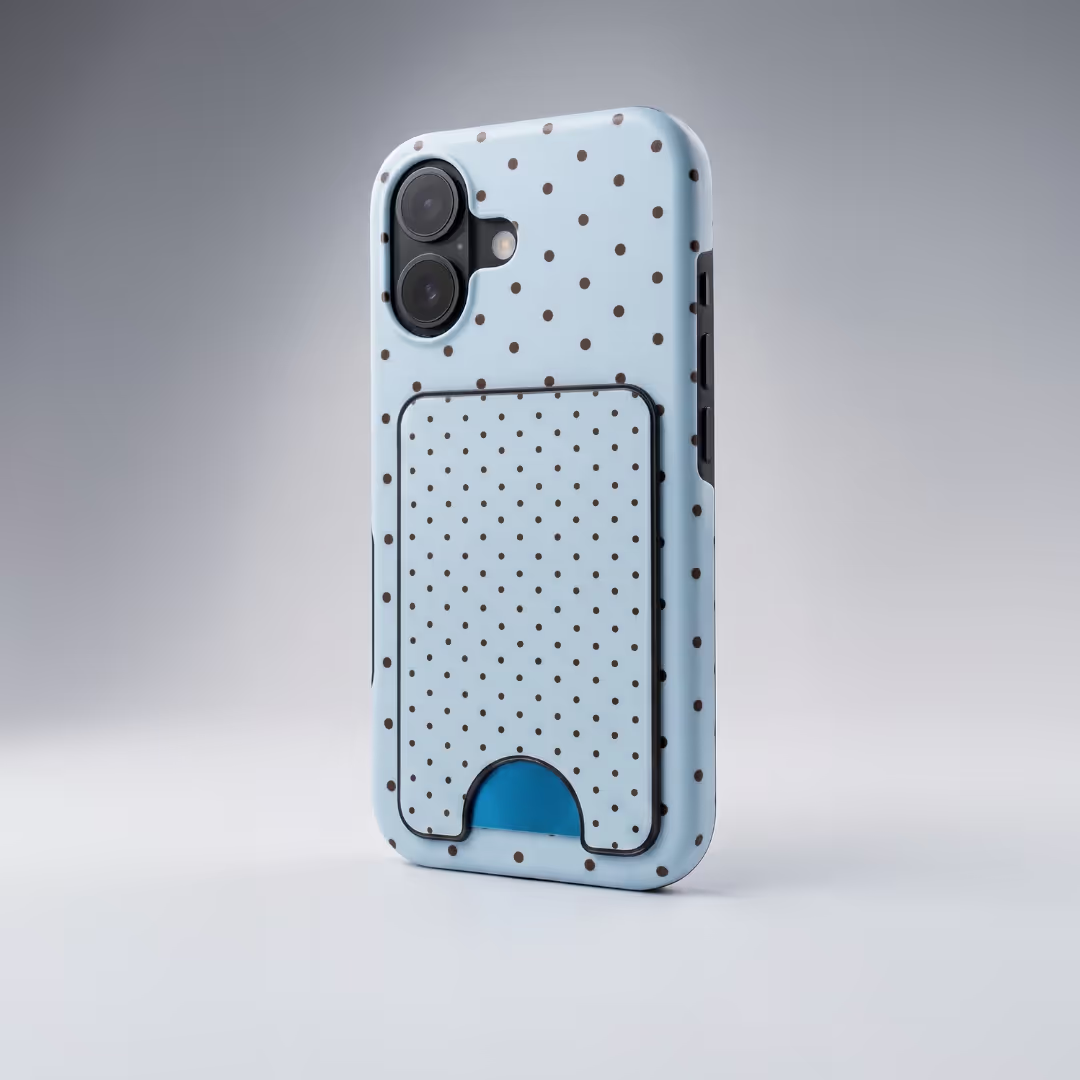
Pinterest is an excellent channel for selling custom print-on-demand (POD) products, and the timing is good: the global POD market reached roughly $12.96 billion in 2025 and is on track for about $75.30 billion by 2033 — a ~25.3% annual growth rate, per our verified 2026 print-on-demand statistics. With Podbase you design and sell products like mugs, t-shirts, and phone cases without holding inventory or managing shipping.
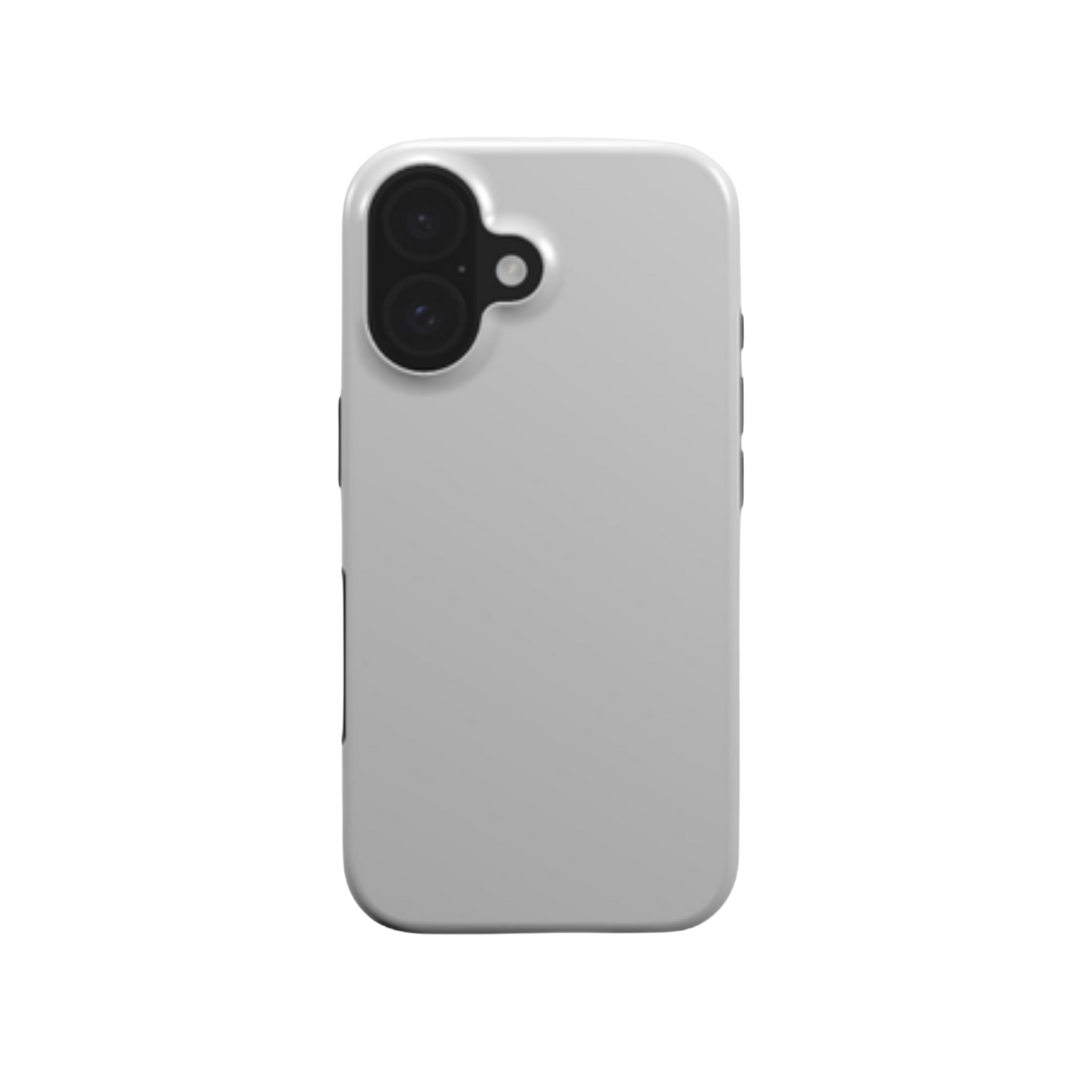
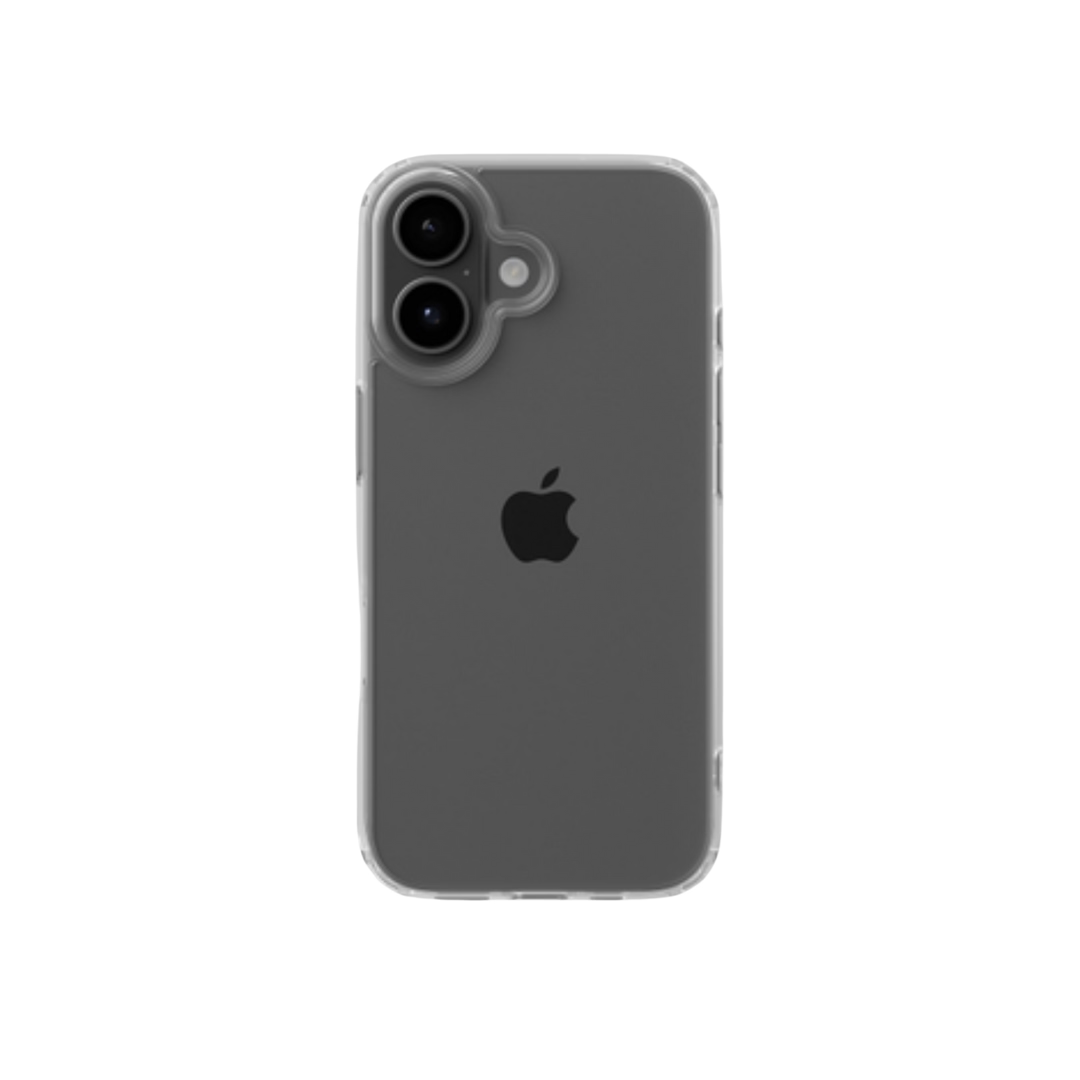
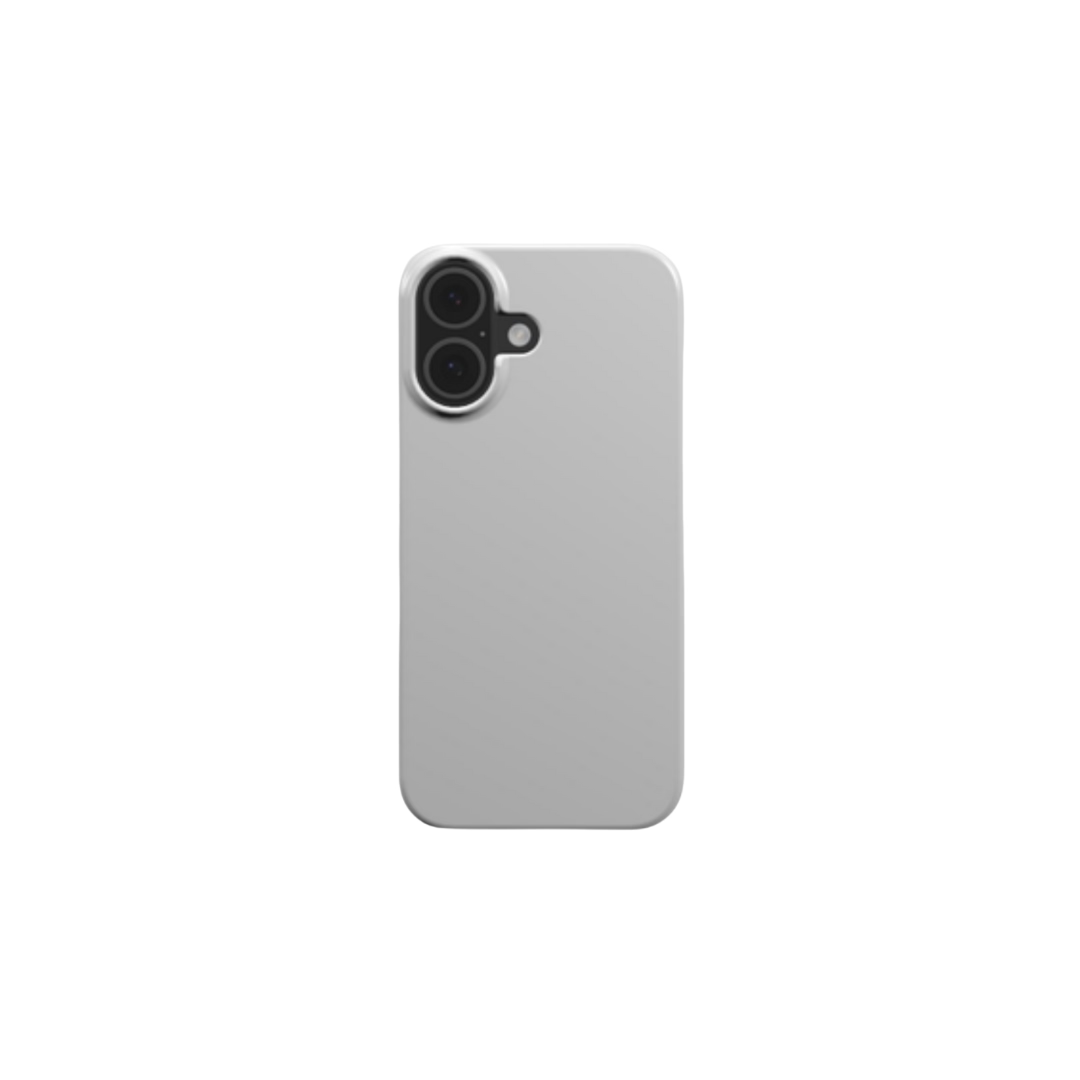
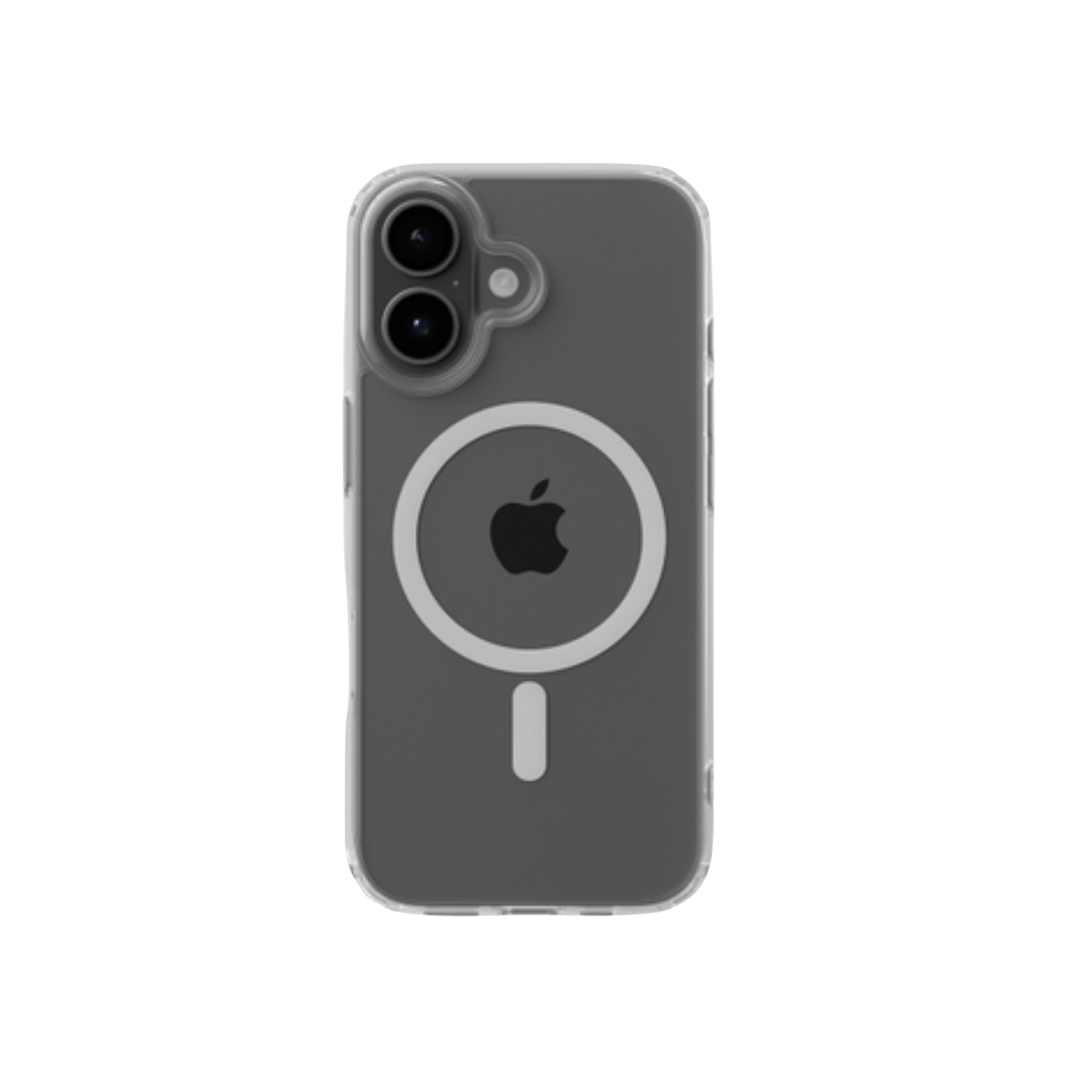
Tech accessories are a particularly strong Pinterest fit. The global phone case market is projected to hit $41.4 billion by 2030, about 68% of smartphone owners use a case, and by our CEO’s estimate close to 80% of phone users worldwide protect their device — see the full phone case market data. As our product lead Justina notes, accessories “stopped being simply devices and became an extension of who we are as persons,” which is why visually-driven, identity-led Pins convert so well for this category. It is also why digital artists do well here: “You can scale down their digital art on the phone case and their audience can have a piece of art… it’s like €40–€60 for a case that has your favorite artist’s design on it,” says our CEO.
- Set up a storefront with Podbase: Upload your designs and integrate your catalog with Pinterest so products appear under your Shop tab. Onboarding a new POD project used to take about three months across the industry; on Podbase we have cut that to under a month.
- Create lifestyle Pins: Show the product in use. Selling a custom tote? Pin someone carrying it at a farmer’s market with a caption like “Shop this eco-friendly tote for your next weekend outing!”
Speed matters once an order lands, too. Our average production-to-ship time is about 23 hours — a 31% improvement over the previous six months — with quality checks between every stage. Fast, reliable fulfillment is what turns a one-time Pinterest buyer into a repeat customer. Use Pinterest Trends to spot rising niches (“self-care gifts,” say) and design into them quickly.
Also Read:
Tips to Sell on Pinterest Successfully
Knowing how to sell on Pinterest is not just about uploading products — it is about connecting with the right audience. Here are the tips that matter most.
Optimize Your Pins for Search
Pinterest is a visual search engine, so include relevant keywords in your Pin titles and descriptions. Selling handmade candles? Use phrases like “scented soy candles.” But take our CMO’s warning to heart: “Do not treat SEO like passive free traffic. It is not that anymore… more content that is actually connected to real products, real user needs, and real differentiation. Otherwise, you just become another page in the pile.” Optimize for specificity, not keyword stuffing.
Create High-Quality, Engaging Pins
Clear, well-lit imagery captures attention. Use lifestyle images that show people using your products — a custom tote at a farmer’s market — so buyers can picture it in their own lives. Do not stop at photos: short videos demonstrating a product’s features and bold graphics highlighting promotions both lift engagement. And if the product is printed, make sure the on-screen design genuinely matches what ships.
Leverage Pinterest Analytics
Monitor analytics to see which Pins resonate. Watch impressions, saves, and click-through rates, then refine toward the content driving the most engagement and sales.
Engage with Your Audience and Collaborate
Building a community goes beyond posting. Respond to comments, interact with followers, and explore influencer collaborations in your niche. This is not a soft “nice to have” — it is a measurable growth lever. One Podbase seller went “from zero into seven-figure yearly revenue… selling phone cases” within 13 months, and they did it by launching with around ten designs and pushing hard into influencer marketing. More broadly, sellers “who have a community, a mentor, or even a peer group… scaled approximately 32% faster than solo operators going it alone,” according to our sales team.
Be Impatient About Launching, Patient About Results
The usual advice — “stay consistent and be patient” — is half right, and the missing half is what kills most stores. Patience applies to results: Pins can drive traffic months after posting, so give your catalog time. But speed applies to launching. “The sellers who succeed… move fast and test first. They put three to five designs live, push their marketing hard on those specific products… Most successful stores are up and running within two weeks,” says Sidas, our head of sales.
The trap is what our team calls the guessing phase: “They spend months building the ideal store… Six months pass, the store has never gone live, and the initial drive… has quietly faded.” The benchmarks are concrete: a seller who places a sample order within the first two days and publishes at least five products within 30 days is already ahead of 80% of POD stores; ten sales puts them in the top 10%. Launch first, perfect later. For more, see how to make money on Pinterest.
Also Read:
Mistakes to Avoid When Selling on Pinterest
Even with a solid plan, a few mistakes can quietly suppress your visibility, engagement, or sales. The good news: they are easy to avoid once you know what to watch for.
Poor-Quality Pins
Blurry images, bad lighting, or sloppy graphics make a brand look unprofessional, and users scroll past anything that does not stand out. Always use high-resolution images that show products in their best light — a mug styled in a cozy breakfast setting beats a flat product shot. Tools like Canva or Adobe Spark help you build polished, branded designs. Pro tip: vertical 2:3 images perform best in the feed. For printed products specifically, a low-resolution or non-CMYK file is the single most common reason the delivered item disappoints — fix the file before you ever publish the Pin.
Overloading Pins with Text
Too much text overwhelms viewers. Keep it short and clear: focus on one main idea or call-to-action and pair it with a strong image. Use bold fonts, limit text to 2–3 lines, and let the visuals do the talking — save the detail for your Pin description or landing page.
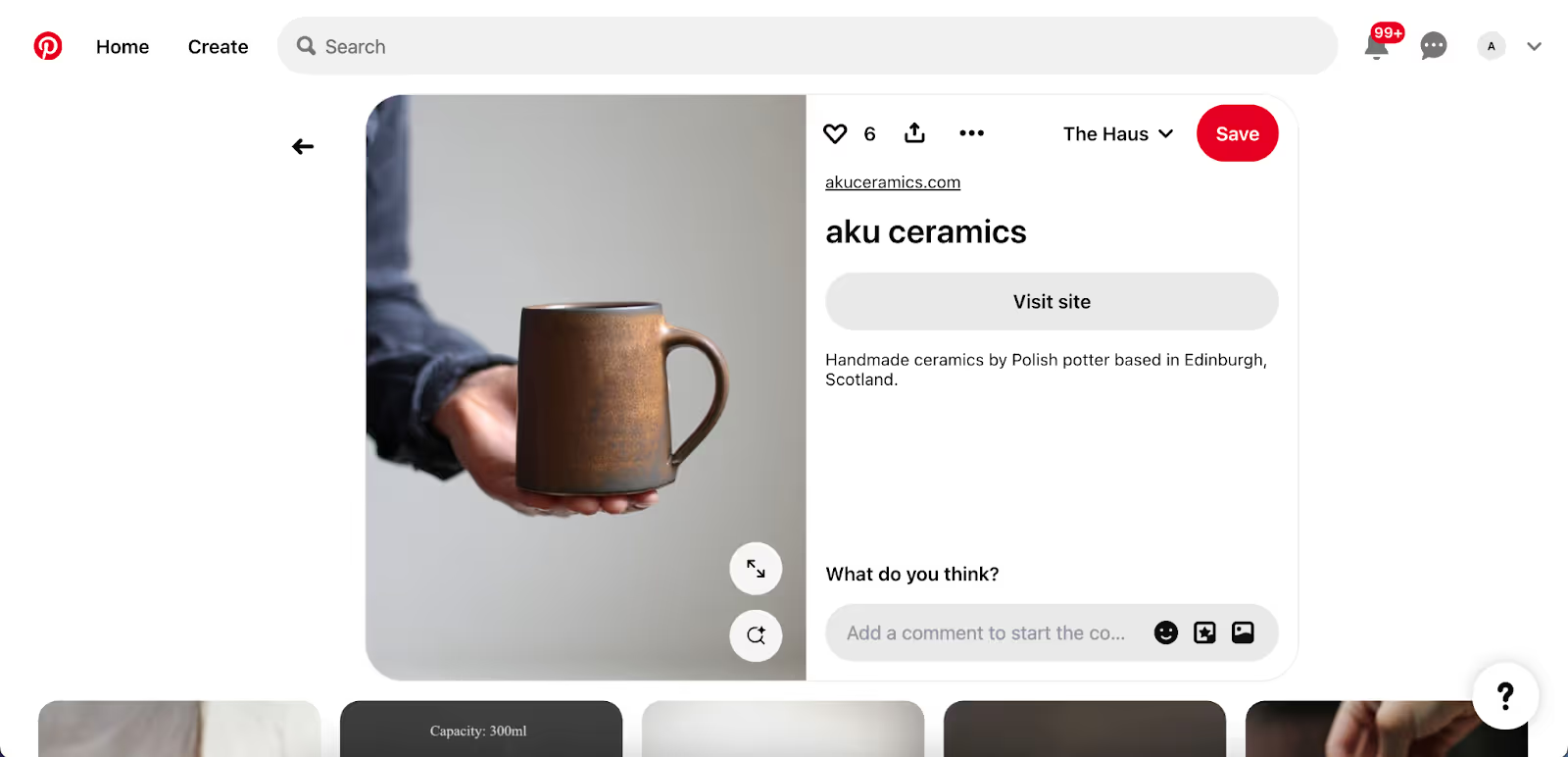
You can also use bold fonts and limit text to 2-3 lines max. Let the visuals do the talking and keep detailed information for your Pin description or landing page.
Ignoring Analytics
Analytics reveal what is driving traffic and sales. Ignoring them means missing the chance to understand what works. Regularly check impressions, saves, and click-through rates, then use audience insights to tailor content to your buyers’ demographics and interests.
Also Read:
- How to Sell Print-on-Demand on Shopify — A Detailed Step-by-Step Guide
- Best Print-On-Demand Niches: How to Discover Profitable Ideas For Your Business
Summary
Knowing how to sell on Pinterest in 2026 is a real opportunity: 631 million monthly active users, around 75% of them in active purchase mode, and a low-cost, high-intent platform where Pins keep working for months. The winners do three things consistently — they sell into intent rather than chase reach, they protect their margins and product quality so reviews and repeat purchases hold up, and they launch fast instead of perfecting in private.
Set up your Business account, build a strategy around relevance and freshness rather than raw volume, invest in ads to generate early data, and avoid poor-quality Pins, text-heavy images, and ignored analytics. Start pinning, stay consistent, and let your catalog compound.

Saulius Meilutis is the CEO of Podbase, helping creators and entrepreneurs monetize their ideas with print-on-demand. He shares insights on eCommerce, growth, and building lean online businesses.

.avif)



.avif)
.avif)
.avif)
.avif)
.avif)
.avif)

.avif)



.avif)
.avif)

.avif)

.avif)
.avif)