To start a Shopify store with Podbase, you create your Shopify store, build the storefront, set up shipping and payments, connect the Podbase app for print-on-demand fulfillment, then market and launch - and you can be live in about two weeks with no inventory. Whether you are a beginner or an established seller exploring new revenue streams, Shopify is the launchpad, and pairing it with Podbase turns it into a powerhouse for lean, scalable selling.
This partnership eliminates the hassle of managing inventory and offers an easy setup so you can sell and make money on custom products. Below is the full, current walkthrough - refreshed with 2026 Shopify pricing - plus how to use Podbase to maximize profit while simplifying operations.
Why Choose Shopify and Podbase for Your Ecommerce Store in 2026?
Shopify and Podbase form a dynamic duo for ecommerce. Shopify gives you the store; Podbase's print-on-demand engine handles dropshipping-style fulfillment without inventory.
Benefits of Using Shopify for Your Online Store
While platforms like WooCommerce and Wix are popular, many entrepreneurs still choose Shopify. Its advantages include:
- User-friendly interface: an intuitive dashboard that is easy for beginners to manage.
- Scalability: solutions for every stage, from first sale to large brand.
- Integrated apps and tools: a marketplace of 13,000+ apps for SEO, marketing, fulfillment, and more.

The Power of Shopify Dropshipping with Print-on-Demand
Pairing Shopify's dropshipping strengths with Podbase's print-on-demand lets you:
- Automate order fulfillment: Podbase handles production and shipping so you can focus on growth.
- Eliminate inventory costs: items are produced only when customers order - no upfront stock.
- Test products with ease: experiment with new designs without overstock risk.
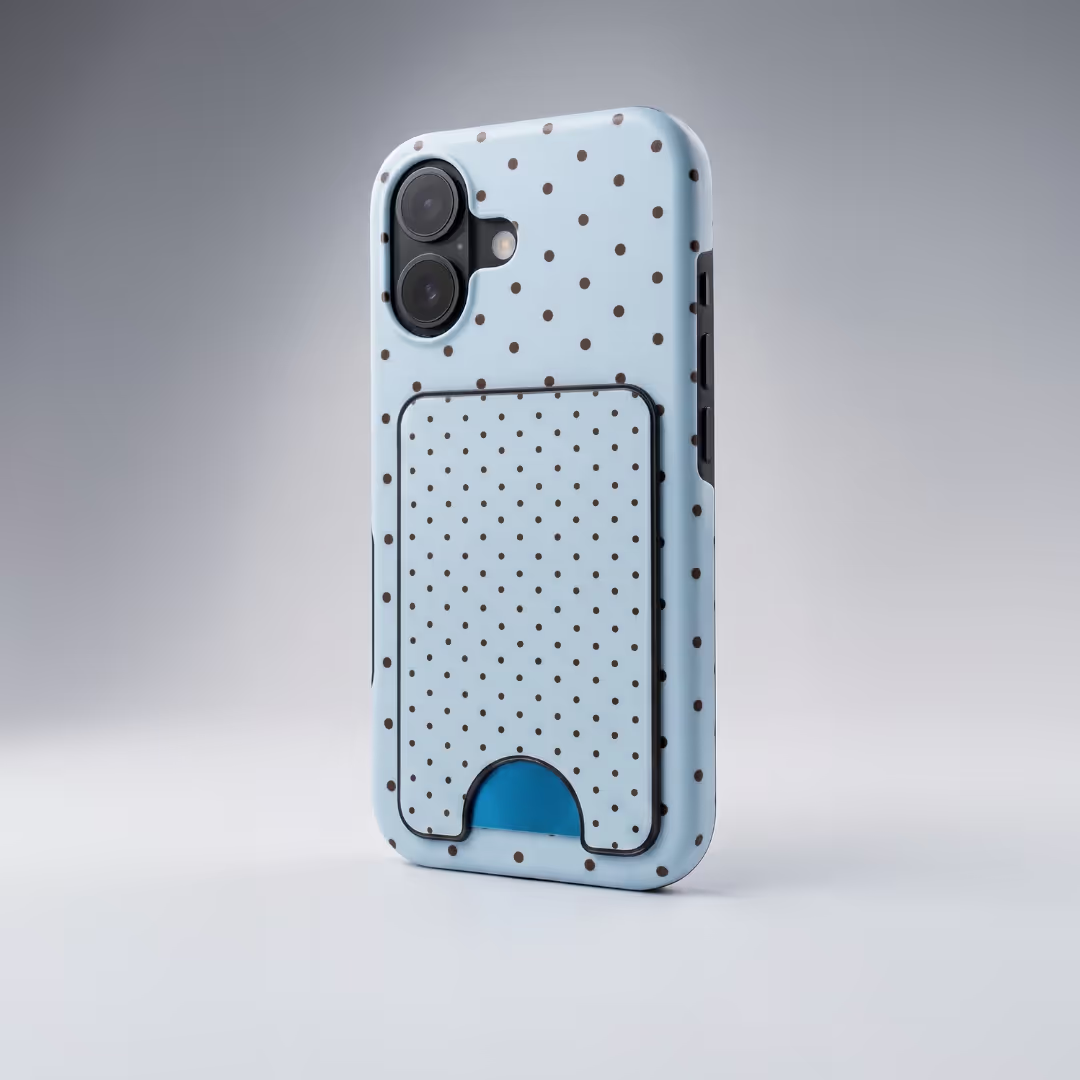
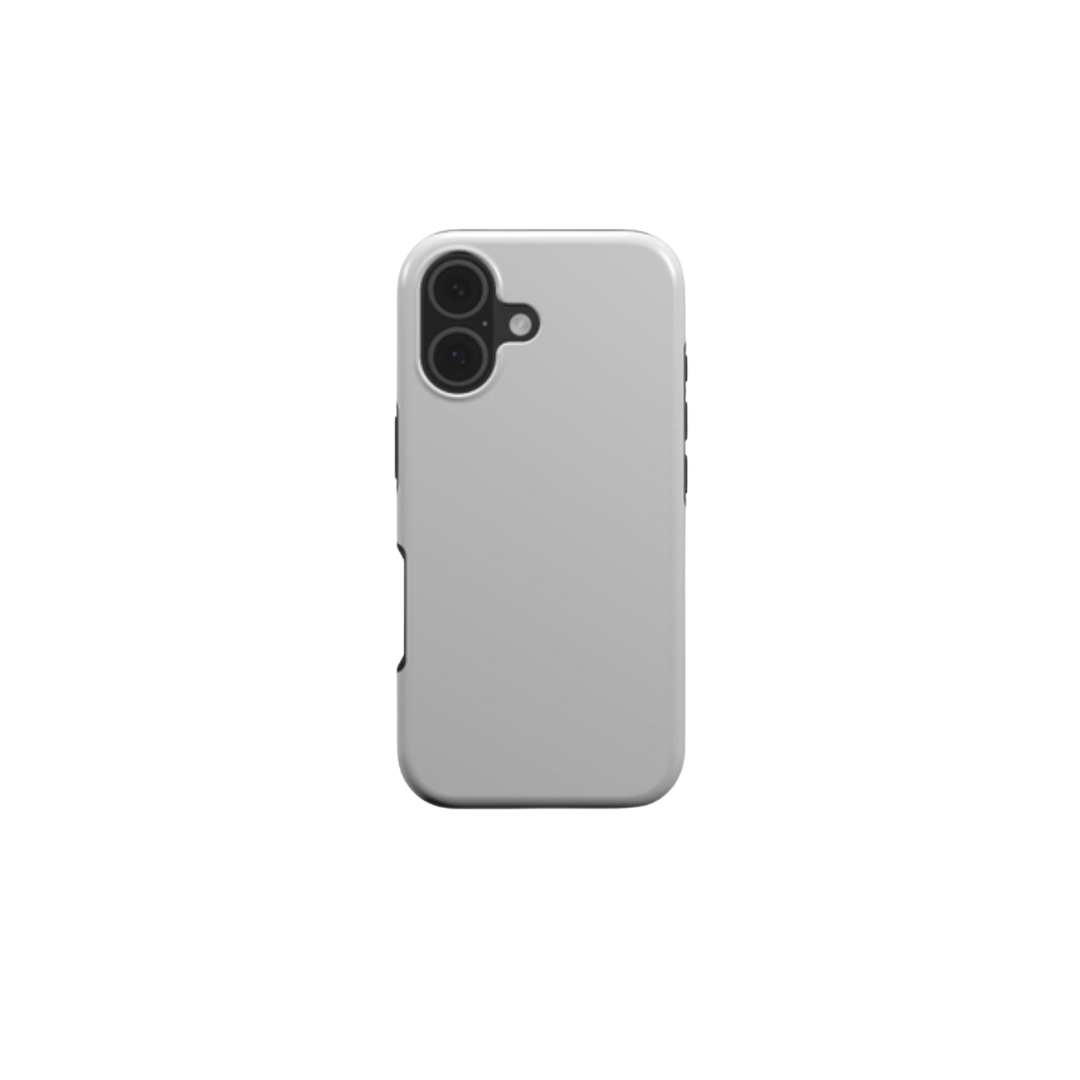
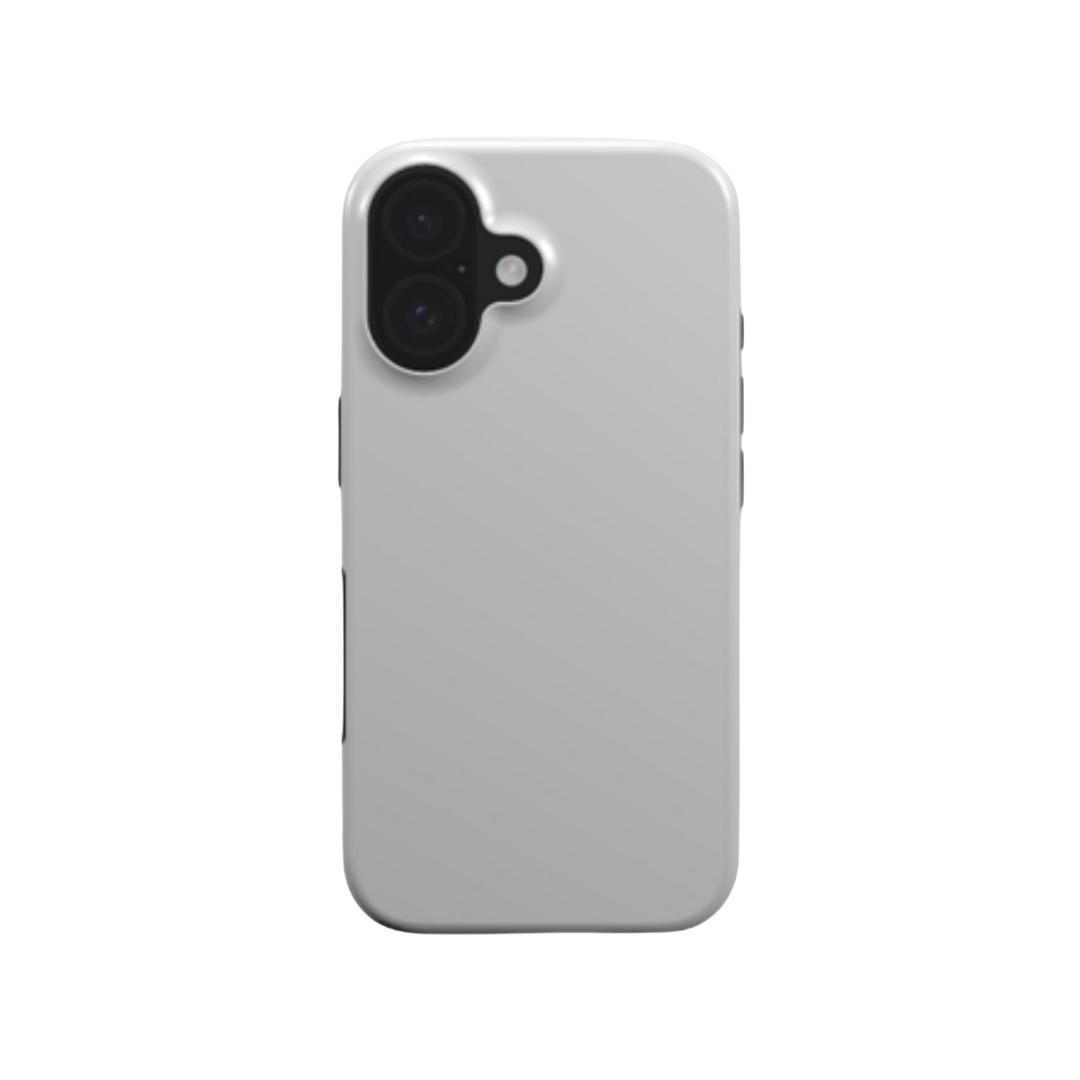
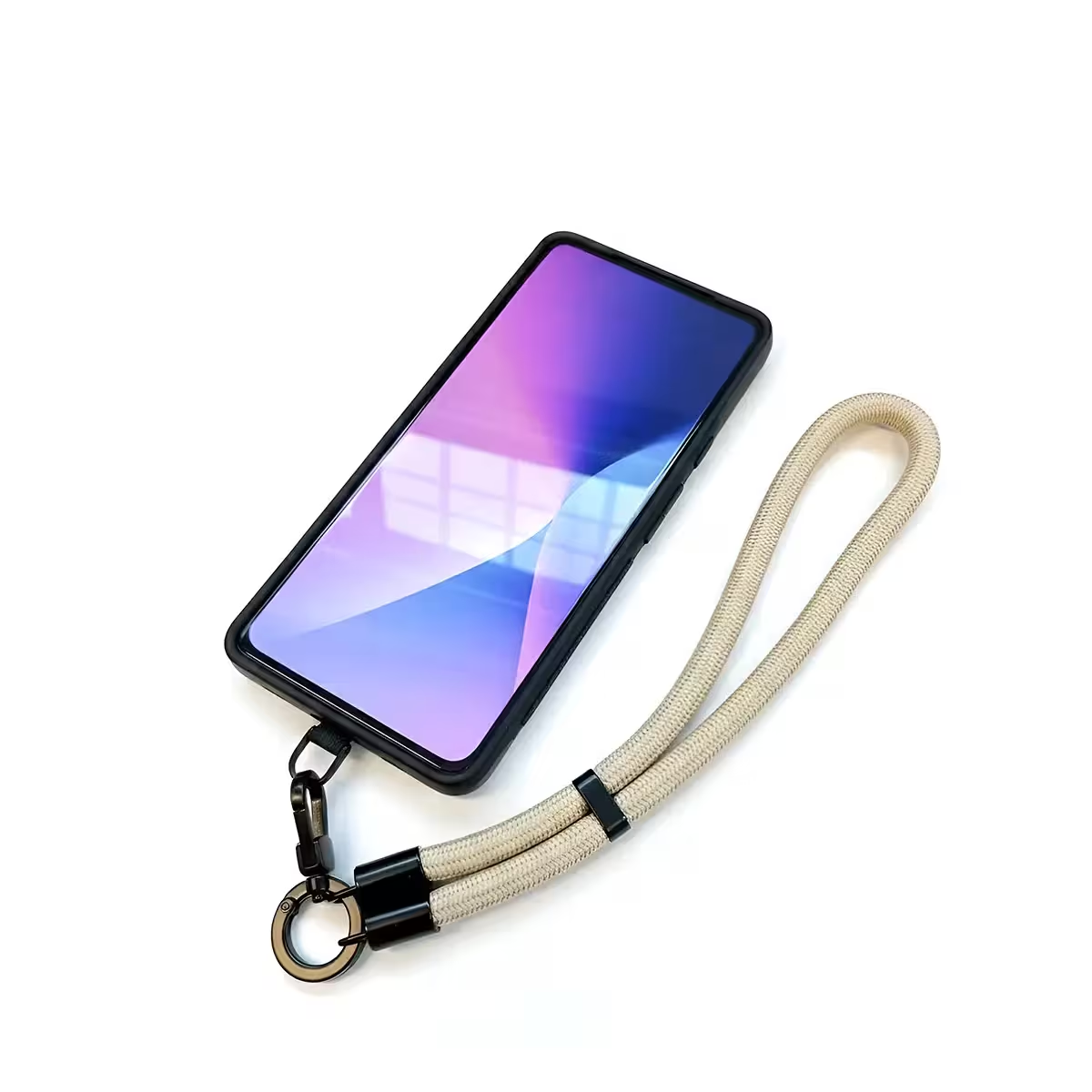
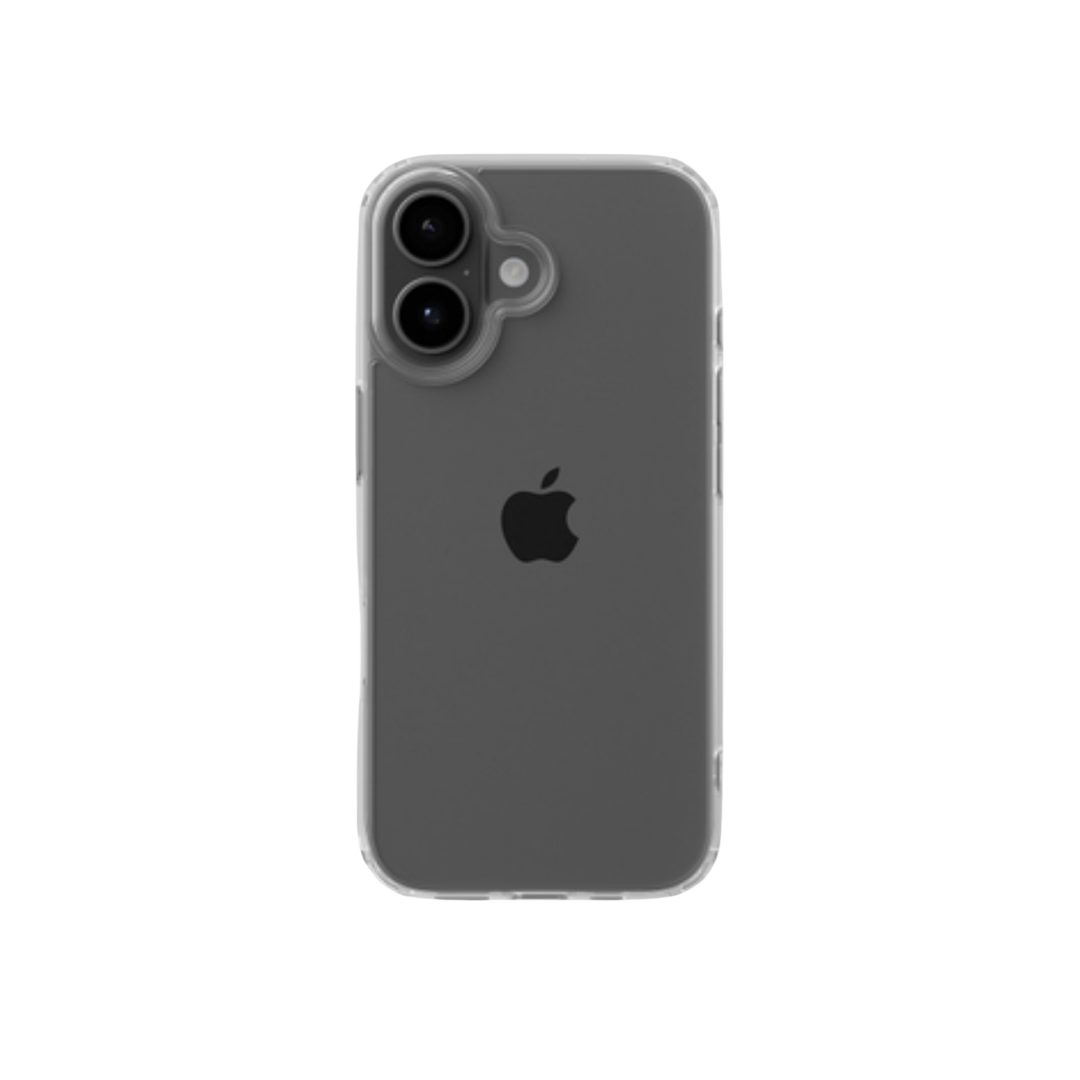
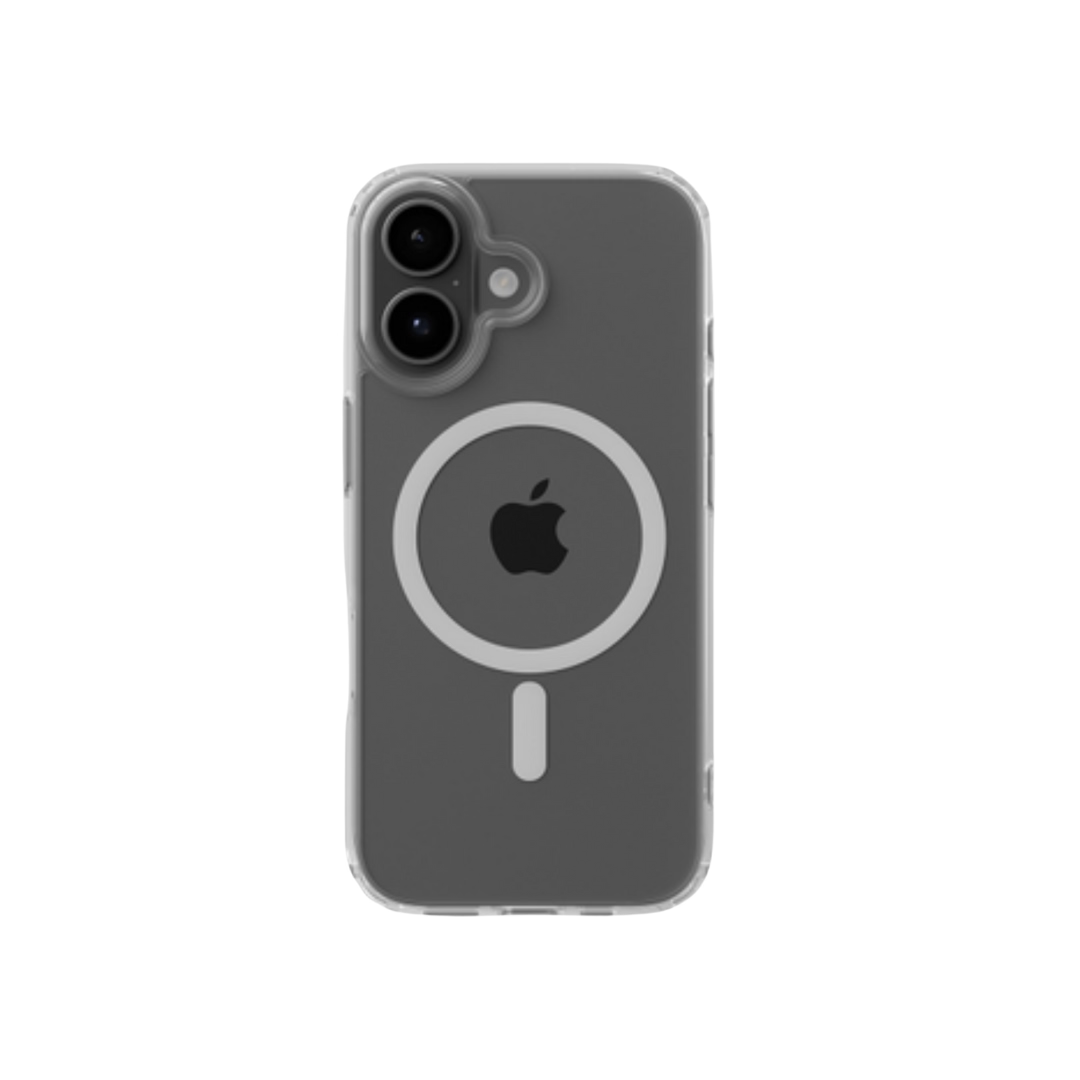
- Customize your products: offer unique custom wall art, drinkware, and creative phone case designs.
The economics are why this combination works: Podbase pricing runs 10-15% better margins than competitors (up to 20%), and sellers commonly buy a custom phone case near €10 and sell it for €35-60. Browse creative phone case designs for inspiration.

Also Read:
- What Is Print-On-Demand: Everything You Need To Know About It
- How To Start A Print-On-Demand Business: Full Guide
- How to Start an Online Store Without Inventory
Step 1: How to Create a Shopify Store
Whether you are starting fresh or transitioning from another platform, here is how to create and set up your Shopify store.
Pick a Business Name
Choose a business name that is memorable, relevant to your niche, and available as a domain. Shopify gives you a temporary default domain, but a custom domain is worth buying for branding. For pet lovers looking to sell digital art, names like “Paw Print Creations” or “Furry Finds Art” work well.
Create a Shopify Account
Visit Shopify and click “Start Free Trial,” then sign up. Shopify offers a 3-day free trial with no credit card, typically followed by an introductory offer of $1 per month for your first month - so you can build and test cheaply before committing. After signing up, answer the prompts about your business goals and niche.

Choose Your Plan
Shopify offers five plans in 2026. Here is the current lineup so you can pick the right starting point:

Start on Basic ($39/month) if you are new - it includes 24/7 chat support, multiple inventory locations, global selling across markets, and POS Lite for in-person sales. Upgrade only when volume or reporting needs justify it; do not over-invest in a plan before you have sales.
Step 2: How to Build a Shopify Store
A well-designed store creates a seamless shopping experience, encourages repeat visits, and boosts conversions. Here are the essentials.
Choose and Customize Your Shopify Store Theme
Pick a theme that is visually appealing, easy to navigate, and mobile-responsive. From your dashboard, go to Online Store, then Themes, browse the Theme Store, and customize with Shopify's drag-and-drop editor - adjust colors, fonts, and layout to match your brand, no code required. But do not agonize over the theme: a clean free theme converts fine, and your product and marketing matter far more than the template.

Add Products to Your Shopify Store
In your dashboard, click Products, then Add Product. Give each product a clear title, a compelling description, and a price, and set up variants for sizes or colors where needed. With Podbase syncing your catalog, you can publish products without ever touching stock.
Step 3: How to Launch an Online Store with Shopify
Once your store is set up, these four steps perfect your launch.
Add a Custom Domain
A custom domain builds credibility and professionalism. Buy a new one through Shopify or connect a domain you already own.
Configure Shipping Settings
Define shipping zones and rates by location and delivery type - local, national, or international. Podbase provides transparent global shipping options you can map to your zones.
Set Up Payments
Set up a payment gateway. Shopify Payments is the built-in option and is simple to configure for credit cards; you can also add PayPal or Stripe for more choices.
Create a Test Order
Place a test order to experience the full checkout flow as a customer. Shopify's test gateway simulates real transactions without charging, helping you catch shipping-rate or payment errors before launch.
Also Read:
- Print-on-Demand vs Dropshipping: The Essentials Explained
- 7 Best Print On Demand Services For Artists
- Choosing the Best Ecommerce Platform for Businesses
Step 4: Finalizing Your Shopify Store
With the basic structure in place, add the finishing touches - the essential pages and your fulfillment integration.
Add Pages to Your Shopify Store
Make sure your store includes the pages customers expect:
- About Us: tell your brand's story, mission, and what makes you unique.
- Contact Us: multiple ways to reach you - email, phone, or live chat.
- FAQ: answer common questions on shipping, returns, payment, and products upfront.
For customer support, you can add a help desk like Zendesk or Gorgias - but you no longer need product-import tools like the old Oberlo app (Shopify retired it). For print-on-demand, Podbase handles imports, production, and shipping directly.
Connect Podbase to Your Shopify Store
Connecting your Shopify shop with Podbase streamlines fulfillment and delivery, so you never manage inventory or shipping yourself. Here is how:
- Install the Podbase app: search for Podbase in the Shopify App Store and install it - quick and simple.
- Link your Podbase account: connect (or create) your account so Podbase can access and sync your catalog.
- Sync your products and designs: once linked, Podbase takes over production and shipping for every order.


This is also where automation pays off. “We have internal use cases where store owners build their own scripts and integrations with AI without any coding experience, and their fulfillment flows work really great,” says Podbase CEO Saulius Meilutis - part of why average onboarding has dropped from three months to under one.
Step 5: Shopify Dropshipping with Podbase
Combine Shopify's platform with Podbase's print-on-demand to run a lean dropshipping business.
Start Dropshipping with Shopify and Podbase
Focus on building your brand and designing items that resonate with your audience:
- Create unique designs: use tools like Canva to
create eye-catching designs - and with Podbase's AI mockups you can generate multi-angle product shots from a single image, skipping samples and photoshoots.
- List products strategically: highlight bestsellers and lean into seasonal trends (holiday items in festive periods, summer products as it warms up).
Promote Your Store for Success
Once live, drive traffic with three proven channels:
- Social media ads: run targeted ads on Facebook, Instagram, and TikTok. As Podbase CMO Vytautas Mikaila notes, the advantage is control - you can test faster and find what resonates faster.
- Email marketing: build a list and offer incentives like discounts or free shipping to drive repeat purchases.
- SEO optimization: write detailed, keyword-rich product descriptions and add an SEO app for on-page optimization and tracking.
Step 6: Launch Your Shopify Store and Start Selling
Once everything is set, go live. Announce your launch across social media, email, and influencer partnerships, then monitor performance with Shopify analytics and refine over time. Remember: most successful stores launch within two weeks - the goal is to start learning from real customers, not to perfect every detail first.
Also Read:
- How To Make Printables To Sell Online: And Make Money
- Top 12 Print-On-Demand Companies and How to Choose
- Shopify Statistics To Know
FAQ
1. How much does it cost to start a Shopify store?
Shopify's Basic plan costs $39 a month ($29 billed annually), and most new sellers start there. A $5 Starter plan exists for selling through social links, while Grow ($105), Advanced ($399), and Plus (from $2,300) suit larger stores. With Podbase there is no inventory cost - you pay per item only after a customer orders.
2. How long is the Shopify free trial?
Shopify offers a 3-day free trial with no credit card required, and typically follows it with an introductory offer of $1 per month for your first month so you can build and test your store cheaply. After that, you choose a paid plan - Basic at $39 a month is the usual starting point.
3. How do I connect Podbase to my Shopify store?
Install the Podbase app from the Shopify App Store, link your Podbase account, then sync your products and designs. From that point Podbase handles production and shipping automatically for every order. The integration takes only a few minutes and requires no coding or inventory management on your side.
4. Which Shopify plan should I start with?
Start with the Basic plan at $39 a month - it includes everything a new store needs: 24/7 support, multiple inventory locations, global selling, and POS Lite. Upgrade to Grow or Advanced only when higher order volume or advanced reporting justifies it. Don't over-invest in a plan before you have sales.
5. Do I need inventory to sell on Shopify with Podbase?
No. Podbase is a print-on-demand partner, so products are produced and shipped only after a customer orders - you hold no stock and pay nothing upfront. This removes inventory cost and overstock risk, letting you test new designs freely. Sellers typically buy items around 10 euro and sell for 35-60 euro.
6. How long does it take to launch a Shopify store with Podbase?
Most successful stores are up and running within two weeks using simple themes and basic tools, according to Podbase's Head of Sales. With AI-assisted onboarding, average new-store setup has dropped from three months to under one. The goal is to launch quickly and learn, not to perfect every detail first.
Conclusion
Starting a Shopify store is your entry into a booming ecommerce market, and Podbase takes it further by adding print-on-demand: unique, personalized products with no inventory or fulfillment to manage. The platform setup is the easy part - put your real energy into your product and marketing, start lean on Basic, and let on-demand fulfillment carry the logistics. Create a Podbase account today and bring your store to life.

Saulius Meilutis is the CEO of Podbase, helping creators and entrepreneurs monetize their ideas with print-on-demand. He shares insights on eCommerce, growth, and building lean online businesses.

.avif)



.avif)
.avif)
.avif)
.avif)
.avif)
.avif)

.avif)



.avif)

.avif)

.avif)

.avif)

.avif)