.avif)
With ecommerce booming, more entrepreneurs are building online stores to tap into the trend. Shopify print-on-demand is one of the best ways to get started.
This business model lets you sell custom products without holding inventory. Items are printed and shipped only after a customer places an order. It’s low-risk, cost-effective, and easy to manage.
In this guide, we’ll show you how to launch a Shopify print-on-demand store. You’ll learn how to set it up, choose the best print-on-demand suppliers for Shopify, design high-quality products, and start making sales.
How to Start Selling on Shopify
Starting a Shopify print-on-demand business is easier than you think. The process is pretty straightforward: set up your store, choose a supplier, design your products, and list them for sale.
Here’s a breakdown to help you get started:
1. Set Up Your Shopify Store
Head over to Shopify’s website and sign up for a Shopify account via email, Google account, or Facebook.

Shopify offers three days of free trial, after which you can choose from the paid plans that suit your budget and business goals.
After you've created an account, you'll have access to the Shopify dashboard where you can begin customizing your store’s appearance.
Shopify’s beginner-friendly UI lets you create an appealing website design that resonates with your target audience. It features fully customizable themes that allow you to tweak colors, fonts, and layouts to suit your brand style.

To set up your store, go to the Settings tab in the Shopify admin panel. This is where you can configure key details like store currency, shipping zones, and payment gateways.
Shopify works with major payment options like PayPal, Stripe, and credit cards. Just connect your preferred provider so customers can check out smoothly.
With Shopify, you can easily manage products and orders and set up discounts. It also provides in-depth sales analytics, where you can generate reports and get a live view of your sales numbers. Here’s what the Shopify sidebar looks like:

After setting up payments, consider configuring your domain name to add credibility and uniqueness to your Shopify print-on-demand store. You can purchase a domain directly through Shopify or connect an existing domain.
After configuring everything for your Shopify store, test it out before you launch it. Browse products and complete a test checkout to ensure that there are no errors. Then, preview your store to ensure that it looks professional and aligned with your branding.
Also Read:
- 7 Best Print-On-Demand Services For Artists
- Print on Demand: Your Complete Beginner's Guide
- Shopify Statistics To Know
2. Choose a Print-on-Demand Supplier
Now that you’ve set up your Shopify store account, you need to choose the best print-on-demand for Shopify.
Start by exploring popular print-on-demand apps Shopify integrates with like Podbase, Printful, Printify, and others. Each supplier has its unique offerings. Ensure that you choose one that aligns with your needs.
Here are some factors you can consider when making a decision:
Product Range and Quality: Evaluate the breadth of products offered by each supplier based on your POD niche. For example, if you’d like to sell wall art, Podbase could be a great choice as they allow you to design and print wall art.

Also, it’s important to assess the quality of the supplier’s printing methods and products. You can check customer reviews and images to gauge the quality of the finished products. Look for suppliers that also provide mockups of your products as visual previews help customers see what they’re buying.
- Shipping Times and Costs: Consider the shipping options and associated costs offered by each supplier. You can factor in shipping destinations, delivery speeds, and potential for bulk order management.
- Customer Service: Evaluate how quickly and effectively the supplier responds to inquiries and resolves issues. You can check what support channels (e.g., email, chat, phone) are provided for seamless communication.
- Return Policies: Returns are inevitable in any business, and Shopify print-on-demand businesses aren’t exempted. Check if your chosen supplier offers favorable return and exchange policies to manage potential customer dissatisfaction.
3. Design Your Products
Great product designs are key to standing out. Use tools like Canva or Adobe Illustrator to create high-quality designs.
Most Shopify POD apps offer their own design tools. These let you:
- Upload your artwork
- Place it on various products
- Preview final mockups
Use high-resolution images (300 DPI) for sharp, clear prints. Consider offering personalization options, like adding names or text. Personalized products can increase engagement and sales.
Once your designs are ready, upload them to your chosen supplier. Follow their file format guidelines-PNG is typically preferred.
4. List Your Print on Demand Products
Sync your products from the Print-on-demand supplier to your Shopify print-on-demand store. For each listing, make sure to include:
- A clear title with keywords like "custom hoodie" or "personalized mug"
- High-quality product images
- Lifestyle photos when available
- A detailed, benefit-driven product description
Organize your items using tags and collections. This makes your store easier to navigate.
Set competitive pricing based on your production costs and market demand. Use tools like Google Trends to see what’s popular. Clearly state shipping options and delivery times in each listing
5. Start Selling Your Products on Shopify and Podbase
Now it’s time to promote your Shopify print-on-demand business. Use Shopify’s built-in marketing tools or go with external platforms like:
- Instagram and Facebook
- Pinterest and TikTok
- Email newsletters
- Google and Facebook ads
Run special promotions like discount codes or giveaways to drive traffic and build excitement.
Also Read:
- How To Make Printables To Sell Online: And Make Money
- How To Sell Digital Art: Maximizing Earnings With POD Services
Best Print-on-Demand Services for Shopify in 2026
Print-on-demand (POD) businesses are thriving, and Shopify is one of the best platforms for this industry. However, choosing the best print-on-demand sites for Shopify is critical to your success.
Let's explore the best Print-on-demand Companies for Shopify:
1. Podbase

Image via Podbase
Podbase is one of the best print-on-demand services for Shopify sellers in 2026. It offers high profit margins, fast fulfillment, and a user-friendly experience-making it an ideal choice for new and growing ecommerce businesses.
With over a decade of manufacturing experience, Podbase has fulfilled more than 5 million orders. Around 80% of these are shipped within 24 hours, helping merchants deliver fast and build trust with customers.
Podbase also includes a built-in mockup generator. This tool allows you to preview designs on various products before adding them to your store, enhancing the customer shopping experience.
Features:
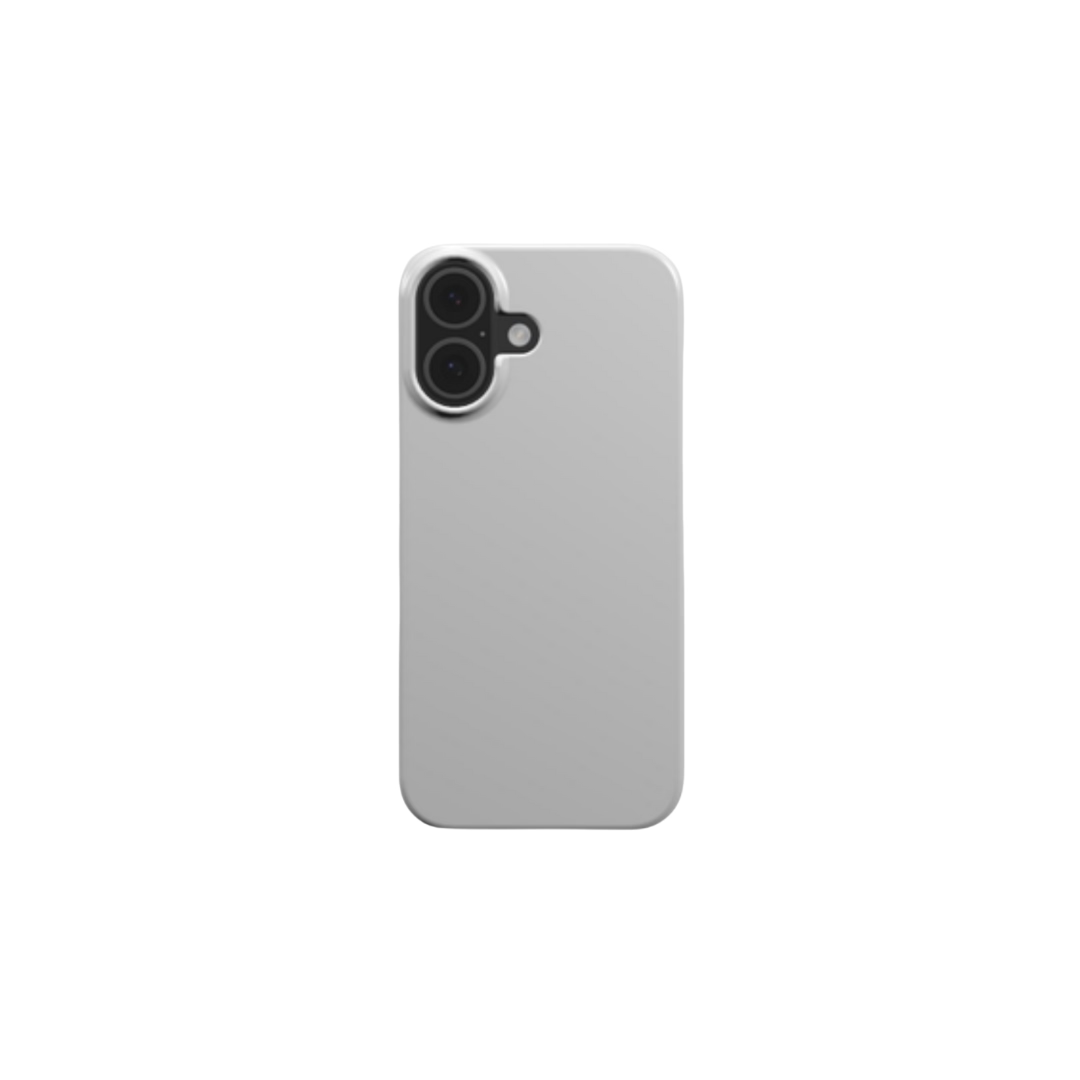
- Wide range of customizable products, including drinkware, wall art, and tech accessories
- Easy integration with Shopify, Etsy, and WooCommerce
- Mockup generator to preview designs quickly and easily
- Fast fulfillment-most orders ship within 24 hours
- Automatic production starts as soon as an order is placed
Pricing: Podbase does not charge monthly fees or use tiered pricing. You only pay when a product is sold. Pricing varies by product category:
- Offers over 370 customizable products
- Includes branding options like custom labels and pack-ins
- Free design maker and mockup generator
- Supports global shipping and Shopify integration
2. Printful

Image via Printful
Printful is a leading print-on-demand platform that helps entrepreneurs create and sell custom products online. With over 370 items in its catalog, including clothing, accessories, and home decor, you can build a product line that reflects your brand's identity.
Features:
- Over 370 customizable items, including apparel, accessories, and home goods
- Offers a design maker, mockup generator, and logo creator with over 100 templates
- Connects with Shopify, Etsy, WooCommerce, and other ecommerce platforms
- Allows global shipping with fulfillment centers in North America and Europe
- Offers custom labels, packing slips, and add-ons like pack-ins
Pricing:
Printful follows a pay-as-you-go pricing model, meaning you only pay for products when a customer places an order.
As your orders increase, you can upgrade to any of these membership plans:
- Printful Growth: $24.99/month with a 14-day free trial or reach $12K orders within 12 months
- Printful Business: Unlocks once you’ve processed $60K+ in orders
Also Read:
- What Is Print-On-Demand: Everything You Need To Know About It
- How To Start A Print-On-Demand Business In 2024: Full Guide

Image via Printify
Printify is a top Shopify print-on-demand company known for its global reach and wide product variety. It connects sellers with trusted print providers in over 200 countries, making it ideal for businesses targeting international customers.
You get access to a catalog of over 1,000 customizable items. These include apparel like t-shirts and hoodies, as well as lifestyle products like mugs, phone cases, and home decor.
Printify also includes helpful tools like a mockup generator and a profit calculator. These features let you preview designs and estimate your earnings before you launch a product.
Printify integrates smoothly with Shopify, Etsy, WooCommerce, and BigCommerce. This makes order management and fulfillment easy and automated.
Features:
- Integrates with major ecommerce platforms like Shopify, WooCommerce, Etsy, and BigCommerce
- Mockup generator to preview designs on products
- Over 1,000 customizable products for various markets
- A global network of print providers covering 141 locations
- Profit calculator to project earnings based on pricing and sale
Pricing:
Printify offers a free plan that allows sellers to have five stores per account. If you want to boost profit margins and enjoy other features, these paid plans are available:
- Premium: $29/month, offering a discount of up to 20% on products
- Enterprise: Custom pricing for unlimited stores
4. SPOD

Image via SPOD
SPOD, backed by over two decades of experience in print-on-demand services, stands out as a top choice for Shopify dropshipping. With a catalog of over 250 customizable products-including apparel for men, women, and children, as well as accessories-SPOD caters to a diverse range of customer needs.
Utilizing advanced printing techniques such as digital printing, sublimation, and direct-to-film (DTF), SPOD ensures vibrant and durable designs. This commitment to quality is reflected in their impressive return rate of less than 1%, indicating consistent customer satisfaction .
One of SPOD's key advantages is its swift production process; most orders are processed within 48 hours, making it one of the fastest in the industry . This rapid turnaround, combined with seamless Shopify integration, makes SPOD an excellent option for entrepreneurs seeking efficiency and reliability in their print-on-demand operations.
Features:
- Over 200 customizable products under the Accessories, Apparel, and Home and Living categories
- Mockup generator for visualizing designs
- Integration with platforms like Shopify, WooCommerce, Squarespace, and Magento
- Multiple print methods, including sublimation and direct-to-garment
- Extensive design library with customizable templates
Pricing:
There are no setup fees to start using SPOD. You only pay for products once they’re sold. Pricing varies based on the product type and print method you choose, and you can set your selling prices to determine your profit margins.
5. Teelaunch

Image via Teelaunch
Another company among the best Shopify print-on-demand apps is Teelaunch. Quickly becoming a favorite among entrepreneurs, this company offers an intuitive platform with a wide variety of products.
Teelaunch has a wide reach, thanks to its six strategically located factories around the world. It also partners with trusted manufacturers to ensure each item meets rigorous standards.
The platform uses advanced printing methods, such as direct-to-garment (DTG) printing and dye-sublimation, to create vibrant designs.
Features:
- Extensive product categories, including Accessories, Apparel, Drinkware, Home Goods, Jewelry, Lifestyle, Sports, and more
- Easy-to-use design tools for product creation
- Integrates with popular ecommerce platforms like Shopify, Etsy, and WooCommerce
- Global reach with six strategically located factories
- Automated order processing system
Pricing:
Teelaunch follows a pay-based-on-order model, so there are no upfront costs or monthly subscription fees. The base price of each product varies by type and style, and you can set your retail prices above the base cost to maximize profits.
How Much Does It Cost to Set Up a Shopify Print-On-Demand Business?
Starting a Shopify print-on-demand (POD) business is a cost-effective way to enter ecommerce. Unlike traditional models, it eliminates the need for upfront investments in inventory, warehousing, or manufacturing.
Shopify pricing plans include:
- Basic: $39/month
- Shopify: $105/month
- Advanced: $399/month
- Plus: $2,300/month for a three-year term

Image via Shopify
In addition to setting up a Shopify account, you'll need a domain name for your store. While some Shopify plans include a free domain, you can buy a custom domain to give your store a unique and professional identity. This typically costs between $10–$20 per year.
You may also need to invest in a premium theme or design. Shopify provides free themes, but if you want to give your store a unique look, you can purchase premium themes for $100 to $500.
Next, you’ll need to partner with print-on-demand suppliers. Most Shopify print-on-demand apps like Podbase are free to join and have no setup fees, but you’ll be charged production and shipping costs per item sold.
Final Thoughts
Starting a Shopify print-on-demand store is one of the easiest and most cost-effective ways to launch an online business. With no upfront inventory needed, it's a low-risk model that offers high potential rewards.
Follow the steps in this guide to set up your store, create custom products, and start making sales.
Success in print-on-demand comes down to two things: creativity and consistency. Keep refreshing your product designs, run smart marketing campaigns, and deliver top-tier customer service.
As your business grows, consider expanding your product range, tapping into new niches, or even building a small team to scale your operations.
Also Read:
- What Is WooCommerce? A Guide to Ecommerce on WordPress
- Sell on Etsy in 7 Easy Steps: A 2024 Seller's Guide

Saulius Meilutis is the CEO of Podbase, helping creators and entrepreneurs monetize their ideas with print-on-demand. He shares insights on eCommerce, growth, and building lean online businesses.

.avif)

.avif)
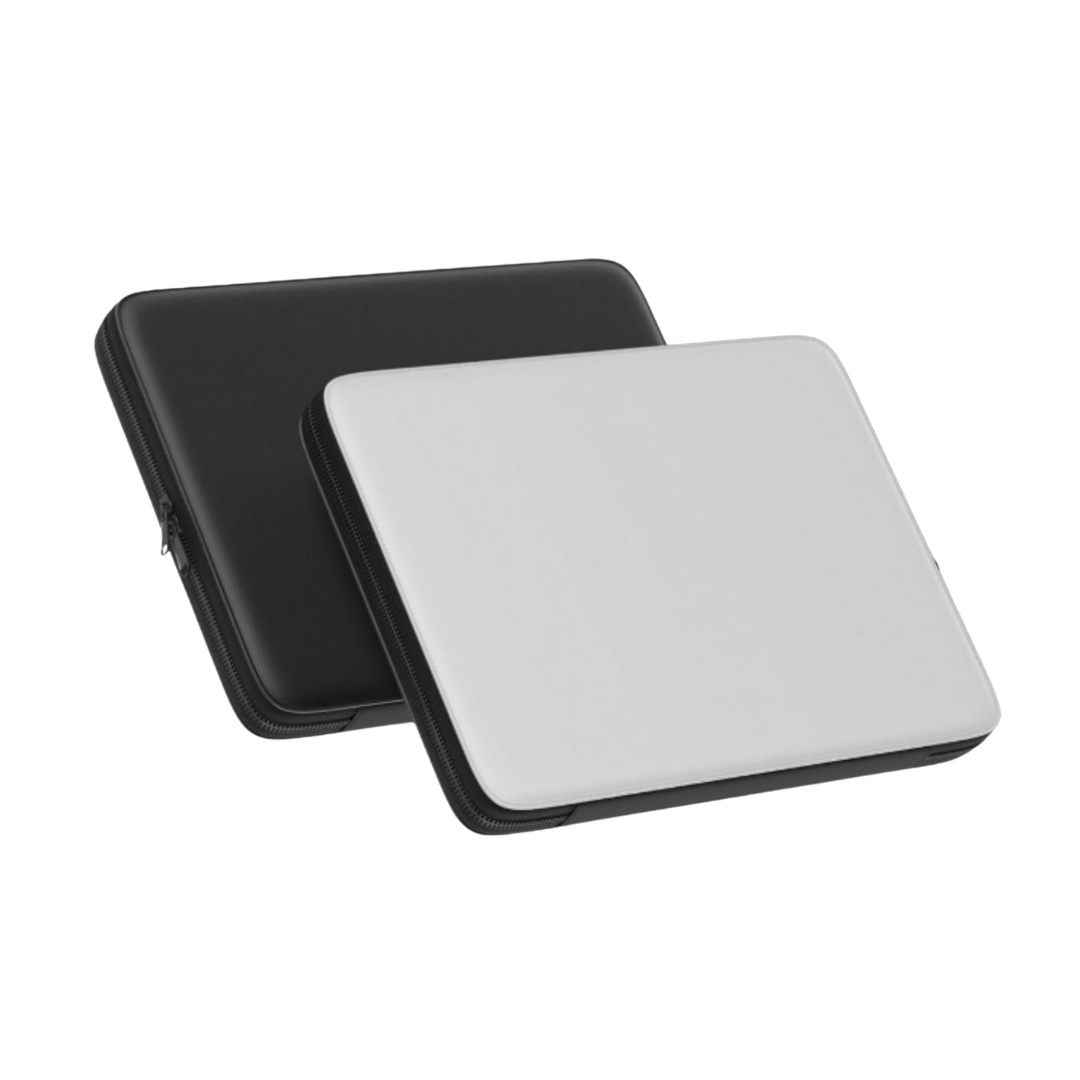
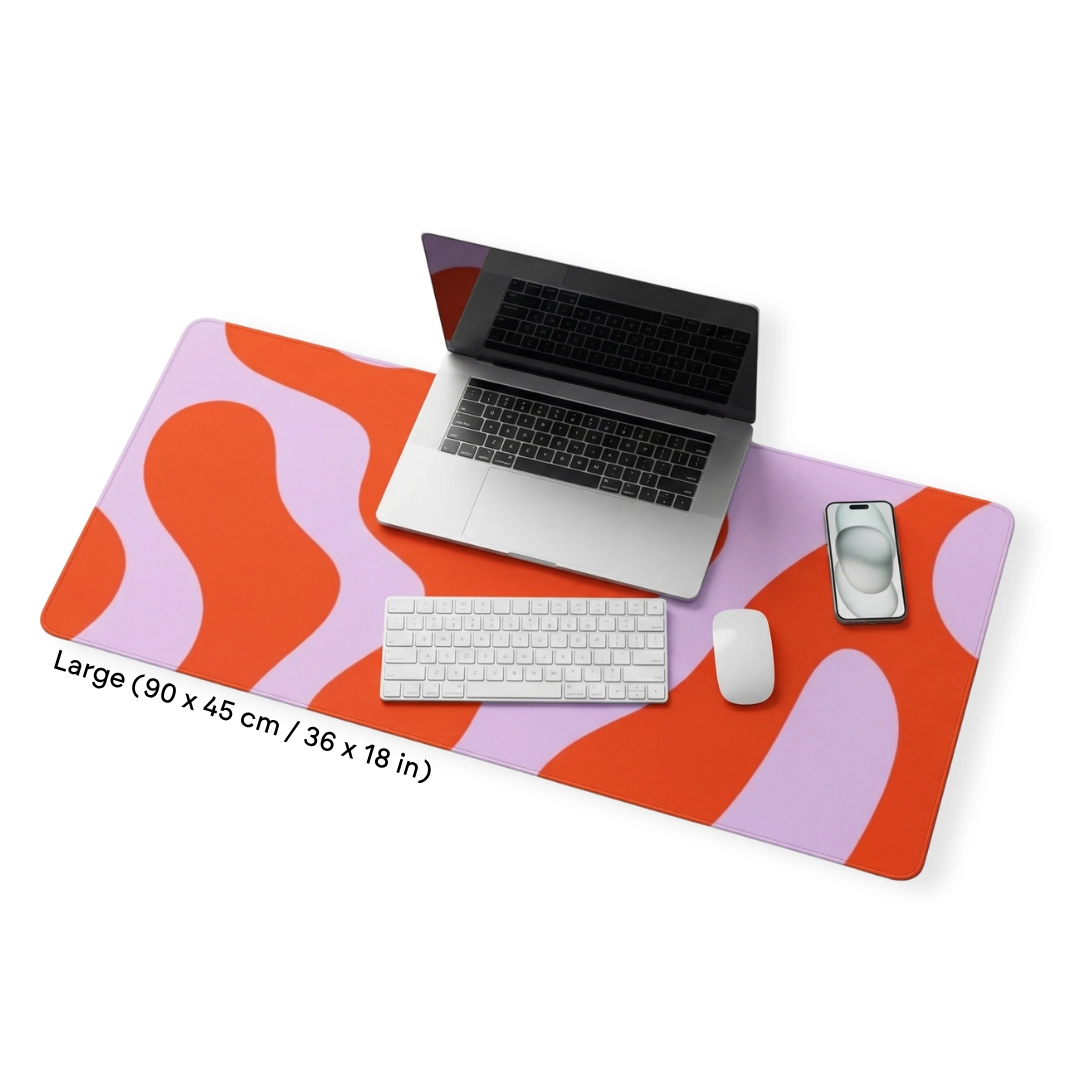
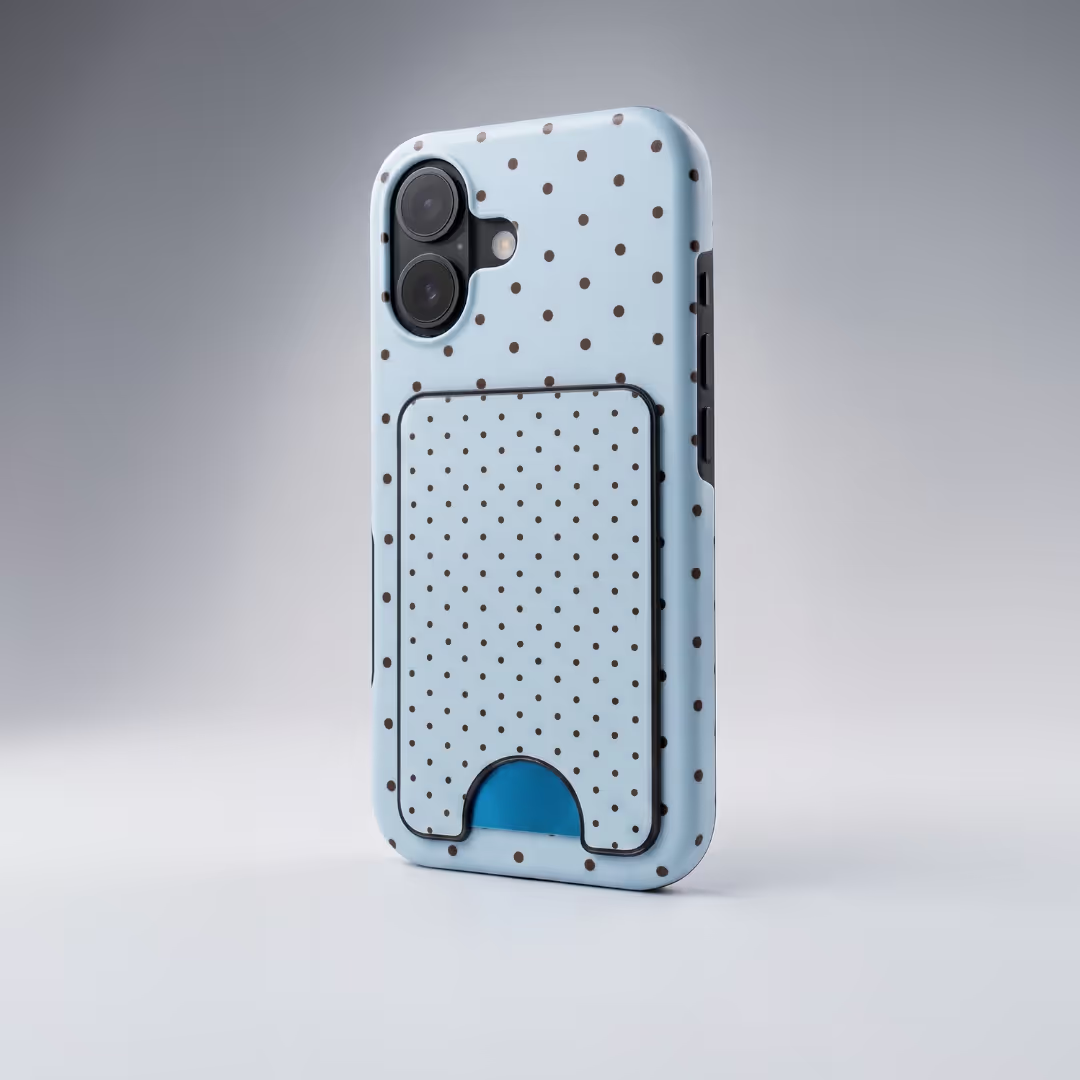


.avif)
.avif)
.avif)
.avif)
.avif)
.avif)

.avif)
.avif)

.avif)


.avif)
.avif)

.avif)