Many creators face one common problem when they start a POD business. Their designs do not look clean or professional. The final print often looks dull or blurry.
In most cases, the issue is the tools. Some tools export low-resolution images. Others do not support vector graphics. When designs are resized, the quality drops. But there is a second problem that most design tool guides never mention: even a technically perfect design fails if it does not follow the print provider's template. According to Podbase's Head of Customer Support, this template error is one of the most common and preventable causes of failed orders.
This is why choosing the right print on demand design tools matters - and understanding how they fit into the full workflow matters just as much. The best options include ready-made templates, vector support, commercial-use graphics, and mockup previews. In this guide, you will find the best design tools for print on demand across different skill levels, budgets, and workflows - and a clear explanation of how each one fits into a print-ready production process.
How to Choose a POD Design Tool
Different print on demand design tools suit different creative needs. But before evaluating any tool's features, it helps to understand the workflow they need to support. You are not just creating art - you are creating a file that a machine will print onto a physical product at a specific resolution, within a specific template boundary.
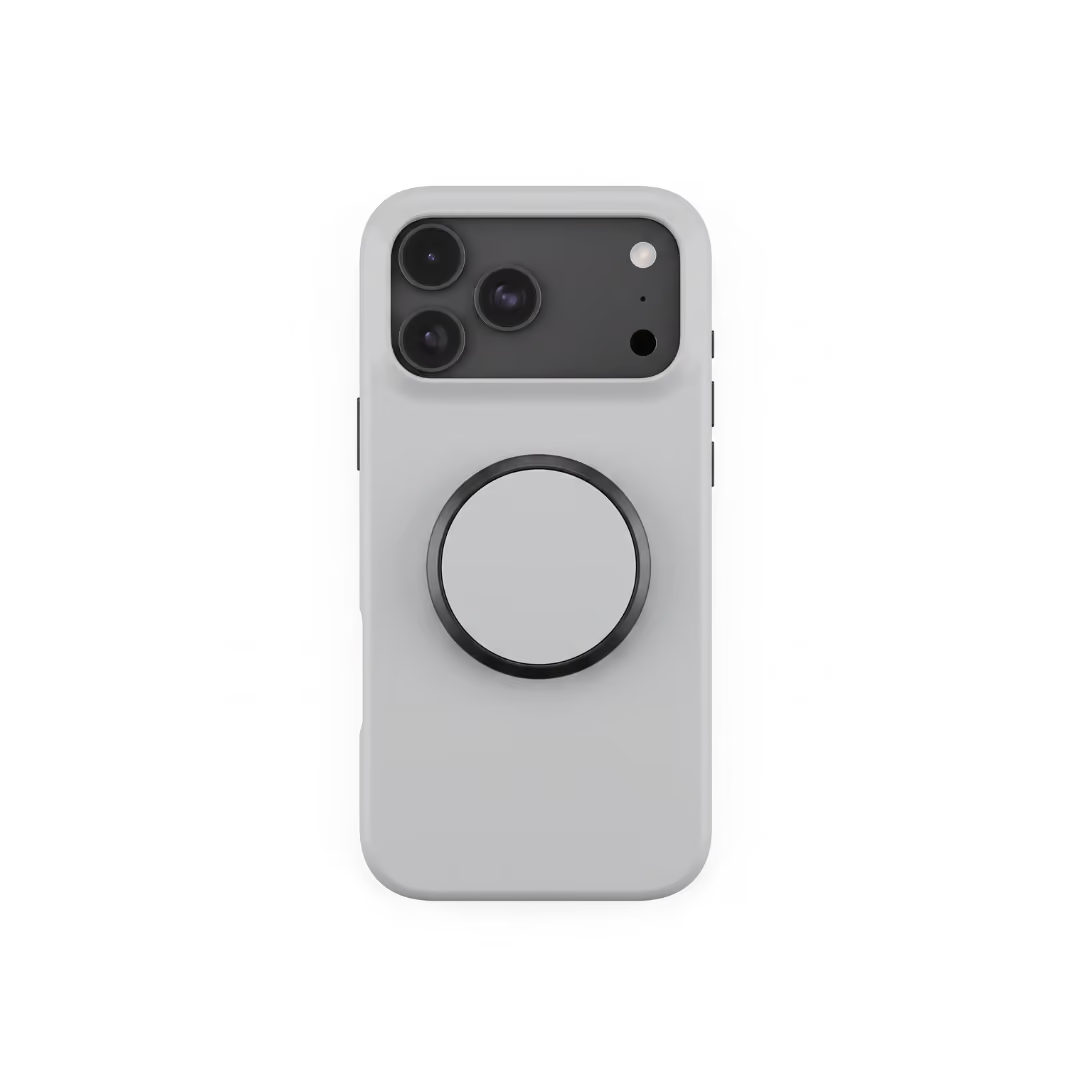
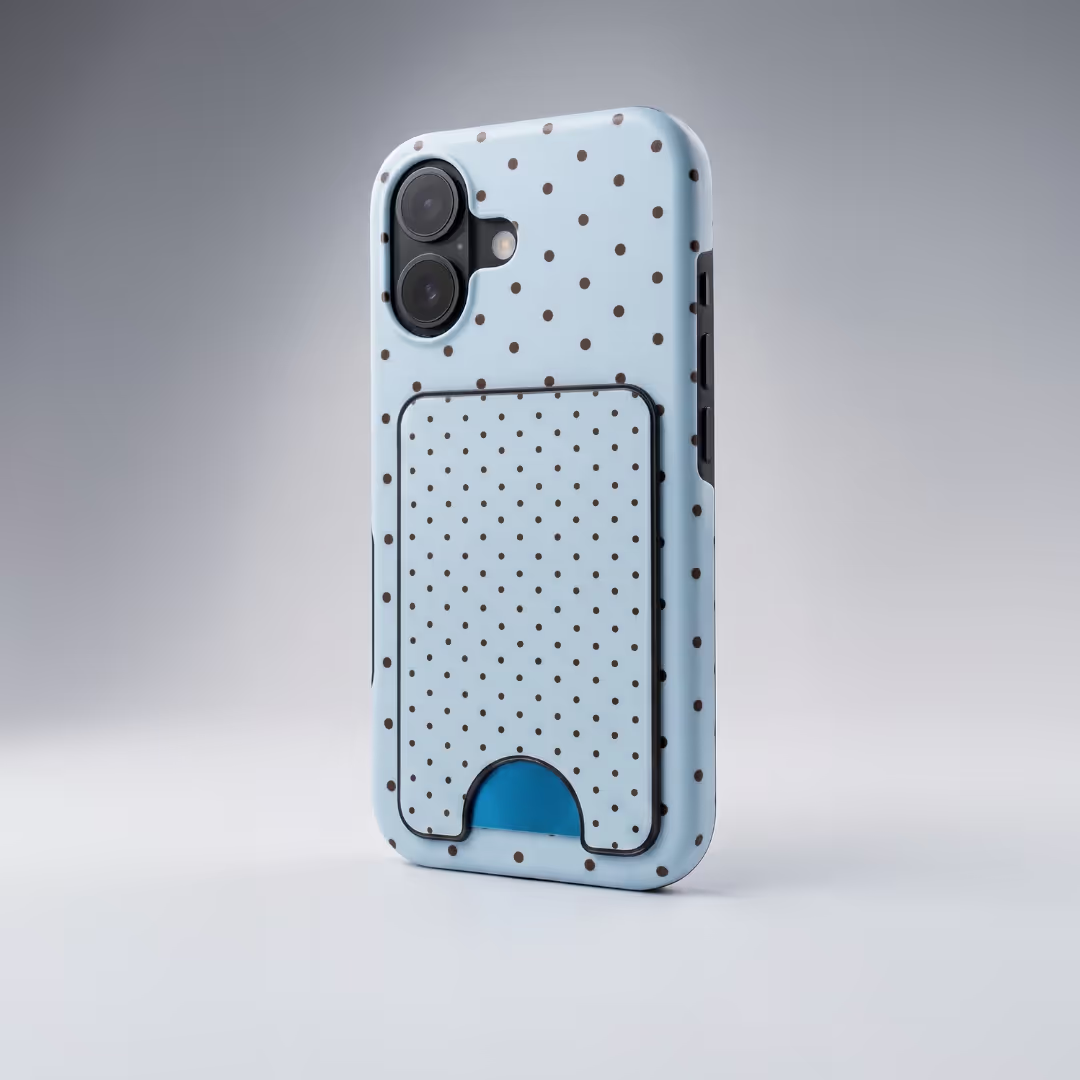
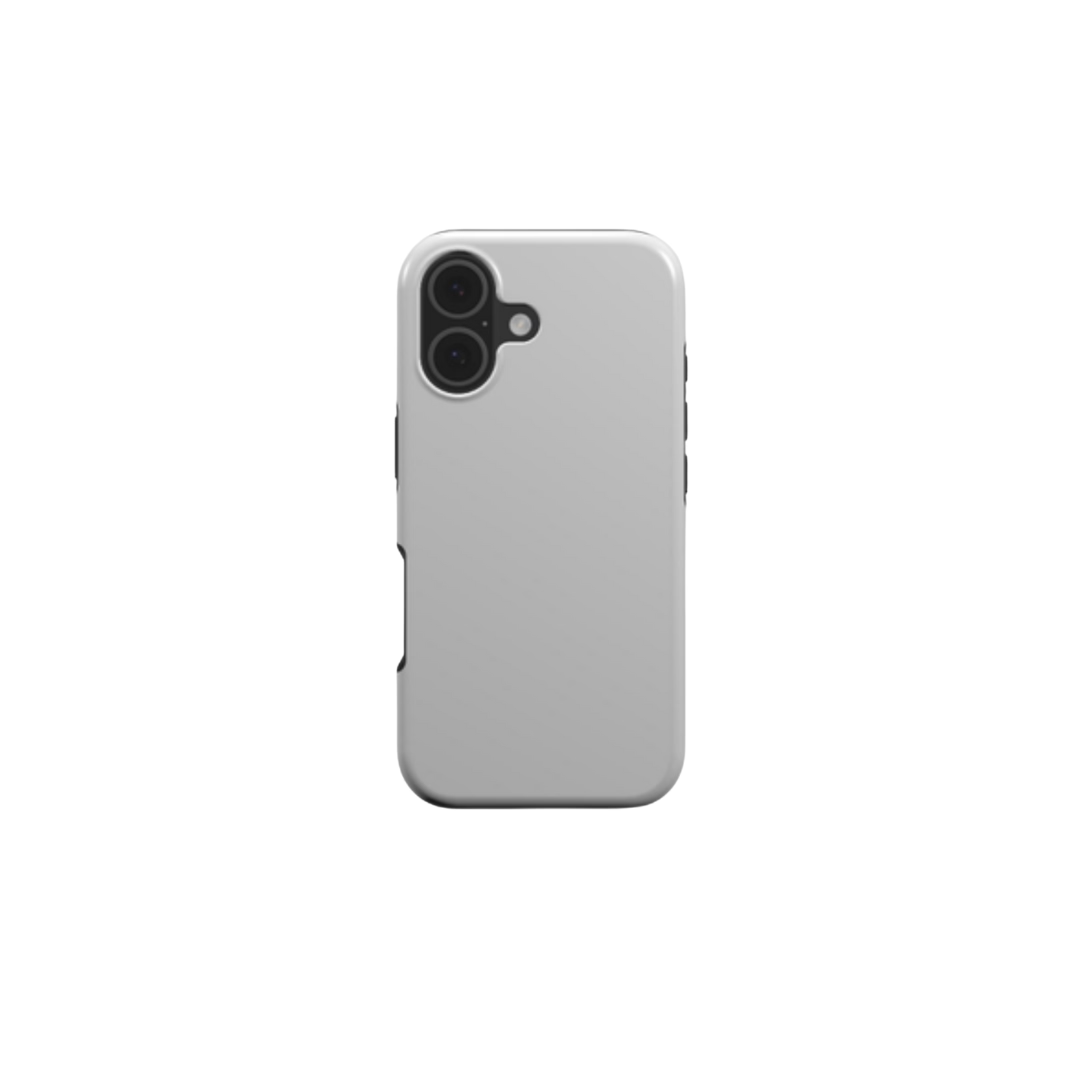
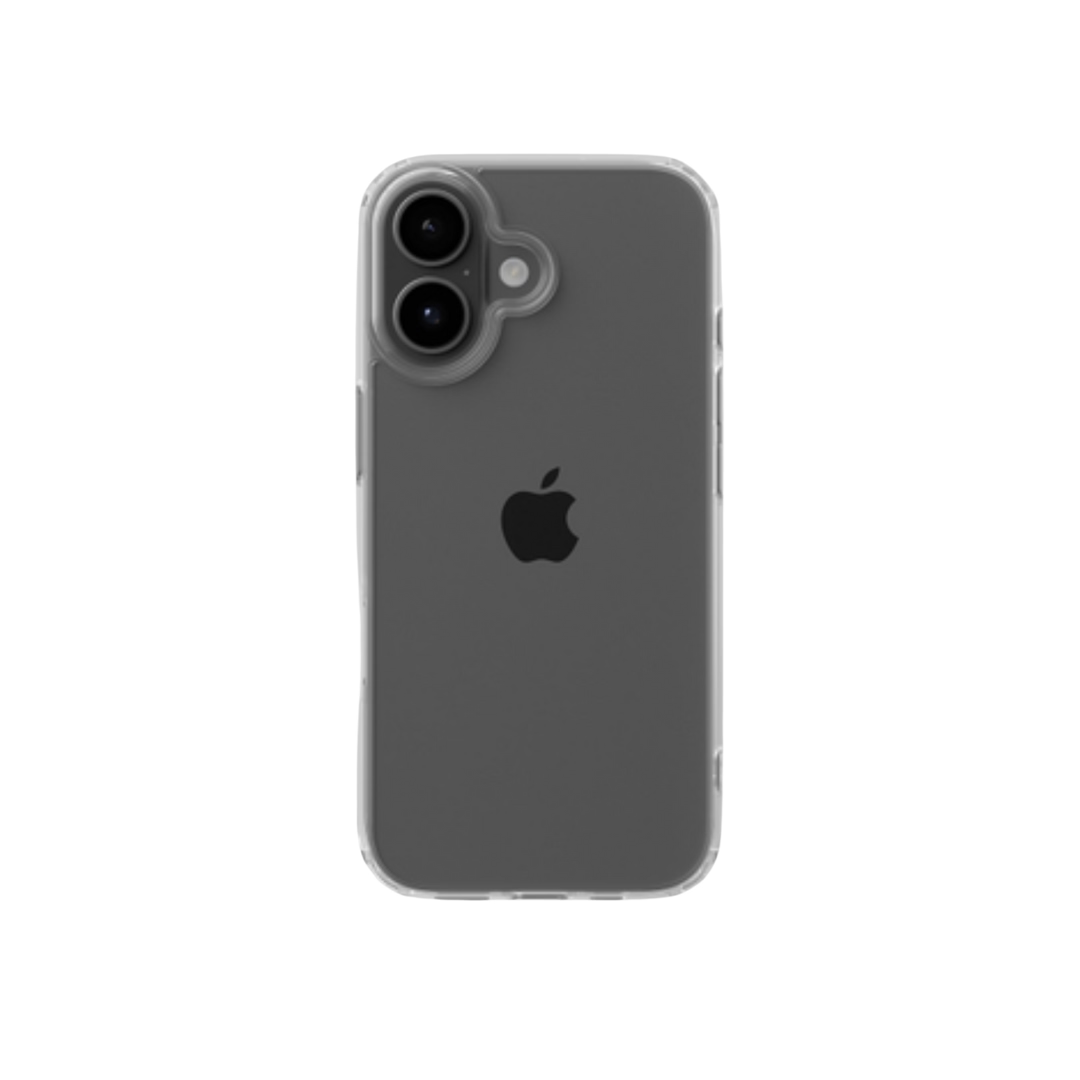
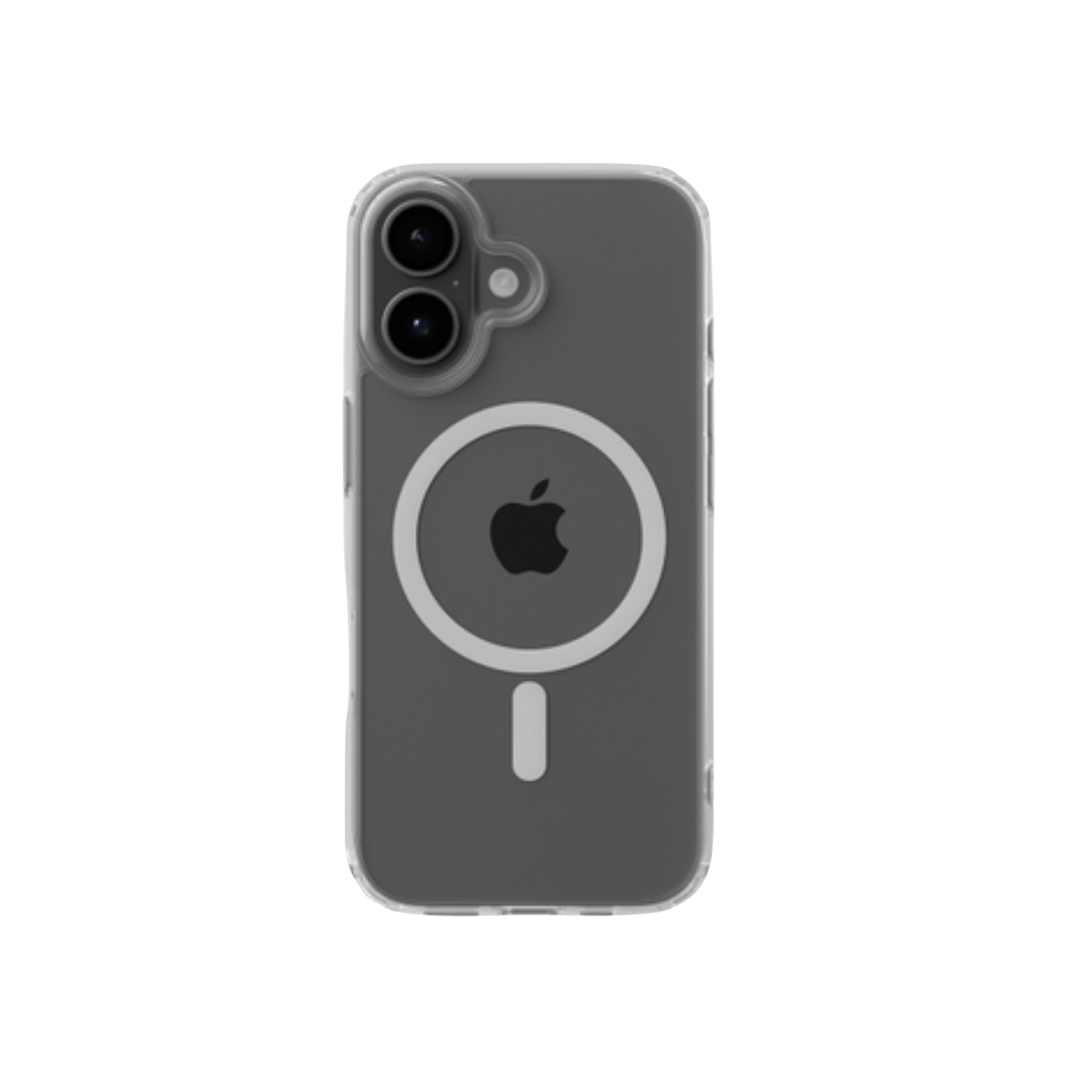
Tautvydas, Podbase's Head of Customer Support, identifies the single most common design failure: "New users tend to check their design on just one or two models. They forget that an iPhone 17 cutout is shaped differently than a Samsung S25. This leads to core design details getting cut off - which is a huge source of frustration for someone who just spent hours on their artwork."
The right tool is the one that makes it easy to check and adjust your design against the exact template before you upload. Here are the key criteria:
Vector vs. Raster Tools
Vector graphics use paths, not pixels. This means they scale without losing quality. They work best for printables, logos, and text designs. Raster graphics like PNG and JPG use pixels. They are great for photos and textured designs but can look blurry when resized. If you use raster designs, choose a tool that supports high-resolution exports - 300 DPI minimum for print.
Ease of Use
Some print on demand design tools are made for beginners. They use drag-and-drop editing and simple controls. Advanced tools offer more control over shapes, colors, and effects. Before choosing, think about how easy it is to use and how much time you want to invest learning it. For most new POD sellers, speed to first design matters more than maximum creative control.
Budget and Learning Curve
Free print on demand design tools are budget-friendly and easy to learn - ideal for beginners. Paid tools offer advanced features and more flexibility but often have a steeper learning curve. The good news: in 2026, AI tools have compressed the learning curve significantly. Saulius Meilutis, Podbase's CEO, notes: "You can have your own orchestra of AI tools synchronised to help you out to do everything way faster and cheaper."
Also Read: How to Design Ads with Canva: Step-by-Step Guide | ChatGPT 4o Image Generator for POD Business
Beginner-Friendly POD Design Tools for Quick and Easy Creation
These print on demand design tools are ideal for beginners. They help sellers create clean, print-ready designs without learning complex software - and they integrate naturally with upload workflows for platforms like Podbase.
1. Canva
Best For: Quick social media graphics, quote shirts, and clip art
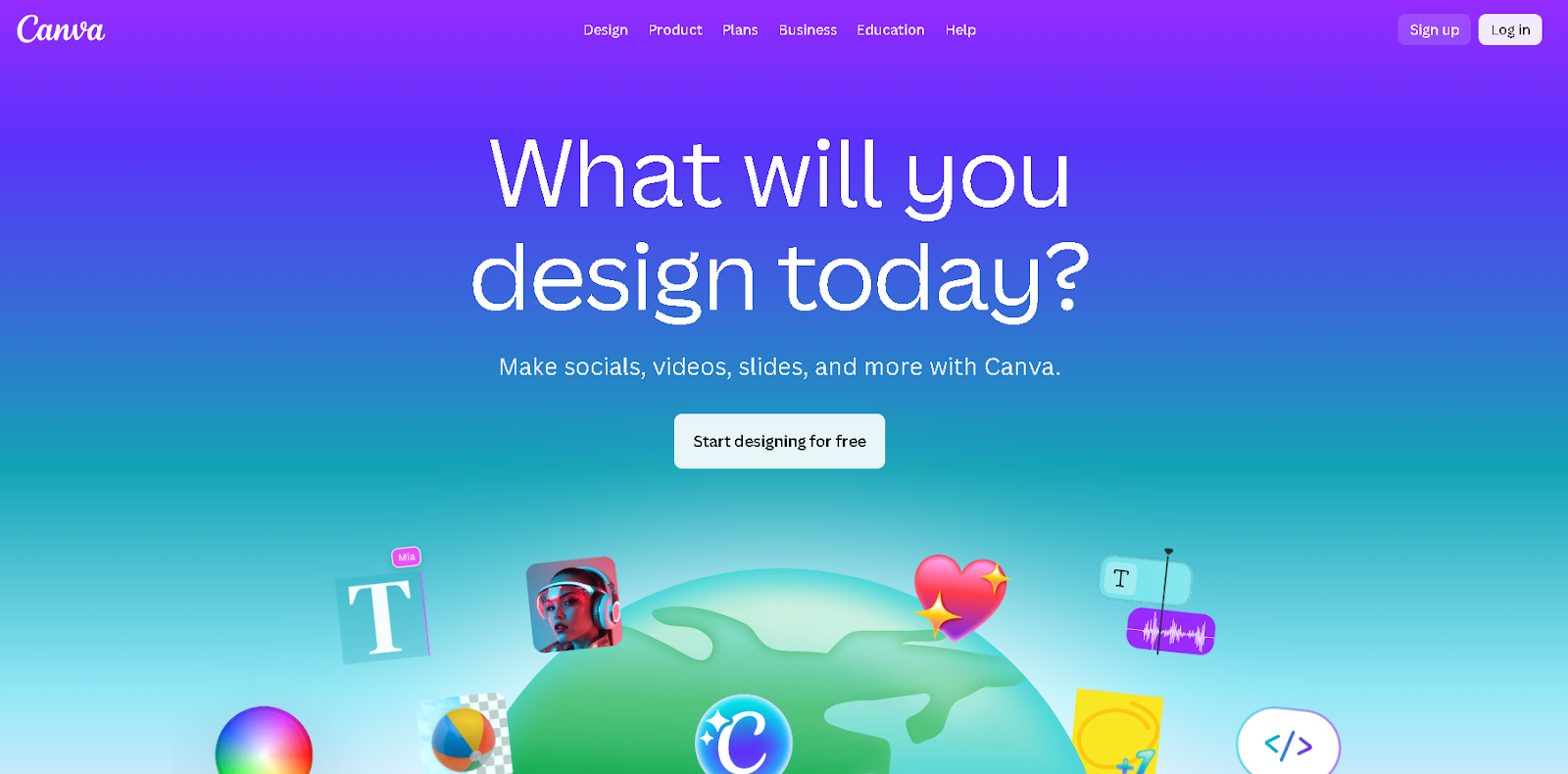
Canva is one of the most widely used design tools for print on demand beginners. It lets you create and sell designs using ready-made templates for t-shirts, mugs, stickers, and more. The drag-and-drop editor makes design simple, and you can add text, shapes, and clip art for making money with Canva without any technical background.
For POD sellers, the key Canva workflow is: design in Canva, download as a transparent high-resolution PNG, and upload to your POD platform. Canva's transparent PNG export is print-compatible with Podbase's phone case, wall art, and apparel templates when downloaded at the correct dimensions.
Key Features: large library of graphics approved for commercial designs; more than 4.5 million templates; templates work for both print and digital products; download designs as transparent PNG files.
Pricing: Free plan available, paid pricing starts at $15/month.
Learning Curve: Very easy to use, with a low learning curve for advanced functionality.
2. Podbase
Best For: Direct in-platform POD design upload, instant sizing checks, and product mockup generation
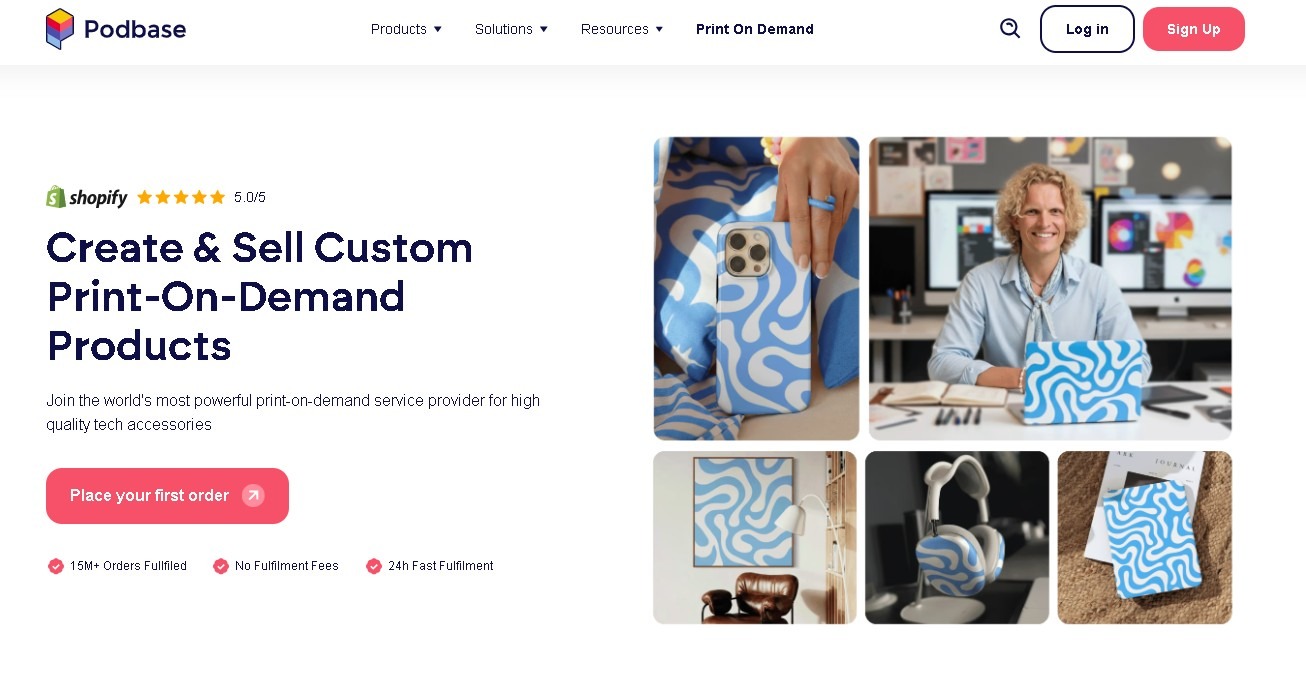
Podbase is where your designs go after you create them - not where you build them from scratch. This is an important distinction that many new sellers miss. According to Tautvydas, Podbase's Head of Customer Support: "Our tool is very 'bare bones.' You have to arrive at Podbase with a design that is already 99% finished. Our internal tools - zoom, mirror, and center - just aren't enough for true creation."
What Podbase's in-platform design tool does exceptionally well is show you exactly how your design will look on the final product before you list it. The built-in mockup generator connects directly to the product catalog, previews your design on real product images, and lets you catch template alignment issues - like camera cutout mismatches - before an order is placed. This is where the design is validated, not built.
The correct print-on-demand workflow is: create in Canva, Kittl, or Illustrator, export as high-resolution PNG, upload to Podbase, check the template preview, and list. Podbase is step four, not step one.
Key Features: built-in editor for POD product positioning (zoom, mirror, center); live product preview while you upload your design; direct connection to a large POD product catalog; supports phone cases, wall art, apparel, drinkware, and tech accessories; mockup generator shows your design on real product photography.
Pricing: Free to start - you only pay when orders are placed, with no monthly subscription fee and no minimum order requirement.
Learning Curve: Easy to use for upload and preview; design creation should happen in an external tool first.
3. Placeit
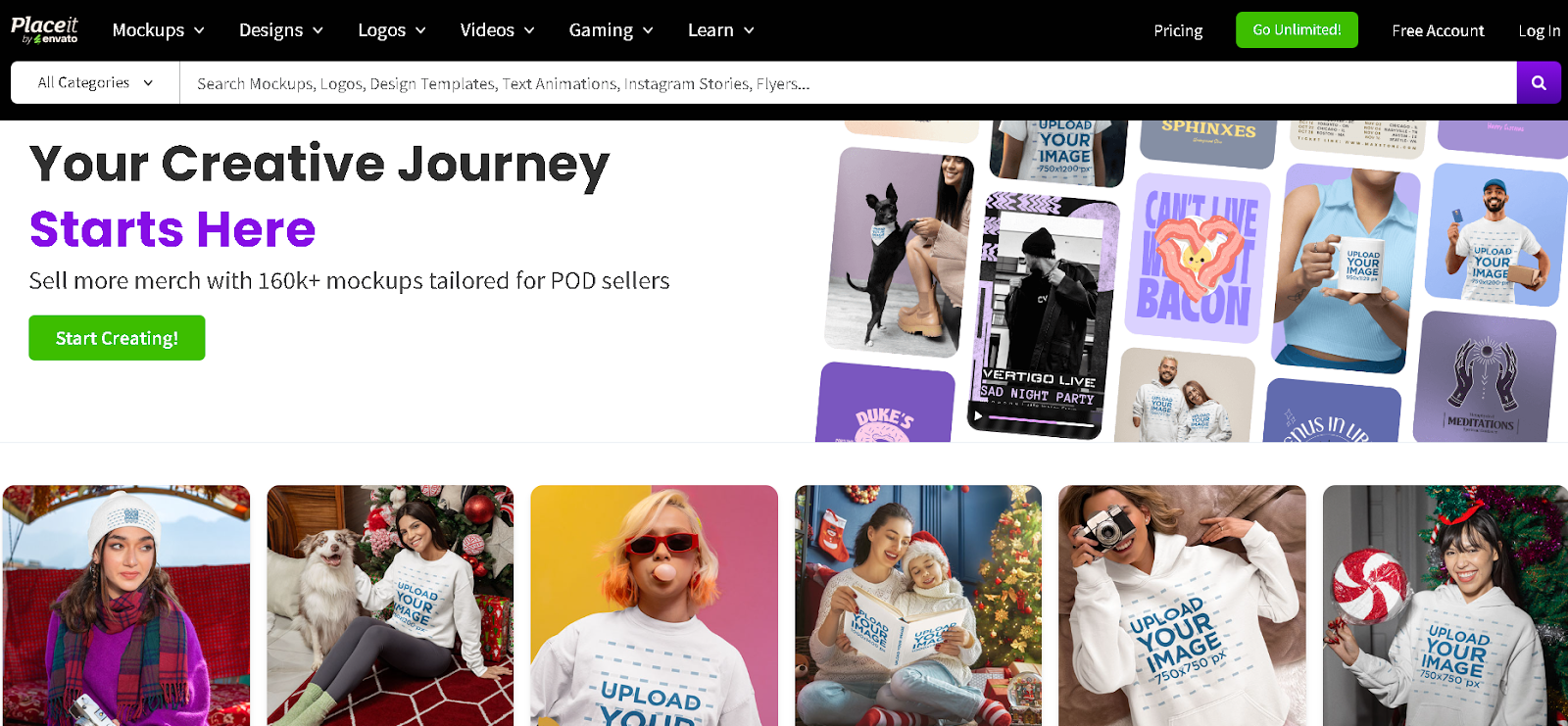
Best For: High-quality merch mockups, product designs, and logo creation
If you want print on demand design tools for clean and professional mockups, Placeit delivers. Its library of 160,000+ mockups with real people lets you create product listing images that look professional without a photo shoot - directly addressing one of the biggest visual gaps for new POD sellers.
Placeit works best as a complementary tool alongside Canva or Kittl: design in Canva, generate your product mockup in Placeit, upload the final design file to Podbase.
Key Features: over 160,000 mockups with real people; video templates for social media platforms; simple drag-and-drop editor; product preview mockups for many POD product types.
Pricing: No free plan. Unlimited subscription starts at $7.47/month.
Learning Curve: Very low learning curve for basic design and customization.
4. Kittl
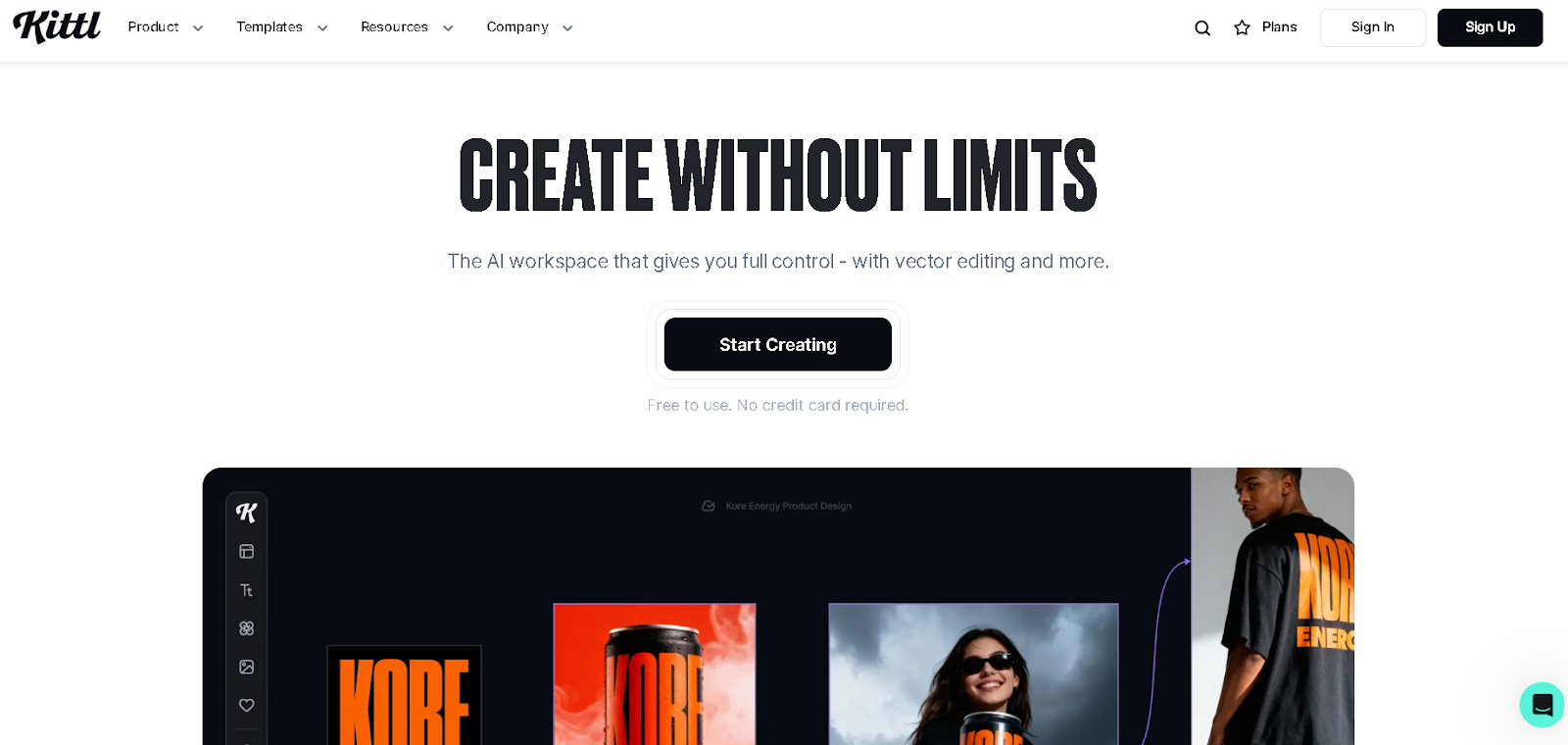
Best For: AI-powered image generation and detailed text-based designs for branding
Kittl blends professional design features with AI tools, making it one of the most capable AI design tools for print on demand in 2026. It handles product designs, brand assets, mockups, and marketing visuals - and its AI generation tools directly address the gap that CEO Saulius Meilutis identified: adapting designs to supplier requirements without spending hours in Photoshop. Kittl's vector output is print-ready and compatible with Podbase's upload requirements.
Key Features: styled typography creation tools; AI tools for print on demand design generation; vector editing that keeps artwork types sharp and print-ready; retro-style graphics and curated template library.
Pricing: Free plan available. Paid pricing starts at $15/month.
Learning Curve: Quick learning curve for beginners and professionals.
Also Read: Top Online Shopping Categories: Revenue & Trends | Etsy Shop Name Ideas for Print on Demand Success
Professional & Industry-Standard Vector Tools
If you sell POD products at scale, these print on demand design tools give you maximum control over output quality. They produce the cleanest print-ready files and are most compatible with adapting designs across multiple product templates without quality loss.
5. Adobe Illustrator
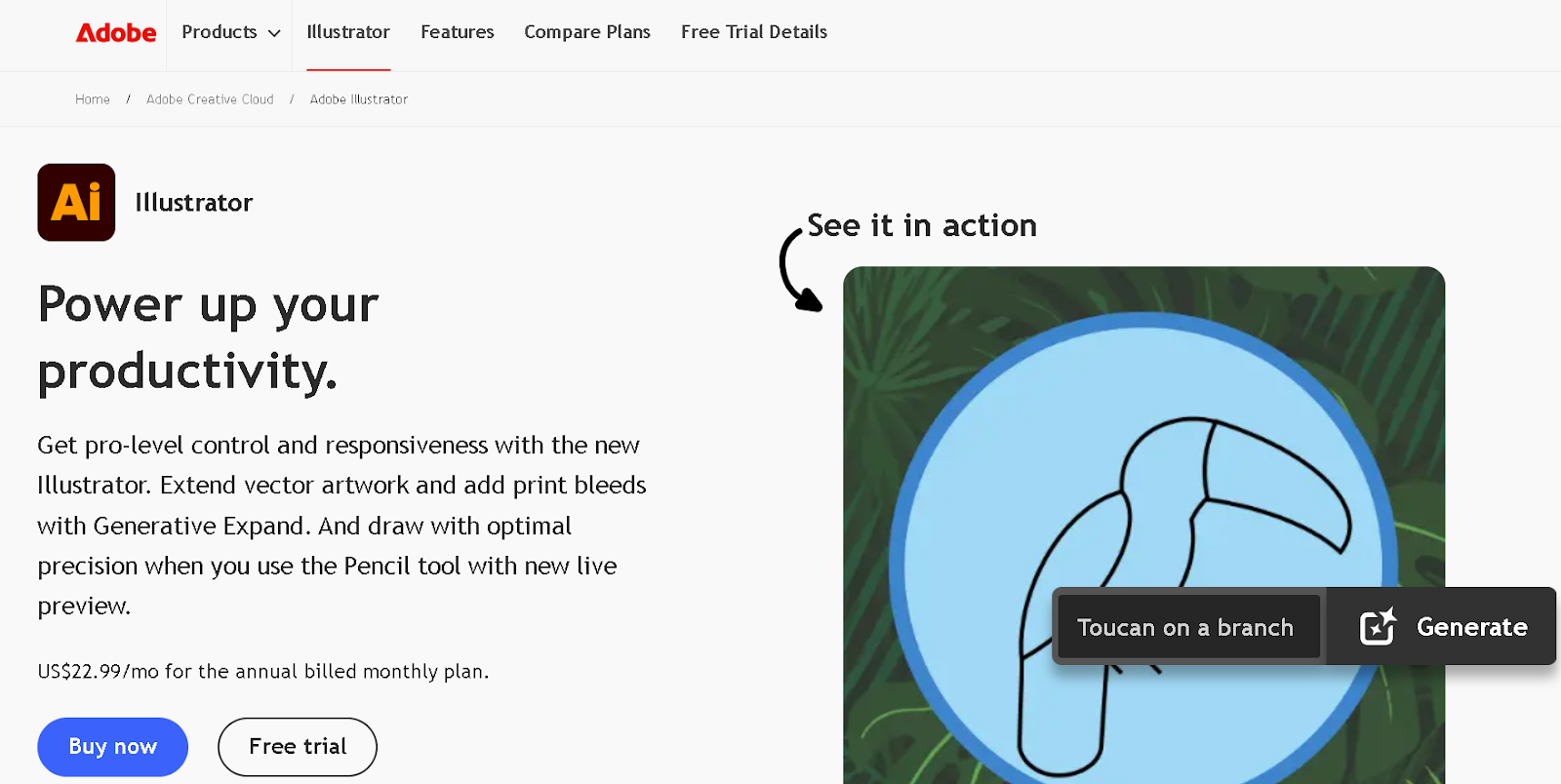
Best For: Creating crisp, original vector art for professional designers
Adobe Illustrator is the industry standard for scalable vector artwork. Many professional POD sellers use it to make designs that stay sharp at any size - from a phone case to a large-format wall art print. Illustrator's Generative Expand feature directly solves the problem CEO Saulius described: adapting existing designs to new supplier templates and bleed requirements without manual redrawing.
Key Features: Text to Vector Graphic for generating editable vector illustrations; built-in tools for icons, charts, lettering, banners, and complex logo creation; Generative Expand for instant resizing, adding bleed, and exploring variations; smooth gradient tool with preset transitions.
Pricing: Starts at $22.99/month for individuals and $37.99/month per license for businesses.
Learning Curve: Steep learning curve due to advanced, professional-level features.
6. Figma
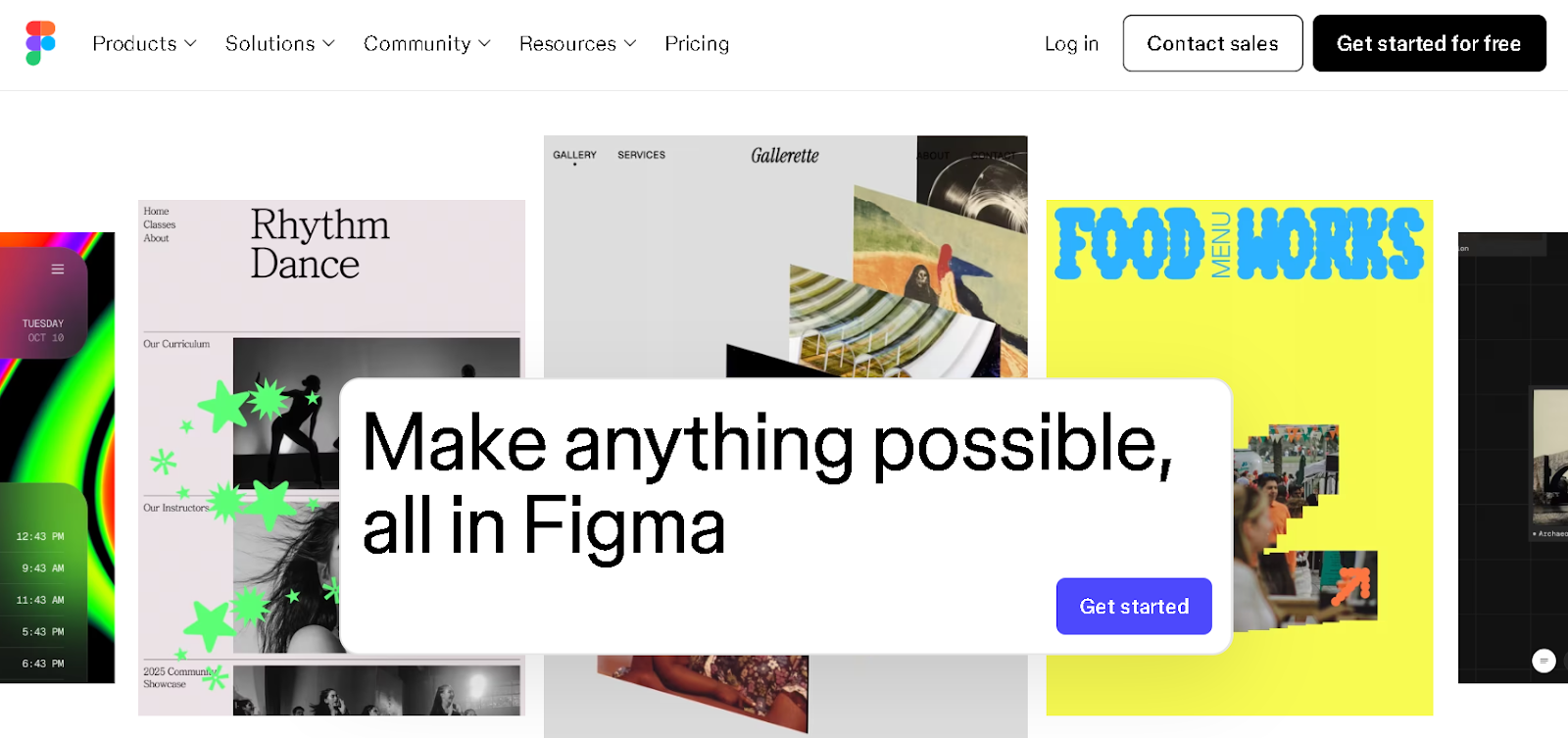
Best For: Collaborative design, prototyping, and complex layout for pattern-based POD products
Figma works well for POD sellers who design with a team or partner, or who build complex repeat patterns for all-over-print products. Teams can work together on different designs simultaneously - useful for sellers running multiple product lines or outsourcing parts of their design process.
Key Features: strong prototyping and layout tools; auto layout that adjusts designs when resized; repeat pattern and full-bleed design support; Figma Draw for vector art with creative brush tools.
Pricing: Free starter plan. Paid plans start at $5/month for a collaboration seat and $20/month for a full seat.
Learning Curve: Moderate learning curve, especially for users new to structured layout design.
7. Vectr
Best For: Creating professional logos, icons, and illustrations
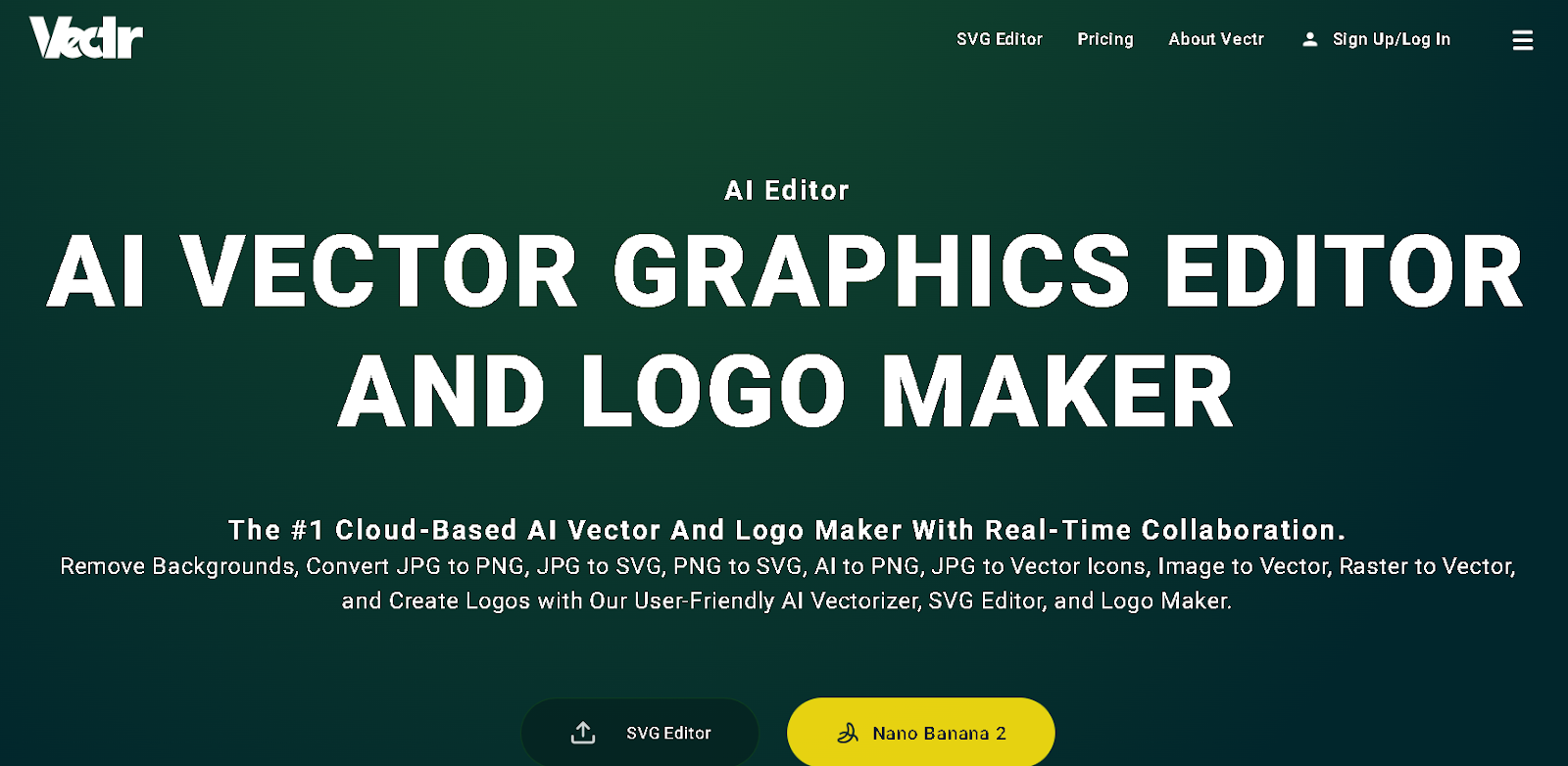
Vectr is a cloud-based print on demand design tool that makes creating scalable graphics, logos, and illustrations simple. It is free-accessible and exports clean SVG files that are vector-compatible with Podbase's upload requirements. For sellers who want Illustrator-style vector output without the Illustrator price, Vectr is the most accessible option.
Key Features: cloud-based SVG editor for scalable graphics; design sync across devices; raster-to-vector image conversion; Magic Edit tools for retouching and image replacement.
Pricing: Pricing plans start at $3.99/month.
Learning Curve: Easy to use with a minimal learning curve.
Also Read: Print On Demand Design Ideas: What's Trending Now | Shopify vs Amazon: Which Is Better for Sellers
Specialty & Raster-Focused Tools
These raster-based print on demand design tools are ideal for hand-drawn art, detailed photo manipulation, and designs with advanced shading or textures. They produce high-resolution files compatible with POD printing when exported at 300 DPI or higher.
8. Adobe Photoshop
Best For: Creating realistic textures, shading, and detailed designs
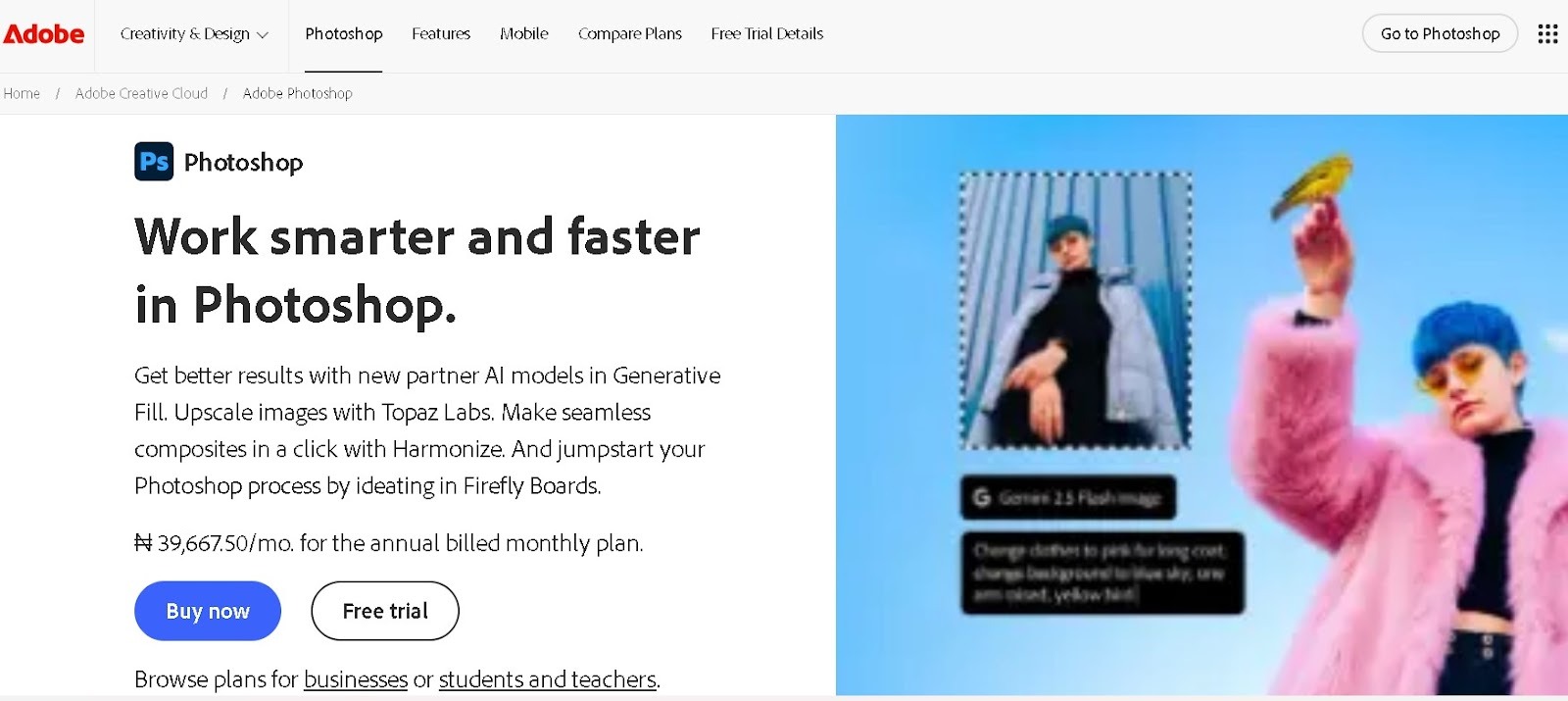
Adobe Photoshop is the professional standard for raster graphics editing. For POD, it excels at creating photo-based designs, texture overlays, and complex compositions. CEO Saulius Meilutis specifically referenced Photoshop as the traditional tool for adapting designs to supplier requirements - and noted that AI prompting has now largely automated this previously manual work: "You had to go to Photoshop, edit manually, try to automate with scripts... Now you can just write a prompt with all the requirements, upload your designs, and the output is here really fast."
Key Features: advanced image adjustments for temperature, tint, and color balance; precision tools for painting, drawing, retouching, and visual effects; Firefly Boards for ideation and generating multiple design iterations on one canvas; customizable brushes and textures for detailed raster designs and photo tees.
Pricing: Individual plan starts at $22.99/month. Team and business plans start at $37.99/month per license.
Learning Curve: Steep learning curve.
9. Procreate
Best For: Hand-drawn illustrations and artwork (iPad only)
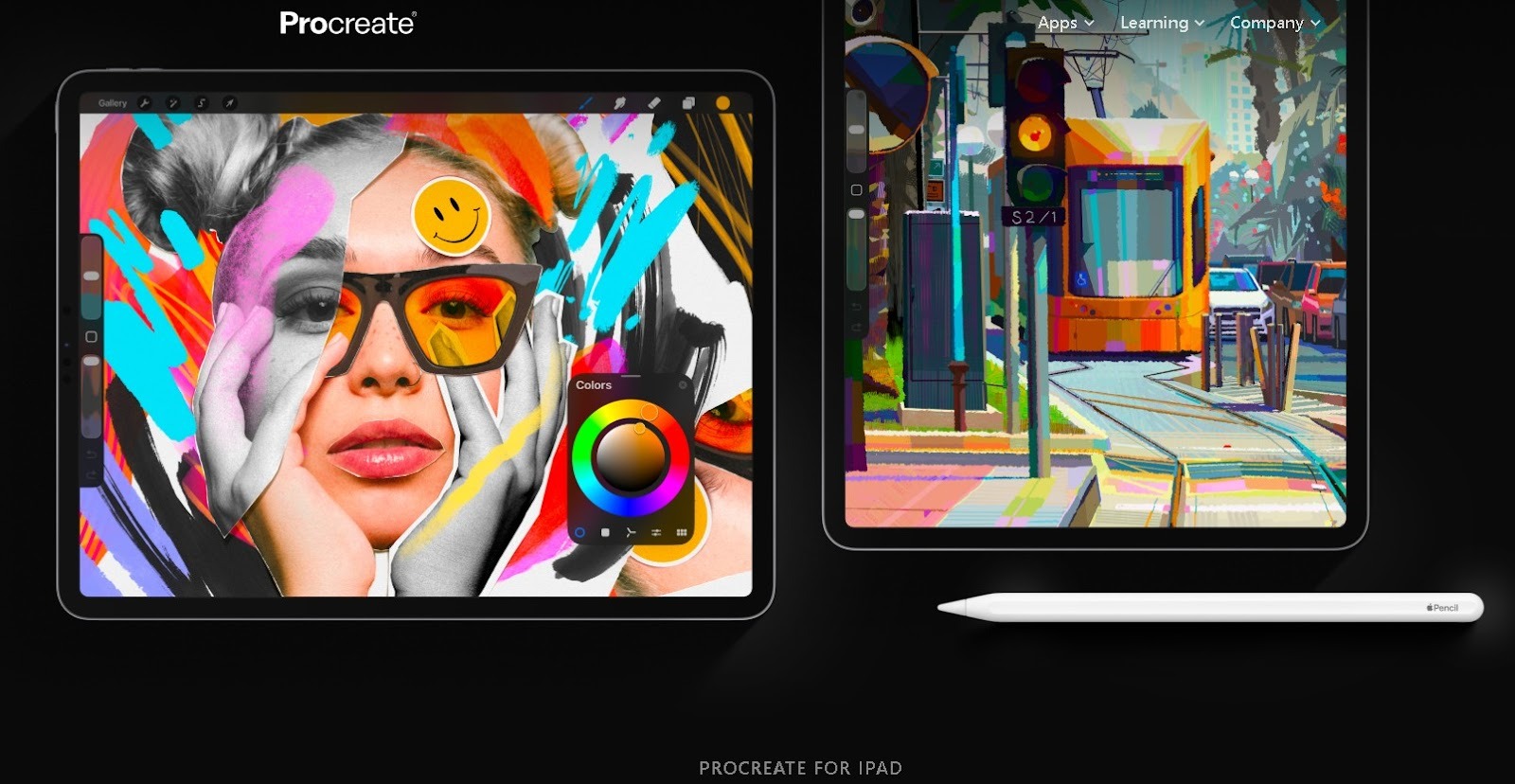
Procreate is the preferred tool for digital artists who sell POD designs based on original hand-drawn illustration. The touch interface and powerful brush engine make it faster for illustration work than any desktop tool. Procreate files export as high-resolution PNGs at 300+ DPI - print-ready for Podbase's phone cases, wall art, and apparel products.
Key Features: 300+ brush variety with different textures; high-resolution canvas for print-ready designs; layer-based editing with blending options; color control and palette management for print and digital arts.
Pricing: One-time purchase of $12.99 from the App Store.
Learning Curve: Beginner-friendly with a minimal learning curve.
10. GIMP
Best For: Raster graphics and texture work on a zero budget
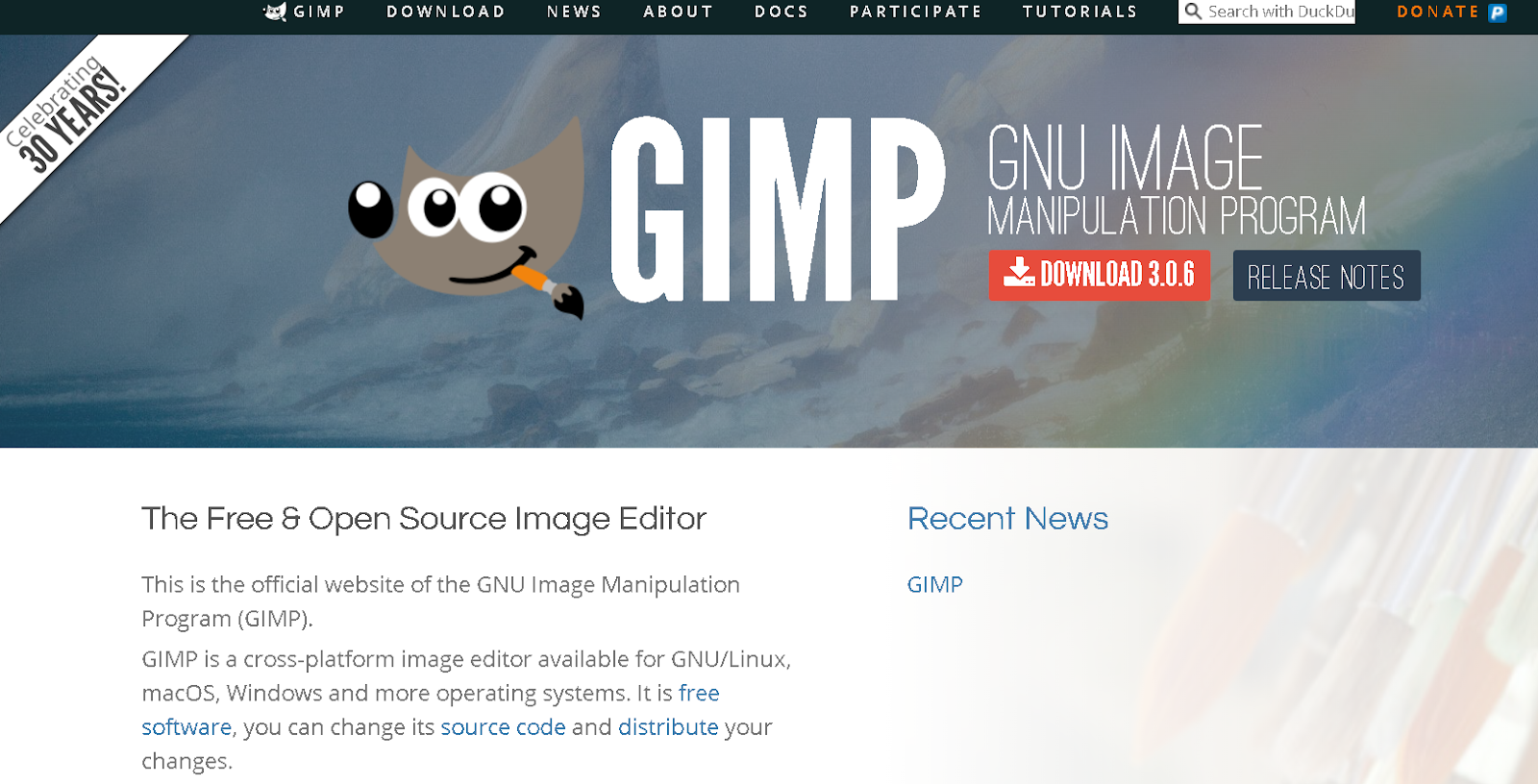
GIMP is a free, open-source print on demand design tool for creators who want advanced raster editing without paying for premium software. The interface may look unfamiliar at first, but it delivers professional-grade photo manipulation and texture work at no cost - making it the best free alternative to Photoshop for POD design.
Key Features: full-featured photo manipulation and raster editing; high-quality image retouching and restoration; original artwork creation from photos or blank canvases; graphic design element production for digital and print.
Pricing: Completely free to use.
Learning Curve: Moderate learning curve due to its interface.
Also Read: Best Blogging Platforms to Make Money | Best Ecommerce Business Ideas to Start
The Most Important Thing Most Design Tool Guides Don't Tell You
Most comparisons of print on demand design tools focus on creative features. What they rarely cover is the gap between a finished design and a print-ready file.
Podbase's Head of Customer Support puts it directly: "They often rush through the design process, ignore the full template instructions, and only realize something is wrong when they hold the physical sample in their hands. At that point, they feel entitled to a refund or a remake - and Support has to do the heavy lifting of explaining that the template wasn't followed correctly."
The template issue is not a tool problem. It is a workflow problem. The right process - regardless of which tool you use - is: (1) download the Podbase product template for your specific product, (2) build or adapt your design inside those boundaries in your preferred tool, (3) export as a high-resolution PNG or vector file, (4) upload to Podbase and check the live preview before publishing. Skipping step one is what causes camera cutout mismatches and bleed errors that end up as support tickets.
Choose the Best Print on Demand Design Tools for Your Brand
Whether you are a beginner or a professional, or are looking for AI tools for print on demand design, there are reliable options that match your workflow. Start with Canva or Kittl to create your first designs, upload and preview on Podbase, and check everything against the product template before listing.
As your catalog grows, explore Illustrator or Photoshop for more precise control. Use AI prompting tools to adapt existing designs to new product templates quickly - the workflow that used to take weeks of manual Photoshop work now takes minutes. Then scale your business with confidence that every file you upload will print the way you intended.
FAQ
1. Which software is best for print design?
It depends on your skill level and what you want to create. For beginners who want quick, clean results, Canva and Kittl are the strongest starting points - both export print-ready PNG files that upload directly to Podbase. For professional vector work, Adobe Illustrator remains the industry standard. The most important criterion is not which tool you use but whether your exported file matches your POD platform's template specifications.
2. Can I use Canva for print-on-demand?
Yes - Canva is one of the most widely used design tools for print on demand. Create your design in Canva, download it as a high-resolution transparent PNG, and upload to Podbase. Download at the dimensions specified in the product template to avoid quality loss or cutoff at the edges. Canva's commercial-use license covers designs created with Canva's built-in elements.
3. What is the recommended workflow for creating print-ready POD designs?
The workflow that avoids the most common errors is: (1) download the product template from Podbase, (2) design within those boundaries in Canva, Kittl, or Illustrator, (3) export as a 300 DPI PNG or vector file, (4) upload to Podbase and check the live template preview, (5) verify camera cutout alignment on all product variants before publishing. Skipping the template check is the single most preventable cause of failed prints.
4. Is Canva Pro better than Photoshop for POD?
Both are great for different use cases. Canva Pro is faster to learn and better for text-based designs and templates. Photoshop is better for photo manipulation, texture work, and complex multi-layer compositions. For most new POD sellers, Canva Pro delivers better results per hour of learning time, while Photoshop becomes worth the investment once you are creating high-volume, photo-based designs at scale.
5. What is the most common print-on-demand design mistake?
Skipping the product template. According to Podbase's support team, sellers often rush the design, ignore the full template instructions, and only realize something is wrong when they hold the physical sample - usually a camera cutout mismatch or a bleed error. It is a workflow problem, not a tool problem: download the template first and check the live preview before publishing, and most failed orders never happen.
6. How much can a beginner make in print-on-demand?
Podbase's internal seller data consistently shows that sellers who launch quickly with a small catalog outperform those who wait to perfect their designs. Publishing five products within 30 days puts you ahead of 80% of all POD stores. The design tool you start with matters less than whether you start at all.

Saulius Meilutis is the CEO of Podbase, helping creators and entrepreneurs monetize their ideas with print-on-demand. He shares insights on eCommerce, growth, and building lean online businesses.

.avif)



.avif)
.avif)
.avif)
.avif)
.avif)
.avif)

.avif)


.avif)
.avif)

.avif)

.avif)
.avif)